Nilla
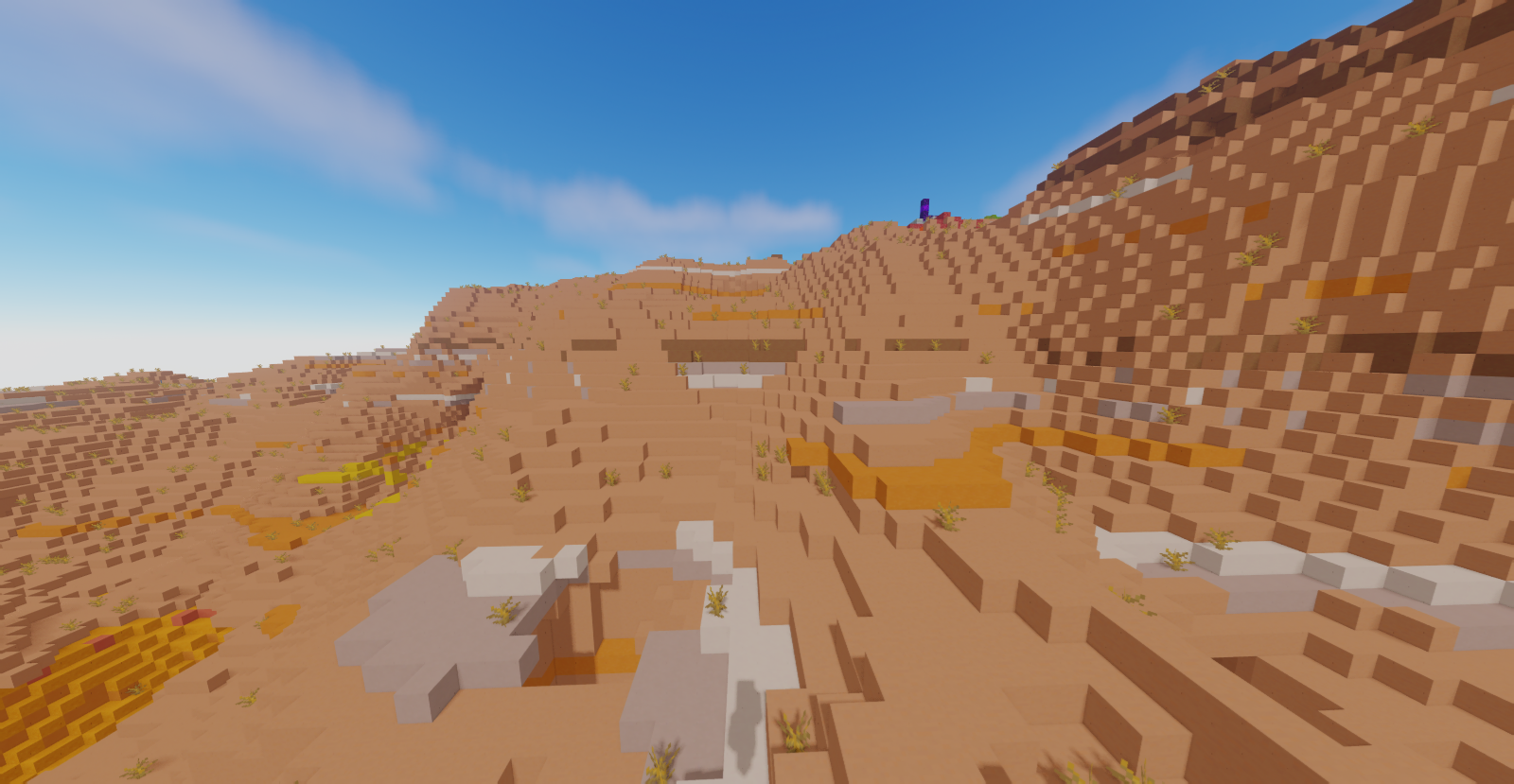
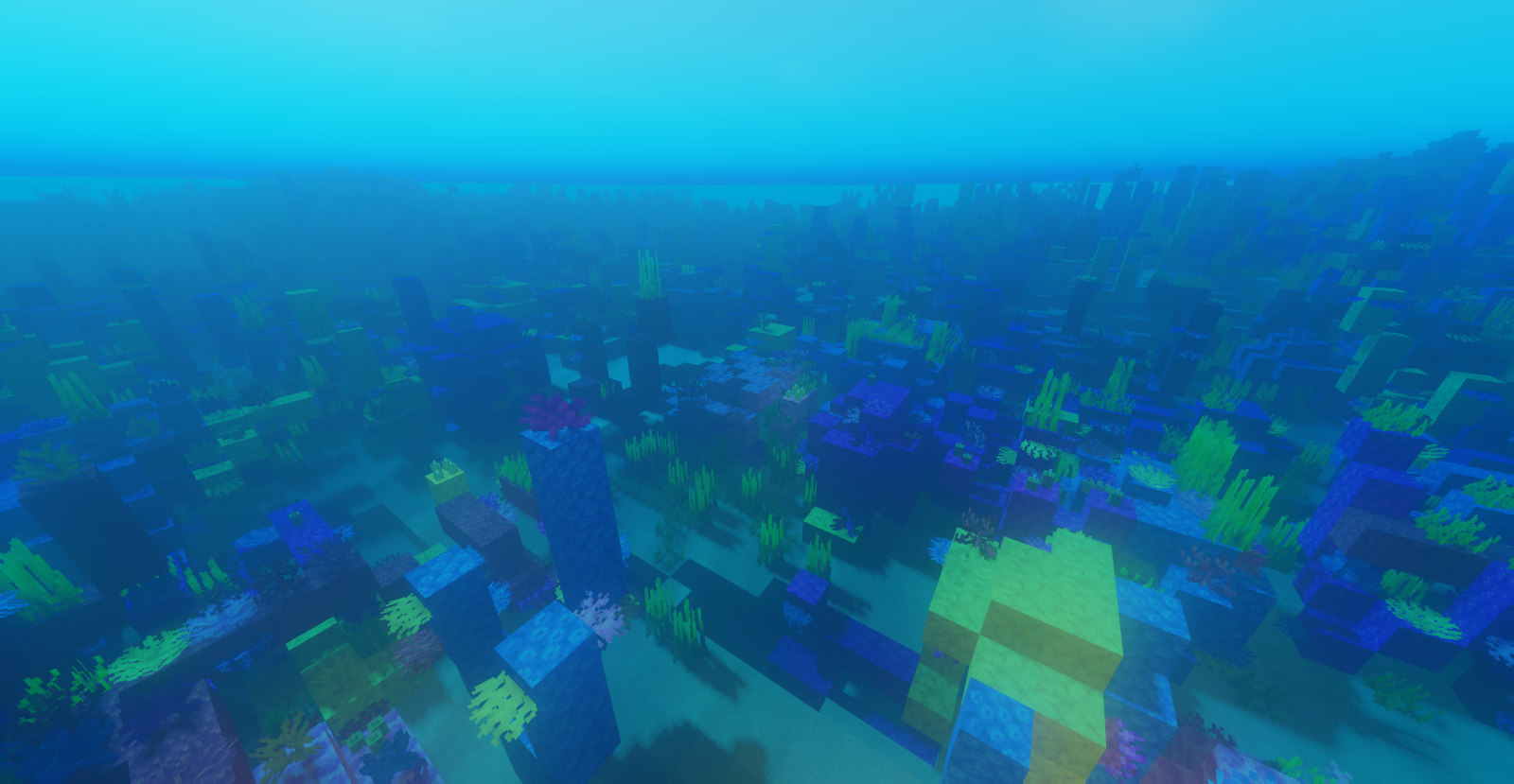
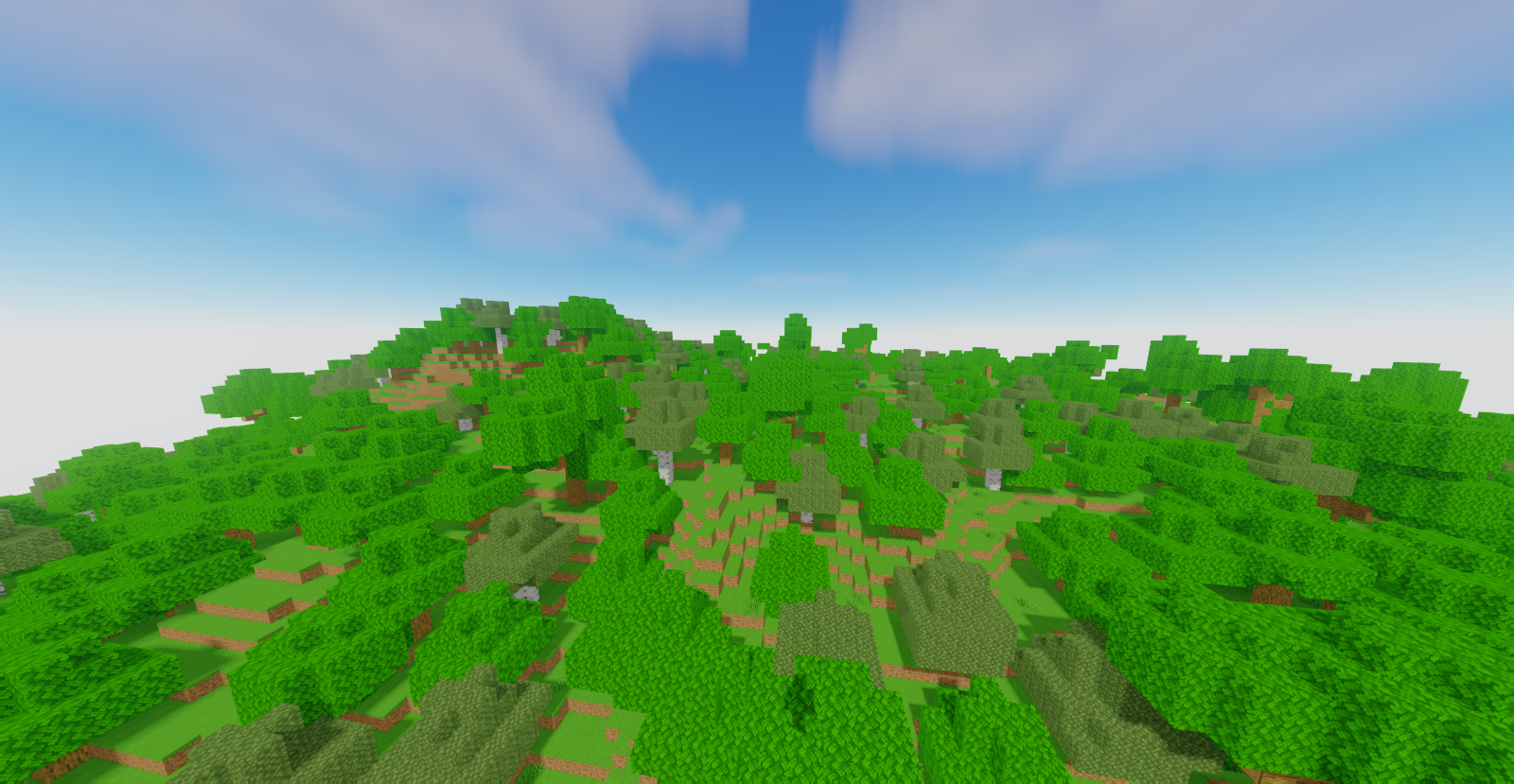
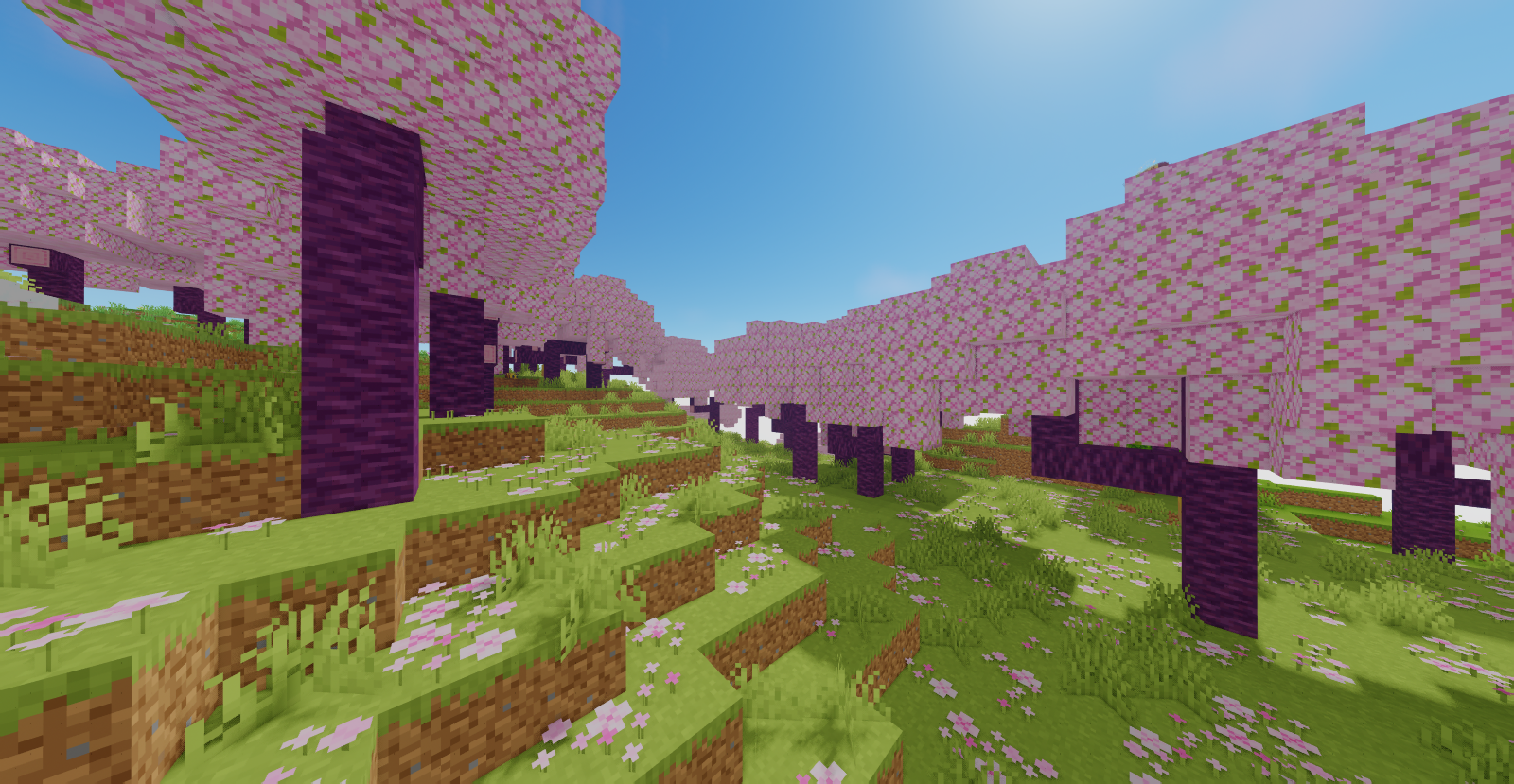
Upgrades the default textures to be more appealing, without removing the Vanilla feel.
截图
介绍
中文介绍正在准备中,下面暂时显示原文。

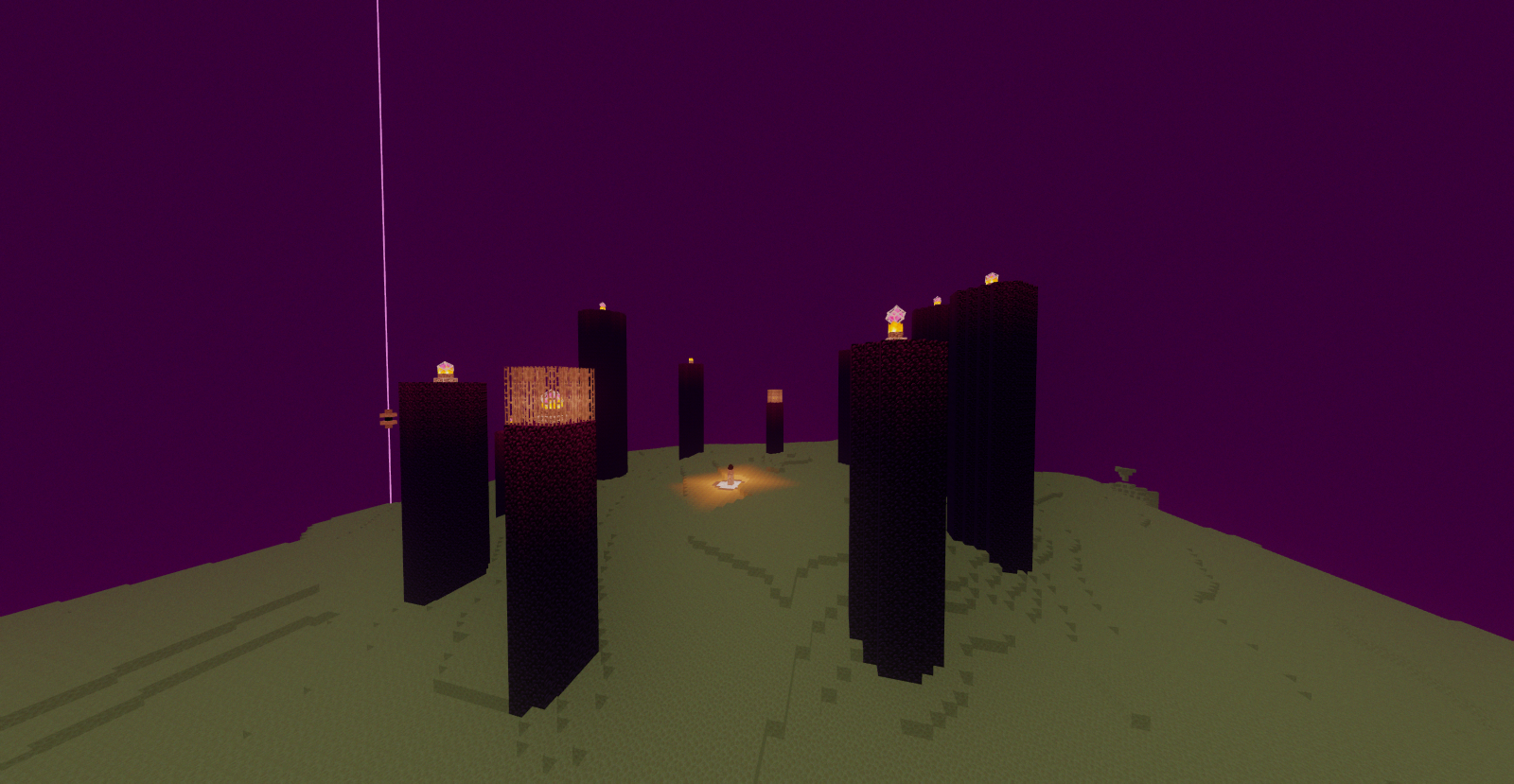
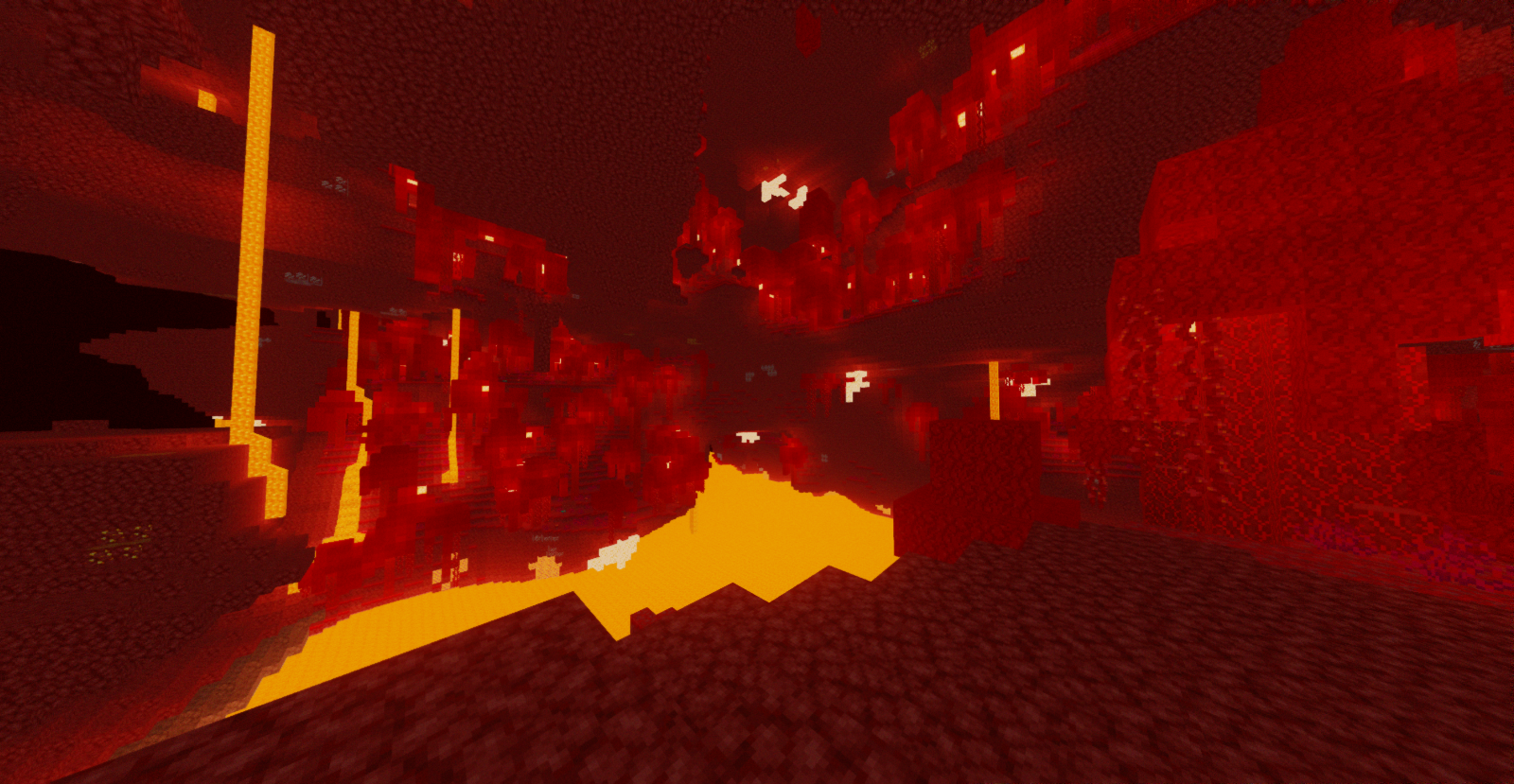
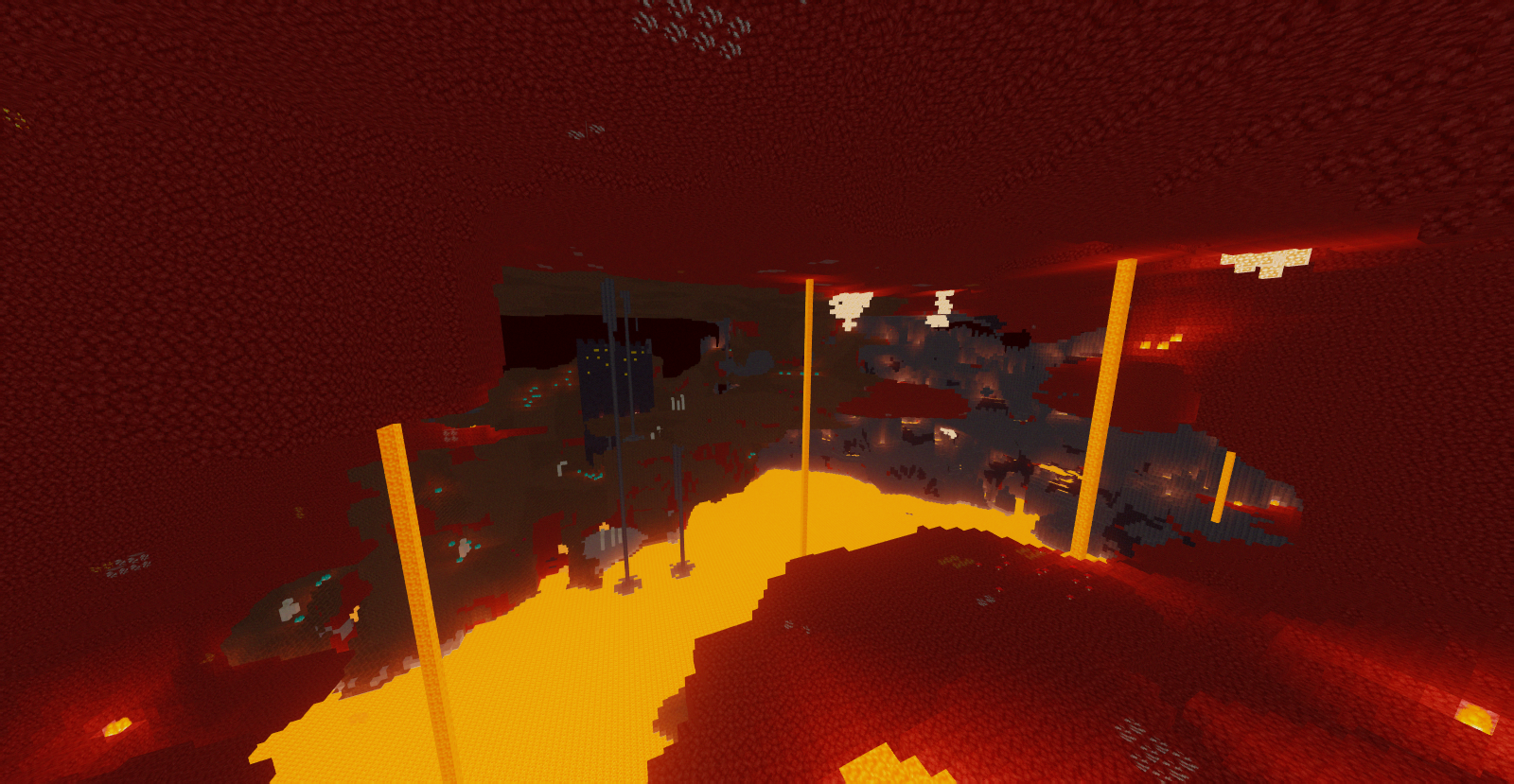
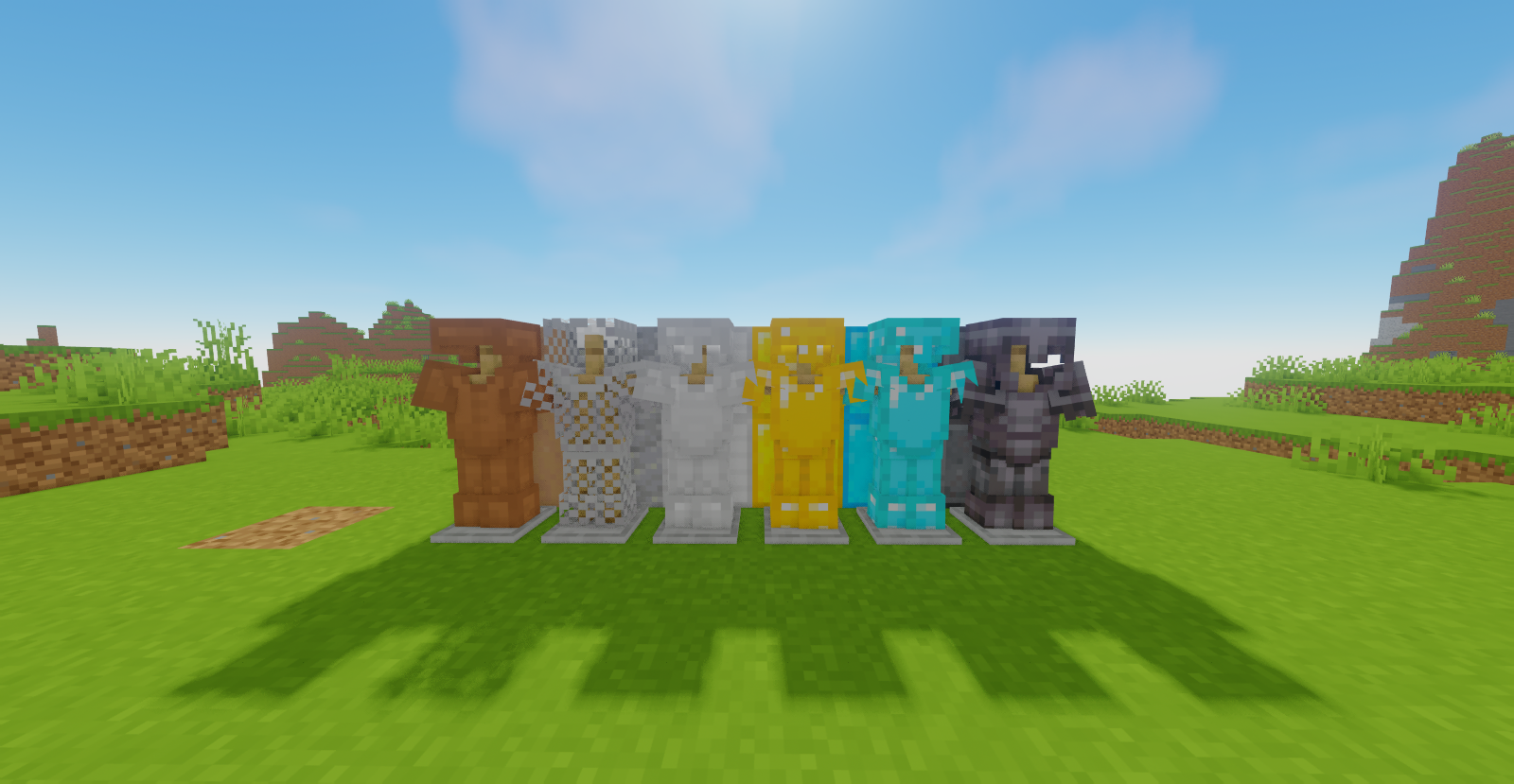
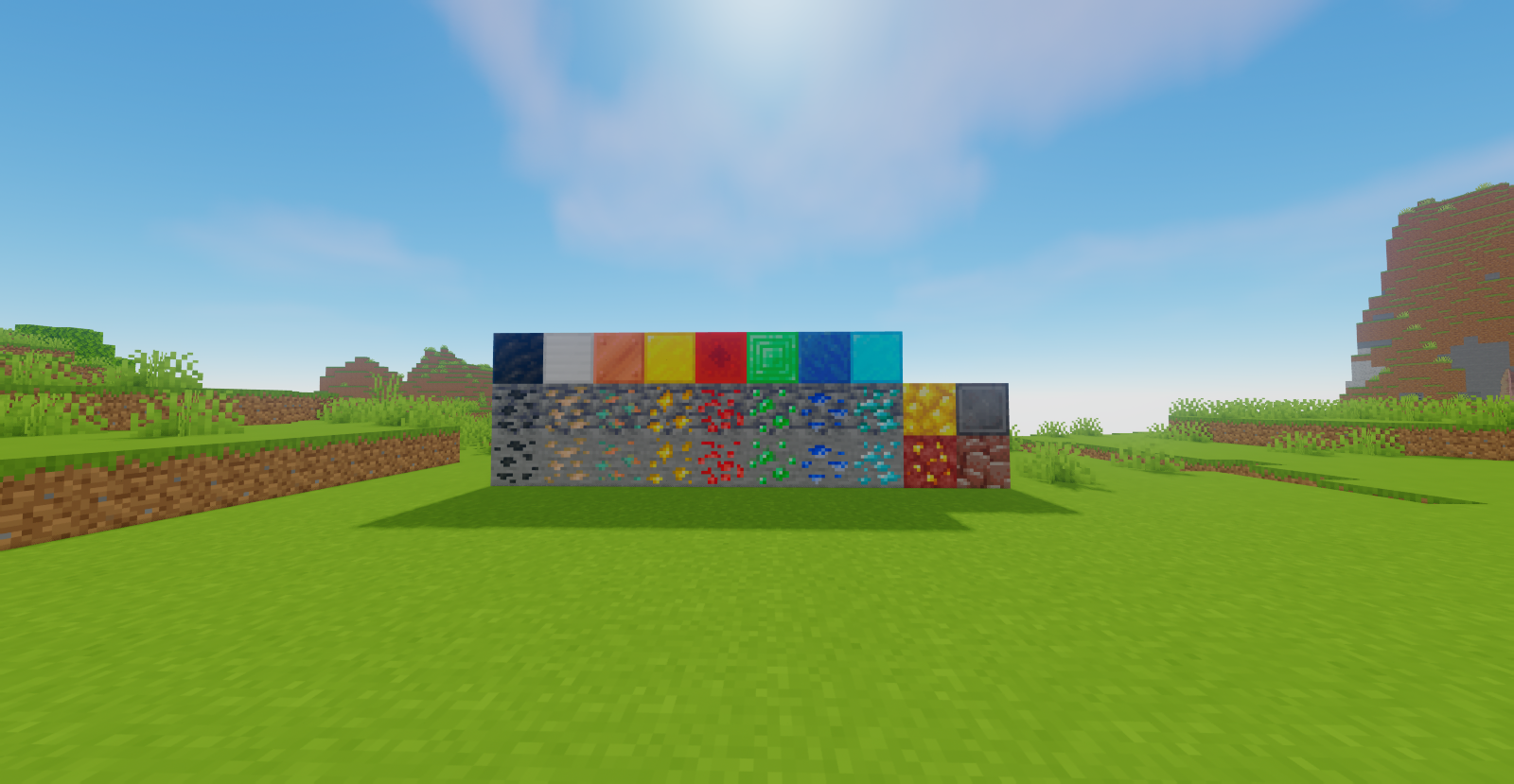
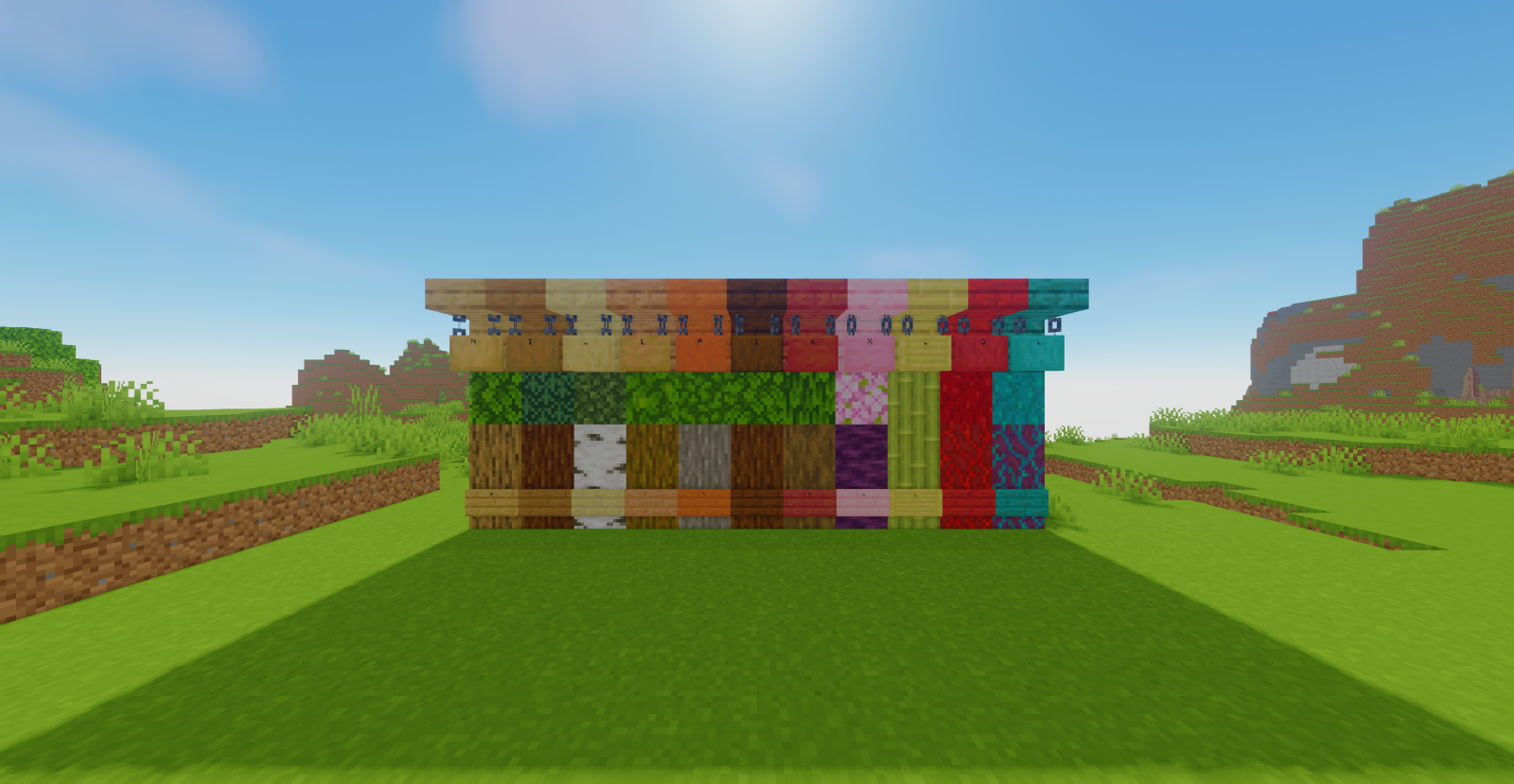
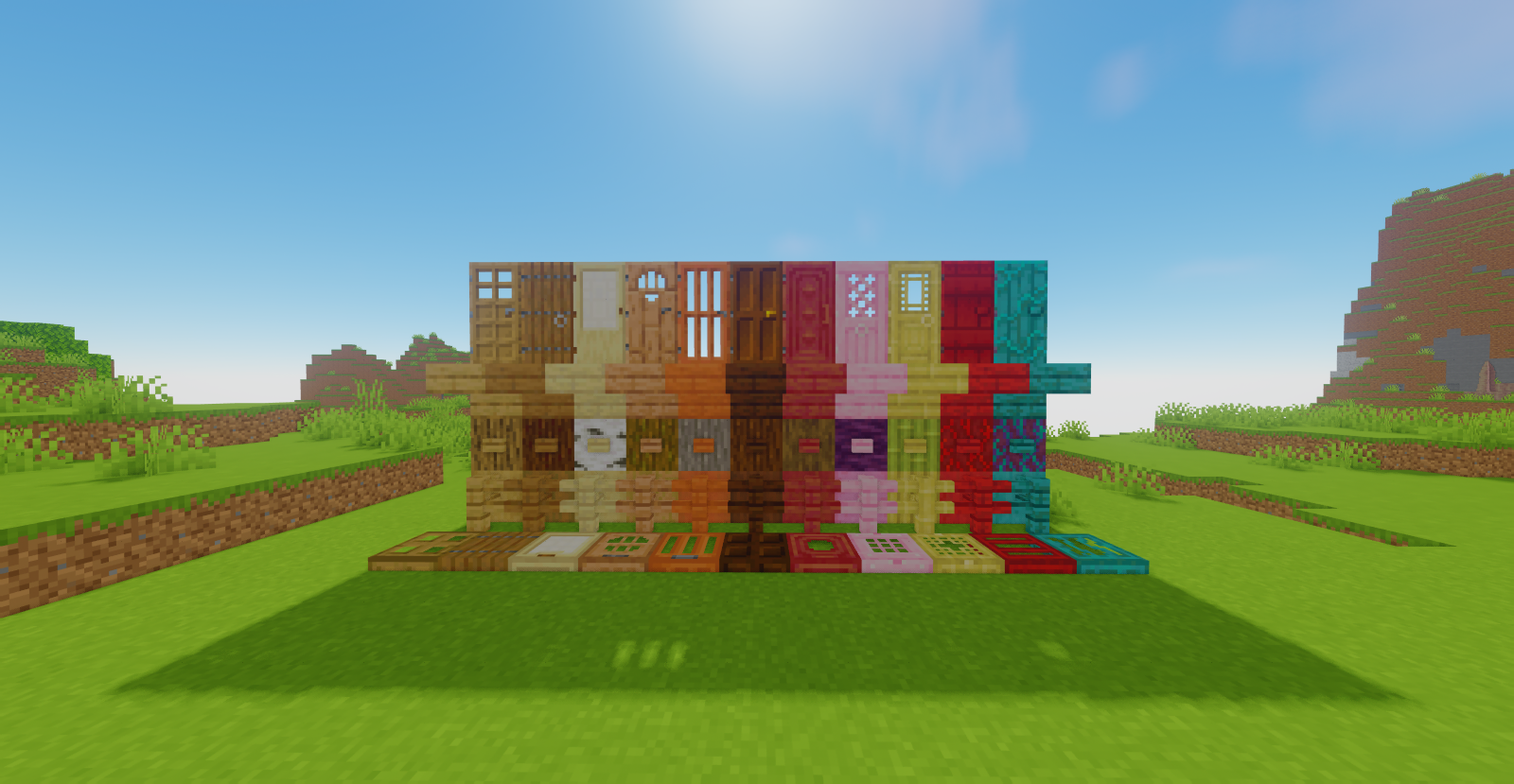
Nilla is a Vanilla-Styled texture pack that seeks to enhance the default textures of Minecraft, without removing the original feel.
The main changes are listed below:
– All wood related items.
– All tree leaves.
– Most foliage.
– All ores and ore items (including the nether ones.)
– All Armors and Tools.
– All PVP items like golden apples, crossbows, etc.
– All inventories and GUI’s

How to install:
- Download Nilla.zip
- Press WIndows + R
- Go to %appdata%
- Copy the .zip to /Roaming/.minecraft/resourcepacks
- Load Minecraft and select the Texture Pack
- Thank you!
常见问题
Nilla 支持哪些 Minecraft 版本?
Nilla 支持 Minecraft Java 版 1.20–1.20.1,共 2 个版本。下载时注意选择和你游戏版本一致的文件。
Nilla 怎么安装?
把下载的 .zip 文件(不用解压)放进游戏目录的 resourcepacks 文件夹,进游戏后在「选项 → 资源包」里把它移到右边启用。
评论
登录后评论和评分