
Névoa Azul – Blue-Gray GUI Overhaul
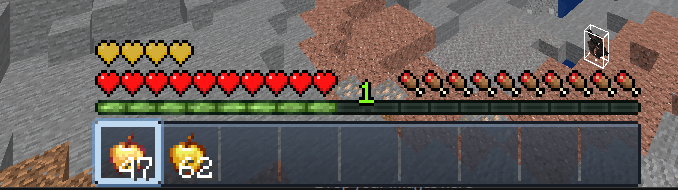
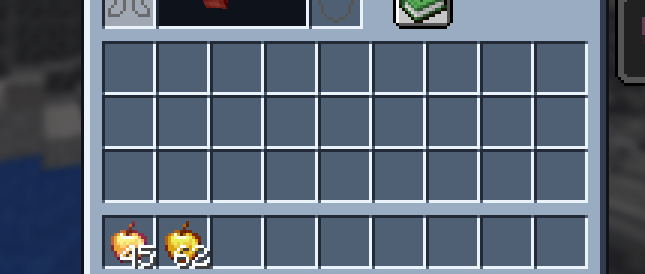
A clean, light blue-gray GUI/interface overhaul — buttons, hotbar and inventory redesigned with a soft glass look. Compatible from 1.8 up to the latest versions.
截图
介绍
# Névoa Azul — GUI Overhaul
A clean, modern interface pack that reskins Minecraft’s core GUI in a light, blue-gray “glass” style. No clutter, no bright colors, just a polished look that fits any build or PvP setup.
## What’s changed
– Hotbar background and slot-selection highlight
– All button states (normal / hover / disabled): menus, options, everywhere buttons appear
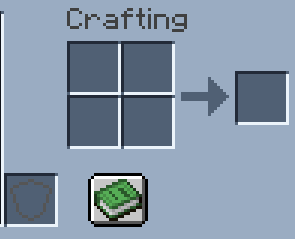
– Survival inventory screen (armor slots, crafting grid, main inventory)
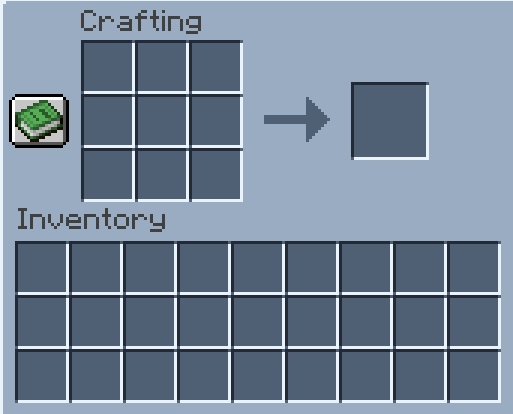
– Crafting table
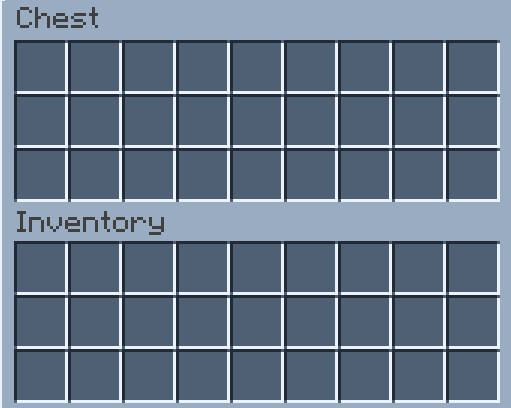
– Chests (single and double), plus ender chest and barrel
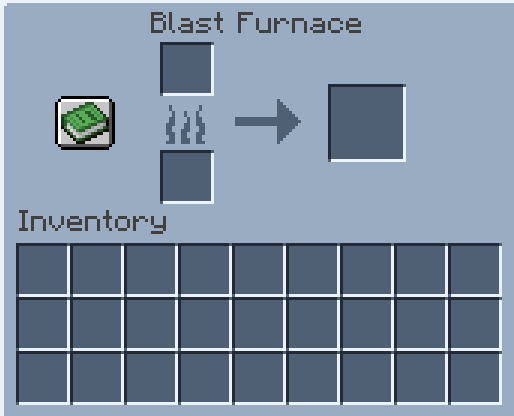
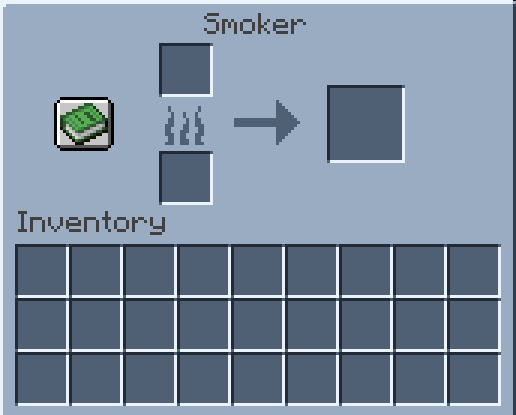
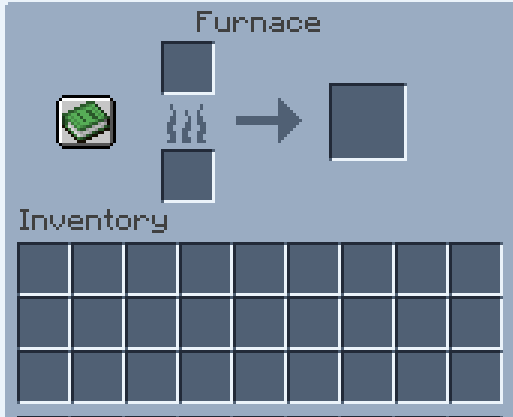
– Furnace, blast furnace and smoker
## Compatibility
Works from 1.8 all the way to the newest releases. Uses the legacy widget atlas for older versions and the modern sprite system for 1.20.2+, so you get the same look either way.
## Coming soon
More screens and HUD elements in the same style.
## Install
Drop the .zip into your `resourcepacks` folder and enable it in-game.
## Feedback
Found a screen that looks off or something you’d like to see next? Leave a comment on the project page.
常见问题
Névoa Azul – Blue-Gray GUI Overhaul 支持哪些 Minecraft 版本?
Névoa Azul – Blue-Gray GUI Overhaul 支持 Minecraft Java 版 1.8–26.3,共 75 个版本。下载时注意选择和你游戏版本一致的文件。
Névoa Azul – Blue-Gray GUI Overhaul 怎么安装?
把下载的 .zip 文件(不用解压)放进游戏目录的 resourcepacks 文件夹,进游戏后在「选项 → 资源包」里把它移到右边启用。
BerDVeloper 的其他作品
查看全部 →
Stimpy waar pack
来自 YouTuber stimpy 的材质,我拿来后对材质做了一些修改,改动了一些东西并决定发布到 CurseForge 上供大家下载,材质为 Minecraft PvP 制作

Verzide 64x
texture of the old youtuber verzide very famous between 2015/2016/2017 until 2019 youtuber of Minecraft PvP PotPVP/ the truth is, I took the texture and changed armor, swords, ores, etc.

DeepSpace
Space-themed GUI, inventory and items for Minecraft 1.8 to 26.x. Starfield slots, neon hotbar and buttons, and 10 custom items like a ringed planet, black hole and galaxy.

Vibrantpvp 16x FPS
Vibrant 16x PvP/UHC pack for MC 1.8–1.20.1. Custom swords, axes, armor, 80+ blocks, potions, crosshair, hotbar and FPS boost. OptiFine recommended.
评论
登录后评论和评分