截图
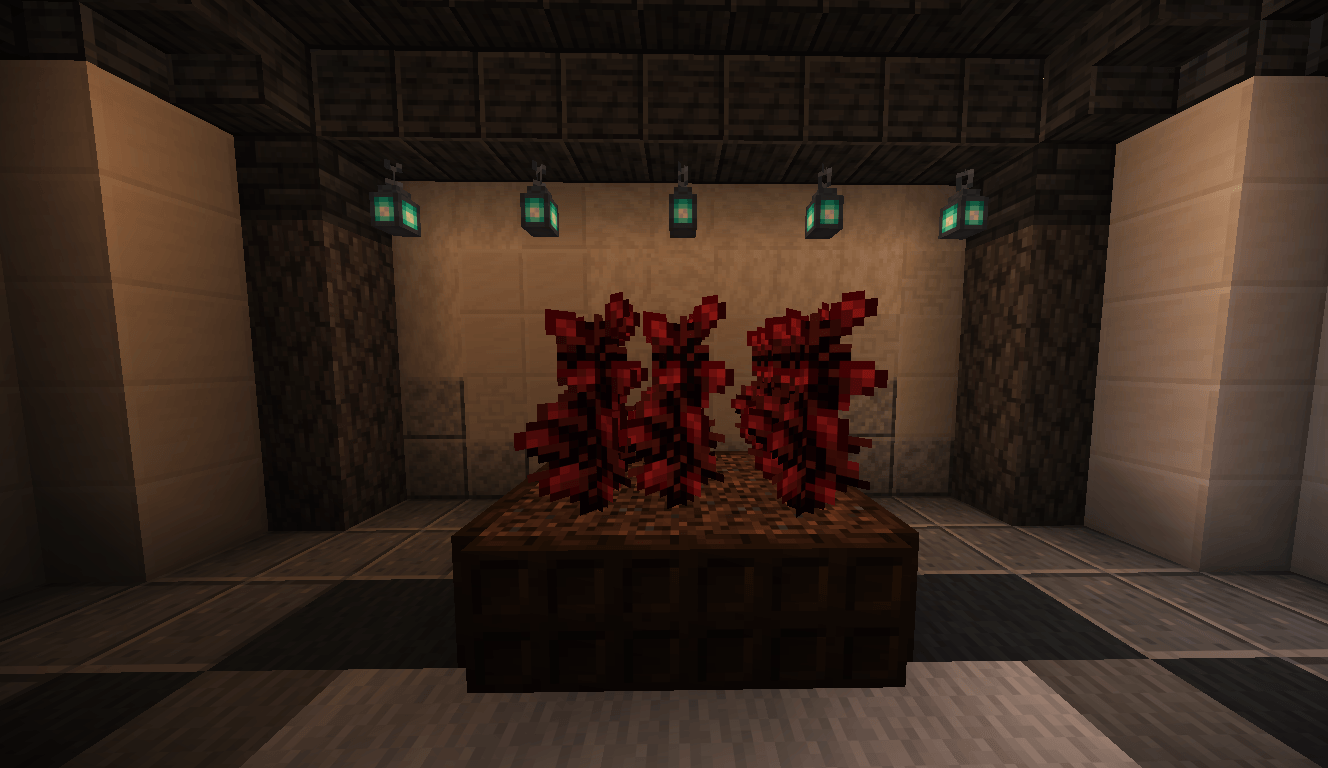
介绍
中文介绍正在准备中,下面暂时显示原文。
 REDEYES8 – Minecraft Texture Pack Creation
I retextured the peonies to resemble Netherwarts. This took a good minute to make because I had the .zip file ready, but I accidentally unzipped it, so I had to move the peony textures into a different textures folder. Removing the other texture files except for the peony files (Which I do every time to reduce file size) took a long time.
常见问题
Netherwart Peonies 支持哪些 Minecraft 版本?
Netherwart Peonies 支持 Minecraft Java 版 1.21.11。下载时注意选择和你游戏版本一致的文件。
Netherwart Peonies 怎么安装?
把下载的 .zip 文件(不用解压)放进游戏目录的 resourcepacks 文件夹,进游戏后在「选项 → 资源包」里把它移到右边启用。
评论
登录后评论和评分