
截图


介绍
✨ Looks like shader, runs like vanilla✨
Want to use shaders, but your PC turns into a slideshow the moment you
try?
Well, we’ve got something for you, Introducing Neoshade: a resource pack designed to give you a shader like look without killing your FPS. No extra heat, no heavy RAM or GPU usage, Not gamemode exclusive, just smooth performance with better visuals.
FOR VERSION 1.1 OR ABOVE:
- ### Sodium Compatibility!
- ### Godrays require Polytone
FEATURES
• Bloom (impure)
• better fog
• Godrays
• Custom sky
• Shader-like lighting
• Realistic looking shadows
• Soft overhauled clouds
• Shooting stars
• Bright and twinkling stars
• Heavy customization with respackopts support
• Slanted Rain
Visuals
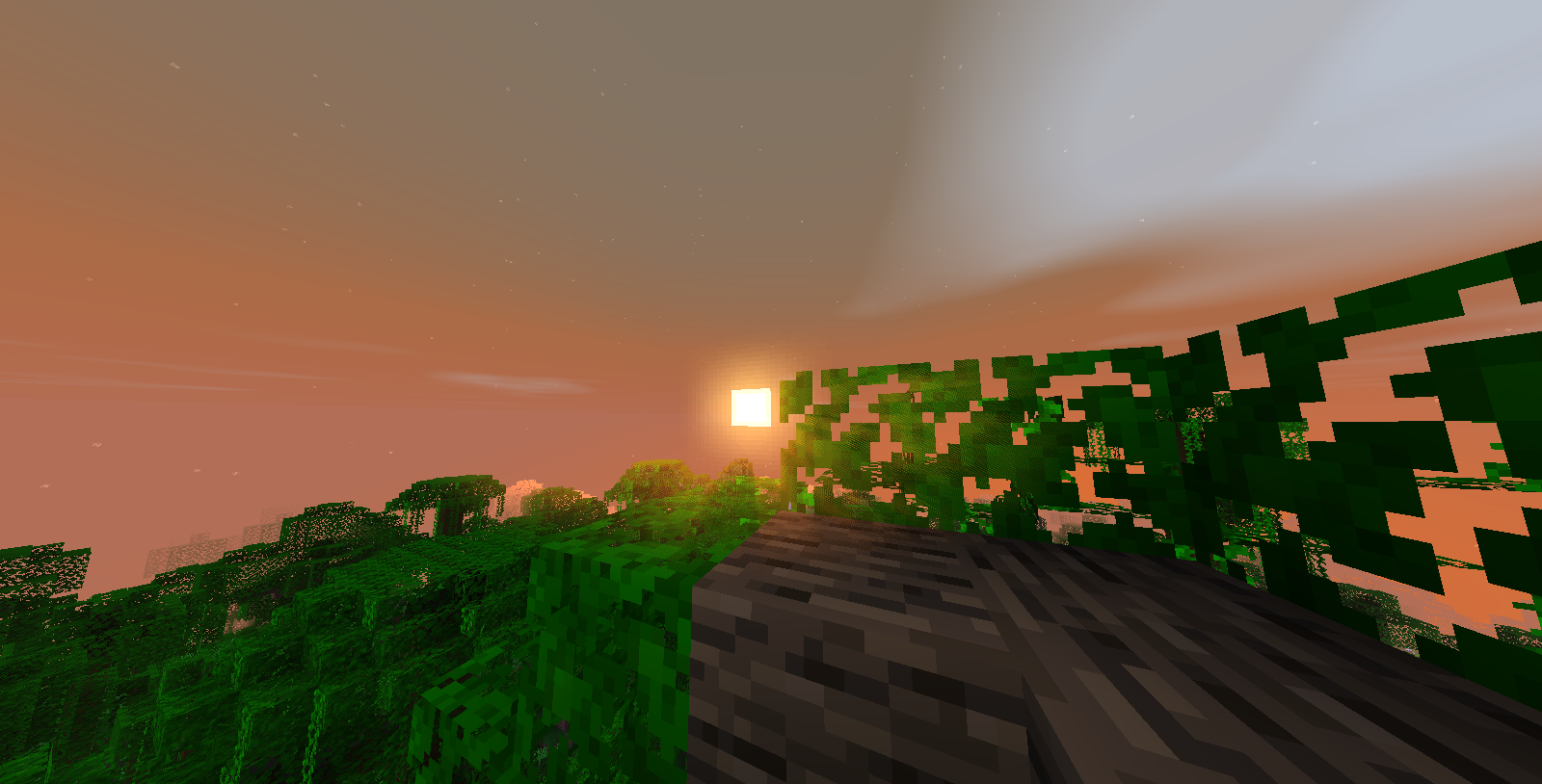
• Terrain – Sunrise
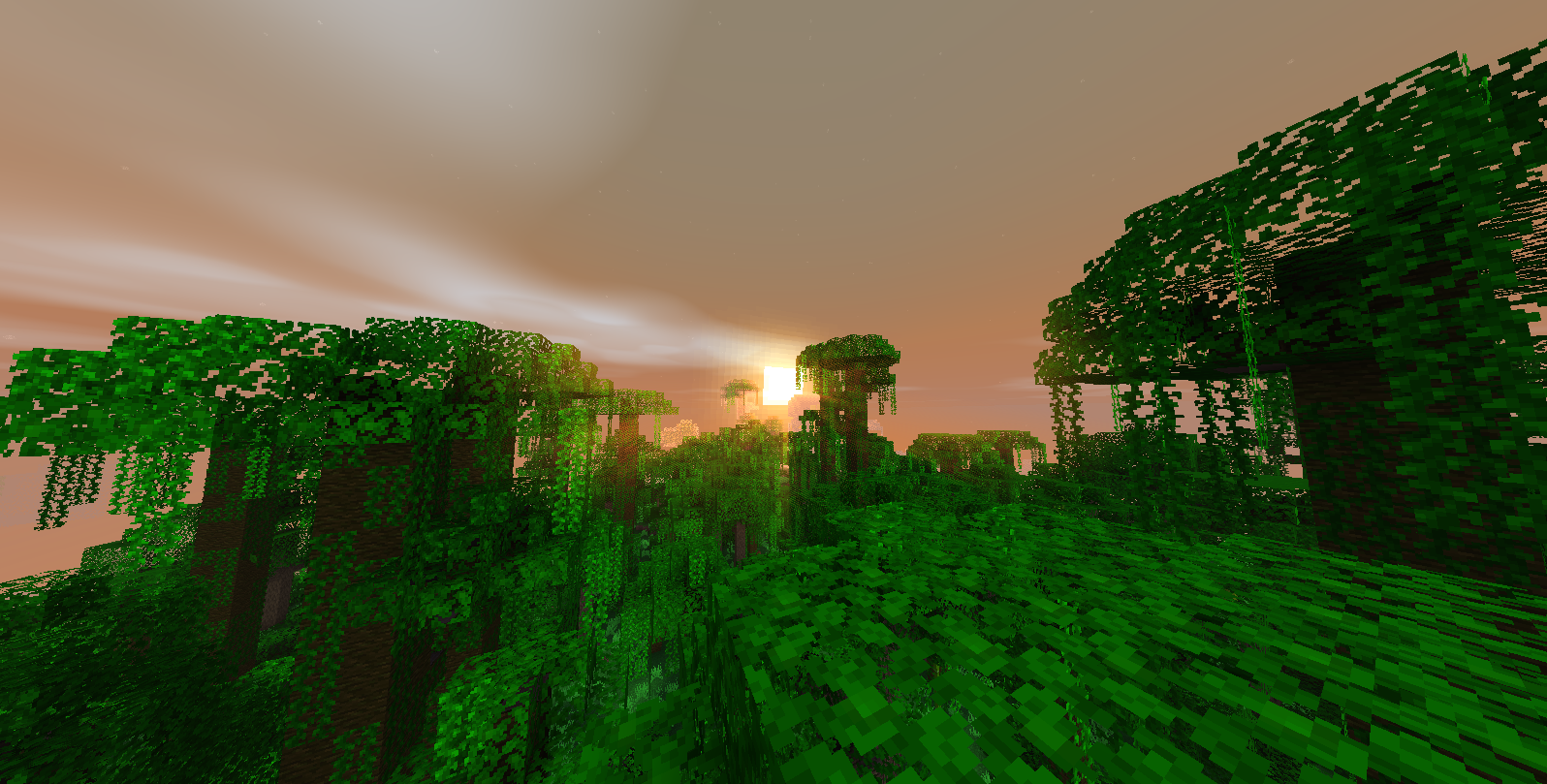
• Terrain – Sunset
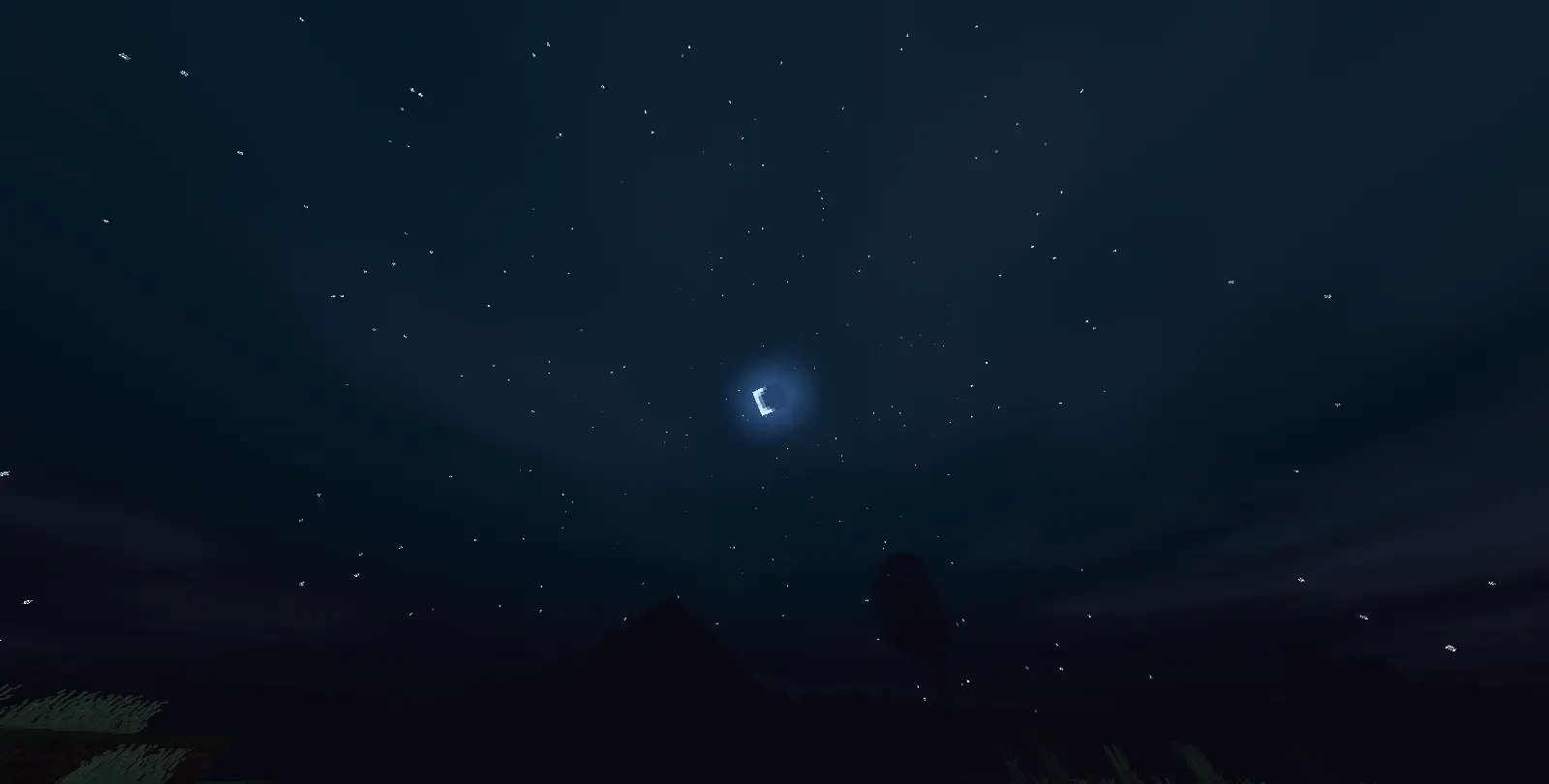
• Clouds & Stars (overhauled night sky)
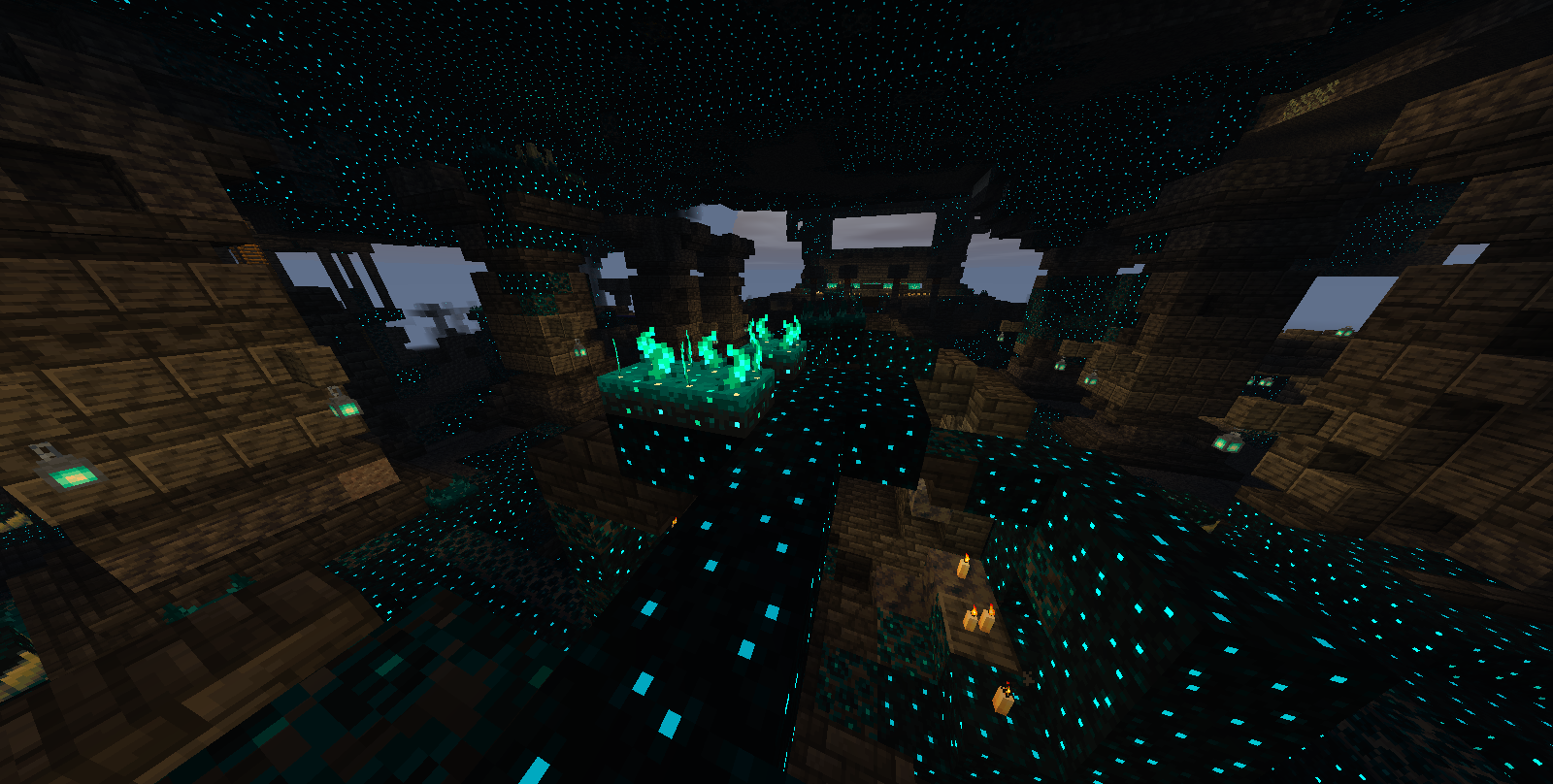
• Sculk Emmisive
• Shadows

• Godrays

Compability
Sodium compatibility has been added to version 1.1 and above.
This pack is compatiable with Distant Horizons but with limitations (_lod chunks cannot work as they are not real chunks so, we can’t do anything to resolve shading on it for now_).
Why choose us over others?
No huge fps loss
Not gamemode specific
Compability with sodium (v1.1 and above)
FEATURES IN PROGRESS
- PURE BLOOM
- END SKYS
- VANNILA IMMERSIVE
- Water REFLECTIONS
Keep tuned for more 🔥
How does it work and doesn’t take fps?
Since Minecraft 1.17, Minecraft has given modders the ability to use vanilla core shaders to customise elements of the game such as shadows, lighting etc.and this resource pack cleverly utilises this by using smart and modern techniques to give a false shader like feeling this is also the reason why it doesn’t need mods or take
fps as it’s built into the game.
Join the discord for sneak peeks, discussions, and support
https://discord.gg/xpYxWecBs
~ Editor/Director & Dev.
常见问题
NeoShade 支持哪些 Minecraft 版本?
NeoShade 支持 Minecraft Java 版 1.21.11。下载时注意选择和你游戏版本一致的文件。
NeoShade 怎么安装?
把下载的 .zip 文件(不用解压)放进游戏目录的 resourcepacks 文件夹,进游戏后在「选项 → 资源包」里把它移到右边启用。
评论
登录后评论和评分