
Neo:N’s Fakedex
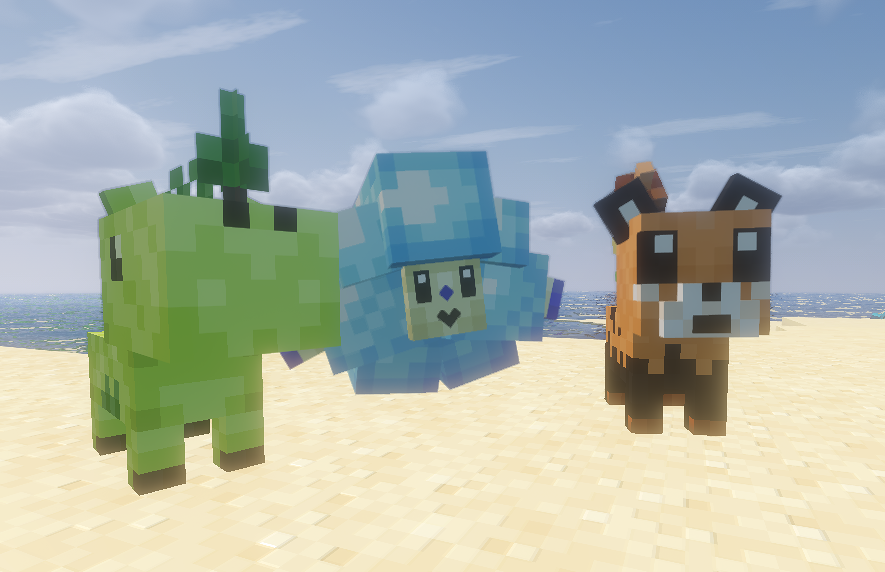
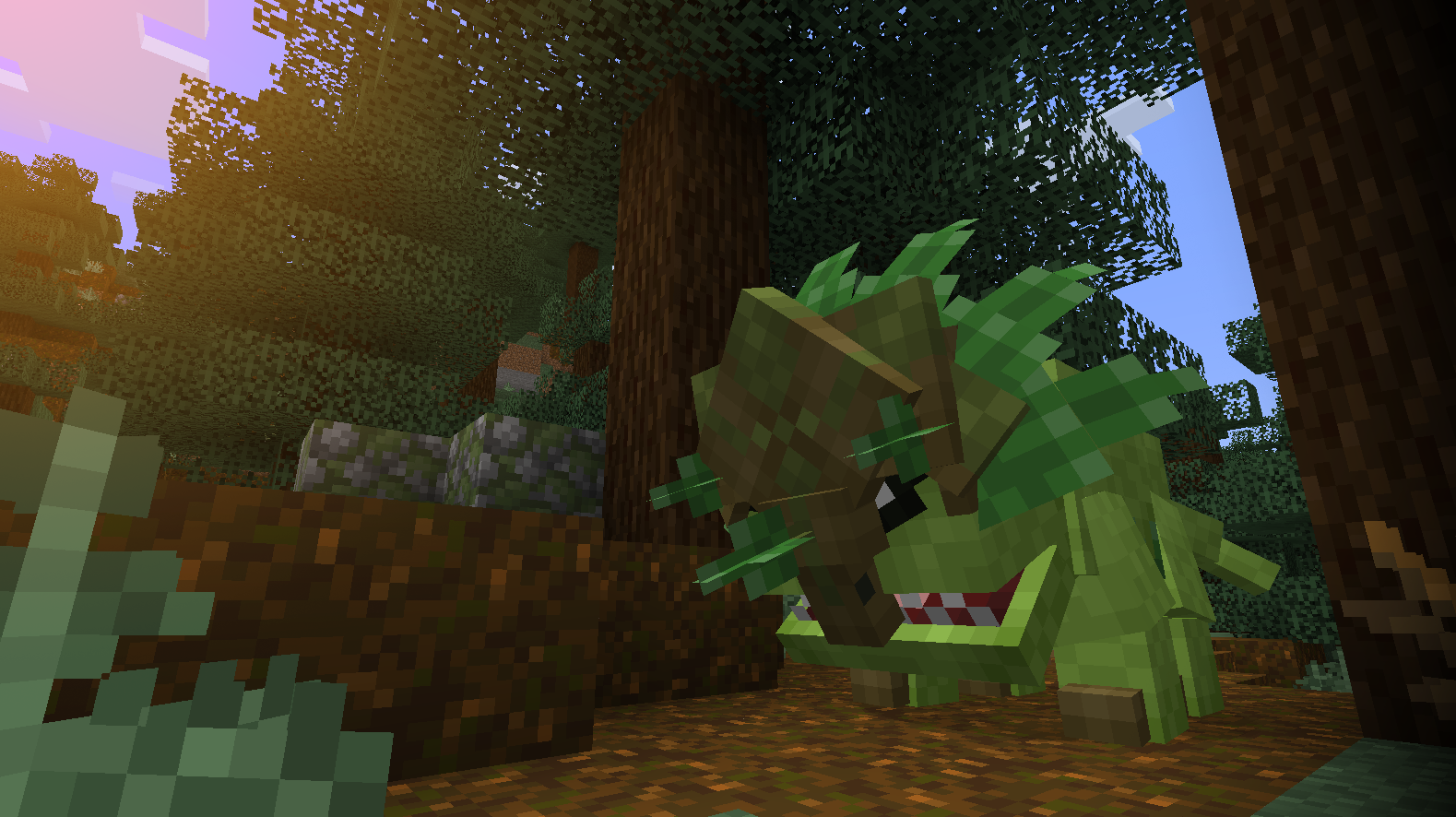
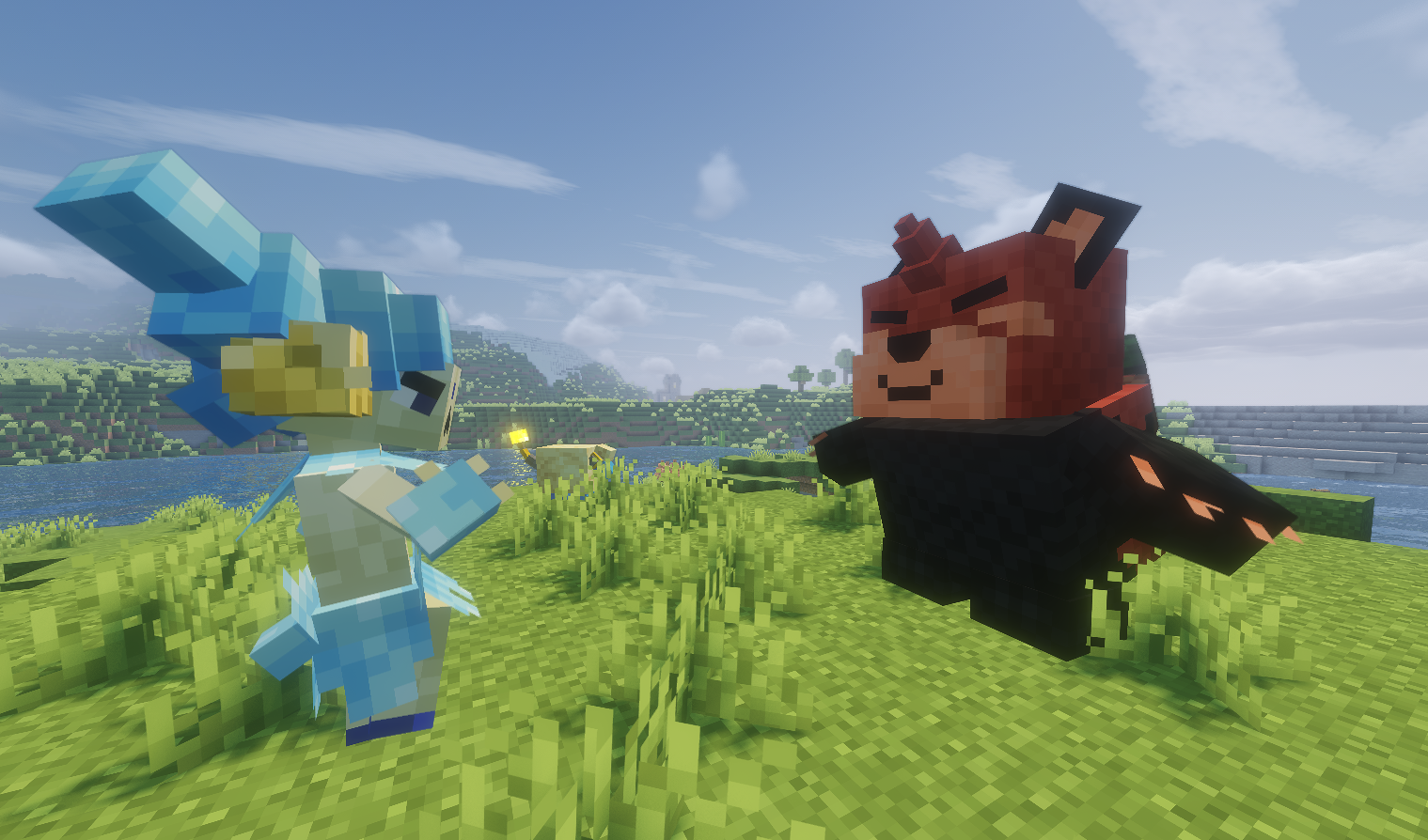
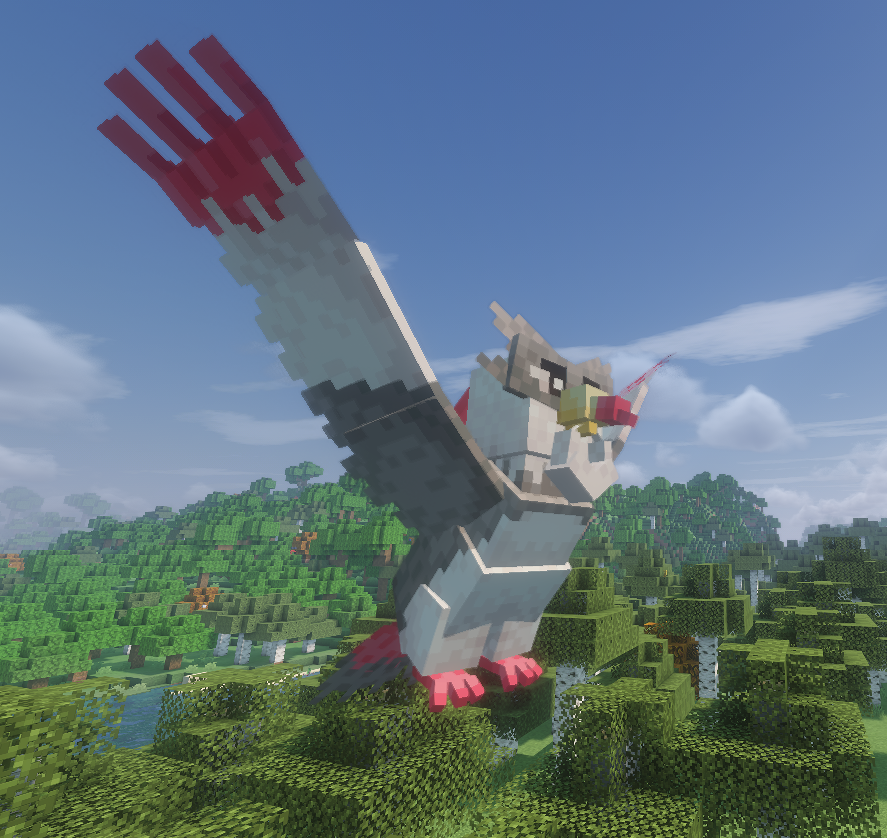
This is an addon for Cobblemon that will eventually add in an entire region's worth of Fakemon!
截图

介绍
This project aims to add a plethora of new Fakemon into your game!

Features and Additions
The latest version of this pack includes:
- 46 completely original Fakemon!
- Fully functional spawning mechanics! All Fakemon added are obtainable in survival mode.
- Complete custom movesets, animations, and shiny variants for all Fakemon added
These mons are all modeled, textured, and animated in Blockbench by Neo:N Riftborne, and were originally designed by him and a few collaborators (who wish to remain anonymous).
Version Compatibility
This addon is developed using Cobblemon’s Fabric branch. Don’t worry though, it’s also compatible with Forge and Neoforge clients.
Of course, the latest version of the Cobblemon mod is also required for addon to function.
How to Install
This addon is designed to be functional as both a DATAPACK and a RESOURCEPACK.
Before creating a world, navigate to your Resource Packs screen and add this addon as a resource pack. Make sure to enable it!
When creating your world, navigate to the datapacks screen. Drop the addon in there and enable it as well.
IMPORTANT: THE ADDON SHOULD BE PRESENT IN BOTH PLACES FOR IT TO FUNCTION PROPERLY.
Alternatively, you can add this pack to an existing world by locating its directory:
(.minecraft > saves > [your world] > datapacks)
and dropping the pack in there. Then enter the world and type /reload to enable the addon.
If you did everything right, you should start seeing Fakemon spawning in your world!
NOTE: All Fakemon in this pack are subject to be largely modified or even removed in future updates. I’m not sure how this will affect players updating from older versions, but rest assured it will not break your worlds!
常见问题
Neo:N’s Fakedex 支持哪些 Minecraft 版本?
Neo:N’s Fakedex 支持 Minecraft Java 版 1.21.1。下载时注意选择和你游戏版本一致的文件。
Neo:N’s Fakedex 怎么安装?
把下载的 .zip 文件(不用解压)放进游戏目录的 resourcepacks 文件夹,进游戏后在「选项 → 资源包」里把它移到右边启用。
评论
登录后评论和评分