
Fullbright | NeoFullbright
Simple fullbright resource pack, compatible with 26.4 for Vanilla, Optifine, Sodium and Vulkan.
截图
介绍
中文介绍正在准备中,下面暂时显示原文。
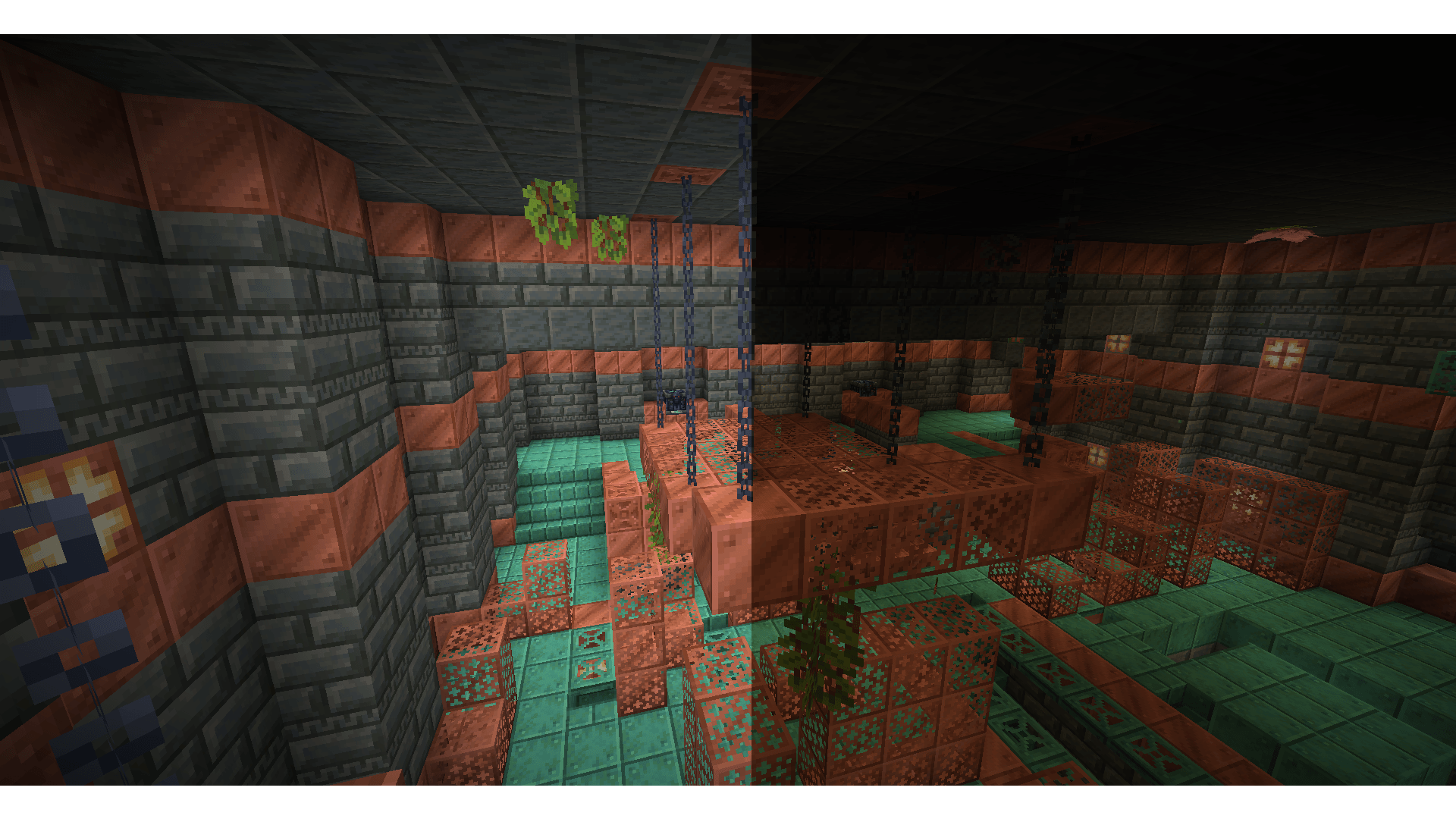
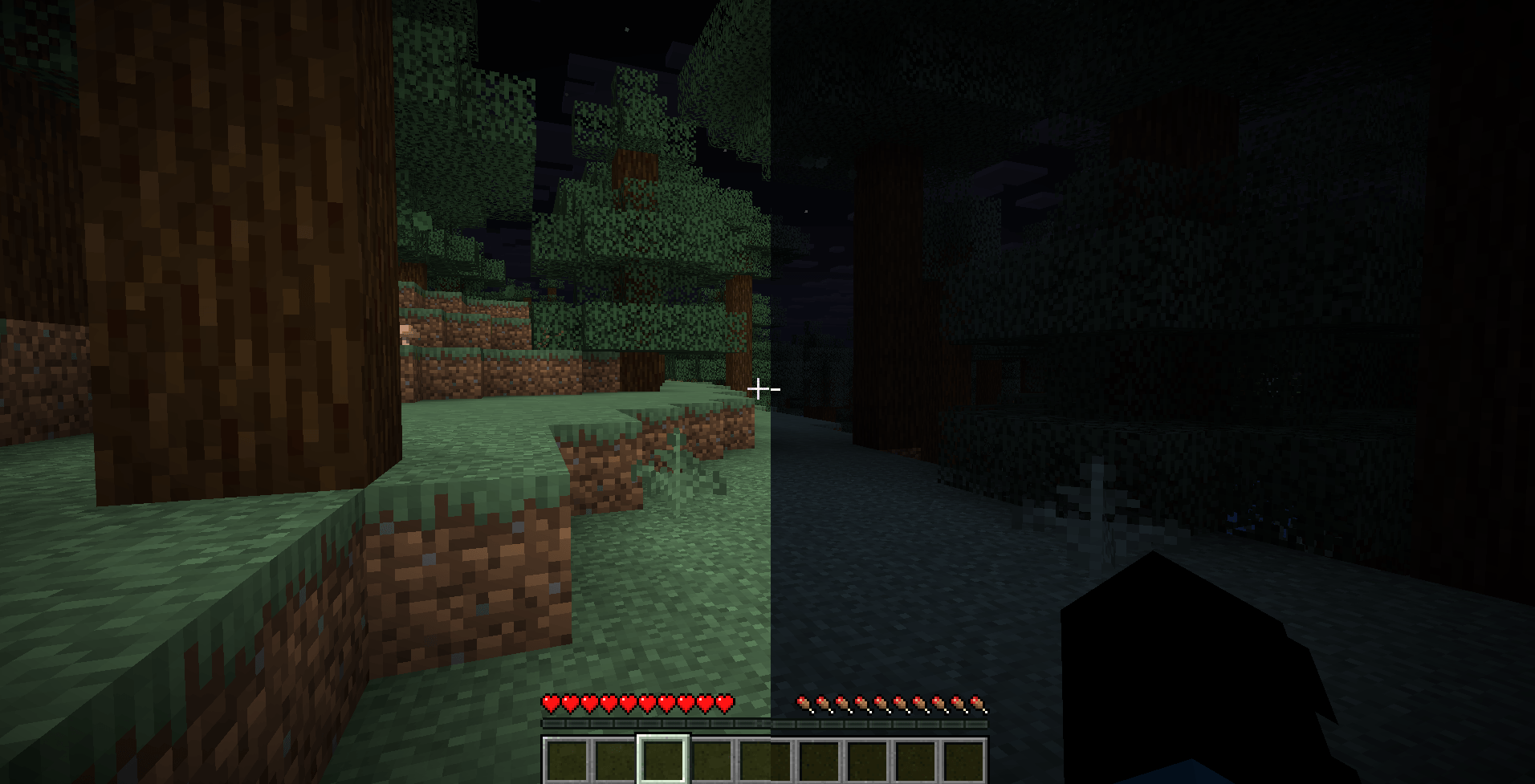
NeoFullbright is a lightweight, 100% vanilla resource pack that applies a permanent fullbright effect — no commands, no mods required, and without breaking text or the UI.
✨ Features
- Clear vision as if it’s daytime, even in caves or at night
- Interface and text remain fully visible (no broken fonts)
- Custom pack icon included
- OptiFine compatible (includes lightmaps)
- Ultra-light pack with zero performance impact
📥 Installation
- Download the
.zipfile - Place it in your:
.minecraft/resourcepacks- Launch Minecraft → Options → Resource Packs
- Enable NeoFullbright and move it to the top of the list
🔧 Compatibility
- ✅ Minecraft 26.4
- ✅ Works in vanilla (no mods required)
- ✅ Compatible with OptiFine/Fabric/Iris
- ⚠️ Not compatible with external shaders (they will override the effect)
⚠️ Note
If you use an external shader (BSL, Complementary, etc.), the NeoFullbright effect will be overridden.
常见问题
Fullbright | NeoFullbright 支持哪些 Minecraft 版本?
Fullbright | NeoFullbright 支持 Minecraft Java 版 1.17–26.3,共 34 个版本。下载时注意选择和你游戏版本一致的文件。
Fullbright | NeoFullbright 怎么安装?
把下载的 .zip 文件(不用解压)放进游戏目录的 resourcepacks 文件夹,进游戏后在「选项 → 资源包」里把它移到右边启用。
Pierrecreeper 的其他作品
查看全部 →
Fullbright
by WORLD PLUS
A fullbright resource pack, for Vanilla, Optifine, Vulkan and Sodium.
6,378
3 个月前
Modrinth

Fullbright
by N.E.O
Simple fullbright mod, compatible with 26.2 for Fabric, Forge, NeoForge and Quilt.
3,511
2 天前
Modrinth

Fulbright VK
by N.E.O
100% Support Vulkan and OpenGL Compatible For Minecraft 1.21.9 - 26.2
1,086
3 个月前
Modrinth
评论
登录后评论和评分