
Neighborhood Overlay
Neighborhood is a specially curated texture pack for creators & players alike. It allows users to fully immerse themselves into an environment unlike regular Minecraft or Hypixel. It adds a large array of hand-made textures.
截图
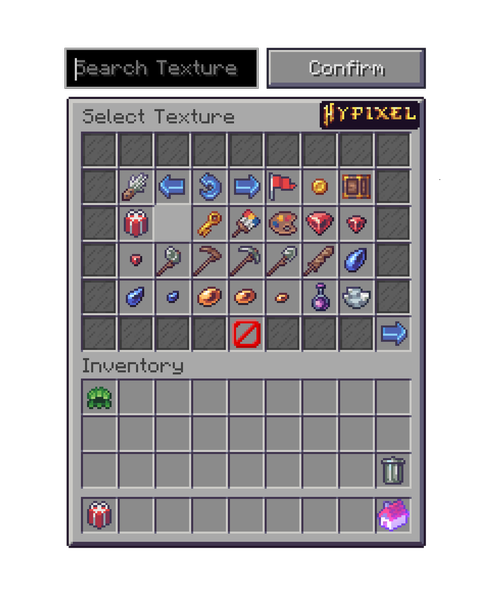

介绍
Introducing the Neighborhood Pack for more customization.
Requires Optifine 1.8.9 (Latest Version)

See all your favourite Houses as intended!
Step 1:
Download Optifine 1.8.9
Install Optifine’s latest version for 1.8.9 using the universal installer. Launch the game with the mod on.
Get Optifine
Step 2:
Download the Pack
On this page, navigate to “Download” click on the link and drag the zip archive into your Resource Packs folder, select the pack and apply it.
Step 3:
See the EPIC items!
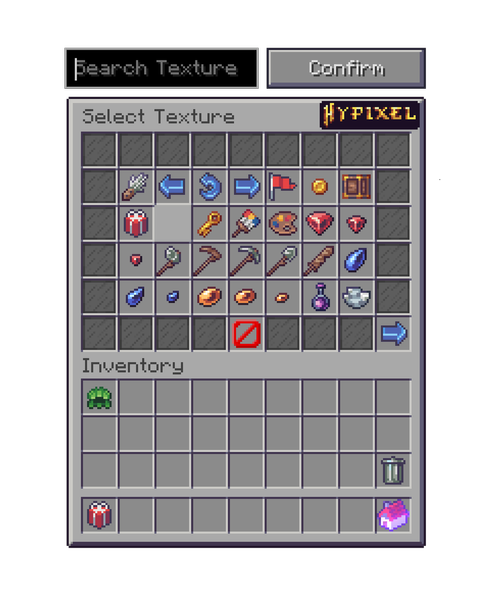
Overlay offers all the custom textures for items but doesn’t
interfere with the vanilla Minecraft GUI. Great for those who
have godly PvP or custom packs and want their own GUIs!
常见问题
Neighborhood Overlay 支持哪些 Minecraft 版本?
Neighborhood Overlay 支持 Minecraft Java 版 1.8.9。下载时注意选择和你游戏版本一致的文件。
Neighborhood Overlay 怎么安装?
把下载的 .zip 文件(不用解压)放进游戏目录的 resourcepacks 文件夹,进游戏后在「选项 → 资源包」里把它移到右边启用。
Redstone Studios 的其他作品
查看全部 →
Create Ultimate
机械动力所需的全部附属模组

Hysentials
Hysentials 是一款为 Hypixel 扩展内容并改善体验的模组,提供大量新功能,例如 Housing 的 Action Library 和 Clubs、自定义等级与外观奖励、重新设计的菜单和等级、表情符号等!

SystemsAPI
A fabric library that abstracts Hypixel Housing's systems

HTSL Reborn
A mod that makes programming in Hypixel's Housing game mode easier.
评论
登录后评论和评分