
[MTR3/4] First Class Trains Pack
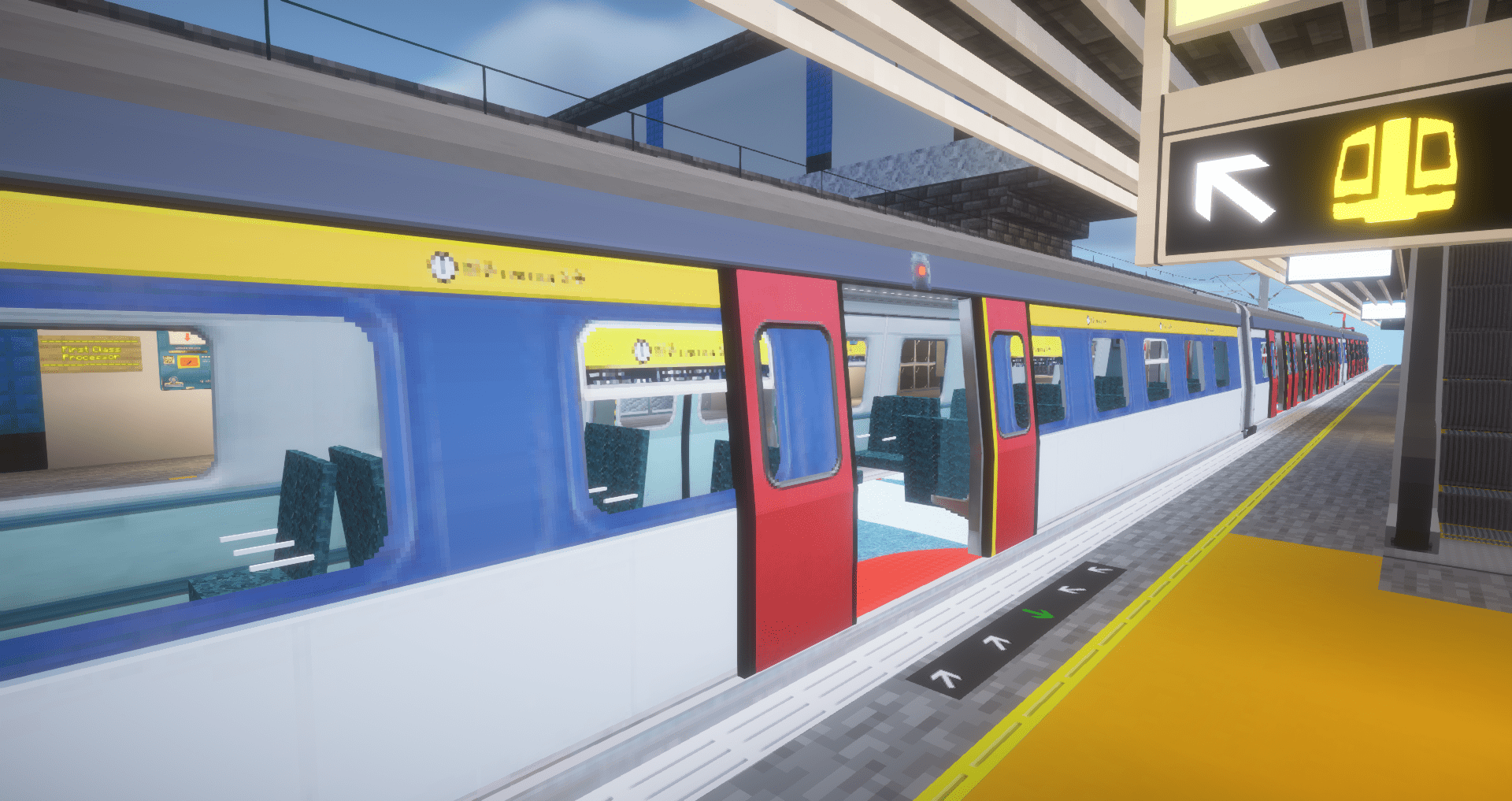
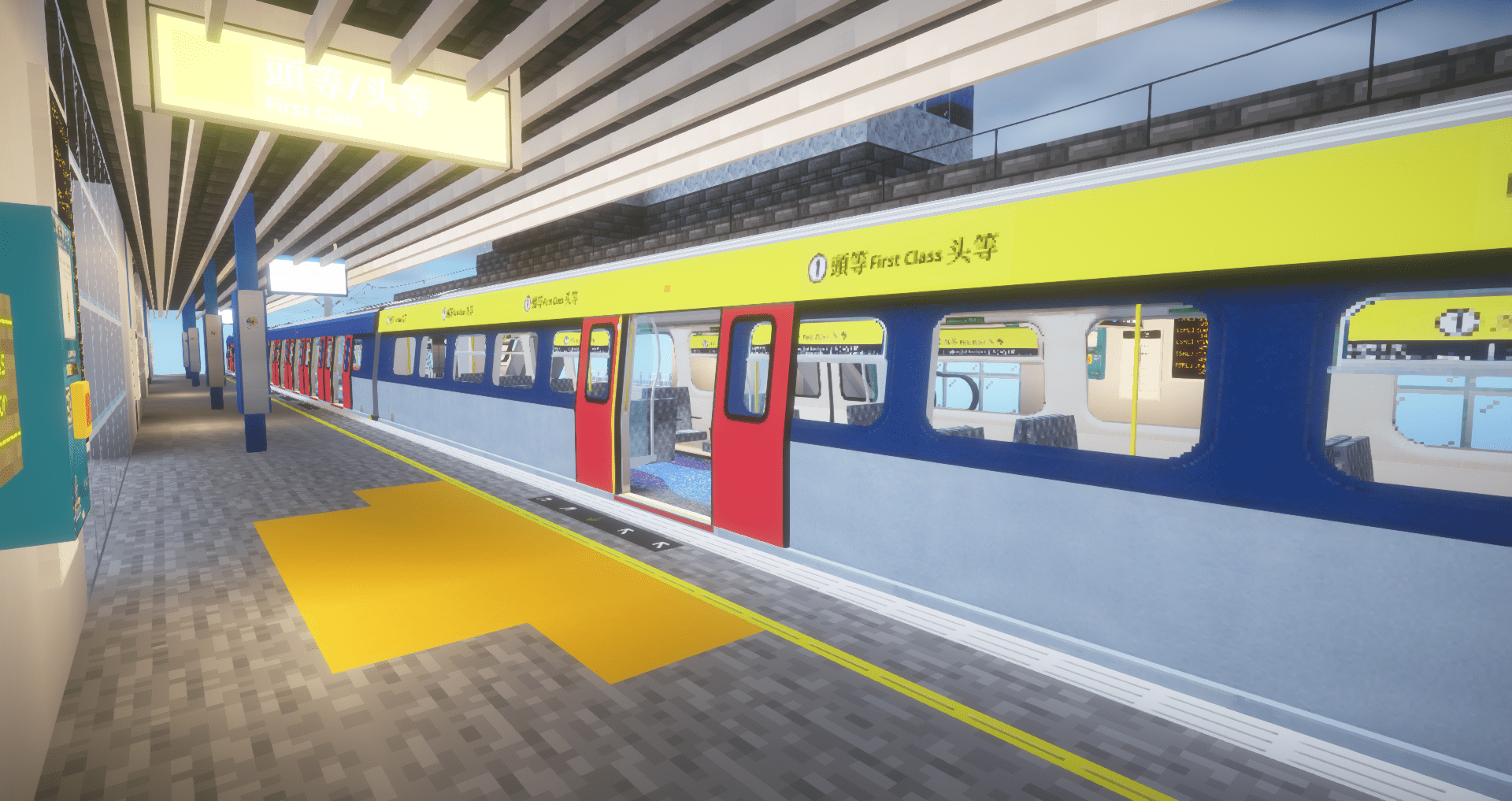
This pack contains MLR, SP1900 and R-Train with First Class Carriage for Minecraft Transit Railway Mod.
截图




介绍
Description
This pack contains MLR, SP1900 and R-Train with First Class Carriage which have use in Minecraft Transit Railway Mod. Each train have various lenght variants from 4-car up to 12-car
History
The MLR trains started as Metro Cammell EMUs in the 1980s on the East Rail Line. They underwent a Mid-Life Refurbishment (MLR) from 1996 to 1999, modernizing their systems. These trains served reliably until they were phased out around 2021.
The SP1900 trains were introduced in the early 2000s to replace the MLR trains. Manufactured by a Japanese consortium, they featured modern designs and advanced systems. They became the primary trains on the East Rail Line, but are now gradually being replaced by R-Train models since 2020.
Recommended lenghts:
- 4-car = 101 blocks
- 6-car = 151 blocks
- 8-car = 201 blocks
- 9-car = 226 blocks
- 12-car = 301 blocks
License
If you want to use the pack on your server – feel free to do so. If you want to modify texture, please contact me on Discord (find Bzu in MTR official server) and send the modified texture (the exception is route map inside train). This is just my curiosity
Authors
This project would not be possible without:
- LudwigTails (MLR)
- Tea (SP1900 and R-Train)
- AozoraMarcus (SP1900 texture from MTR4)
- LX86 (JavaScript HD Map code layout)
- nooBotond (Pictures for Gallery)
Thank you guys very much
Note
All of the First Class doors are opening and MLR and SP1900 First Class floor textures are not matching the real life ones. This will be fixed in V3.0 of the pack, it will also add MTR4 support
常见问题
[MTR3/4] First Class Trains Pack 支持哪些 Minecraft 版本?
[MTR3/4] First Class Trains Pack 支持 Minecraft Java 版 1.16.5–1.20.4,共 7 个版本。下载时注意选择和你游戏版本一致的文件。
[MTR3/4] First Class Trains Pack 怎么安装?
把下载的 .zip 文件(不用解压)放进游戏目录的 resourcepacks 文件夹,进游戏后在「选项 → 资源包」里把它移到右边启用。

评论
登录后评论和评分