
MistXRage’s Red GUI
MistXRage's Red GUI Pack gives Minecraft a bold red makeover, featuring red tooltips, a red XP bar, a red selected hotbar slot, and custom red menus and buttons. A simple yet striking GUI refresh that brings a consistent red aesthetic to your Minecraft
截图


介绍
❤️ MistXRage’s Red GUI Pack
Give your Minecraft interface a bold red makeover!
MistXRage’s Red GUI Pack adds a consistent red theme to Minecraft’s interface, from inventory tooltips and the selected hotbar slot to the XP bar, menus, and buttons.
✨ Features
- 🔴 Red Tooltips for a matching inventory experience.
- ❤️ Red XP Bar to add a bold touch to your HUD.
- 🎯 Red Selected Hotbar Slot to highlight your currently selected item.
- 🟥 Red Menus & Buttons for a consistent interface theme.
- 🎨 Clean, Matching Design that brings the whole GUI together.
Simple, bold, and red. A fresh look for your Minecraft GUI without changing the core vanilla experience.
Made by MistXRage. ❤️
常见问题
MistXRage’s Red GUI 支持哪些 Minecraft 版本?
MistXRage’s Red GUI 支持 Minecraft Java 版 26.2–26.3,共 2 个版本。下载时注意选择和你游戏版本一致的文件。
MistXRage’s Red GUI 怎么安装?
把下载的 .zip 文件(不用解压)放进游戏目录的 resourcepacks 文件夹,进游戏后在「选项 → 资源包」里把它移到右边启用。
MistXRage 的其他作品
查看全部 →
The Food Eating Animation
A texture pack that adds sprite animations for edible and drinkable items.

MistXRage 3D Skin Totem
The MistXRage 3D Skin Totem is an exclusive texture pack designed specifically for MistXRage

ContentCreatorsTool
✨ A modern Minecraft modpack designed for 🏃♂️ optimized performance, 🌄 stunning visuals, and 🎥 seamless tools for content creators. Updated to Minecraft 26.3.*, it now features fresh 🖼️ resource packs, 🌟 sky-themed shaders, and advanced recording too
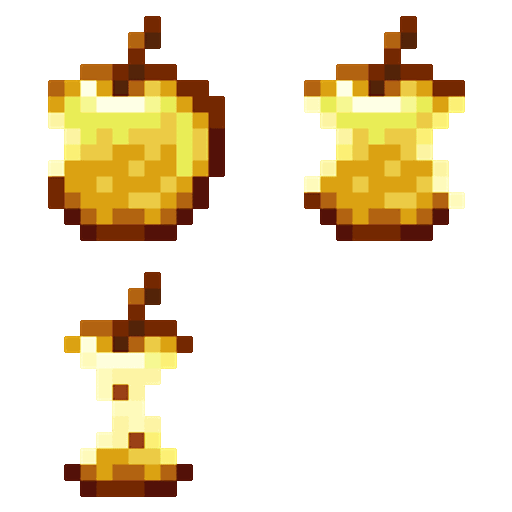
The Food Eating Animation
A texture pack that adds sprite animations for edible and drinkable items.
评论
登录后评论和评分