
minecraft wob
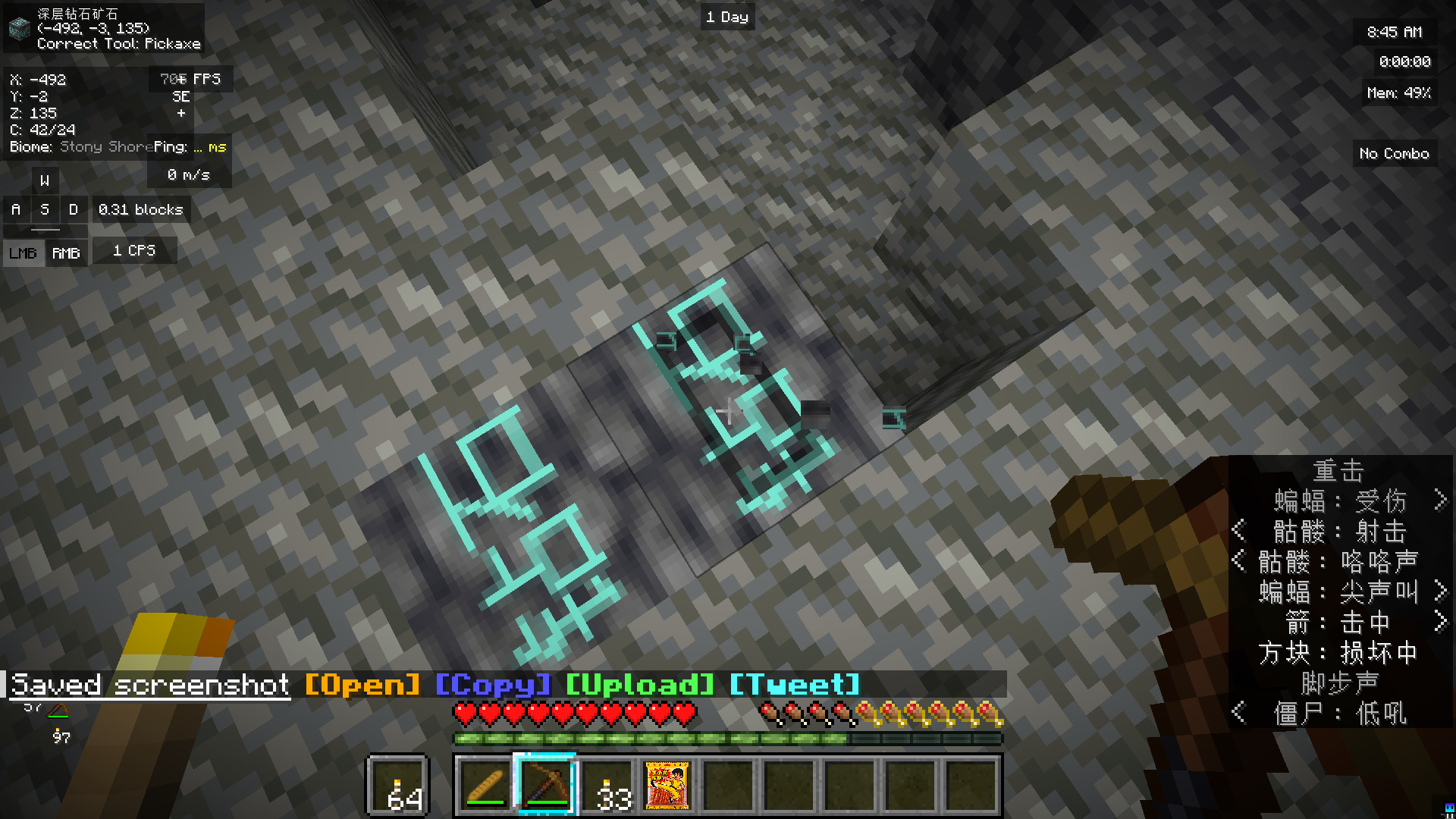
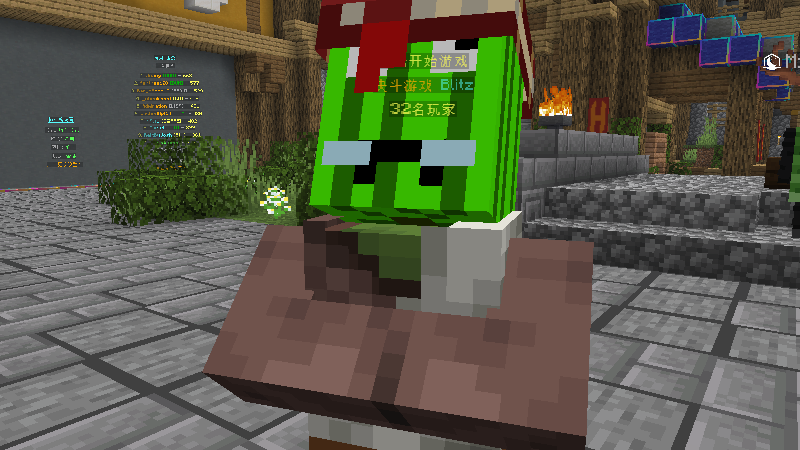
This resource pack changes the textures of certain blocks and items to make the vanilla graphics look more humorous, and it can also be used for PvP.
截图


介绍
This resource pack changes the textures of certain blocks and items to make the vanilla graphics look more humorous, and it can also be used for PvP.
🎨 Key Features
Unique “Funny” Style: Redraws textures for certain blocks and items in the vanilla game, giving them a brand new look that is sure to bring laughter. This is more than just a resource pack; it’s a “fountain of joy” that will make you smile while you play.
PvP Friendly: Although humorous, it doesn’t sacrifice recognizability. While keeping the blocks and items clearly distinguishable, it brings a relaxed and fun atmosphere to your PvP battles.
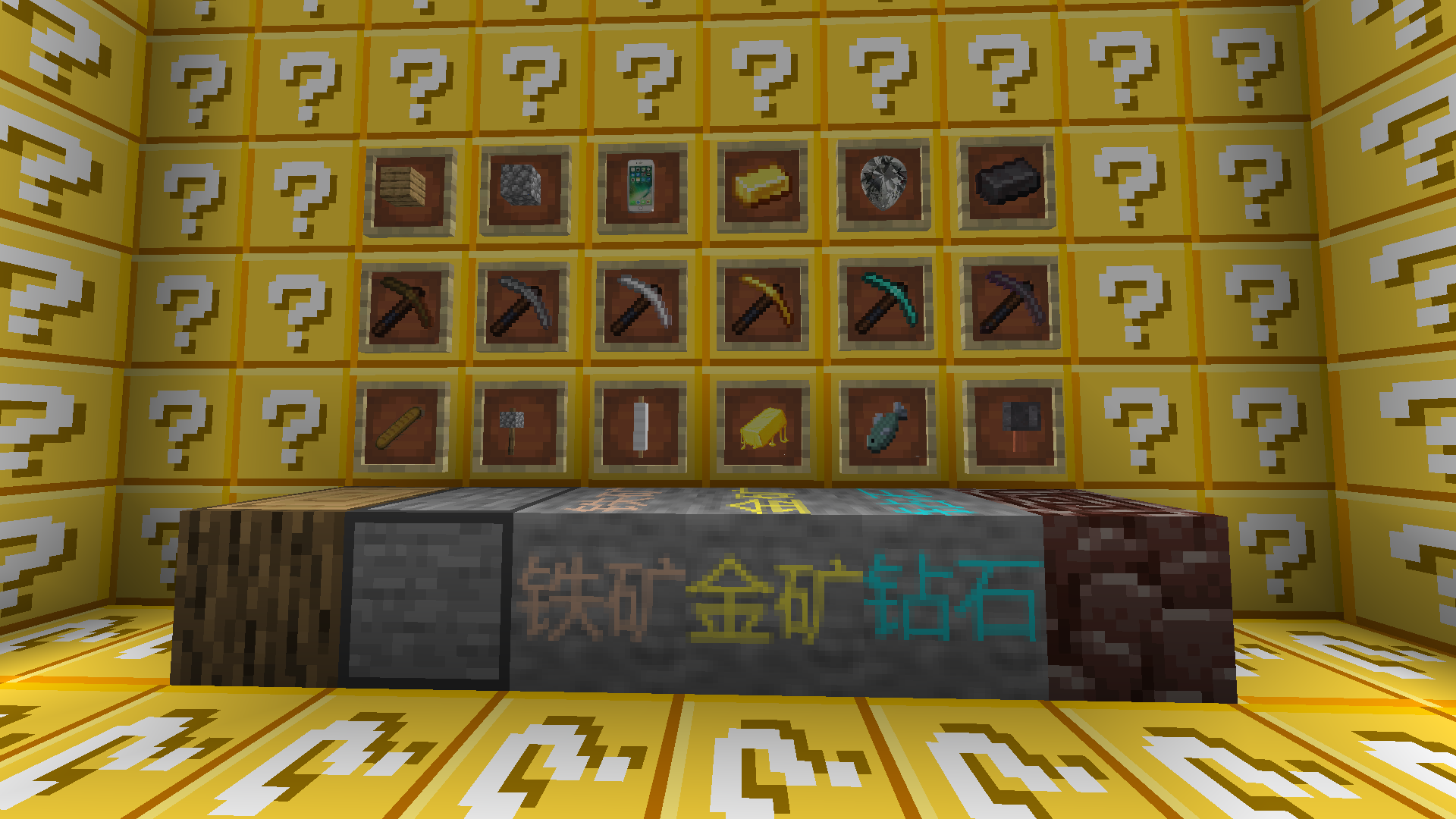
Legacy of “Ruo Zhi” and “Mining Draft”: Based on the famous “Mining Draft Ruo Zhi,” this pack retains its essence while adding innovative twists. It’s a must-have for fans!
❓ Why Choose This Resource Pack?
Are you tired of generic realistic or HD texture packs? Do you want to find a bit of fun in the midst of intense PvP combat? This pack is made for you!
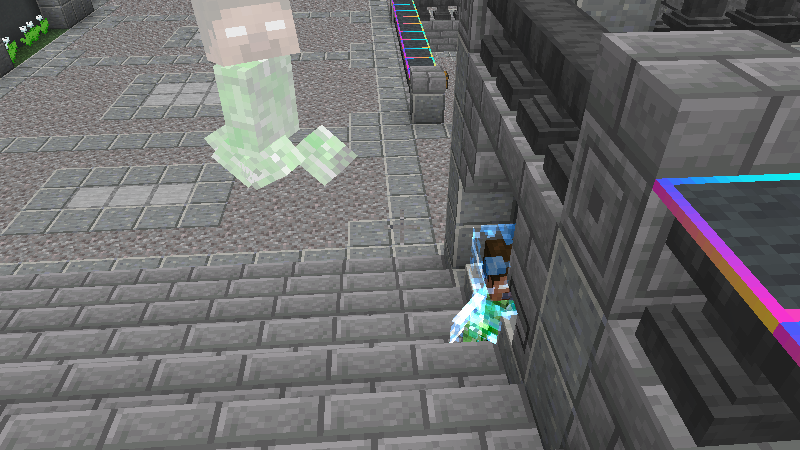
What does it do? It changes your perception of vanilla Minecraft, filling the process of mining, building, and fighting with surprises.
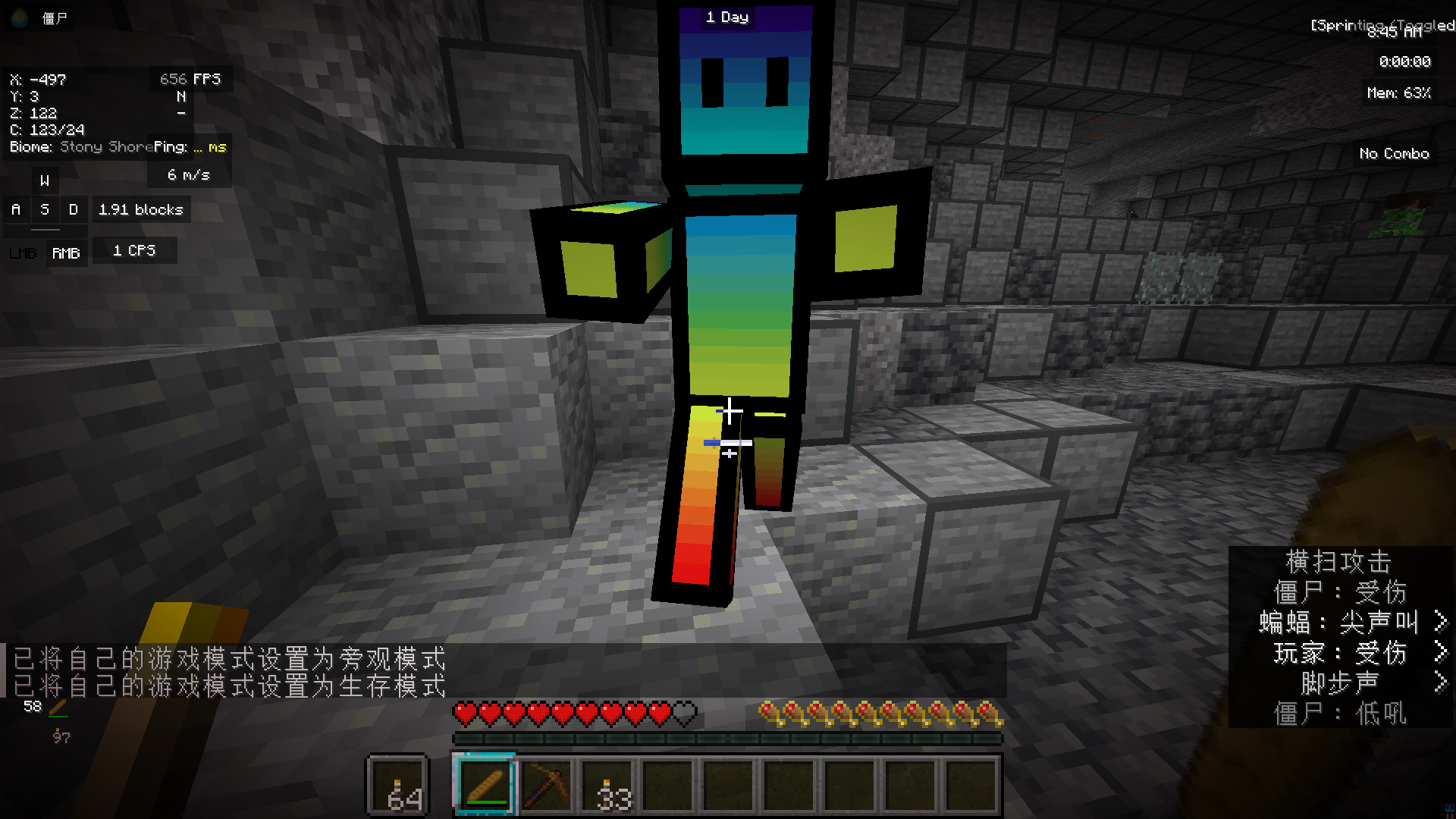
Who is it for? It’s for players who want to have fun and stand out from the crowd, especially fans of “Mining Draft Ruo Zhi” and PvP enthusiasts.
🛠️ Installation & Usage
适用版本 (Game Version): [1.21.6~1.21.11]
安装方法 (Installation Method): Simply place the downloaded .zip file into your resourcepacks folder, then activate it in the game settings.
[I am a Chinese player. I used a translator to fill out this description, so there might be some translation errors. Please bear with me.]
常见问题
minecraft wob 支持哪些 Minecraft 版本?
minecraft wob 支持 Minecraft Java 版 1.21.6–1.21.11,共 6 个版本。下载时注意选择和你游戏版本一致的文件。
minecraft wob 怎么安装?
把下载的 .zip 文件(不用解压)放进游戏目录的 resourcepacks 文件夹,进游戏后在「选项 → 资源包」里把它移到右边启用。
评论
登录后评论和评分