
截图


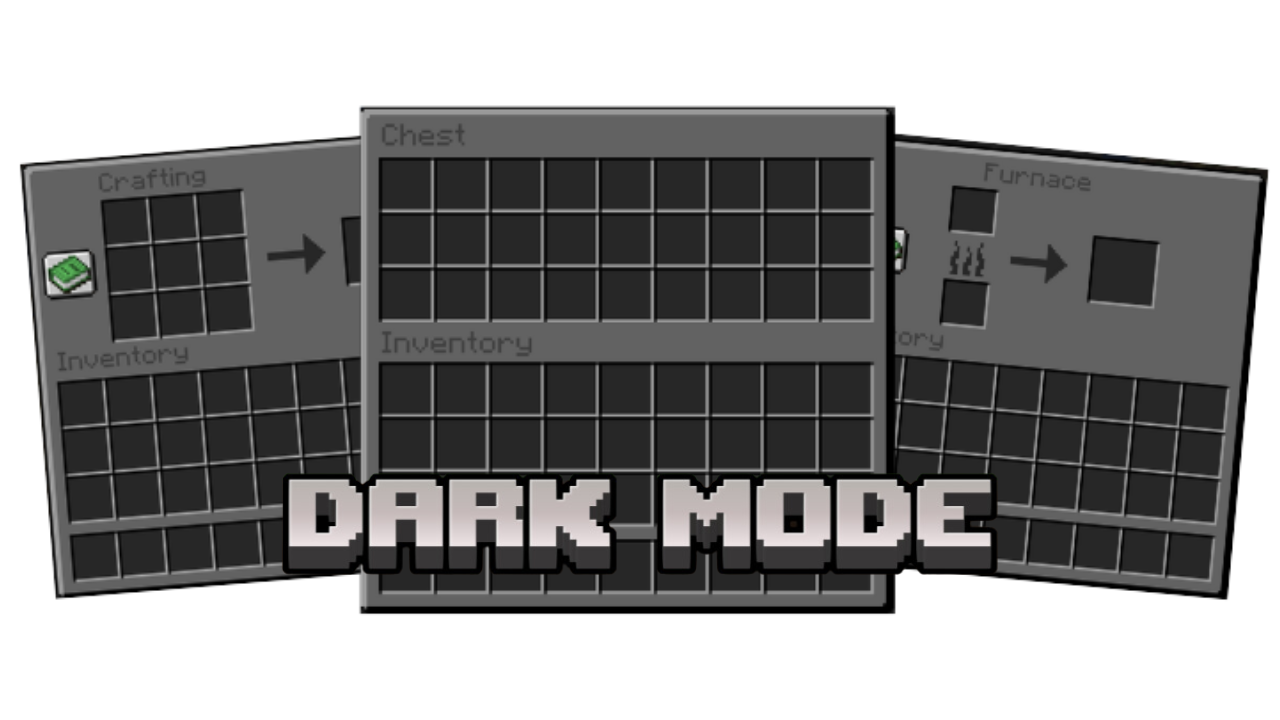

介绍
Dark mode resource pack, the best one there is.
__Dark Mode__ gives the Minecraft GUI a __darker look__ while maintaining the __vanilla__ textures.
Mods supported
| Mod | Supported |
|—————————————————————————————-|:—————:|
|ClothConfig | ✅ |
|Mod menu | ✅ |
|Request more mods! |<— Request here! |
Examples/Screenshots
Title screen
Crafting table
Chest
Furnace
Anvil
Enchantment table
Smithing table
Brewing stand
Beacon
__Heavily inspired by Deafult Dark Mode.__
https://modrinth.com/resourcepack/default-dark-mode
__Also inspired by Dark Mode.___
https://modrinth.com/resourcepack/darkmode
常见问题
Dark mode 支持哪些 Minecraft 版本?
Dark mode 支持 Minecraft Java 版 1.16.2–1.20.1,共 16 个版本。下载时注意选择和你游戏版本一致的文件。
Dark mode 怎么安装?
把下载的 .zip 文件(不用解压)放进游戏目录的 resourcepacks 文件夹,进游戏后在「选项 → 资源包」里把它移到右边启用。


评论
登录后评论和评分