Marble GUI (w/ Dark Mode)
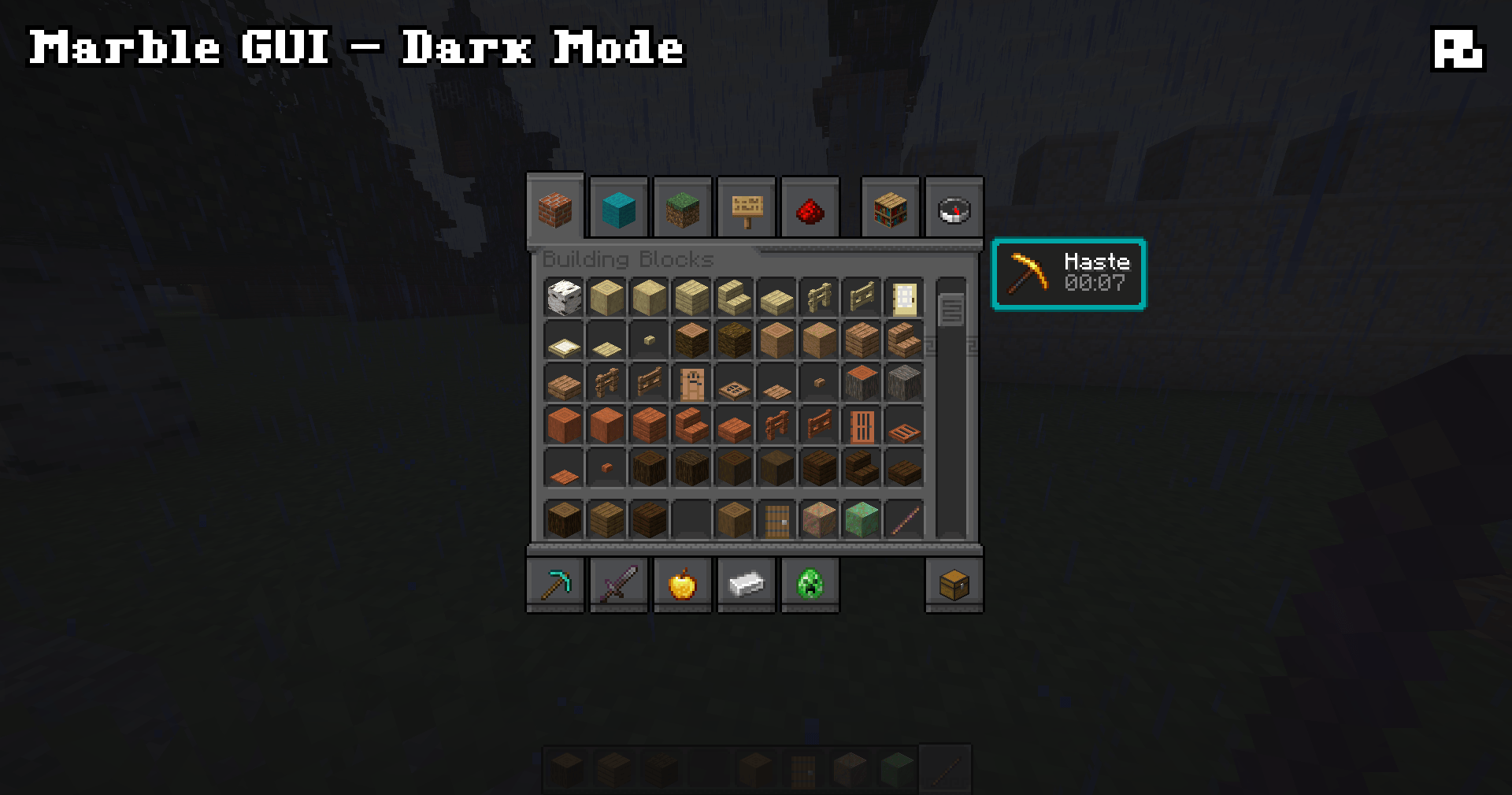
Retextures the game's GUI, inspired by marble and Greek meanders (and it has a Dark Mode version!)
截图
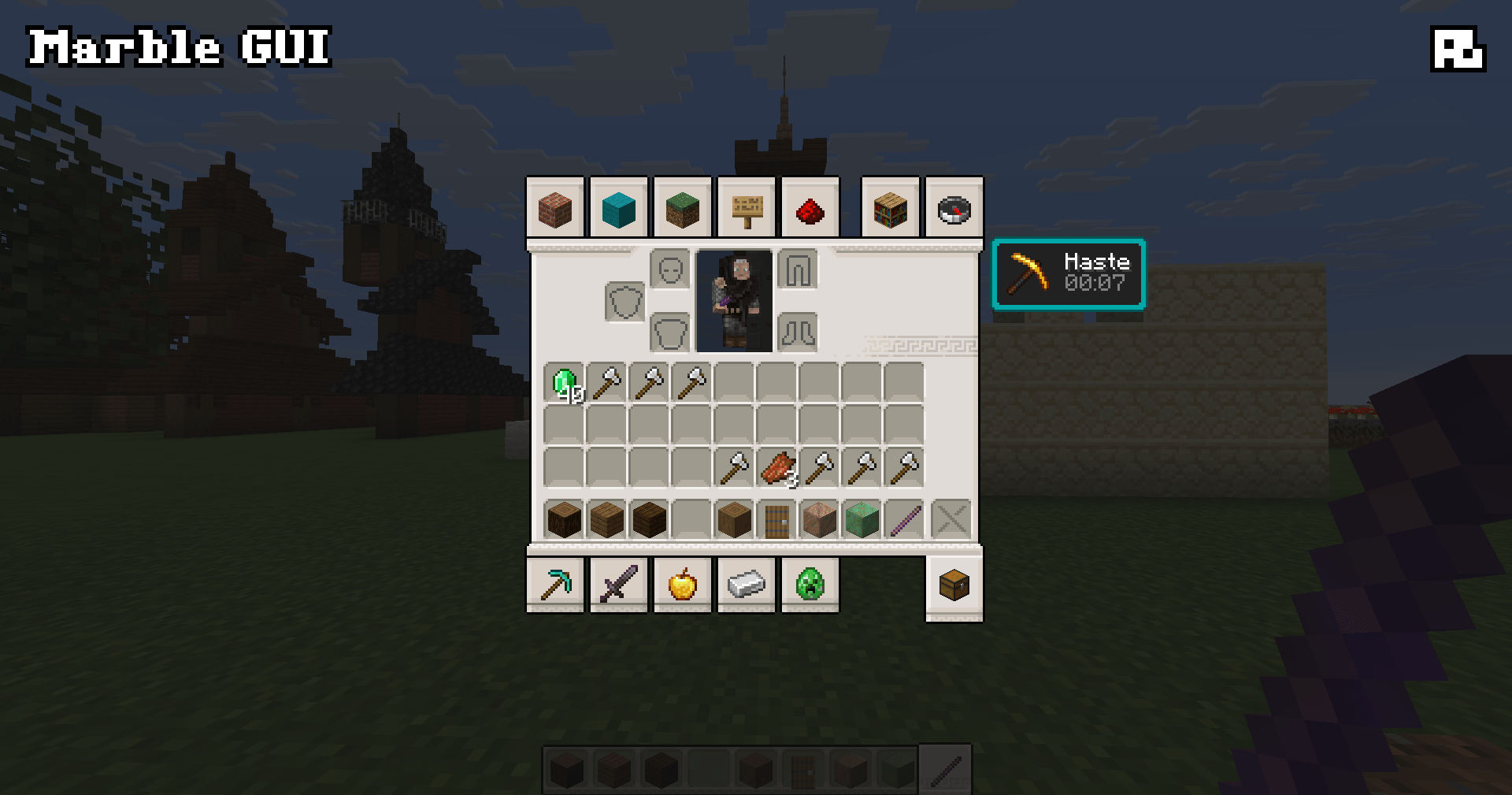
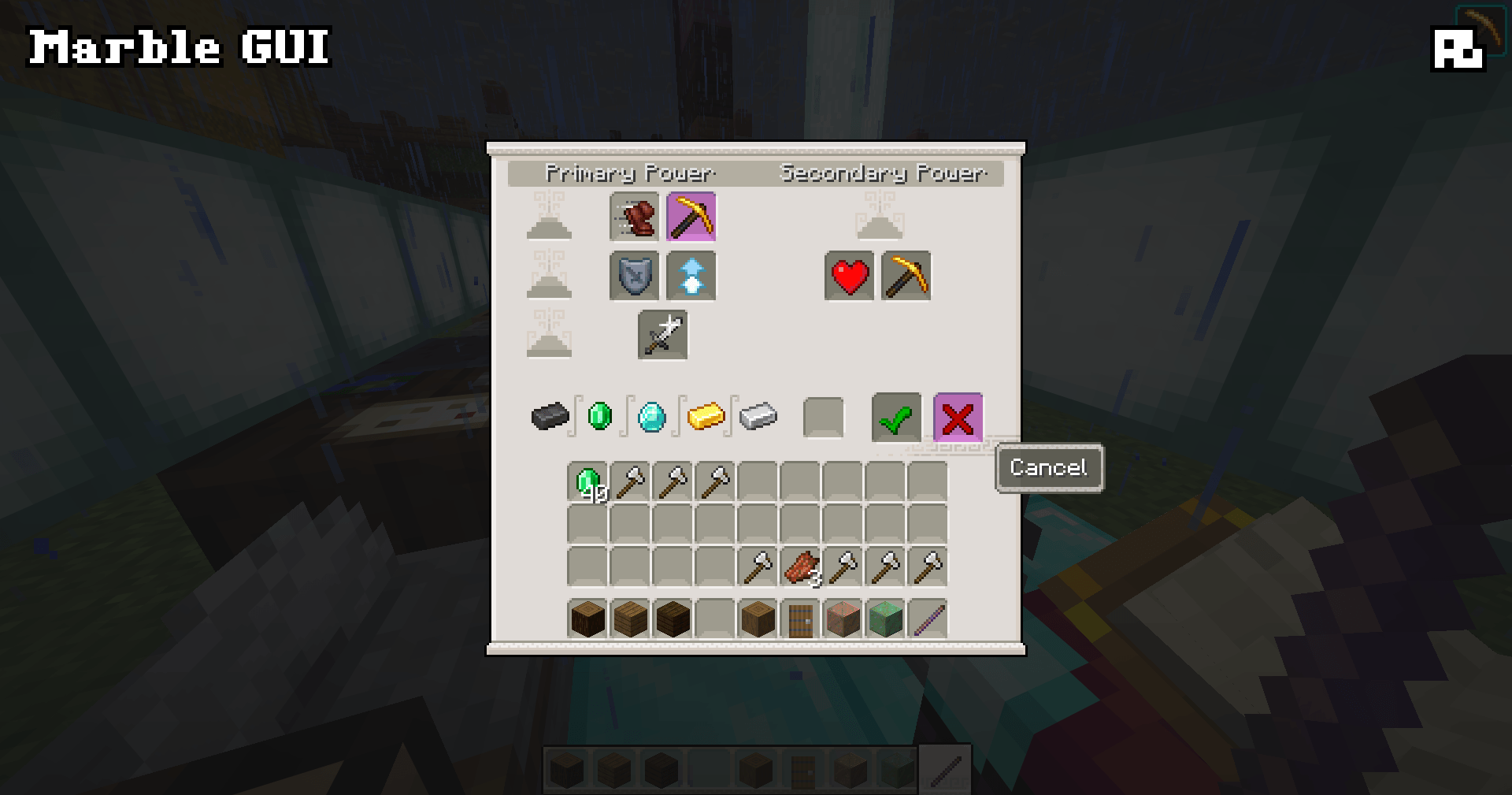
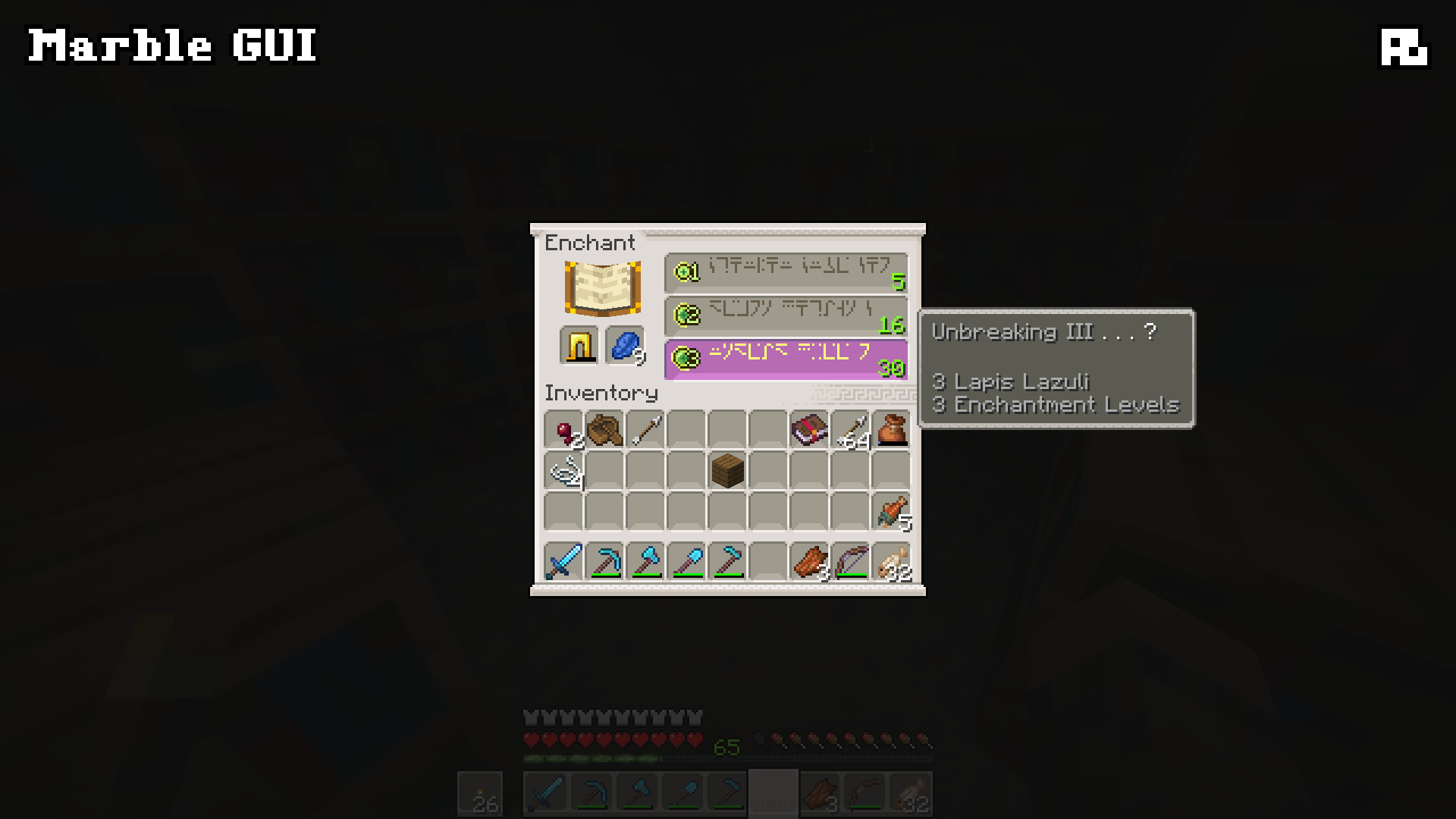
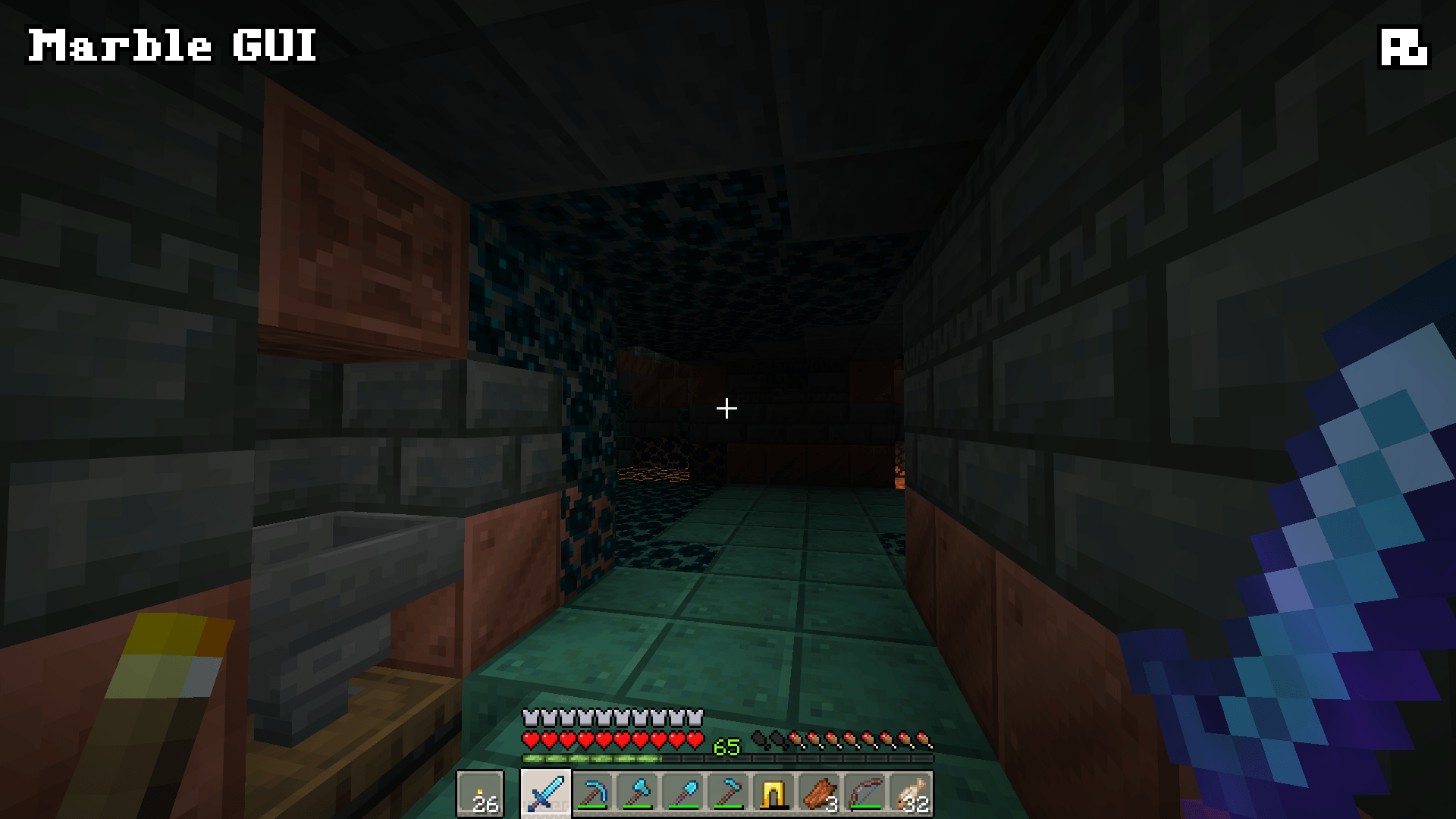
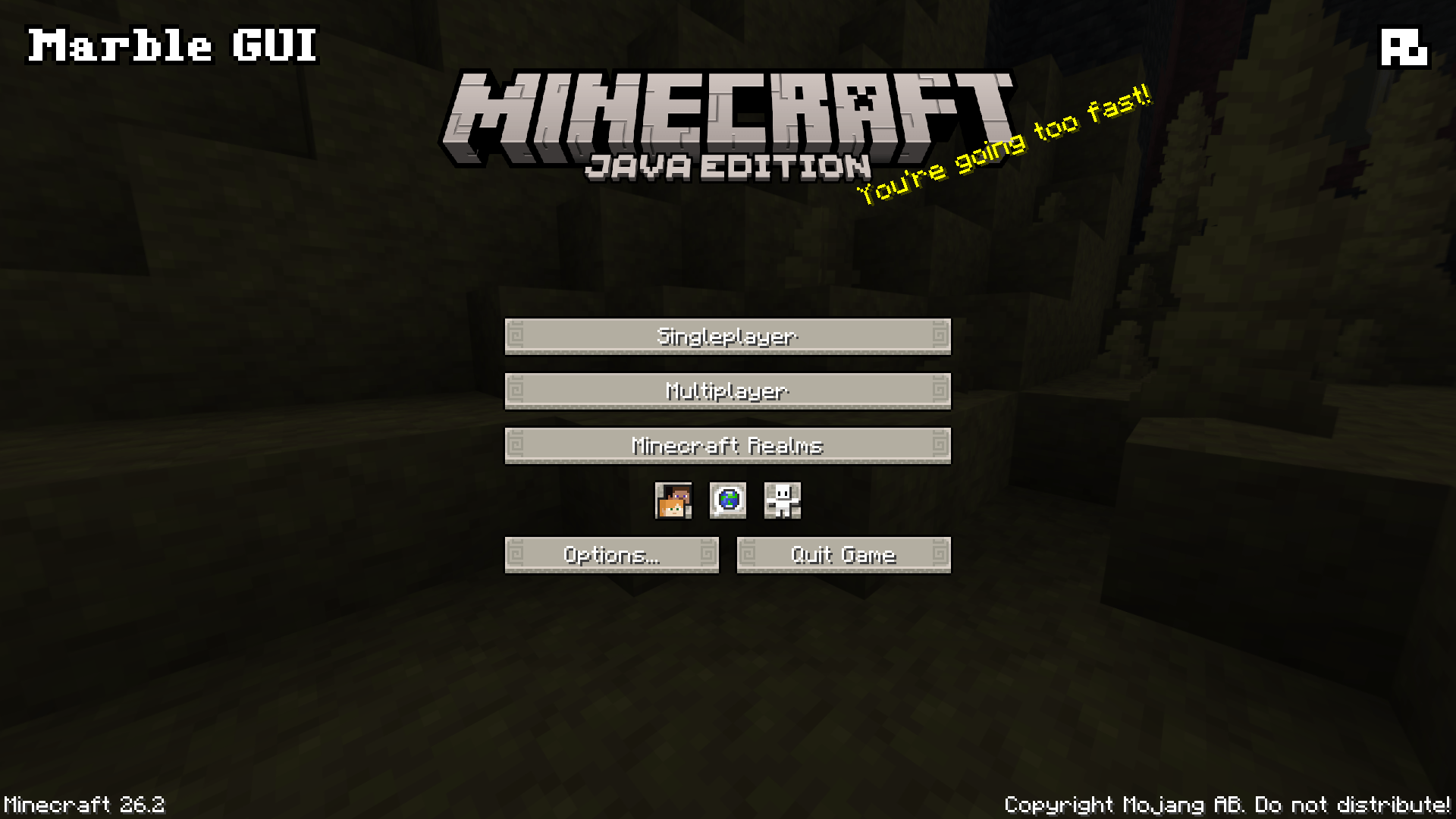
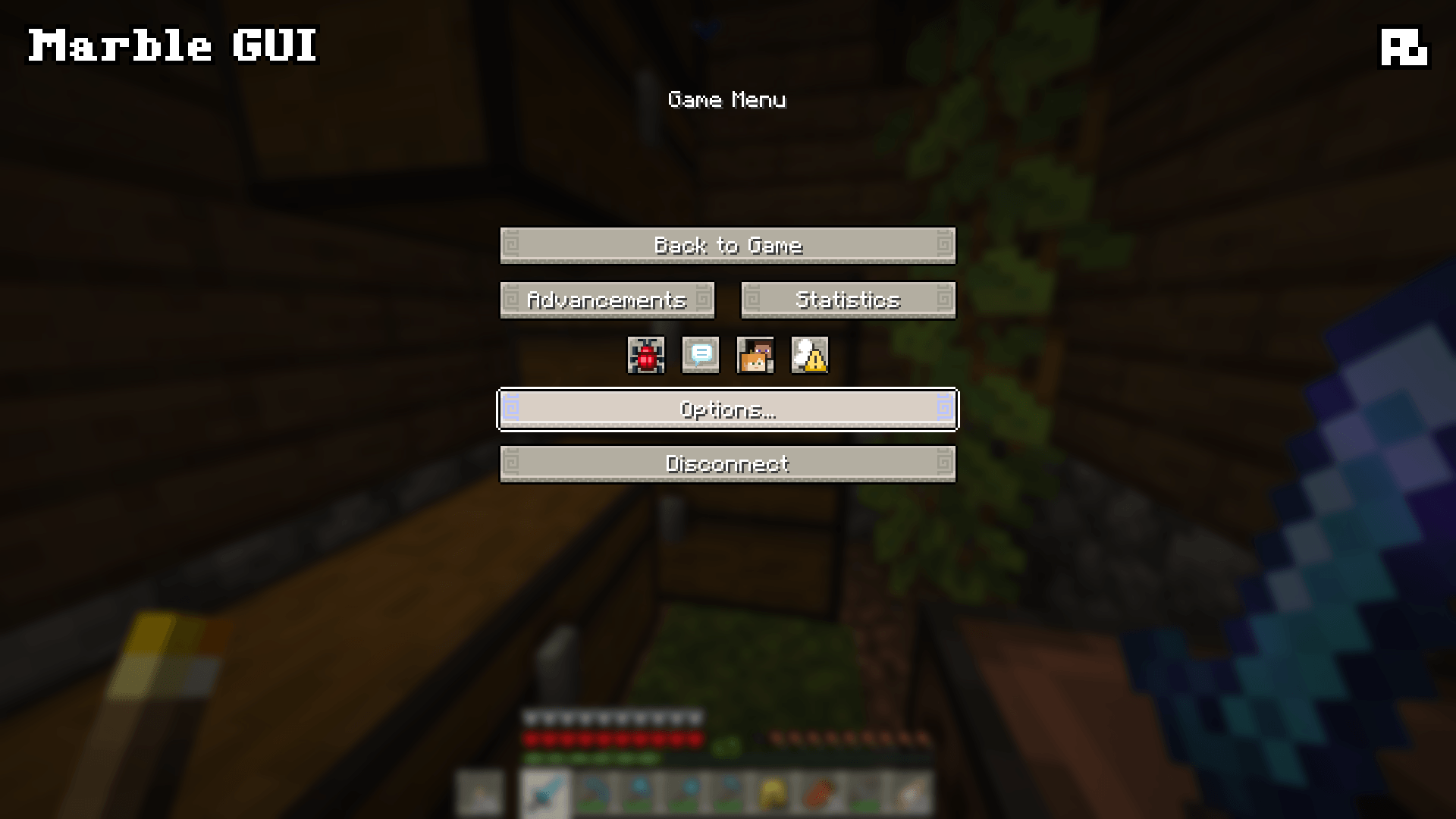
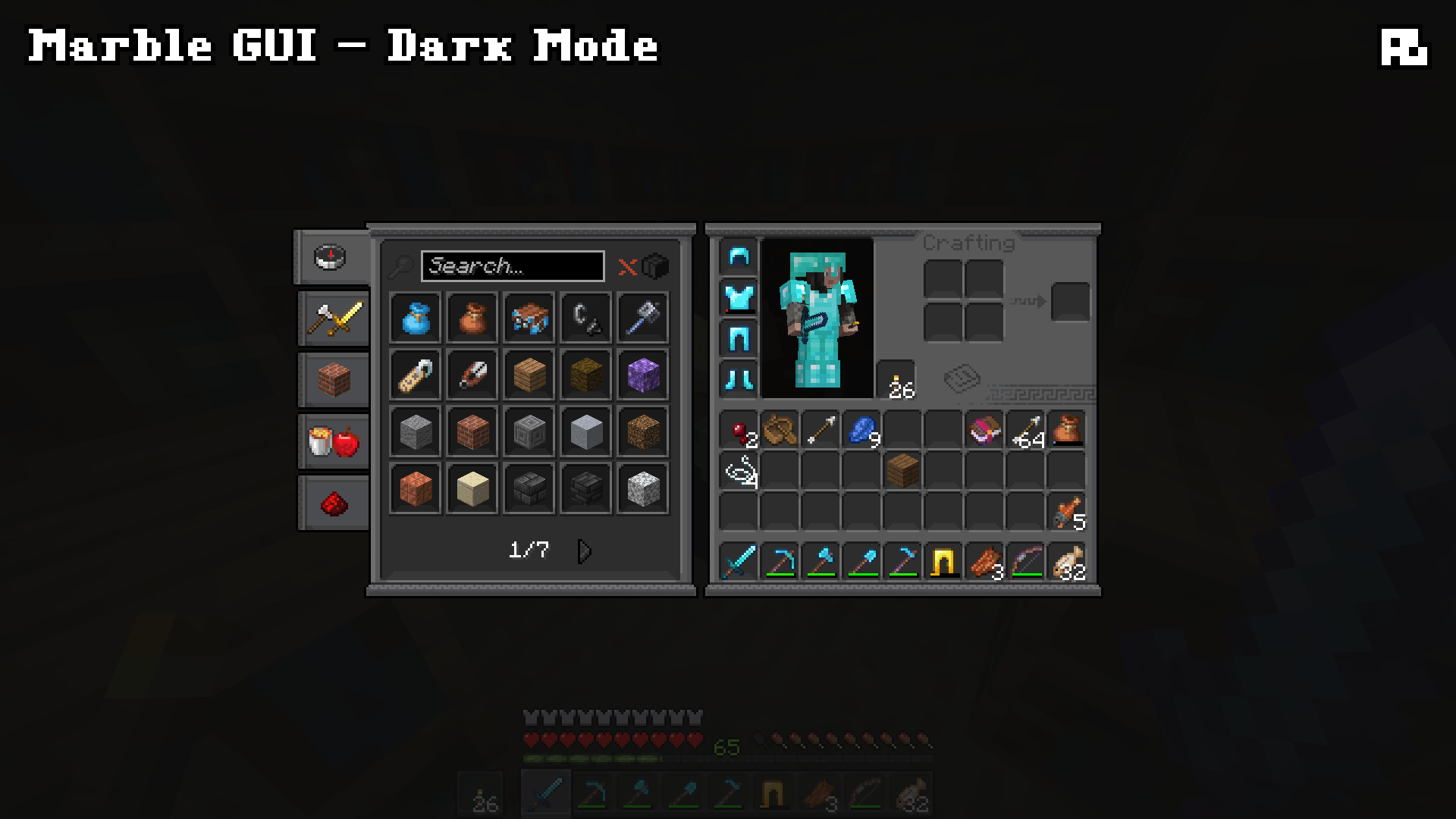
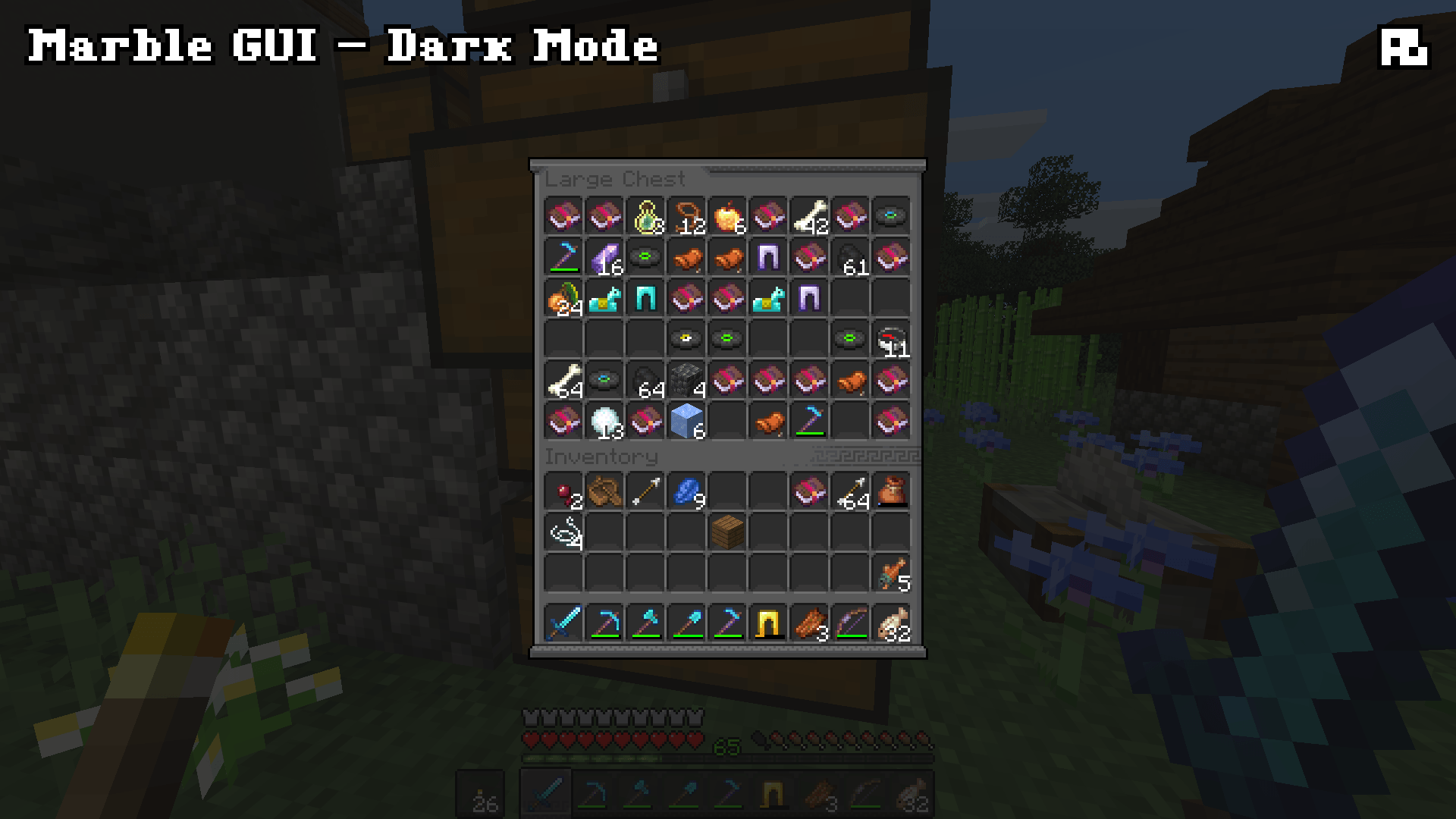
介绍
Marble GUI
Do you need to endure a perilous, ten-year journey to return to your starter base? Have your friends all been banned for killing the server admin’s favorite cows? Is your wolf waiting exactly where you left him? Well, why not have your GUI reflect that?!
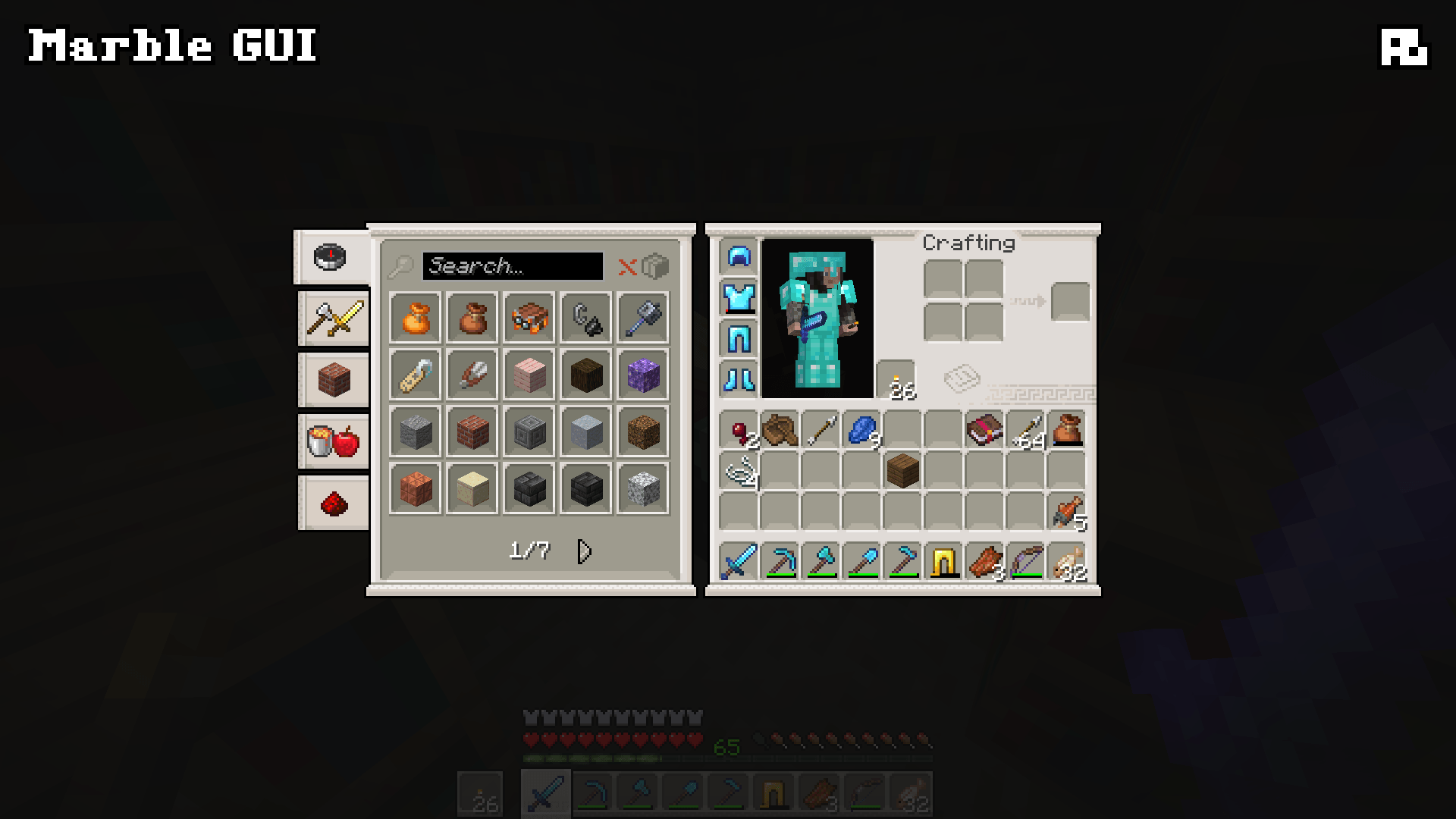
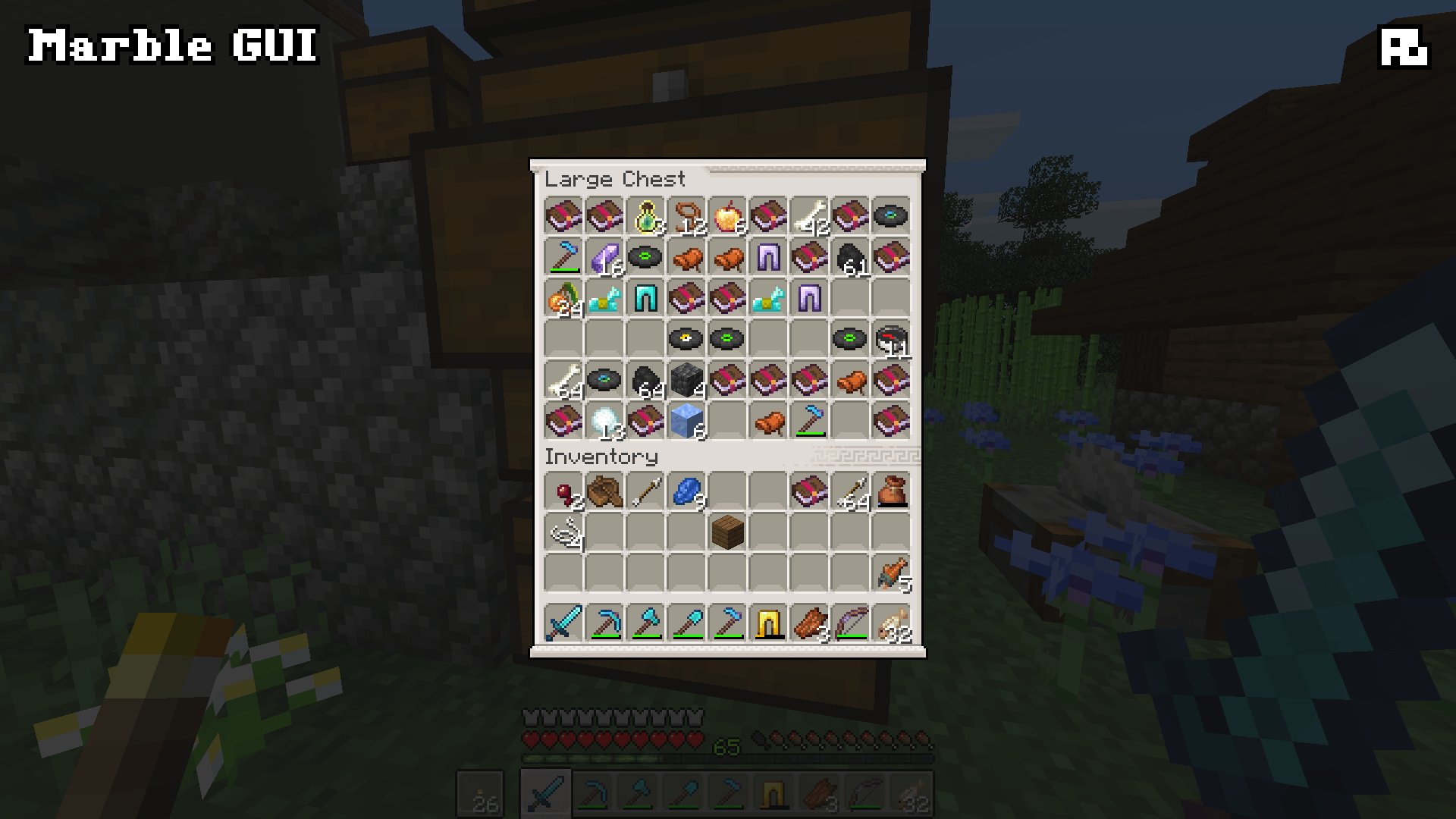
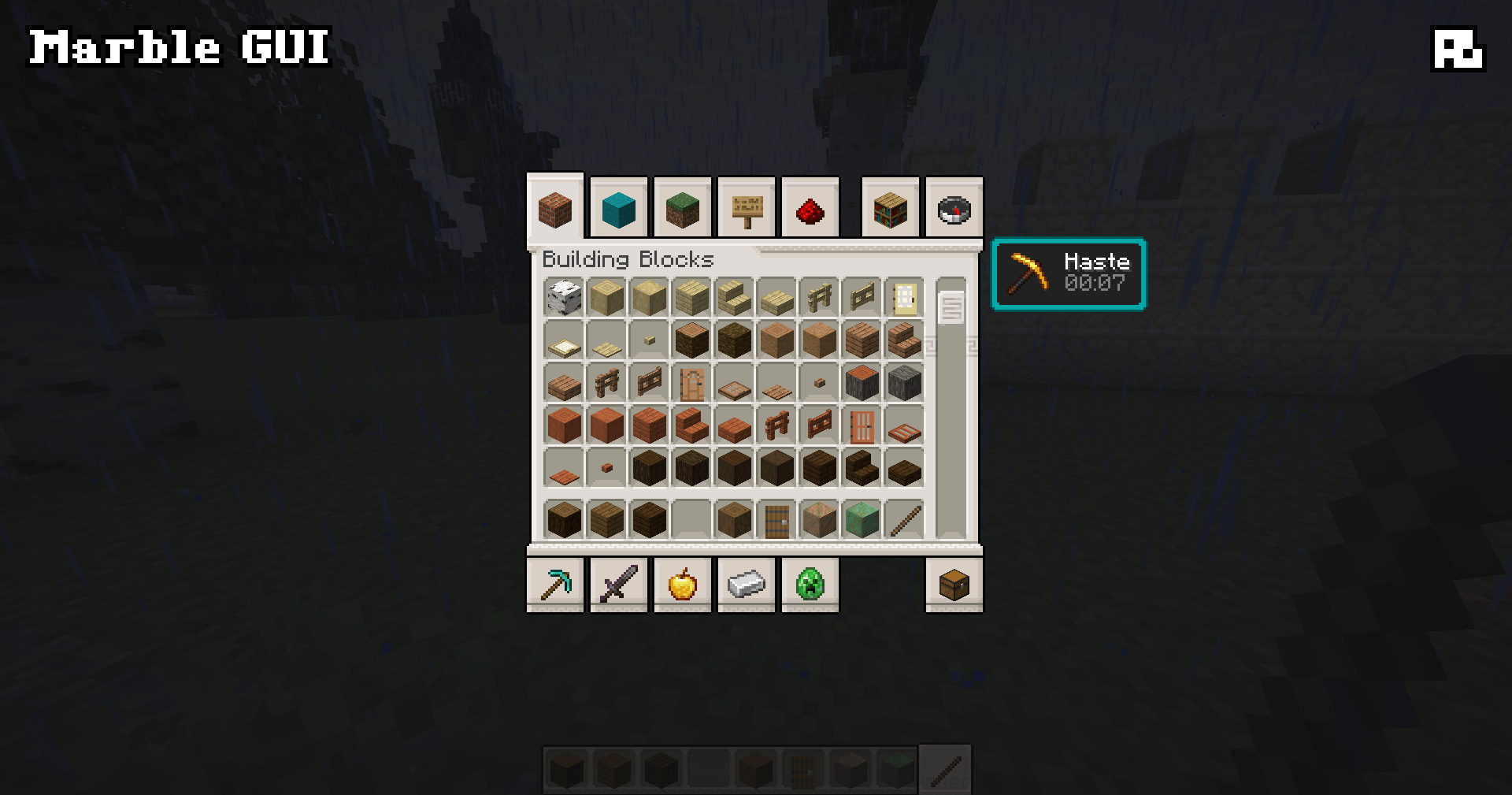
Marble GUI is inspired by Greek meanders and pop depictions of Classical and Hellenistic architecture. I tried to keep this one fairly simple, respecting the general ideas of Minecraft’s default GUI but reimagining it with a more specific theme. The basic version of the pack is based on the Quartz color palette, whereas the Dark Mode version is based on the Deepslate color palette.
What does Marble GUI do?
Marble GUI replaces anything that uses an inventory-style window or menu widget, such as:
- All crafting station GUIs
- The Recipe Book
- The Hotbar and Item Selection indicator
- Main Menu and Pause Menu buttons
- Newer features, like the Friends List
Marble GUI does not replace icons, such as:
- Status indicators like Health Hearts or Air Bubbles
- the Experience Bar
- empty item outlines (such as those in the Smithing Table GUI)
This approach means that Marble GUI is fully compatible with your favorite resource packs!
Other Info
Marble GUI is a pretty basic project, but that’s by design. I do not plan to expand it. All of the textures were hand-drawn (and hand-recolored, in the case of the Dark Mode version) in Aseprite over about three days or so. I do not use (or endorse the use of) generative AI at any stage of the packmaking process, and I never will. This pack was designed specifically for Modjam 2026 and its theme, "Echoes of the Past." This pack will, admittedly, likely not see updates for future GUI changes.
Happy crafting!
常见问题
Marble GUI (w/ Dark Mode) 支持哪些 Minecraft 版本?
Marble GUI (w/ Dark Mode) 支持 Minecraft Java 版 26.1–26.2,共 4 个版本。下载时注意选择和你游戏版本一致的文件。
Marble GUI (w/ Dark Mode) 怎么安装?
把下载的 .zip 文件(不用解压)放进游戏目录的 resourcepacks 文件夹,进游戏后在「选项 → 资源包」里把它移到右边启用。
Aim__Boot 的其他作品
查看全部 →
Ashen 16x Custom Font
一款为 Minecraft 打造的自定义中世纪奇幻风格 16x 字体。
Ashen Foliage + Fear Nightfall
为 Fear Nightfall 配置的 Simple Foliage 附加组件
Ashen + Fear Nightfall: Remains of Chaos
多个为配合 Fear Nightfall 使用而配置的 Ashen 模组兼容附属 мод。
Ashen Compatability
为 Asphen 资源包添加模组兼容支持
评论
登录后评论和评分