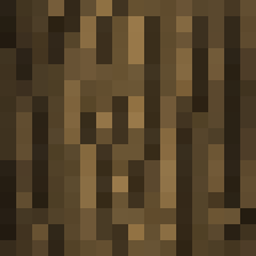
截图
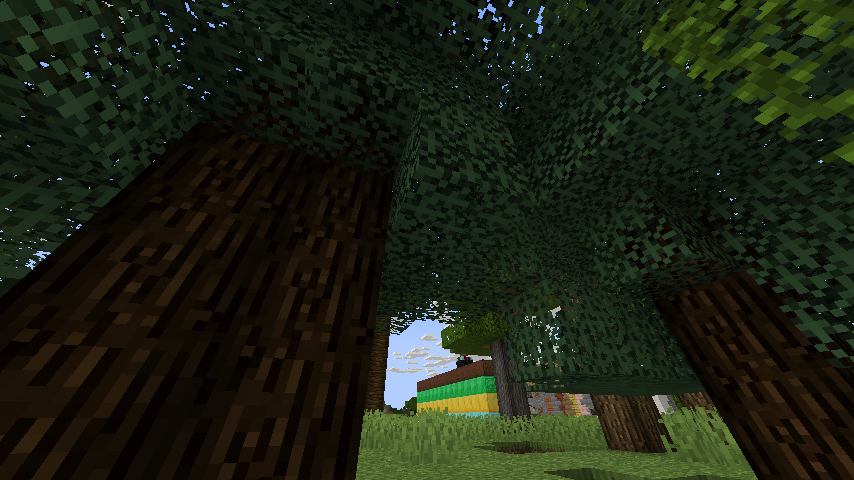
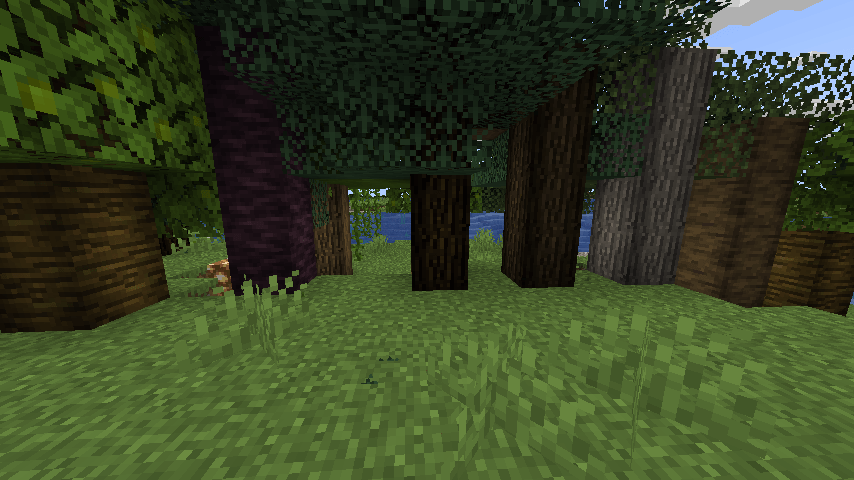
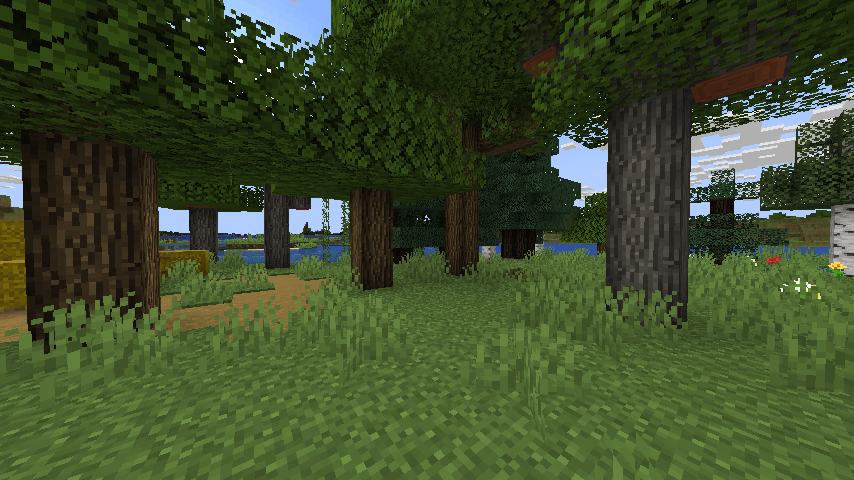
介绍
I want my trees and logs to look rounder, but NOT use an actual full out 3D model shape.
I realized you can trick the eyes by keeping the cube and flat texture but adding shadded darker areas on the edge of the texture and keeping the middle with the normal brightness.
So it looks rounded.
So i made some textures and a resource pack to do exactly this.
BEFORE pic is in the spoiler (this pic is without texture pack, for comparison)

Compare that to WITH the pack

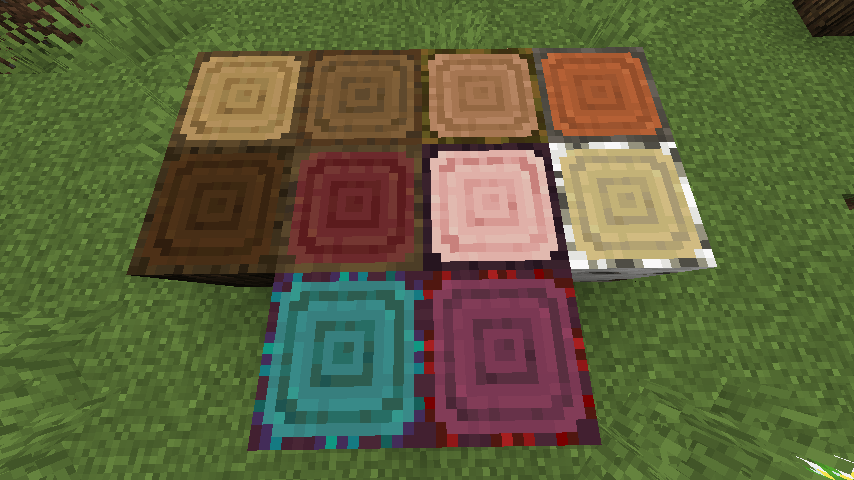
Also the TOPS of the logs i brought the corners in (all log tops are changed, but the crimson, birch, and warped log sides are not changed by design)
(The Sides of the Birch, crimson, and warped logs are not edited on purpose)
(Some logs are based on their so called legacy art/programmer art versions on purpose)
See my other resource packs
https://www.curseforge.com/minecraft/texture-packs/lz-clean-tnt
https://www.curseforge.com/minecraft/texture-packs/lz-dirt-without-rocks
https://www.curseforge.com/minecraft/texture-packs/lz-door-holes
https://www.curseforge.com/minecraft/texture-packs/lz-block-overlays
https://www.curseforge.com/minecraft/texture-packs/lz-glass-fusion
https://www.curseforge.com/minecraft/texture-packs/lz-retro-animated-blocks
https://www.curseforge.com/minecraft/texture-packs/lz-retro-animated-items
https://www.curseforge.com/minecraft/texture-packs/lz-ripe-melon
https://www.curseforge.com/minecraft/texture-packs/lz-roundish-logs
https://www.curseforge.com/minecraft/texture-packs/lz-rustic-torch
https://www.curseforge.com/minecraft/texture-packs/lz-shuffled-bricks
常见问题
Lz Roundish Logs 支持哪些 Minecraft 版本?
Lz Roundish Logs 支持 Minecraft Java 版 1.20.1–1.21.4,共 11 个版本。下载时注意选择和你游戏版本一致的文件。
Lz Roundish Logs 怎么安装?
把下载的 .zip 文件(不用解压)放进游戏目录的 resourcepacks 文件夹,进游戏后在「选项 → 资源包」里把它移到右边启用。
Lothrazar 的其他作品
查看全部 →
Cyclic
工具、机器、装备、药水、村民,全部可配置

简易存储网络 Simple Storage Network
原版 Storage Network 的简化移植版

FLIB
FutureLIBrary 模组,用于加速移植和开发新内容

Absent by Design
基于现有方块添加新的栅栏、墙、楼梯和台阶;不添加新材质 [FORGE]
评论
登录后评论和评分