
截图
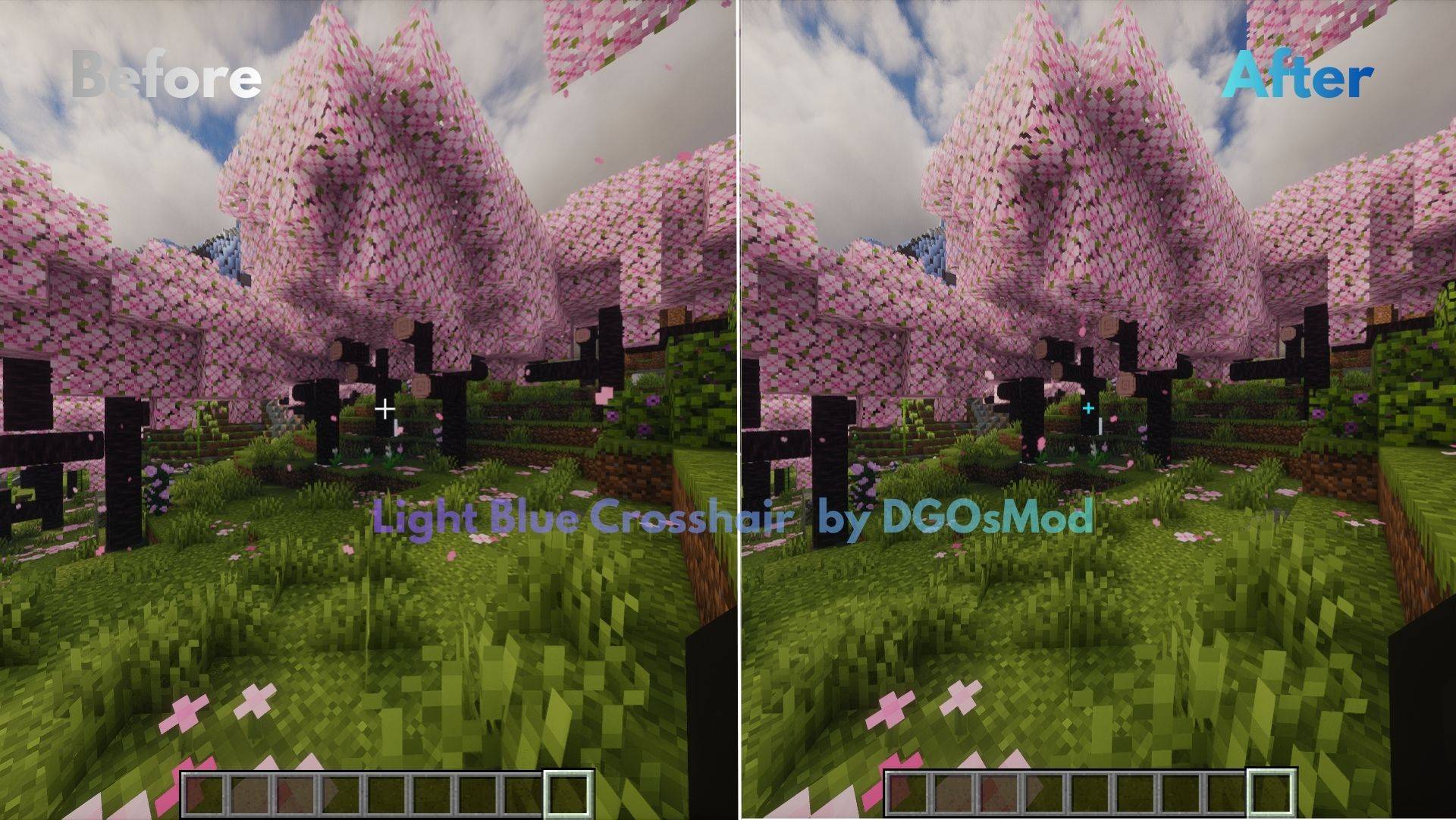
介绍
Minimalist & Clean Light Blue Crosshair Pack
Never miss your target in Minecraft! This lightweight and stylish texture pack replaces your in-game crosshair with a more prominent, smaller, and eye-pleasing neon light blue design. It’s designed to improve your aiming accuracy, especially for PvP (BedWars, SkyWars) and general Survival adventures.
✨ Features:
Minimalist Design: Ultra-small size that doesn’t cover the screen or obstruct your field of view.
High Visibility: Thanks to its vibrant light blue color, it’s easily noticeable in both dark caves and bright skies.
Performance Friendly: Doesn’t cause FPS drops, fully optimized.
Universal Compatibility: Works seamlessly with other resource packs (It’s recommended to place it on top).
🛠️ Installation:
Place the downloaded .zip file into Minecraft’s resourcepacks folder.
Go to Options > Resource Packs in-game.
Select the package, move it to the top of the list, and click “OK”.
常见问题
Light Blue Crosshair 支持哪些 Minecraft 版本?
Light Blue Crosshair 支持 Minecraft Java 版 1.16.2–26.1.2,共 36 个版本。下载时注意选择和你游戏版本一致的文件。
Light Blue Crosshair 怎么安装?
把下载的 .zip 文件(不用解压)放进游戏目录的 resourcepacks 文件夹,进游戏后在「选项 → 资源包」里把它移到右边启用。




评论
登录后评论和评分