Legacy Mechanics: Addon
Addon to Legacy Mechanics that completes the Legacy experience!
截图
介绍
📖 Description
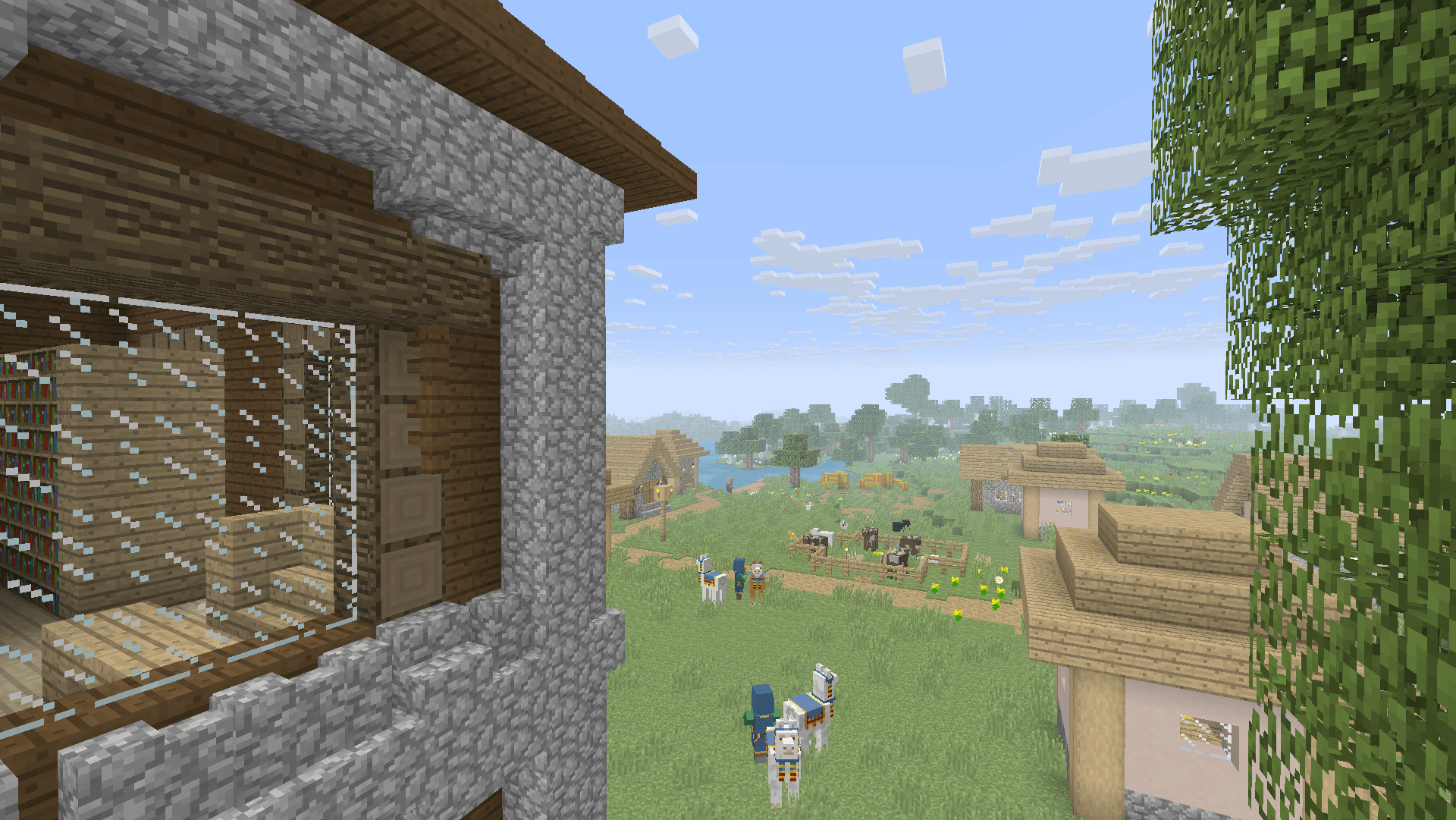
Legacy Mechanics: Addon is a companion resource pack for Legacy Mechanics that completes the nostalgic console experience by restoring classic item names and labels from the Legacy Console Editions of Minecraft.
This addon focuses purely on visual and naming nostalgia, leaving gameplay untouched while ensuring every item and block name matches how it appeared on the old console versions.
Some of the restored names include:
- Jack o’Lantern → Jack-O-Lantern
- Jungle Sapling → Jungle Tree Sapling
- Short Grass → Tall Grass
- Tall Grass → Double Tall Grass
Perfect for players who want their world to look and feel just like Minecraft on Xbox 360, PS3, Wii U, and other Legacy Console Editions.
✨ Features
- Restores classic console-era item and block names.
- Designed to pair seamlessly with the Legacy Mechanics datapack.
- Works standalone for those who just want the nostalgic text changes.
- Lightweight and fully compatible with other texture or sound packs.
🌌 Nostalgia
Combine with these for the full Legacy Console feel:
- Legacy Mechanics to bring back console-era mechanics and gameplay tweaks.
- Legacy4J to bring back every aspect of Legacy Console Edition to modern versions.
- Golden Days for classic pre-1.14 textures.
- Nostalgic Tweaks for old fog, skies, and lighting.
- Moderner Beta for terrain generation in a console-like style.
⚙️ Compatibility
- ✅ Works with Minecraft 1.21.x and newer.
- 🧱 Compatible with both vanilla and modded installations.
📦 Installation
- Download the pack.
- Place the
.zipfile in yourresourcepacks/folder. - Enable it in Minecraft’s Resource Packs menu, ensuring it’s above any other packs that alter language files.
- Enjoy the authentic console-era naming nostalgia!
🤝 Support
常见问题
Legacy Mechanics: Addon 支持哪些 Minecraft 版本?
Legacy Mechanics: Addon 支持 Minecraft Java 版 1.21–1.21.10,共 11 个版本。下载时注意选择和你游戏版本一致的文件。
Legacy Mechanics: Addon 怎么安装?
把下载的 .zip 文件(不用解压)放进游戏目录的 resourcepacks 文件夹,进游戏后在「选项 → 资源包」里把它移到右边启用。


评论
登录后评论和评分