
截图
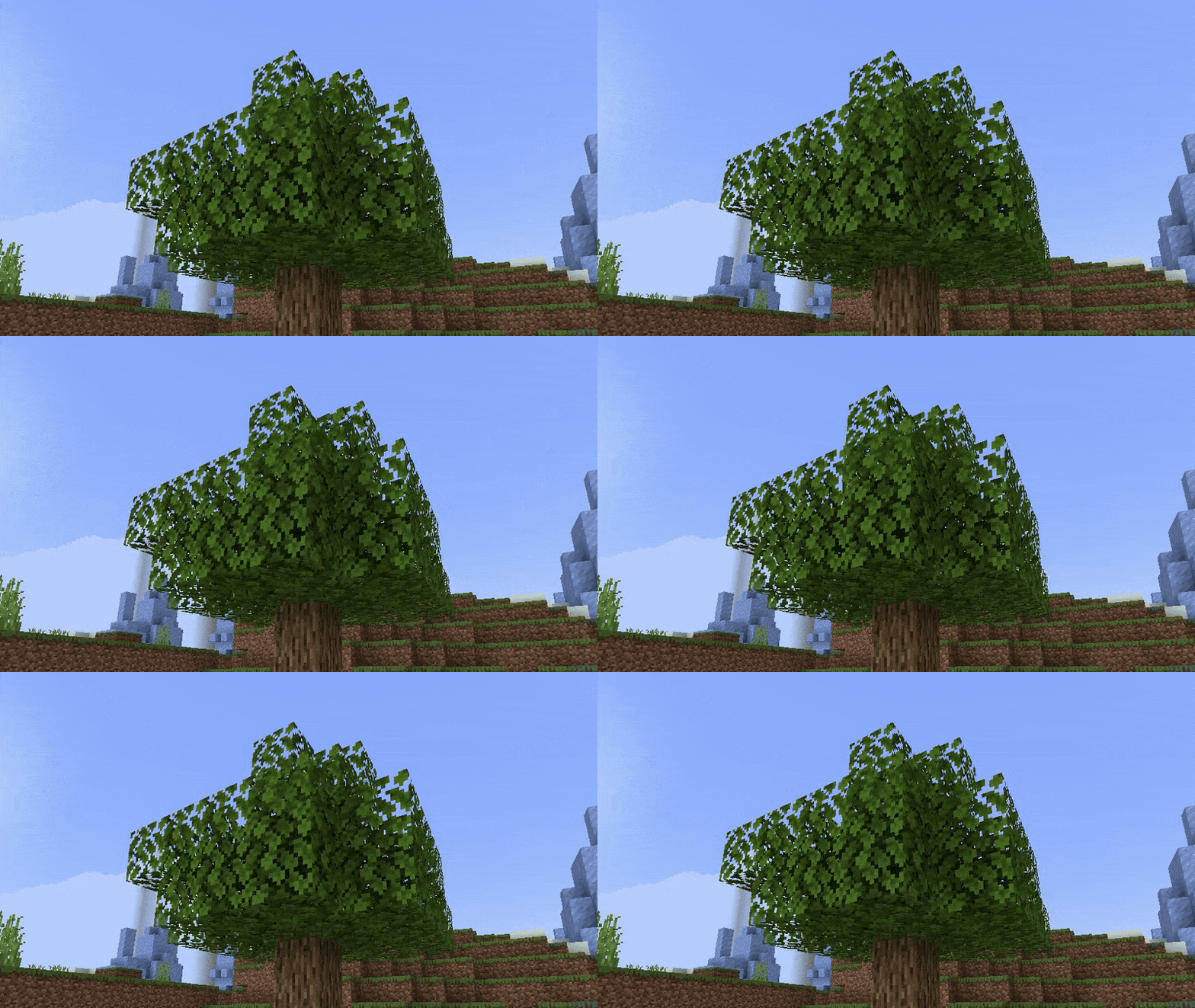
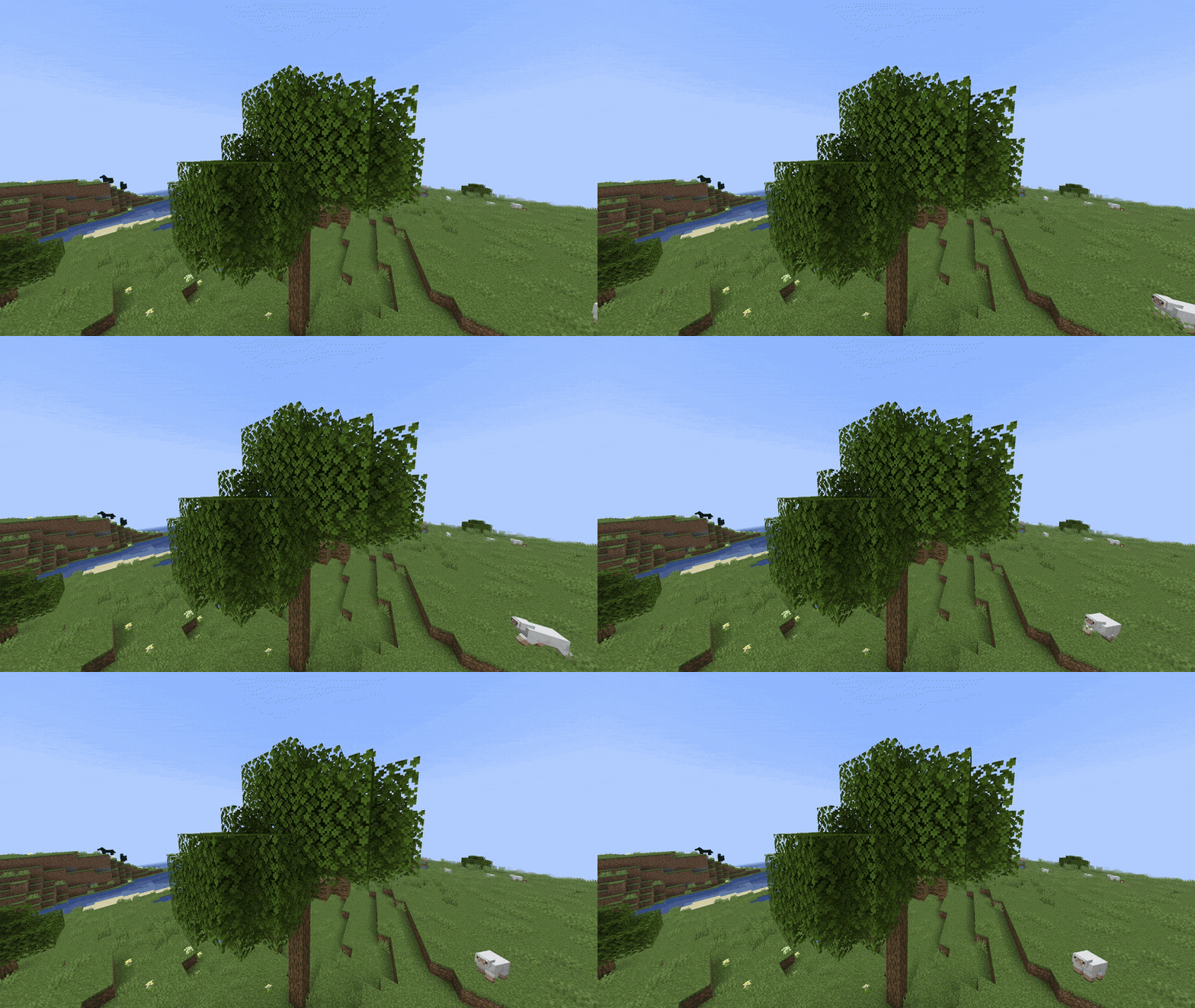
介绍
Showcase
For more images/previews, go to the gallery. Please note that since version 2.0, the leaves may look slightly different than what is shown in the previews.
Description
This is a Vanilla Minecraft texture pack that adds wind to leaves. You don’t need to install any other mods for this to work, which means a clean install of Minecraft can use this texture pack. It’s easy to configure with respackopts (or by editing values in the pack), and is very performant. Sadly, you cannot use sodium with this texture pack. You can find demonstrations for the pack in the gallery.
How to Use
- Download and install the texture pack like normal
Optionally, install respackopts for more control on how the waves look. After installing this, you should see a settings icon appear on the texture pack.(Respackopts support was removed, and will be added back in a future update)- If the effect isn’t working, try disabling other packs. This texture pack also notably does not work with the Sodium mod.
- If you can’t find the texture pack in the list, try enabling folder view in the bottom left if you have recursive resources and then searching for it with the search bar.
- To configure the pack without respackopts, open the texture pack file and then head to
assets/minecraft/shaders/includethen open theconfig.glslfile. There will be 3 values that you can change to any number you want.
Support
Join My Discord
- Report bugs
- Create suggestions
- Vote on future packs
- Interact with the community
- Ask for help with texture packs
- This is the place to ask if you can use this pack in your own pack
Check out The Repository
- Report bugs
- Create suggestions
- Contribute by creating a pull request
https://www.alphaleo.li/resourcepacks
常见问题
Windy Leaves 支持哪些 Minecraft 版本?
Windy Leaves 支持 Minecraft Java 版 1.19–26.2,共 28 个版本。下载时注意选择和你游戏版本一致的文件。
Windy Leaves 怎么安装?
把下载的 .zip 文件(不用解压)放进游戏目录的 resourcepacks 文件夹,进游戏后在「选项 → 资源包」里把它移到右边启用。
AlphaLeoli 的其他作品
查看全部 →
Xray (Spectator X Ray)
X-Ray通过一个简单的按键激活:F3 + N 即可有效进入旁观模式,而这个资源包正是在该模式下生效的。
Subtly Glowing Ores
为矿石添加发光的彩色轮廓!兼容大多数资源包!

Glowing
使用OptiFine/ConnectedTextureMod/原版(CoreShaders)格式为原版内容制作发光或自发光效果。

GUI Revision
在保留原版 GUI 简洁风格的同时,带来全新的设计
评论
登录后评论和评分