
截图




介绍
RU
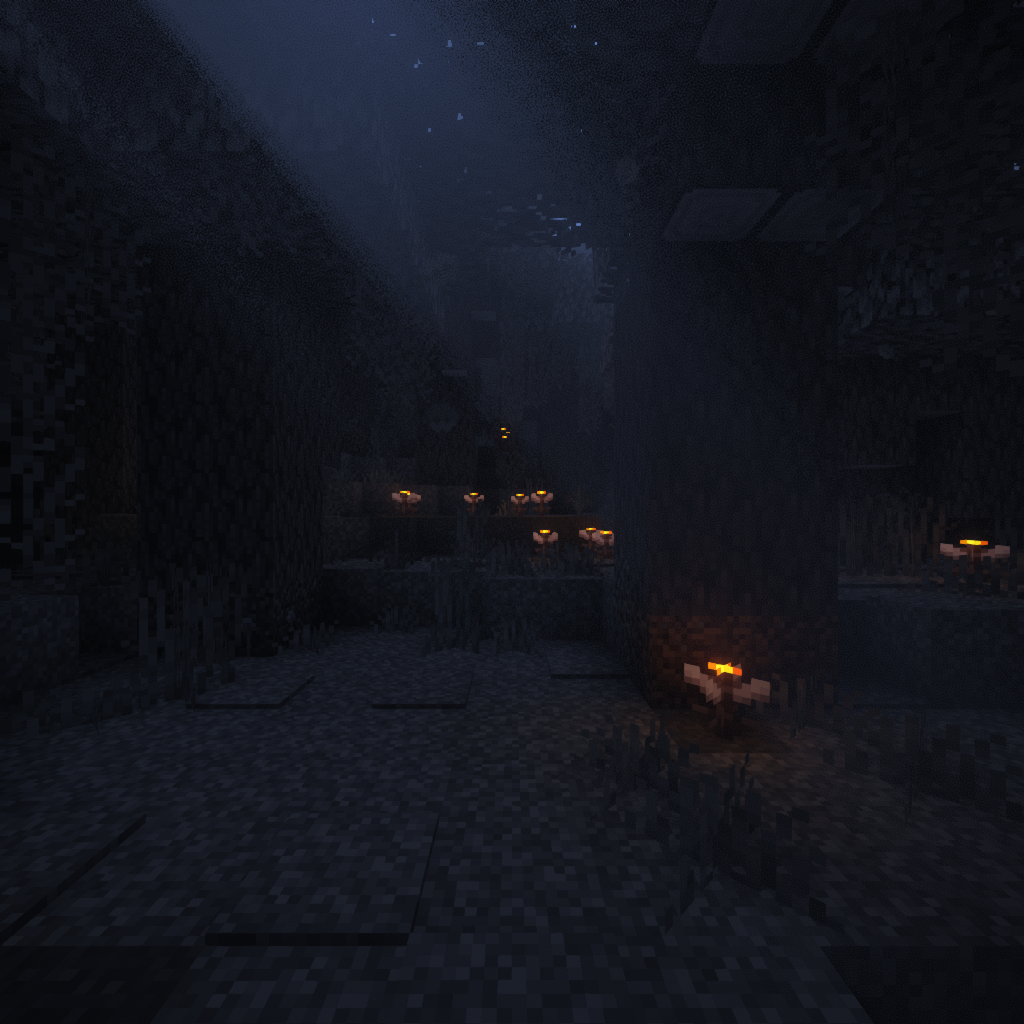
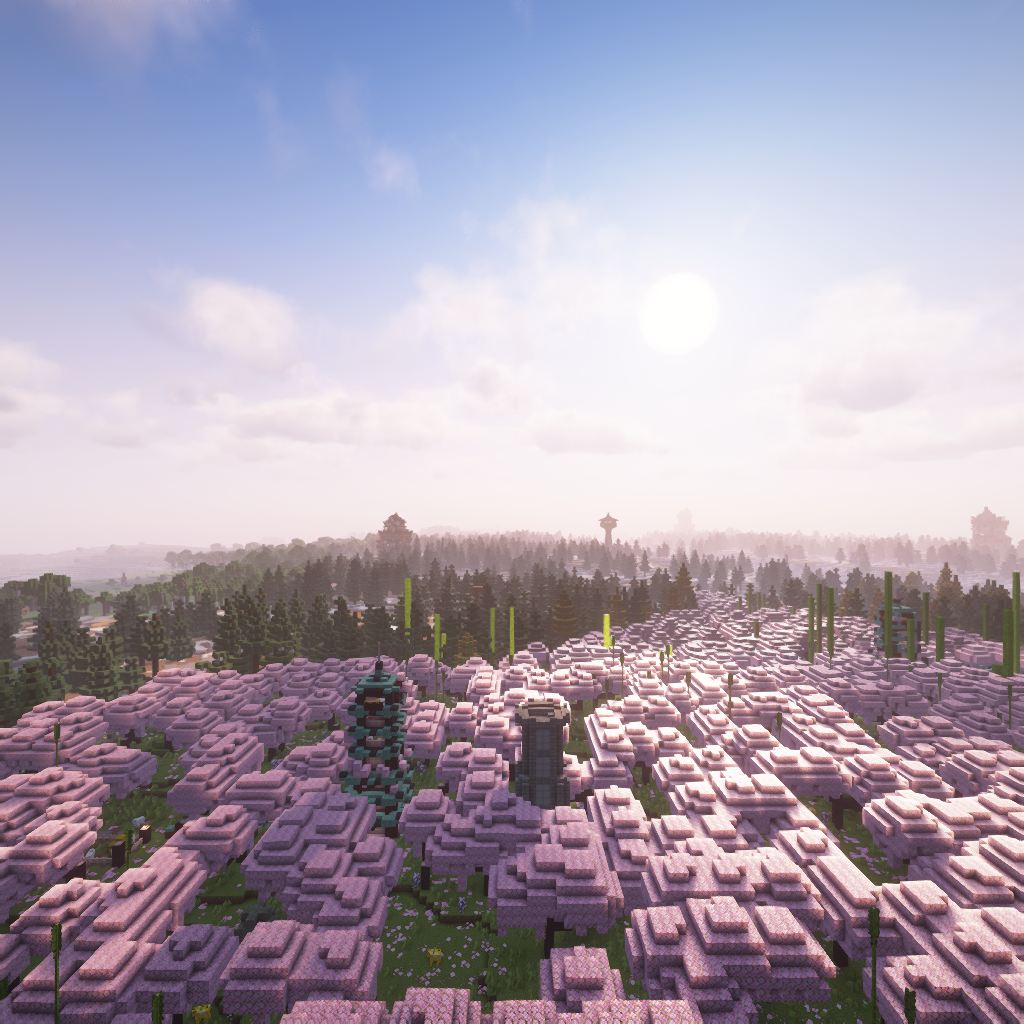
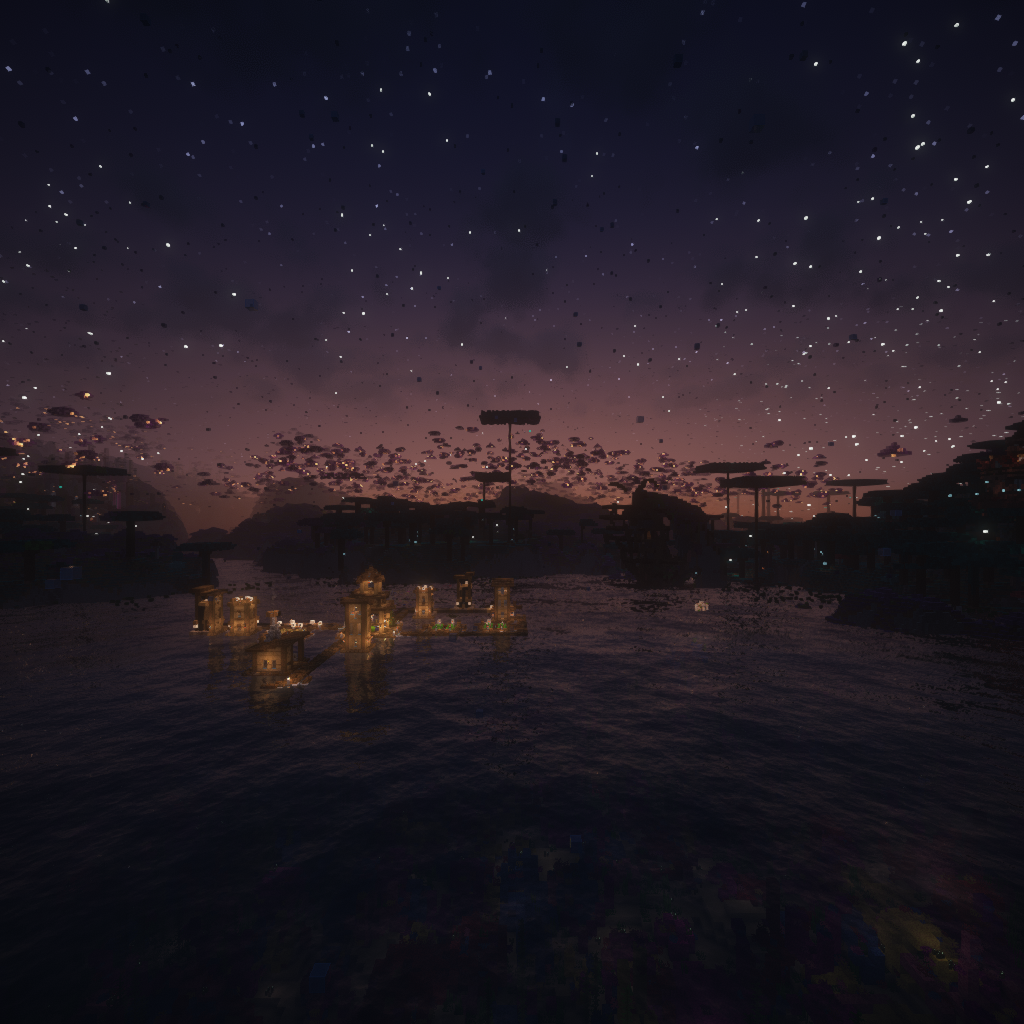
🌄 Это моя коллекция панорам различных мест в Minecraft.
🖼 Вы можете найти часть каждой панорамы в разделе Галереи.
⚙ Поскольку формат панорамы не менялся с 2013 года, каждый набор ресурсов должно работать для всех версий, начиная с 1.6.1.
🕯 Использовал шейдеры Complementary Unbound с аддоном Euphoria Patches.
📸 Панорамы были сняты с ванильной дальностью прорисовки в 10 чанков и высоким качеством Distant Horizons с прорисовкой в 64 чанка.
📝 На данный момент имеются следующие панорамы:
Minecraft1.20Minecraft1.21Minecraft1.21.4 (только при ясной погоде)SaturatedThe Bracken PackDeeper and DarkerLuki's Crazy Chambers— Как панорама 1.21, но другая.The Corners
📃 Планируется добавить: (порядок ни о чём не говорит)
Minecraft1.19BetterEndBetterNetherEternal StarlightLightwoodsLimboThe Aether— Все те же варианты, что и для Надземного мира.The AfterdarkThe BackroomsThe BumblezoneThe CeilandsThe UndergardenVoidscape
🌄 This is my collection of panoramas of various places in Minecraft.
🖼 You can view a piece of each panorama in the Gallery.
⚙ Since the panorama format has not changed since 2013, this should work for all versions starting from 1.6.1.
🕯 I have used Complementary Unbound shaders with the Euphoria Patches addon.
📸 The panoramas were captured with Vanilla view range of 10 chunks and high-quality Distant Horizons view range of 64 chunks.
📝 The following panoramas are currently available:
Minecraft1.20Minecraft1.21Minecraft1.21.4 (only in clear weather)SaturatedThe Bracken PackDeeper and DarkerLuki's Crazy Chambers— Like 1.21 panorama, but different.The Corners
📃 Planned to add: (the order doesn’t mean anything)
Minecraft1.19BetterEndBetterNetherEternal StarlightLightwoodsLimboThe Aether— All the same variants as for the Overworld.The AfterdarkThe BackroomsThe BumblezoneThe CeilandsThe UndergardenVoidscape
常见问题
Distant Shaded Panoramas 支持哪些 Minecraft 版本?
Distant Shaded Panoramas 支持 Minecraft Java 版 1.19.4–1.21.8,共 17 个版本。下载时注意选择和你游戏版本一致的文件。
Distant Shaded Panoramas 怎么安装?
把下载的 .zip 文件(不用解压)放进游戏目录的 resourcepacks 文件夹,进游戏后在「选项 → 资源包」里把它移到右边启用。


评论
登录后评论和评分