
JJBA Data Pack
作者:JasonMix
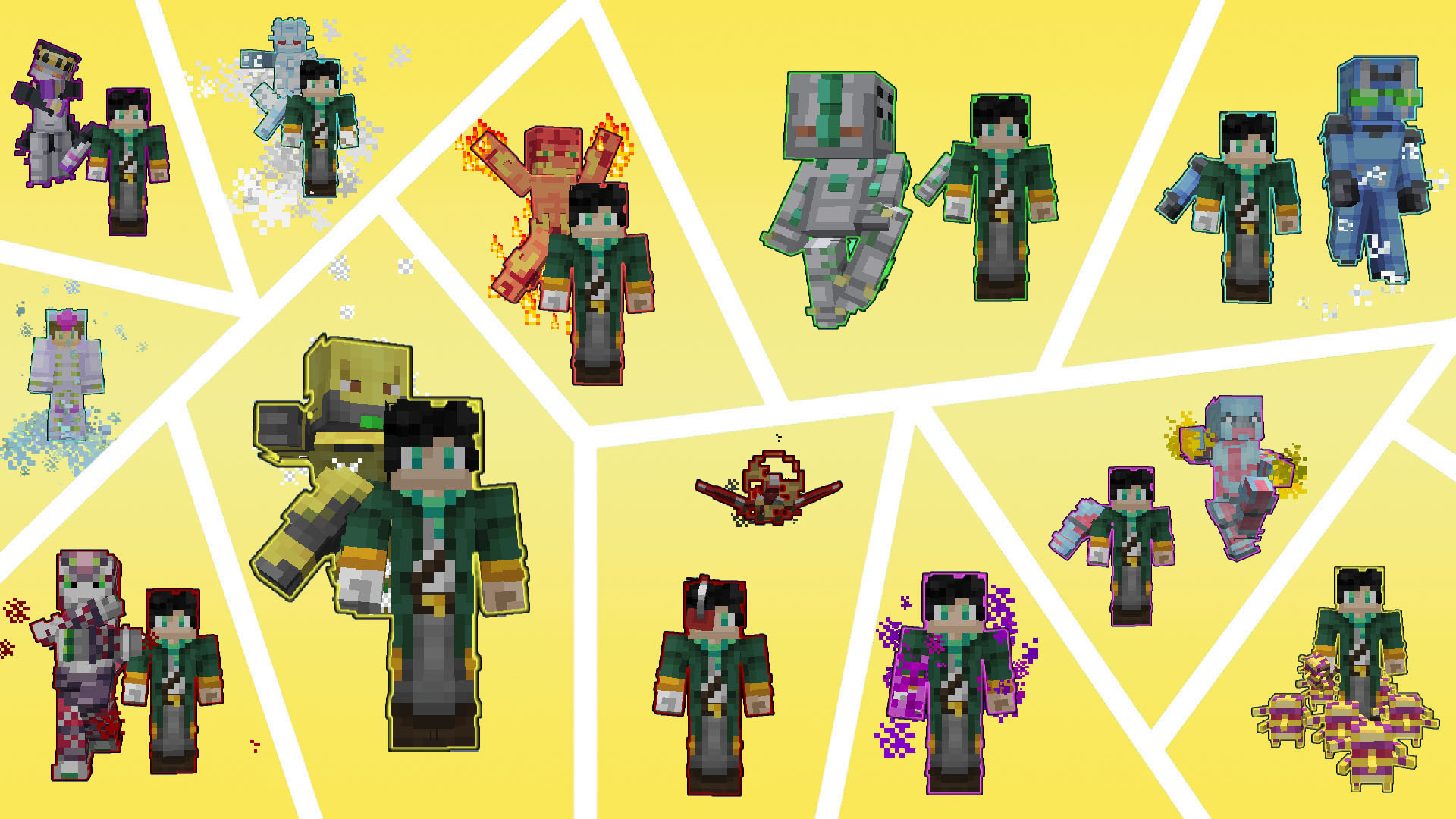
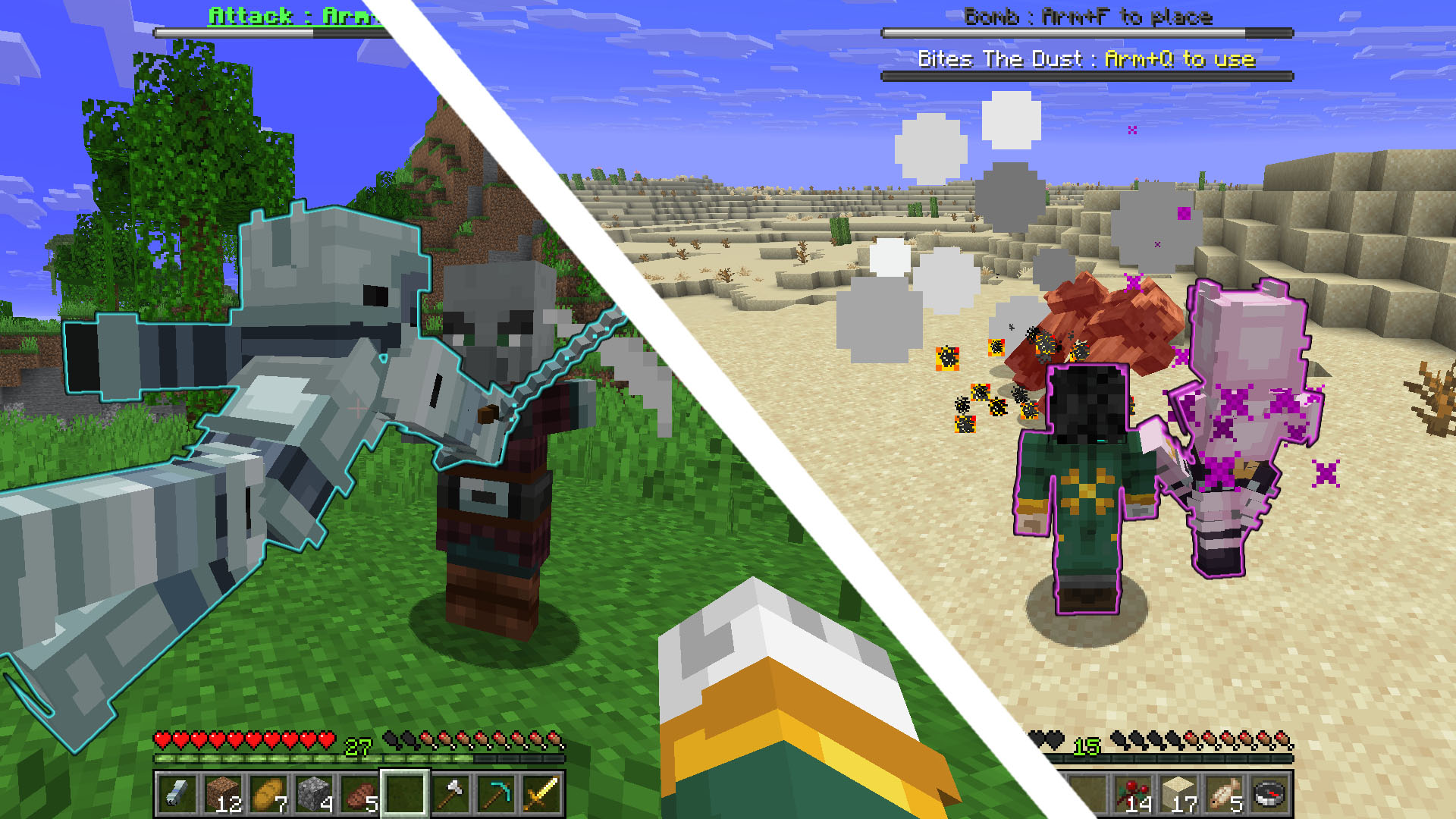
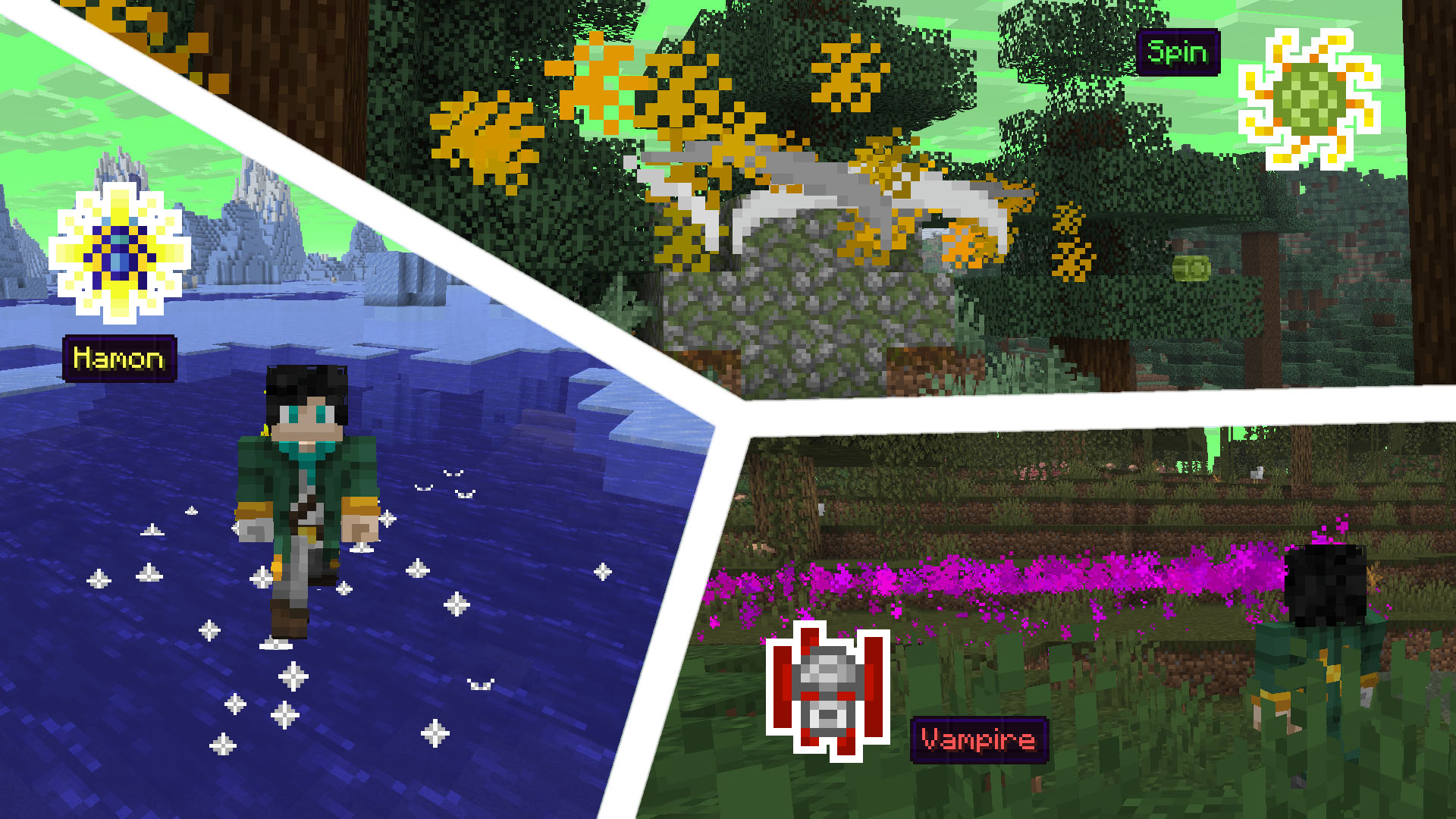
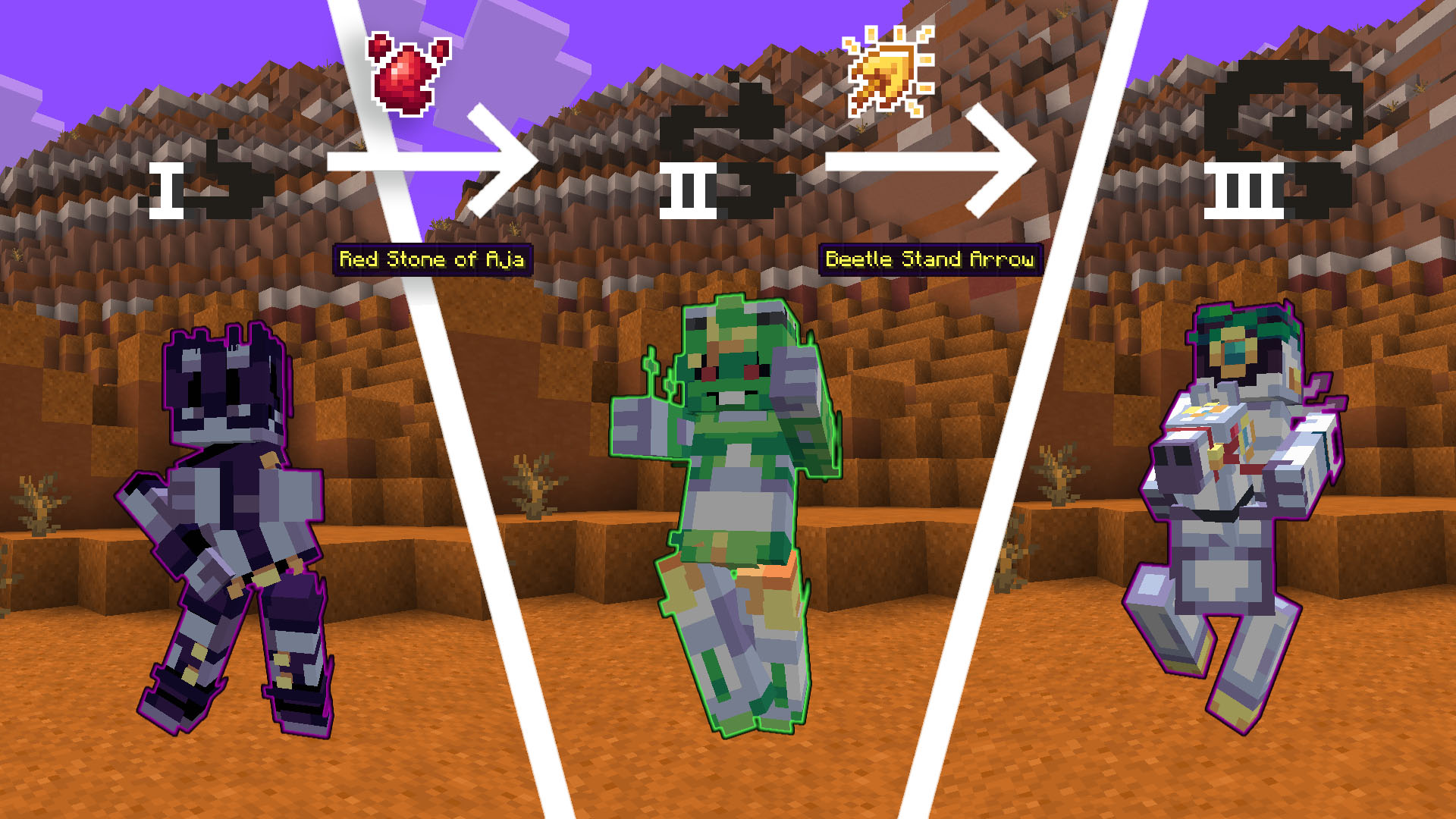
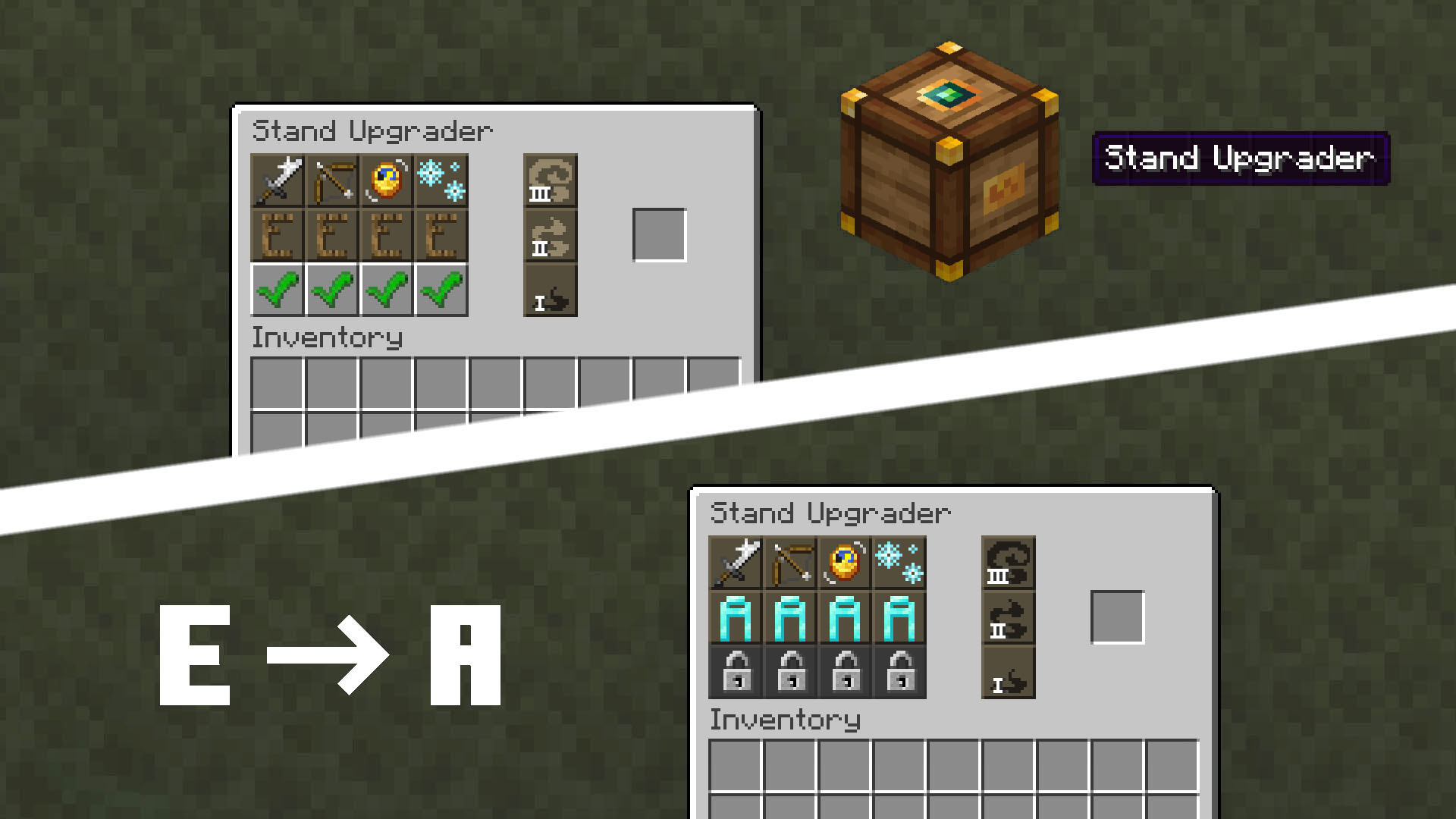
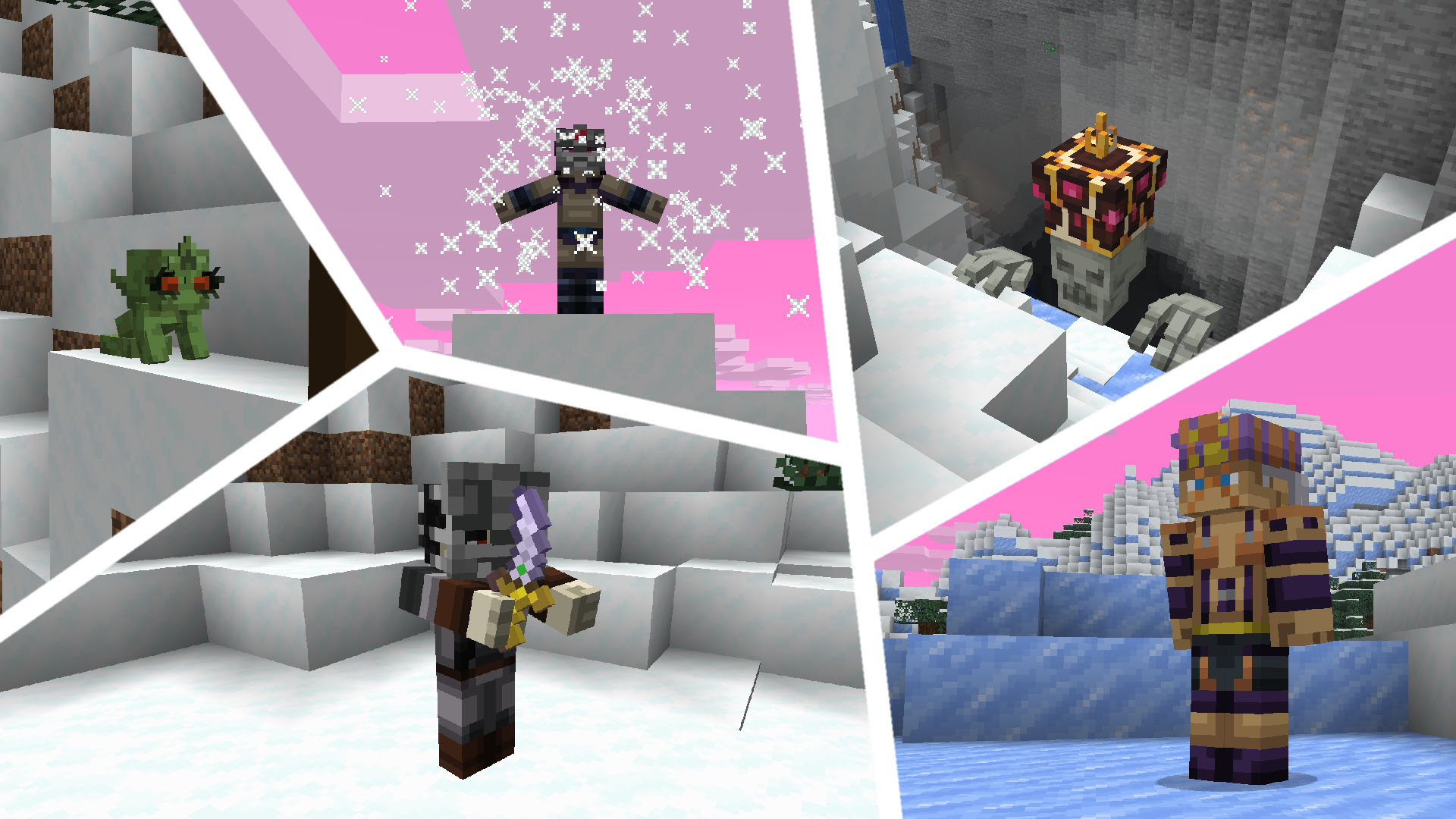
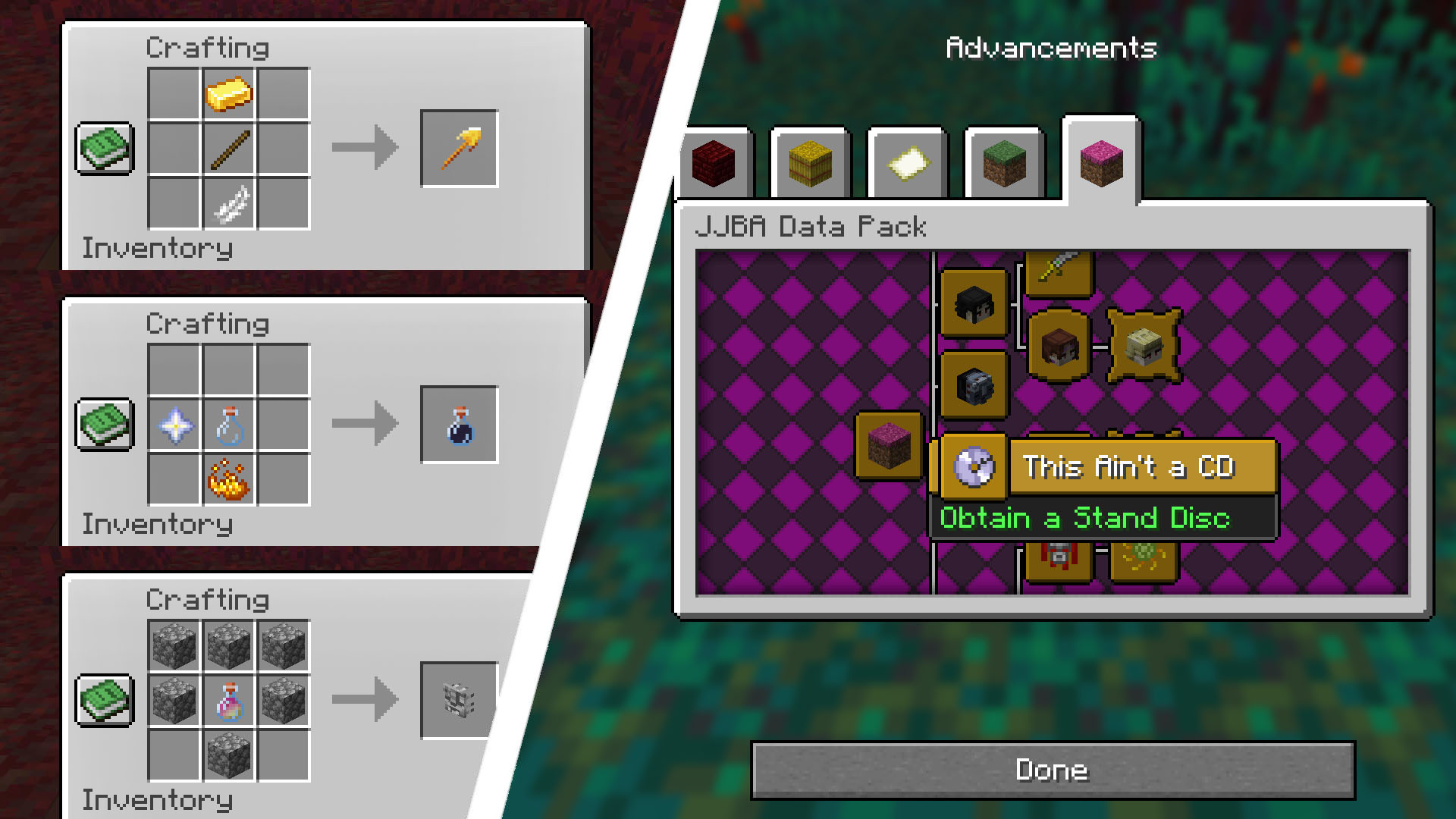
This data pack is dedicated to the manga/anime universe of JoJo's Bizarre Adventure by Hirohiko Araki. It adds a lot of new features, like stands and techniques, that should make your game more interesting and bizarre!
截图
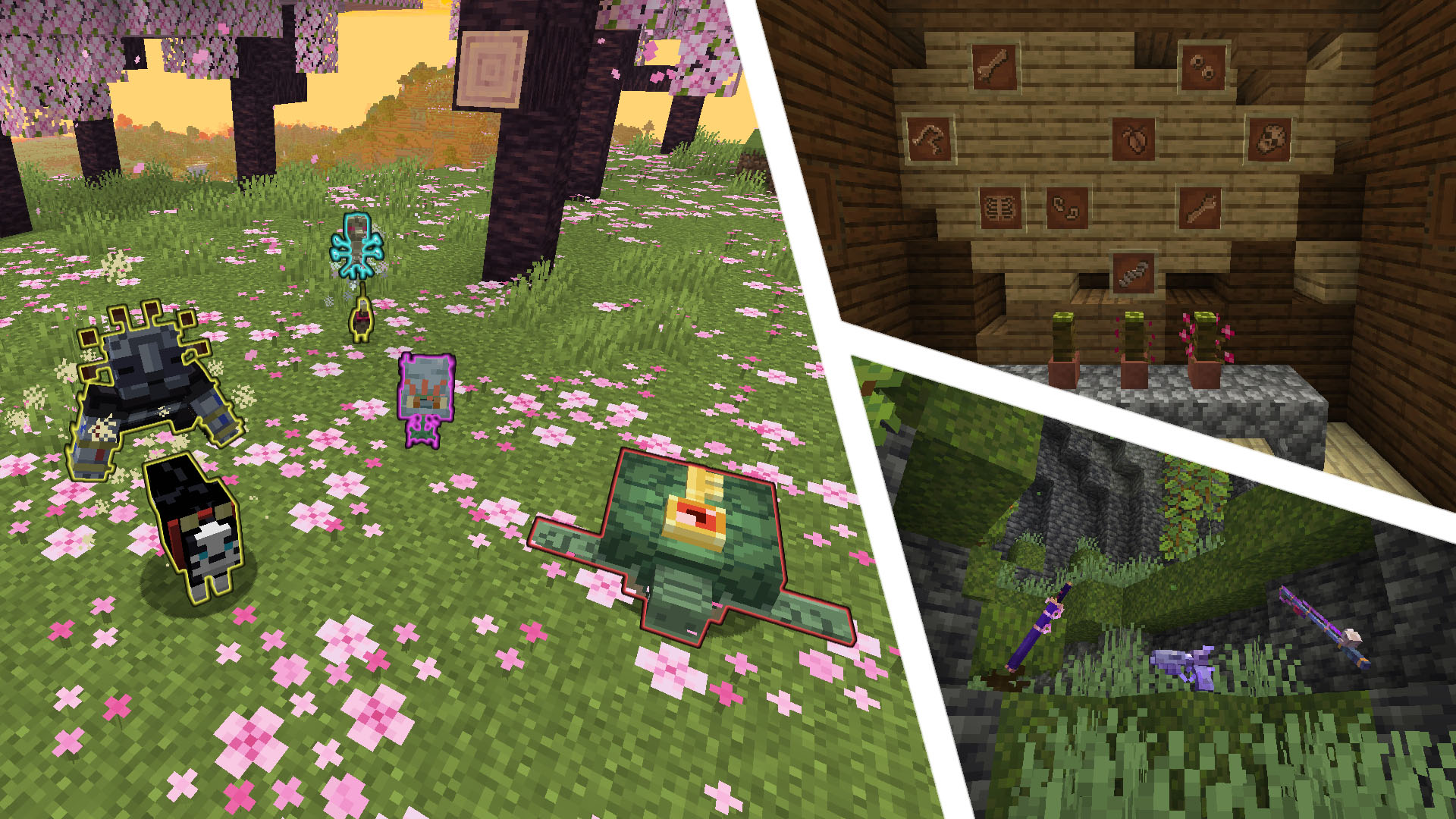
介绍
中文介绍正在准备中,下面暂时显示原文。
HOW TO INSTALL
- Download and install OptiFine or an alternative to its features (Entity Texture Features, CIT Resewn, etc.) for selected version of the game*.
- Download both the data pack and resource pack for the same game version.
- Install the resource pack by either placing it in the .minecraft/resourcepacks directory, or by dragging and dropping onto the “Select Resource Packs” screen and then enabling it at the top of the “Selected” list.
- Create a backup of your world**.
- Install the data pack by either placing it in the .minecraft/saves//datapacks directory, or by dragging and dropping onto the “Select Data Packs” screen and then enabling it at the top of the “Selected” list***.
- Enter the world and use the /reload command.
- Have fun!
\* This step can be skipped, although some visual elements (most notably, custom entity models) will not be displayed
\** Only if the data pack is being added to an existing world
\*** This can only be done during world creation
常见问题
JJBA Data Pack 支持哪些 Minecraft 版本?
JJBA Data Pack 支持 Minecraft Java 版 1.16.5–26.2,共 15 个版本。下载时注意选择和你游戏版本一致的文件。
JJBA Data Pack 怎么安装?
把下载的 .zip 文件(不用解压)放进游戏目录的 resourcepacks 文件夹,进游戏后在「选项 → 资源包」里把它移到右边启用。
评论
登录后评论和评分