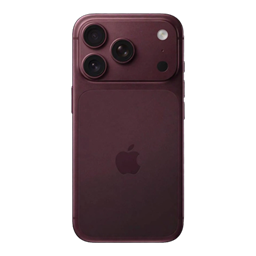
Better iphone
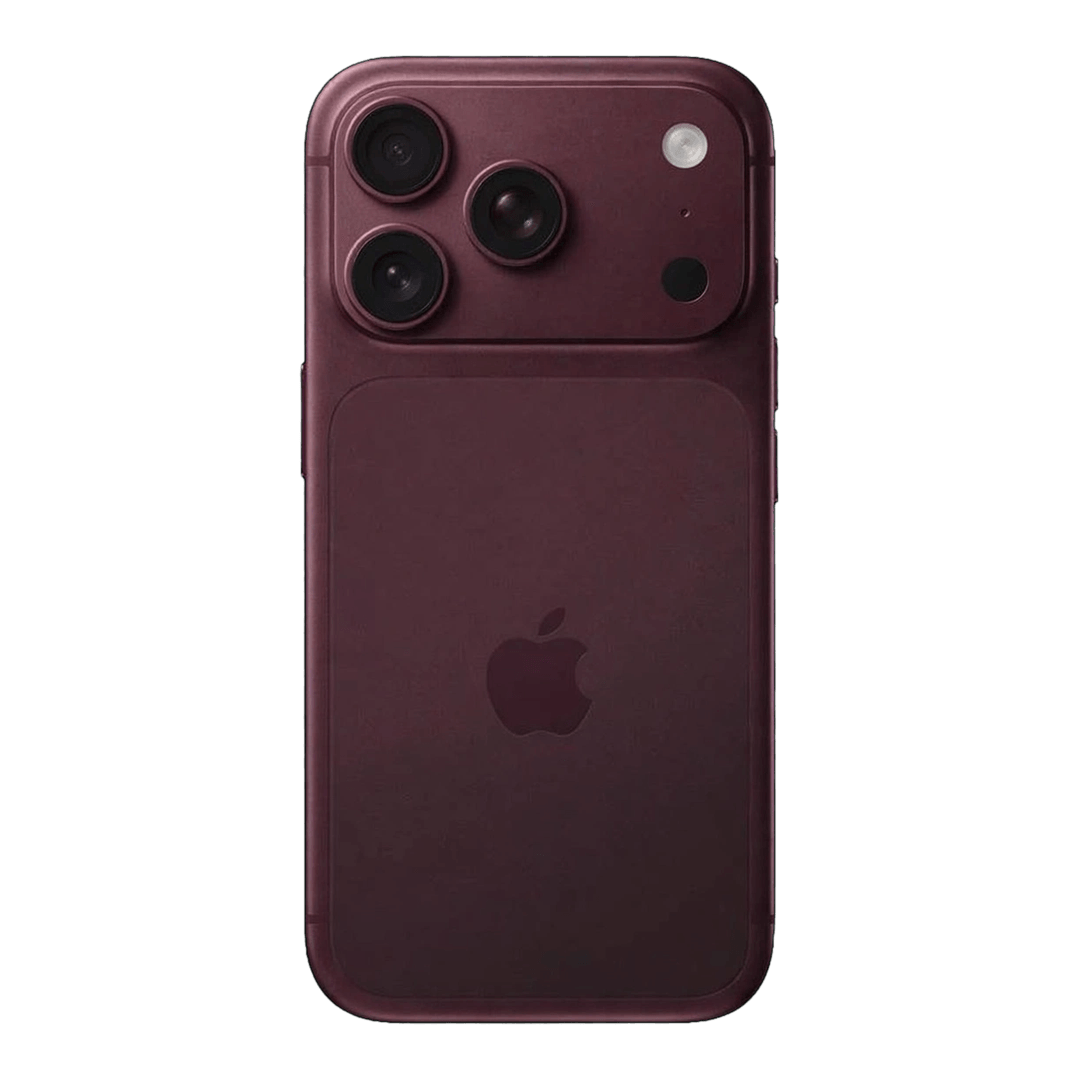
📱 Transform your Totem of Undying with an iPhone 18 Pro Max-inspired design! 💜 A custom Minecraft resource pack made by DeadloxGaming. ✨
截图
介绍
📱 iPhone 18 Pro Max Totem 💜
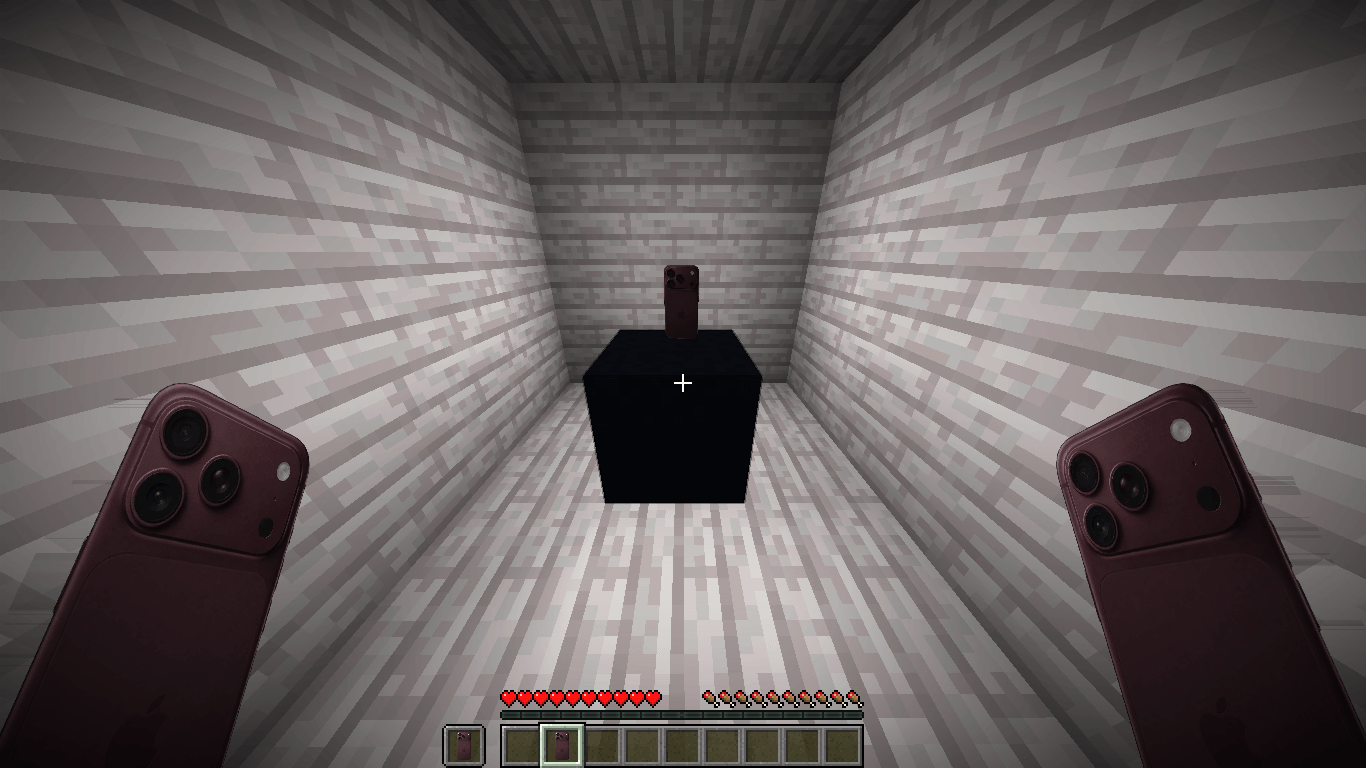
✨ Give your Minecraft Totem of Undying a premium smartphone-inspired look with the iPhone 18 Pro Max Totem texture pack, made by DeadloxGaming!
Replace the classic Totem of Undying appearance with a unique iPhone-inspired design and bring a fresh, stylish touch to your Minecraft adventures.
🌟 Features
-
📱 iPhone 18 Pro Max-inspired Totem design
-
💜 Custom texture by DeadloxGaming
-
🎮 Designed for Minecraft
-
✨ A unique look for your Totem of Undying
-
📦 Easy resource pack installation
📥 How to Install
-
Download the resource pack.
-
Open Minecraft and go to Options → Resource Packs.
-
Click Open Pack Folder.
-
Move the downloaded ZIP file into the folder.
-
Return to Minecraft and enable the pack.
👑 Creator
DeadloxGaming
💜 If you enjoy this texture pack, check out my other Minecraft projects for more creative designs!
📱 iPhone 18 Pro Max Totem
✨ Made by DeadloxGaming 💜
常见问题
Better iphone 支持哪些 Minecraft 版本?
Better iphone 支持 Minecraft Java 版 1.19–26.3,共 28 个版本。下载时注意选择和你游戏版本一致的文件。
Better iphone 怎么安装?
把下载的 .zip 文件(不用解压)放进游戏目录的 resourcepacks 文件夹,进游戏后在「选项 → 资源包」里把它移到右边启用。
Deadlox_Gaming0 的其他作品
查看全部 →
Smooth_ Glass
使用 **Cleaner Glass** 享受晶莹剔透的视野!这个原版友好的资源包移除了分散注意力的玻璃条纹和边框,同时保持 Minecraft 的原始风格不变。
Fast grass
一个简单的 Minecraft 资源包,带有自定义草方块纹理
Crownss
A simple vanilla-style Minecraft texture pack made to give Golden Armor a fresh new look while keeping the original Minecraft feel.

Crosshair Hud
A vanilla-friendly resource pack that improves the Minecraft crosshair with a cleaner, sharper, and more visible design while keeping the original game's style. Perfect for players
评论
登录后评论和评分