
截图


介绍
中文介绍正在准备中,下面暂时显示原文。

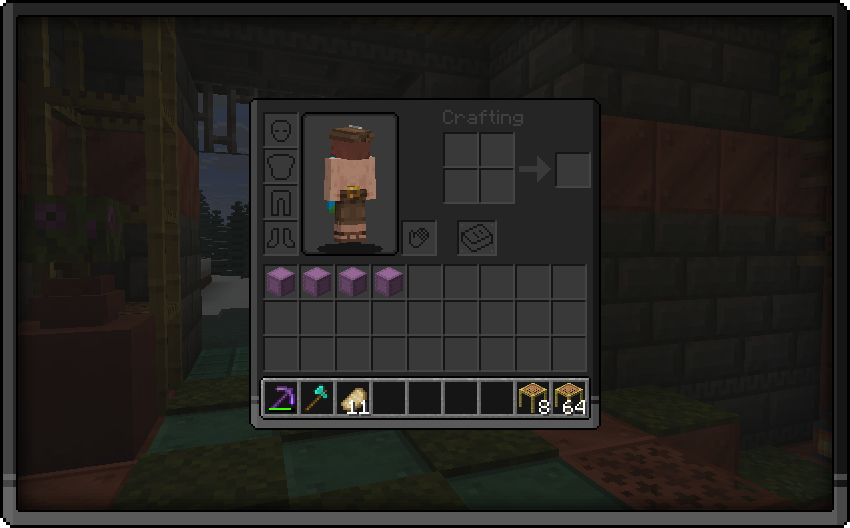

👁️ This pack brings you
_A dark gui pack so that your and my eyes dont get bleached._
How to install this pack:
- Download the latest updated version of the pack
- Do NOT unzip the folder and place it in your resource packs folder
- To locate your resource packs folder simply press [Win] + [R]
- Now type “%appdata%/.minecraft” in the window that opened and press the button that says “Ok”
- Locate the folder that says “resourcepacks” and place the pack inside there
- Open Minecraft and make sure the pack appears your Options/Resource Packs
常见问题
Icy’s Dark GUI 支持哪些 Minecraft 版本?
Icy’s Dark GUI 支持 Minecraft Java 版 1.21.10。下载时注意选择和你游戏版本一致的文件。
Icy’s Dark GUI 怎么安装?
把下载的 .zip 文件(不用解压)放进游戏目录的 resourcepacks 文件夹,进游戏后在「选项 → 资源包」里把它移到右边启用。
评论
登录后评论和评分