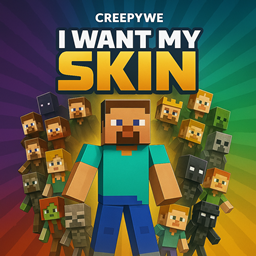
截图


介绍
I WANT MY SKIN – See Your Skin in Minecraft!
Ever wanted to see your own Minecraft skin in-game? This lightweight resource pack lets you do that easily!
🎮 How it Works:
Just follow these 3 simple steps:
1. Find your Minecraft skin image (usually a `.png` file).
2. Rename it to myskin.png exactly.
3. Place it inside the assets/minecraft/textures/entity folder of this resource pack.
Then activate the pack in-game and enjoy seeing yourself!
✅ Features:
– Works on Minecraft 1.21+
– Does not require any mods
– Completely offline – just drop your skin
– Lightweight – no performance hit
🧠 Important Notes:
– Your skin image must be 64×64 (standard skin format).
Made with ❤️ for players who want a personal touch in Minecraft.
Feel free to suggest updates or improvements!
常见问题
I want my SKIN 支持哪些 Minecraft 版本?
I want my SKIN 支持 Minecraft Java 版 1.21–1.21.11,共 11 个版本。下载时注意选择和你游戏版本一致的文件。
I want my SKIN 怎么安装?
把下载的 .zip 文件(不用解压)放进游戏目录的 resourcepacks 文件夹,进游戏后在「选项 → 资源包」里把它移到右边启用。


评论
登录后评论和评分