
Hourly Notice Anywhere
Adds the hourly reminder introduced in 1.18.2 without being from South Korea.
截图
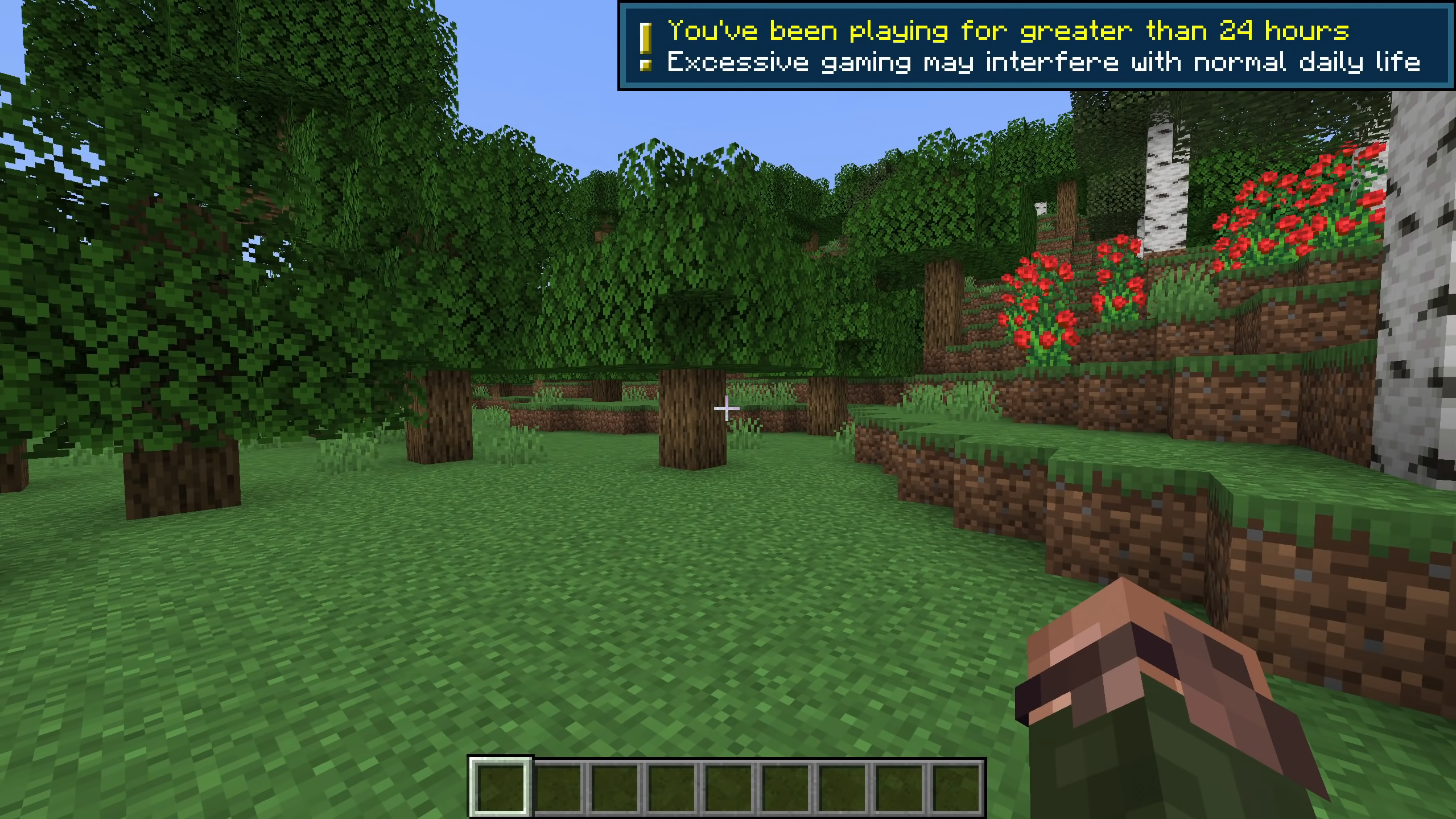
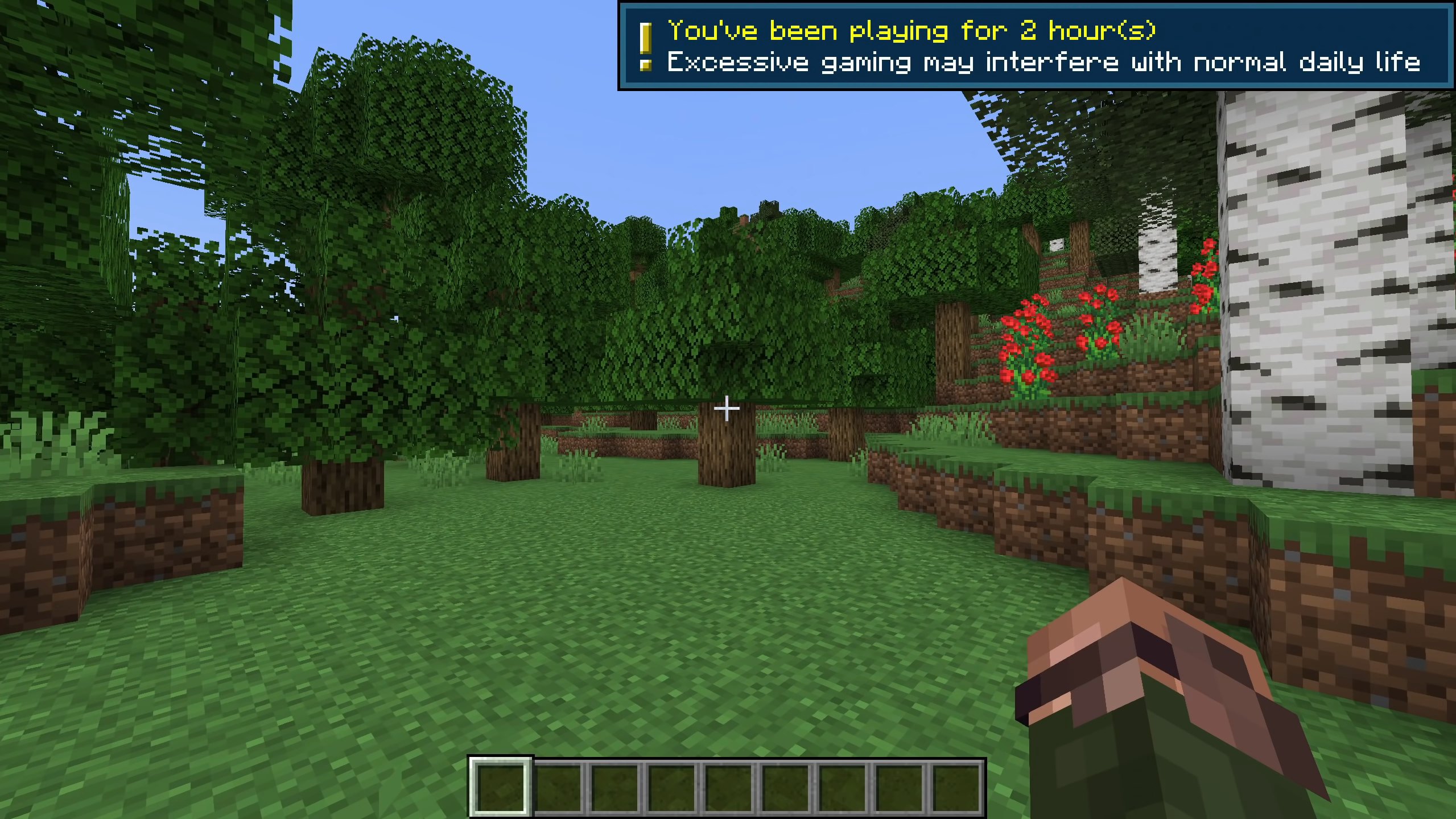
介绍
Instructions on how to get this resouce pack to work for you:
https://www.youtube.com/watch?v=goKEfmhYUlA
If you’d rather follow the text instructions, they’re below:
1. Extract the “Hourly Notice Anywhere” folder onto your Desktop.
2. Go to this link: https://en.wikipedia.org/wiki/ISO_3166-1_alpha-3
3. Scroll down and find the code that corresponds with your country/location, e.g. ‘USA’ for United States of America.
4. Once you have your code, go into the “assets” folder found inside the “Hourly Notice Anywhere” folder.
5. Next, head into the “minecraft” folder.
6. After that, open up the “regional_compliancies.json” file with Notepad or any other preferred text editor.
7. Inside the .json file, on the second line down, replace “USA” with the code that corresponds with your country/location.
* Make sure to keep the “” on either side of your countries code.
8. Save and exit the the .json file.
9. Drag this resource pack (the “Hourly Notice Anywhere” folder) into your Minecraft “resourcepacks” folder.
10. Make sure it’s above any resource packs you’re currently using.
It should be working now!
Thanks for downloading this pack, I hope you enjoy.
🙂
常见问题
Hourly Notice Anywhere 支持哪些 Minecraft 版本?
Hourly Notice Anywhere 支持 Minecraft Java 版 1.18.2。下载时注意选择和你游戏版本一致的文件。
Hourly Notice Anywhere 怎么安装?
把下载的 .zip 文件(不用解压)放进游戏目录的 resourcepacks 文件夹,进游戏后在「选项 → 资源包」里把它移到右边启用。
评论
登录后评论和评分