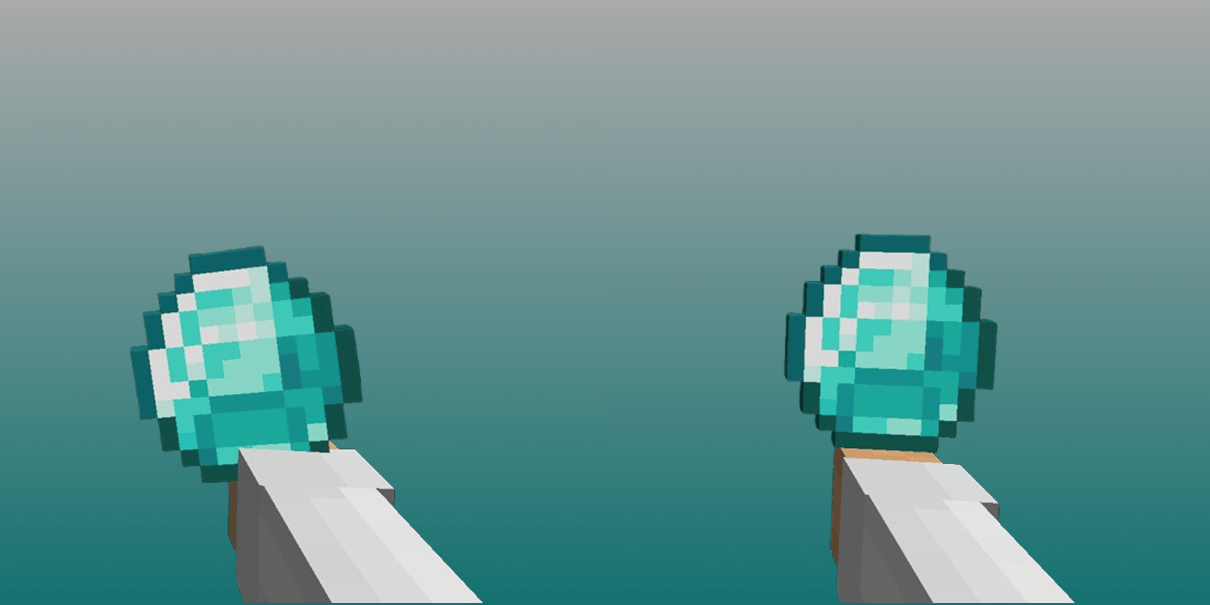
截图


介绍


The Hold My Items mod brings visible first-person hands and stunning animations to the game, but it shifts item positioning in the player’s hand, causing most items to appear misaligned. This pack fixes exactly that — every single item has been carefully repositioned to sit right where it should.
All gallery pics were made using Visual Effects+ by _dosya_ and Sunbathing Godrays by _MehVahdJukaar_
🛠️ Compatibility
This pack is compatible with both HMI 5.0 and HMI 5.1. That said, not every supported resource pack has been calibrated for HMI 5.0 — if you’re on an older version, some compatibility entries may not behave as expected.
When running multiple 3D resource packs at the same time, their positioning adjustments can stack and conflict with each other. By enabling the corresponding toggles in the settings menu, this pack applies the right corrections for every combination — so everything stays perfectly aligned no matter what you’re running.
| Pack | Version | Details/Notes |
|——|———|—————|
| Actually 3D Stuff (A3DS) | 1.3.6 | Limited compatibility with Gous’s Hand Poses |
| Weskerson’s 3D Items (W3DI) | 2.4.3 | Limited compatibility with Refined Torches; Currently incompatible with Gous’s Hand Poses; Incompatible with W3DFoods |
| Weskerson’s 3D Foods | 1.0 | Incompatible with Fresh Foods; Incompatible with W3DI |
| Weskerson’s Nature | 1.02 | – |
| R&V Chests & Boxes | – | – |
| R&V Torches | – | Incompatible with Pato’s Refined Torches |
| Pato’s Refined Torches | 2.1 | Incompatible with R&V Torches; Limited compatibility with W3DI |
| Pato’s Refined Buckets | 2.4.1 | – |
| Pato’s Refined Totem | 1.0 | Incompatible with Glowing 3D Totem |
| Just 3D Armors | 1.4 | Incompatible with Glowing 3D Armors |
| Glowing 3D Armors | 1.1.4 | Incompatible with Just 3D Armors |
| Glowing 3D Totem | 1.3 | Incompatible with Pato’s Refined Totem |
| Fresh Flowers and Plants | 1.4.8 | – |
| Fresh Foods | 1.3.3 | Incompatible with Weskerson’s 3D Foods |
| Fresh Ores And Ingots | 1.2.5 | – |
| Fresh Seeds | 1.3 | – |
| Fresh Music Discs | 1.3.1 | – |
| Ben’s Bundle | 1.4 | – |
| Fyoncle’s 3D Trims | 5.0 | – |
| Classic Tools Fusion | – | – |
| Bray & Cyber’s Better, Fresher 3D Books | 1.5.1 | – |
| Gous’s Hand Poses | 1.2.0 | Currently incompatible with W3DI; Limited compatibility with A3DS |
| NNE Action Swords | – | Incompatible with Beash’s Swing Animations and Hold My Actions |
| Beash’s Swing Animations | 1.5 | Incompatible with NNE Action Swords and Hold My Actions |
| Visual Effects+ | 1.1.5 | – |
📸 Visual Demonstration
See the difference the HMI Item Position Fix makes when using popular 3D resource packs:
| Resource Pack | Without HMI Item Position Fix | With HMI Item Position Fix |
| —————————- | —————————– | ————————– |
| Glowing 3D Totem |  |
 |
| Glowing 3D Armors |  |
 |
| Fresh Foods |  |
 |
| Fresh Seeds |  |
 |
| Fresh Ores and Ingots |  |
 |
| Ben’s Bundle |  |
 |
| R&V Torches |  |
 |
| Weskerson’s 3D Items (W3DI) |  |
 |
| Actually 3D Stuff (A3DS) |  |
 |
📥 Load Order
To ensure correct positioning, follow this load order:
- Fyoncle’s 3D Trims
- Other 3D Packs (Fresh Foods, Seeds, Torches, etc.)
- Actually 3D Stuff
- Weskerson’s 3D Items
- Weskerson’s Nature
- HMI Item Position Fix
- Beash’s Swing Animations or [HMI] REANIMATED (if you are using NNE Action Swords)
Fyoncle's 3D Trimsmust always sit aboveJust 3D Armors,R&V Torches,Refined Torches, andFresh Foodsin your load order. For reasons we haven’t been able to pin down, placing it lower breaks item positioning and physics for those packs. As a precaution, keep it at the very top.
For
NNE Action Swordsto work properly, its author requires you to replace the HMIExample Packwith their[HMI] REANIMATEDversion, which disables sword battle animations. Keep[HMI] REANIMATEDbelowHMI Item Position Fixin the load order.

⚠️ Known Problems
Lanterns
Lanterns are handled by many resource packs simultaneously, which makes them especially prone to conflicts. The known issues are:
- Glow particles misaligned when using
W3DI + Refined Torches - Broken physics and positioning when using
W3DI + R&V Torches
If you’re running W3DI together with R&V Torches, enable the “Resource Pack Lanterns” option and disable both “Fresh Animations Player Enabled” and “Not Enough Animations Enabled”. If you’re not using W3DI, keep “Resource Pack Lanterns” disabled. This should resolve most of the conflicts between R&V Torches and W3DI.
The glow particle misalignment when combining W3DI with Refined Torches has no fix — it isn’t something HMI Item Position Fix can correct, since there’s no way to remove or reposition the particles applied by Refined Torches. If you still choose to use both together, make sure “Fa Player” and “Not Enough Animations” are disabled to avoid breaking lantern positioning on top of it.
The Clock
For some reason, the clock model breaks when using A3DS together with W3DI. This one is also out of reach for HMI Item Position Fix.
The EMF Problem
HMI may cause visual glitches when used alongside the Entity Model Features (EMF) mod. To fix this, open Mod Menu, find EMF in the list, and under the Models section navigate to Player Settings — then turn on “Prevent first person player animations”.
If you’re on EMF version 3.0.12 or higher, you may also notice item misalignment. This comes from an incompatibility between HMI and newer EMF versions. The simplest fix is to downgrade to EMF 3.0.11.
Found a bug or have a suggestion? Join our Discord!
常见问题
HMI Item Position Fix 支持哪些 Minecraft 版本?
HMI Item Position Fix 支持 Minecraft Java 版 1.21.5–1.21.11,共 7 个版本。下载时注意选择和你游戏版本一致的文件。
HMI Item Position Fix 怎么安装?
把下载的 .zip 文件(不用解压)放进游戏目录的 resourcepacks 文件夹,进游戏后在「选项 → 资源包」里把它移到右边启用。
omnis 的其他作品
查看全部 →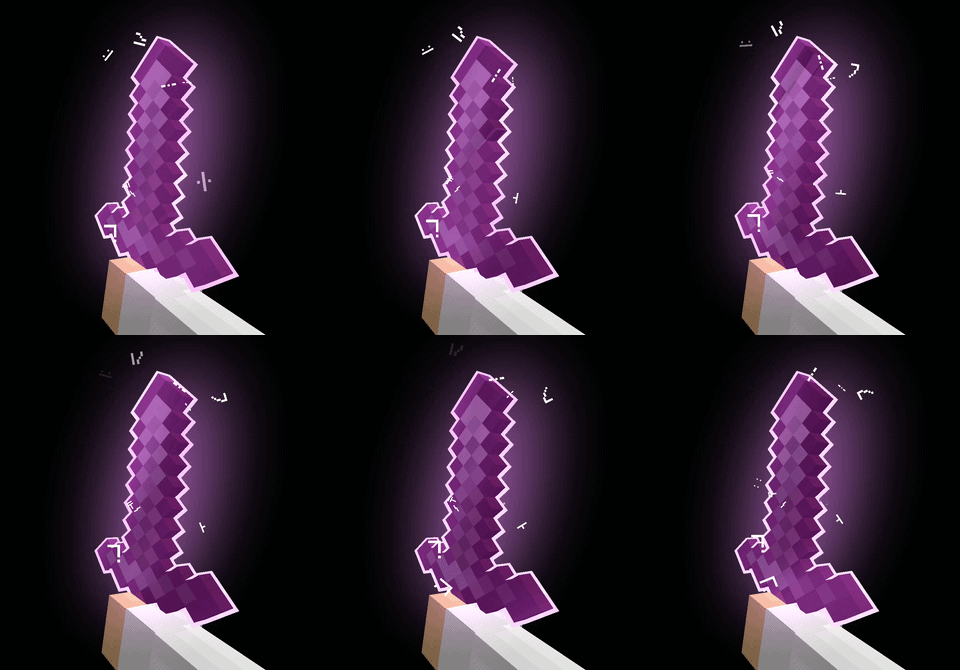
Omnis’ Enchantments
A complete reimagining of enchanted items: new glint, outline, glow, runic particles, dynamic lights, and more. Make your enchantments feel truly magical!

+Immersive Vanilla
No new items. No new biomes. No new dimensions. Just the Minecraft you know, evolved into a seamless, immersive, and living experience.
评论
登录后评论和评分