Hex – Box Linear Filtering
方框模糊着色器用于二维纹理。| A blur filter for smoother 2D textures.
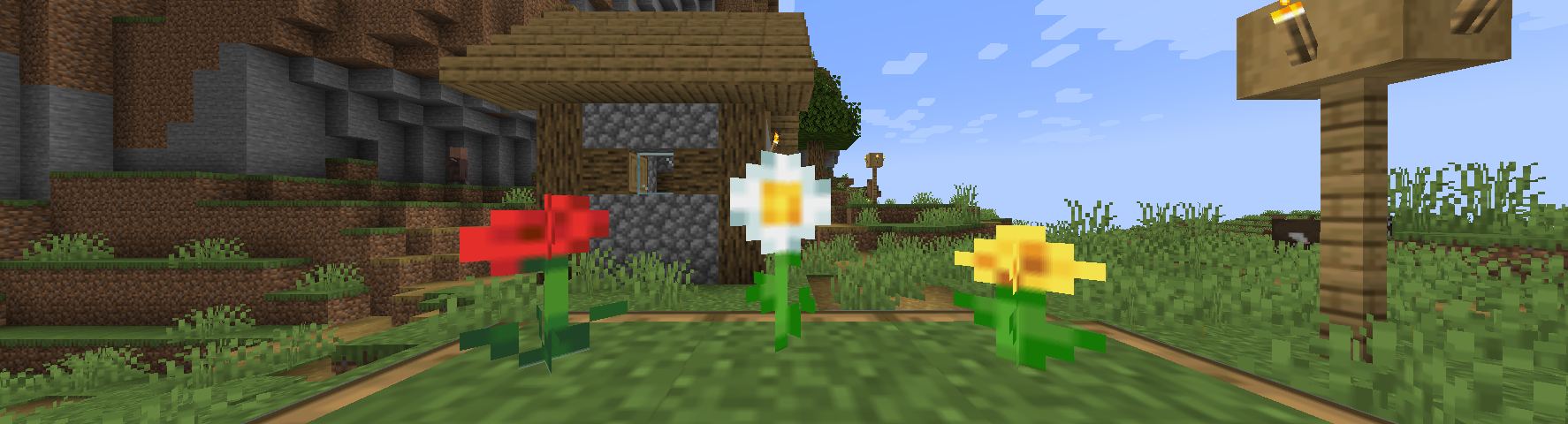
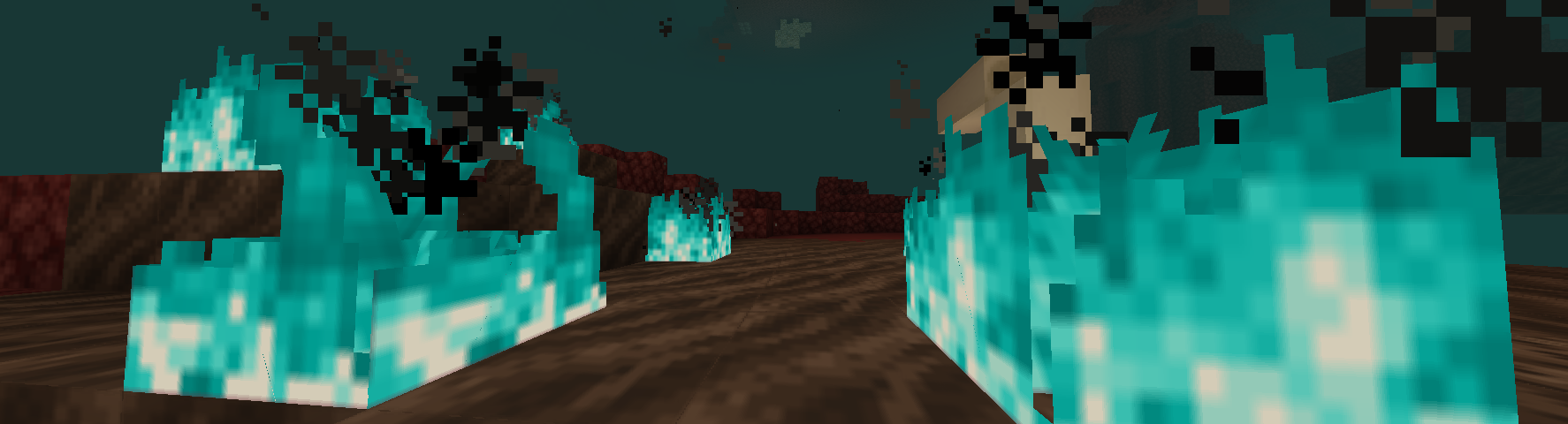
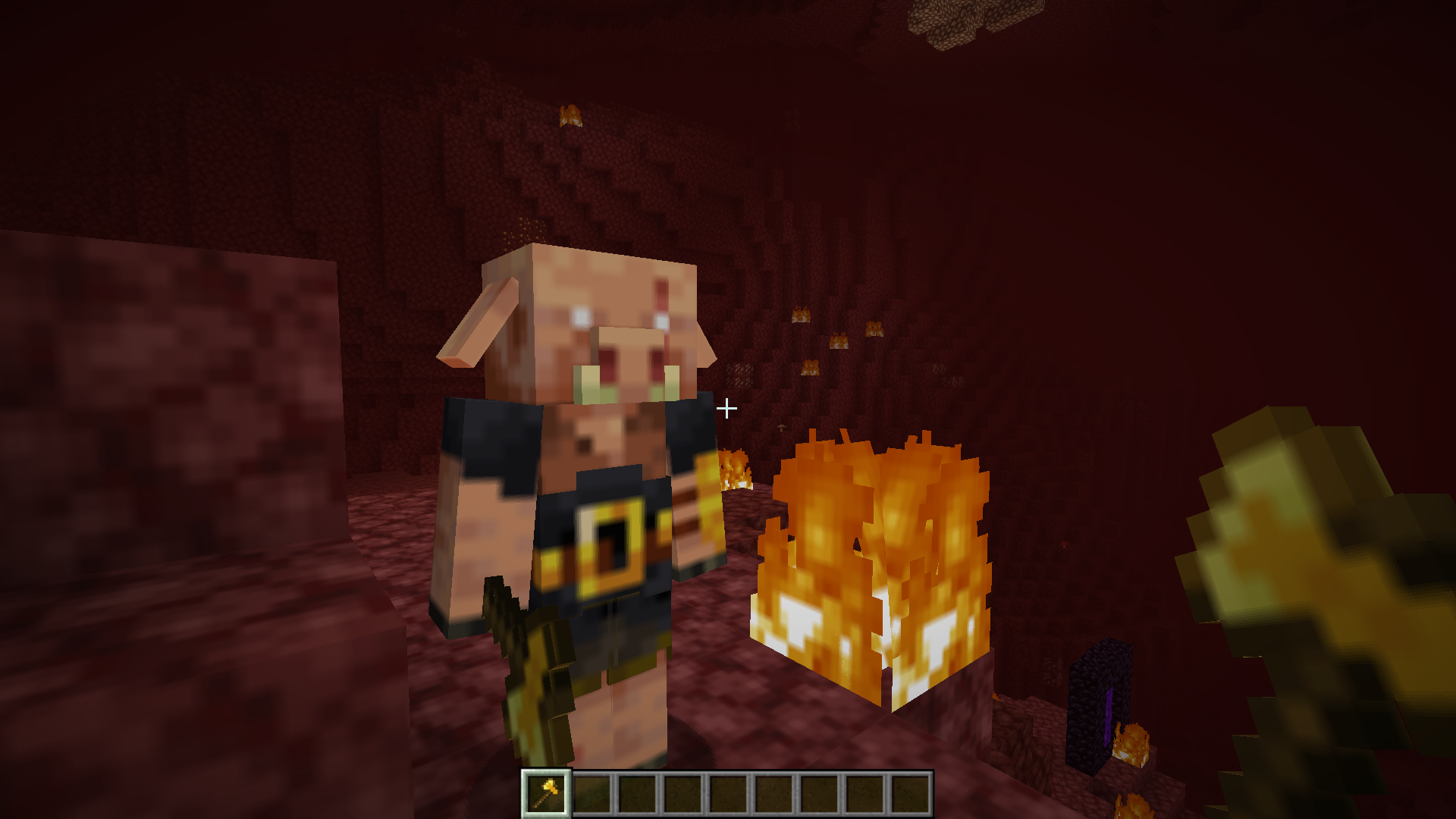
截图

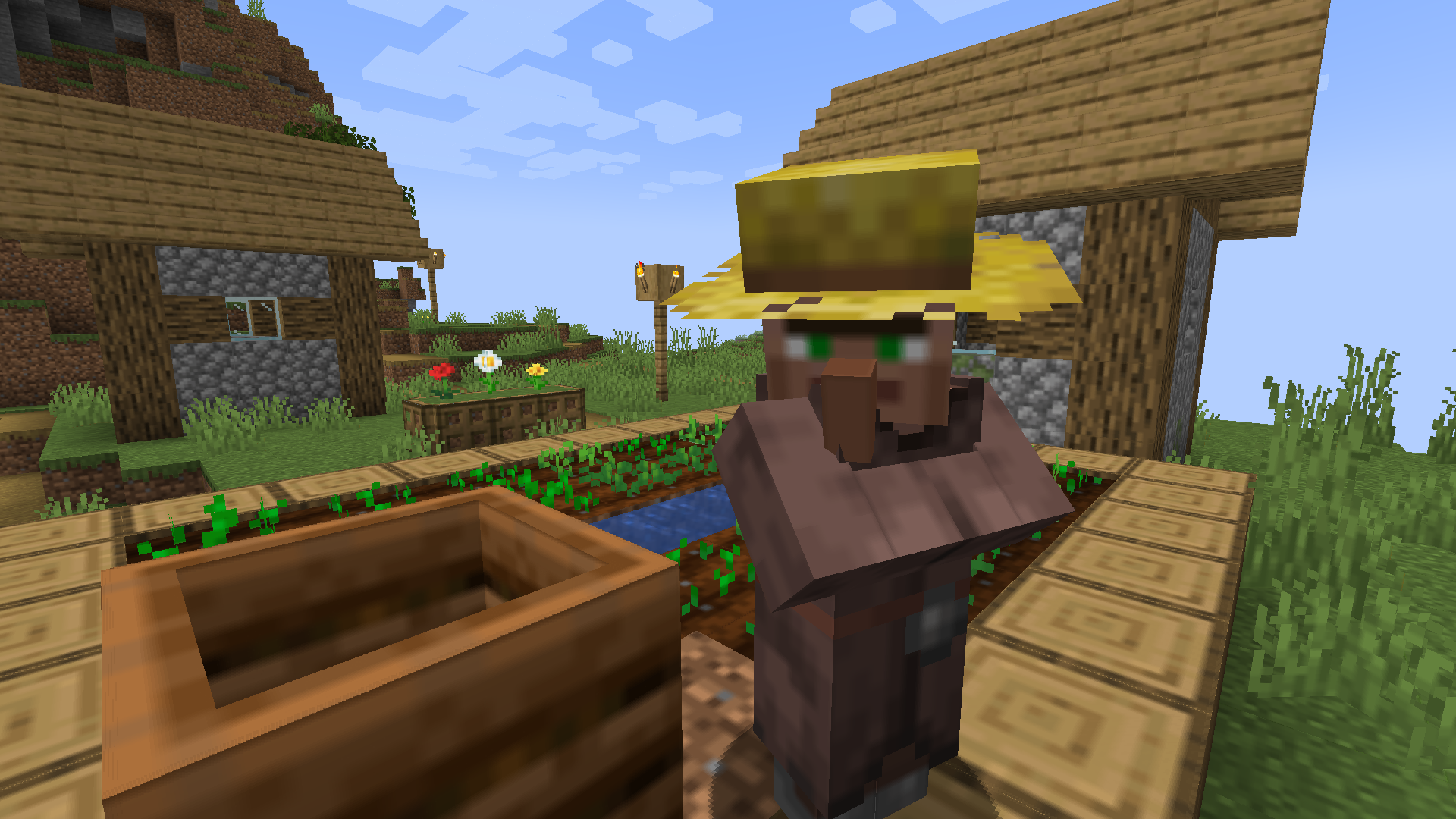
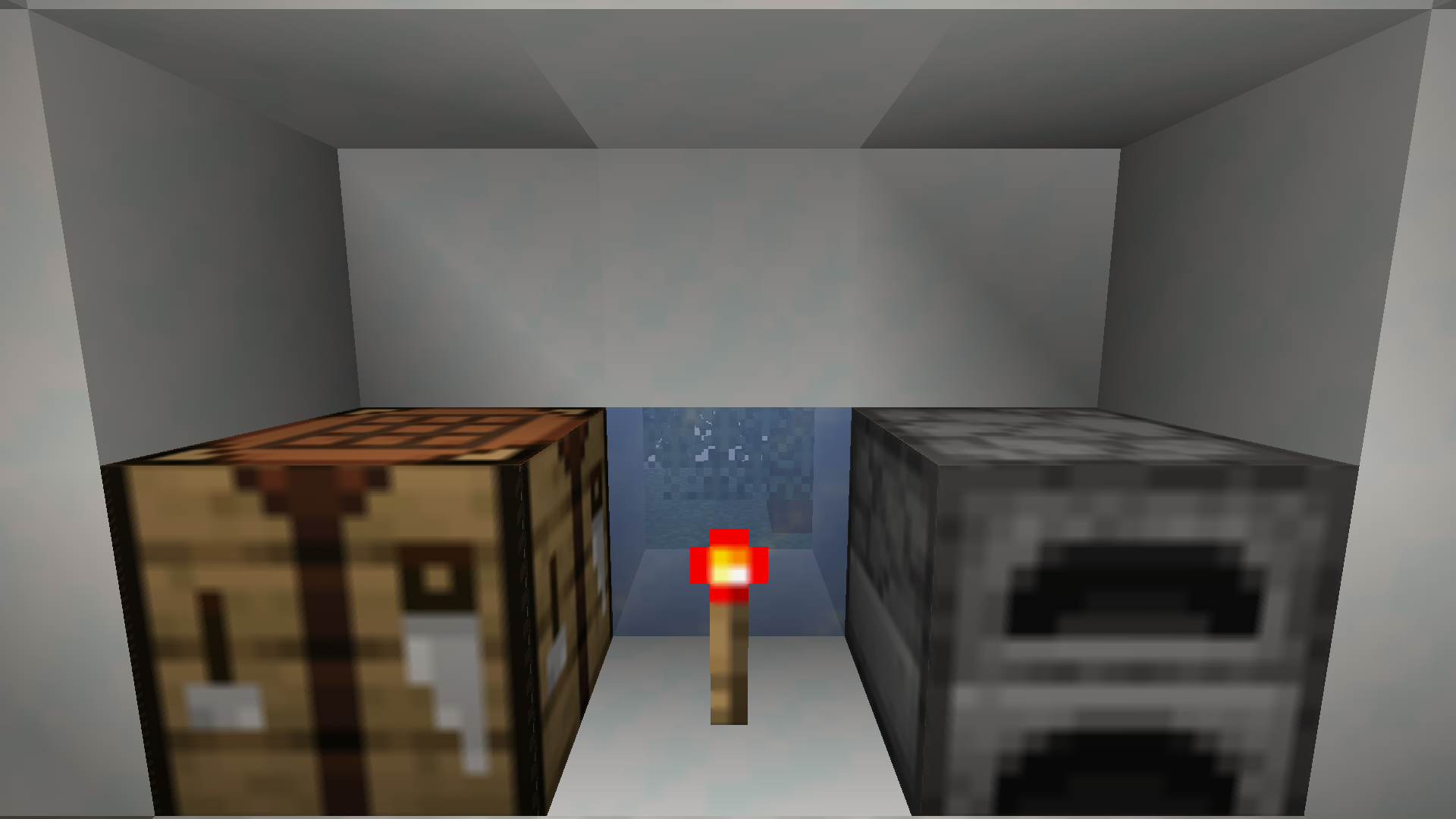
介绍
中文介绍正在准备中,下面暂时显示原文。
ABOUT【关于】:
Hex是资源包为香草Minecraft。Hex修改Minecraft的着色器用方框模糊。为了更高分辨率,这一算法平滑所有纹理。这项目的容易编辑,而且Hex的代码的许可证是Public Domain。
Hex modifies Minecraft’s built-in core shaders to performantly upscale 16×16 textures. Hex does so by applying a box linear filter to smooth sharp edges and blend colors, which may be preferable over Minecraft’s default look.
SCREENSHOTS【截图】:
DESCRIPTION :
Quite frequently, basic upscaling algorithms are applied to older video games to cheaply render higher-resolution textures and maintain visual fidelity. One approach to upscaling is to use a blurring algorithm.
Hex uses a box linear filter to smooth noisy, pixelated textures, which in most cases can enhance a texture’s visual appearance.
NOTES :
• This resource pack does not replace texture files, therefore, you can combine it with any 16×16 resource pack. Combining this pack with a higher resolution, such as 32×32, will result in visual artifacts.
• If you feel the blur effect is too weak, you can customize the intensity of the blur by editing “Hex – Linear Filtering [1.20.6]\assets\minecraft\shaders\include\box_filter_lib.glsl” and changing the variables blurRadius and blurSmoothness. Simply adjust the numbers to your liking.
LICENCE【许可证】:
This project is dedicated to the public domain. You are free to distribute and modify this project without attribution.
常见问题
Hex – Box Linear Filtering 支持哪些 Minecraft 版本?
Hex – Box Linear Filtering 支持 Minecraft Java 版 1.20.5–1.21.4,共 3 个版本。下载时注意选择和你游戏版本一致的文件。
Hex – Box Linear Filtering 怎么安装?
把下载的 .zip 文件(不用解压)放进游戏目录的 resourcepacks 文件夹,进游戏后在「选项 → 资源包」里把它移到右边启用。
CraftsAndSteam 的其他作品
查看全部 →
Liquorice Shaders
by CraftsAndSteam
一个量级着色器包供Iris使用。A lightweight shaderpack for Iris.
2.2万
1 年前
Modrinth
Spider Bears – Model Replacement
by CraftsAndSteam
蜘蛛的外形看是可爱熊!Spiders look like cute little bears!
2,104
1 年前
CurseForge

Too Many Hats
by CraftsAndSteam
Look out! All the mobs are wearing hats!
314
1 年前
CurseForge

Too Many Hats
by CraftsAndSteam
啊!所有生物都有一... 顶帽子?All the mobs are wearing hats!
309
1 年前
Modrinth
评论
登录后评论和评分