
截图


介绍
Hatchsons PvP Pack
Description
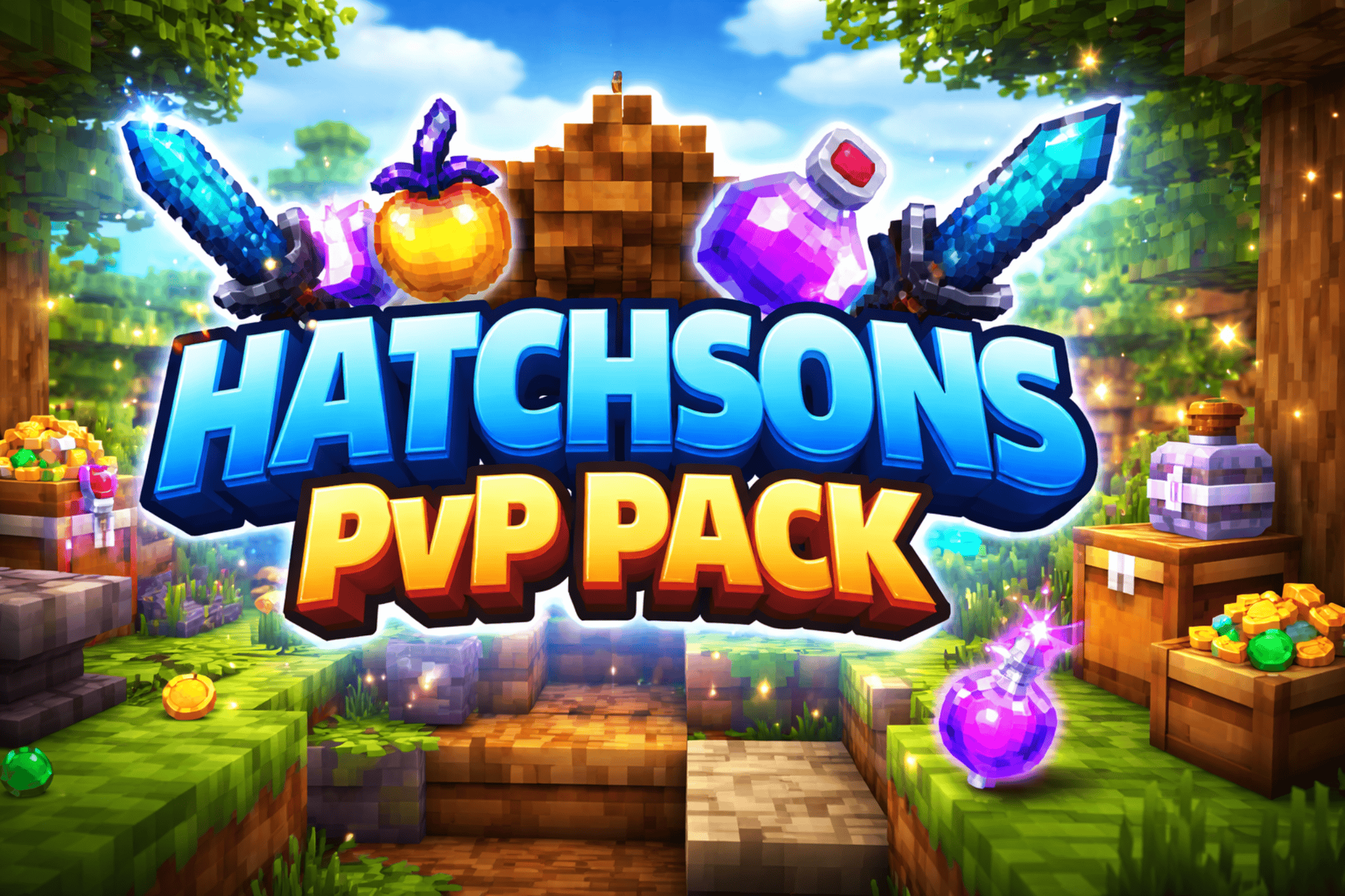
Elevate your Minecraft PvP experience with Hatchsons PvP Pack! This vibrant, high-quality texture pack is designed to make every battle more immersive, clearer, and visually satisfying. From sharp swords to glowing potions, each texture is optimized for PvP, helping you spot opponents and loot faster while keeping the game colorful and fun.
Features
- Fully optimized PvP textures for clear gameplay.
- Custom swords, potions, and loot items that pop.
- Smooth and vibrant block textures for better visibility in combat.
- High-quality, immersive design that keeps Minecraft feeling fresh.
Recommended for
- PvP servers and duels
- Players looking for crisp and clean textures
- Anyone wanting a visually enhanced combat experience
Installation
- Download the latest version of the pack.
- Open Minecraft → Options → Resource Packs → Open Resource Pack Folder.
- Drag and drop the
.zipfile into the folder. - Activate the pack and enjoy!
Support & Updates
Stay tuned for frequent updates, bug fixes, and new PvP-focused textures!
常见问题
Hatchsons Pvp Pack 支持哪些 Minecraft 版本?
Hatchsons Pvp Pack 支持 Minecraft Java 版 1.21–26.1,共 13 个版本。下载时注意选择和你游戏版本一致的文件。
Hatchsons Pvp Pack 怎么安装?
把下载的 .zip 文件(不用解压)放进游戏目录的 resourcepacks 文件夹,进游戏后在「选项 → 资源包」里把它移到右边启用。
Hatchson 的其他作品
查看全部 →
Mc Spear-Mace Pvp
This modpack is a 1.21.11 Minecraft Mace-Spear or Spear-Mace utils modpack

Relics Of The Fallen Bosses
Relics Of The Fallen Bosses Adds custom Legendary Items that have a chance to drop when you kill a boss Items include: The wither Hammer Warden Chestplate and Ender Dragon Bow
评论
登录后评论和评分