
截图

介绍
中文介绍正在准备中,下面暂时显示原文。
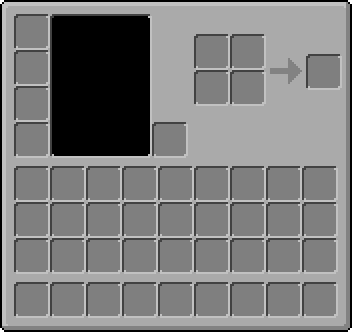
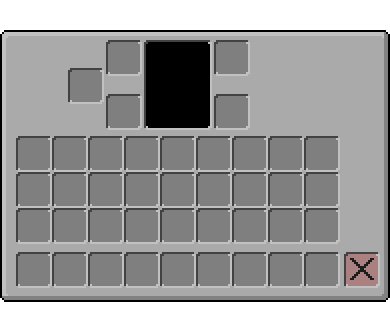
GUI+ is a resource pack which simplifies the main gui elements for ease of use and looks. Nothing is added or taken away, keeping Minecrafts classic look.
Disclaimer
All pictures and previews shown are from the latest release, therefore it cannot be garunteed that earlier versions will look as shown.
Compatability
Hotbar


Buttons / Slots

Inventory
Installation Guide
- Download the resource pack by pressing the download button above or going to the versions tab
- Locate the download (default is downloads folder) and copy the file (.zip)
- Press WINDOWS + R then in the box type %appdata%
- Once there go to /roaming/.minecraft/resourcepacks/
- Finally copy/move the .zip folder into the resourcepacks folder
常见问题
GUI+ 支持哪些 Minecraft 版本?
GUI+ 支持 Minecraft Java 版 1.8–1.21.5,共 64 个版本。下载时注意选择和你游戏版本一致的文件。
GUI+ 怎么安装?
把下载的 .zip 文件(不用解压)放进游戏目录的 resourcepacks 文件夹,进游戏后在「选项 → 资源包」里把它移到右边启用。
评论
登录后评论和评分