截图



介绍
alt=”ShadoUI pack logo”
src=”https://cdn.modrinth.com/data/cached_images/fa60a610d3004481f3d1e3dc91912ca39d59ec34.png”
/>
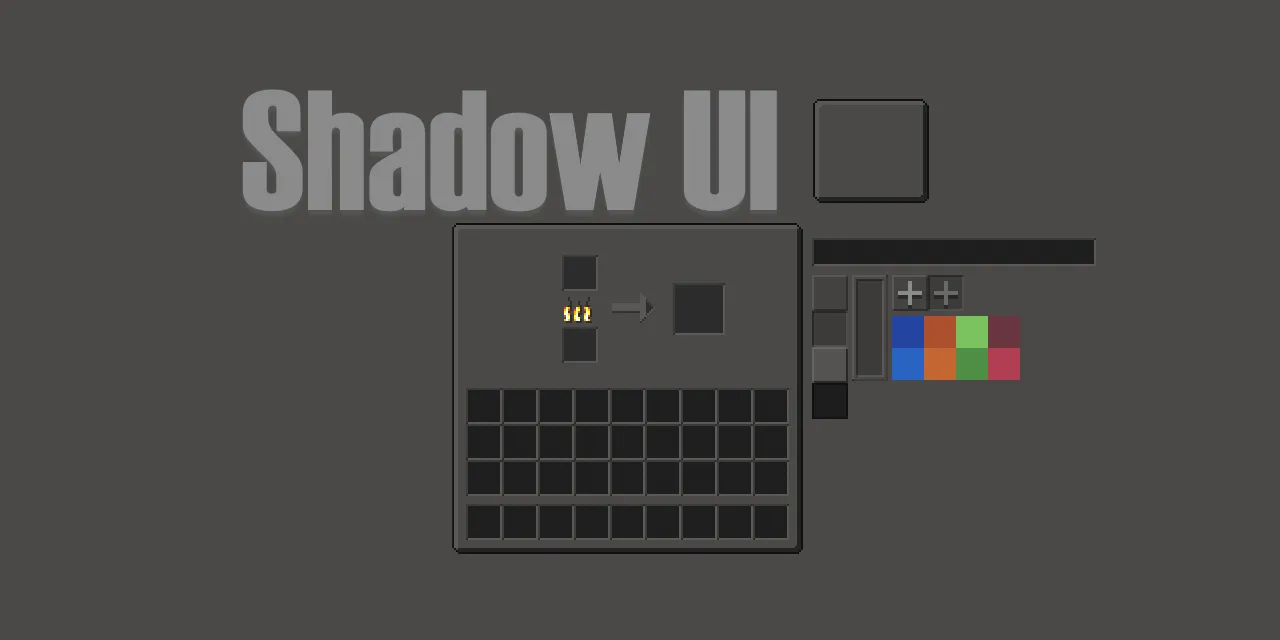
GTNH Shadow UI
Darker GUI resource pack for GregTech New Horizons
Dependency: Angelica
minimum version 2.2.30
Two versions available:
Vanilla GTNH or Modernity
(Compatible with
by ABKQPO)
Based on
by Jimbno.
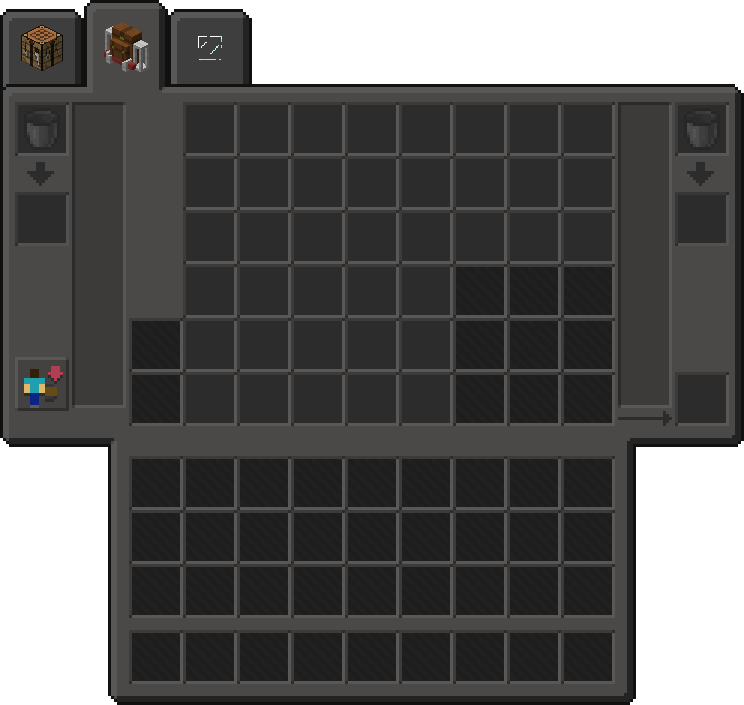
Preview


The Modernity version differs slightly. For example, it uses different slot overlay textures.
Configuration Notice
ChromaticTooltips – If you don’t like the styling of the pack’s tooltips, you can disable them using
ResourcePack Themesin the ChromaticTooltip’s configuration file.
Config path:
\config\chromatictooltips.cfg(set to false) (or in-game config menu)
Supported GTNH Addon Mods
- Twist Space Technology
- 123Technology
- Simple Storage
- Just Enough Calculation
- Box Plus Plus
- GT: Not Leisure
- Think Tech
- OKBackpack
- Programmable Hatches
- Chromatic Tooltips
Future Pre-Release Versions (2.10.X)
<!–
📄
Changelog
Other recommended resource packs
-
GlassUI by S4mpsa
- Transparent UI resource pack based on ShadowUI.
-
AE2 Dark Mode
- Additional texture pack that backports Ae2 (and addons) darker and modern blocks.
-
Outlined Ores-Modern
- Additional texture pack that adds a solid border matching the ore color. Compatible with
Additional Tweaks and Fixes
-
Just-Fire
- Overrides the vanilla fire texture to be lower.
-
Just-NoModels
- Removes the equipment player models for mods such as: Galacticraft/ElectroMagicTools.
-
Just-TrnspThaumRechargeGlimmer
- Makes thaumcraft recharge glimmer on aspects transparent for better visibility.
-
Just-InvisHealingAxe
- Makes Healing Axe “invisible”.
-
Just-HealthBar
- Guide on how to make your health bar be actual bar and not hearts.
-
Shadow Island
- Custom map for my personal dimension.
✨ Big thanks to DeathFuel
for creating the DarkModeFontTransformer text-recoloring system in
Angelica that powers
this pack’s dark mode support.
Licensing
src=”https://img.shields.io/badge/License-CC%20BY–NC–SA%204.0-yellow.svg?style=flat-square”
alt=”License”
常见问题
GTNH Shadow UI 支持哪些 Minecraft 版本?
GTNH Shadow UI 支持 Minecraft Java 版 1.7.10。下载时注意选择和你游戏版本一致的文件。
GTNH Shadow UI 怎么安装?
把下载的 .zip 文件(不用解压)放进游戏目录的 resourcepacks 文件夹,进游戏后在「选项 → 资源包」里把它移到右边启用。
评论
登录后评论和评分