截图
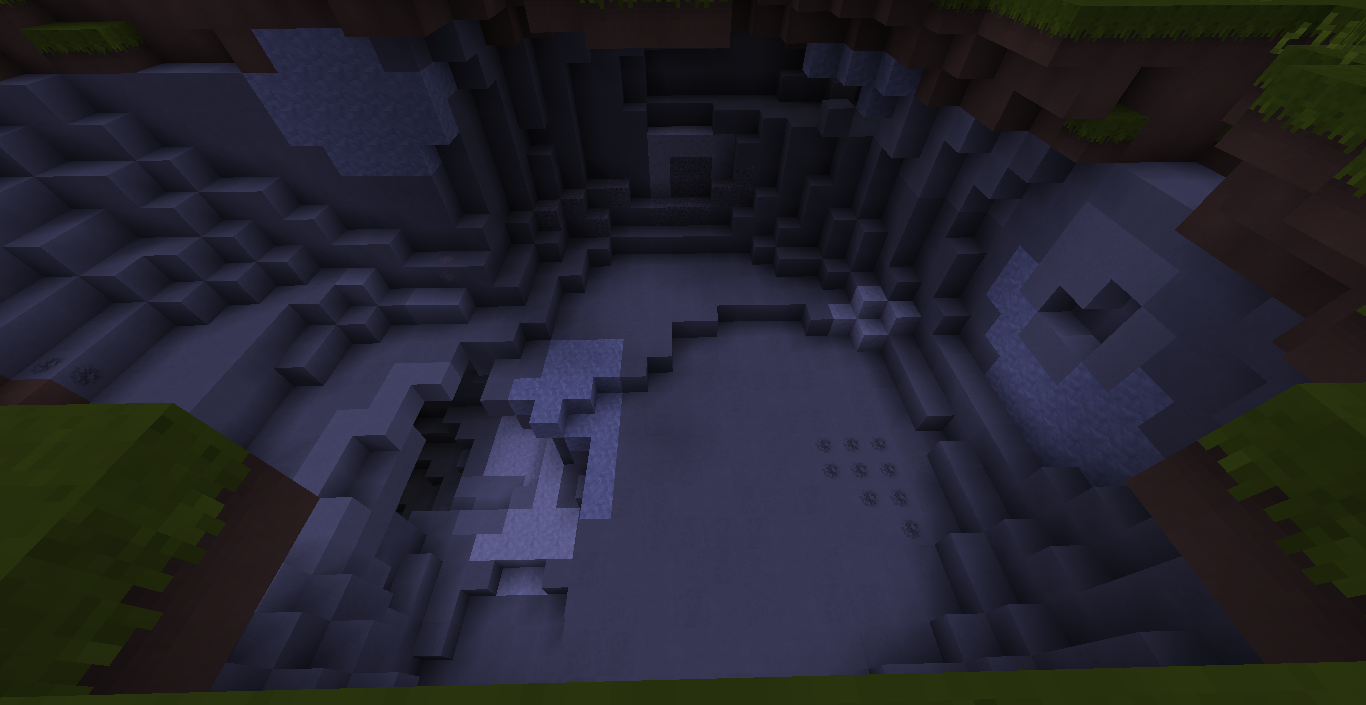
介绍
中文介绍正在准备中,下面暂时显示原文。
Welcome to the GRLabs Default Edit! In this resource pack, it is just an edit of the default resource pack. If anyone requests a texture, I might accept it. If you help, you will have your name at the end of the page for making a texture. But if you request a texture to get removed for a reason, there is a tutorial of removing textures from this below.
VIDEOS:
TUTORIAL ON INSTALLING:
1. Download the resource pack.
2. Open the file.
3. In the ZIP file you opened, drag the folder into your resource packs folder.
PEOPLE WHO MADE TEXTURES:
常见问题
GRLabs Default Edit! 支持哪些 Minecraft 版本?
GRLabs Default Edit! 支持 Minecraft Java 版 1.9–1.10,共 6 个版本。下载时注意选择和你游戏版本一致的文件。
GRLabs Default Edit! 怎么安装?
把下载的 .zip 文件(不用解压)放进游戏目录的 resourcepacks 文件夹,进游戏后在「选项 → 资源包」里把它移到右边启用。
评论
登录后评论和评分