
截图
介绍
# GOD_Vaibhav 16x pack
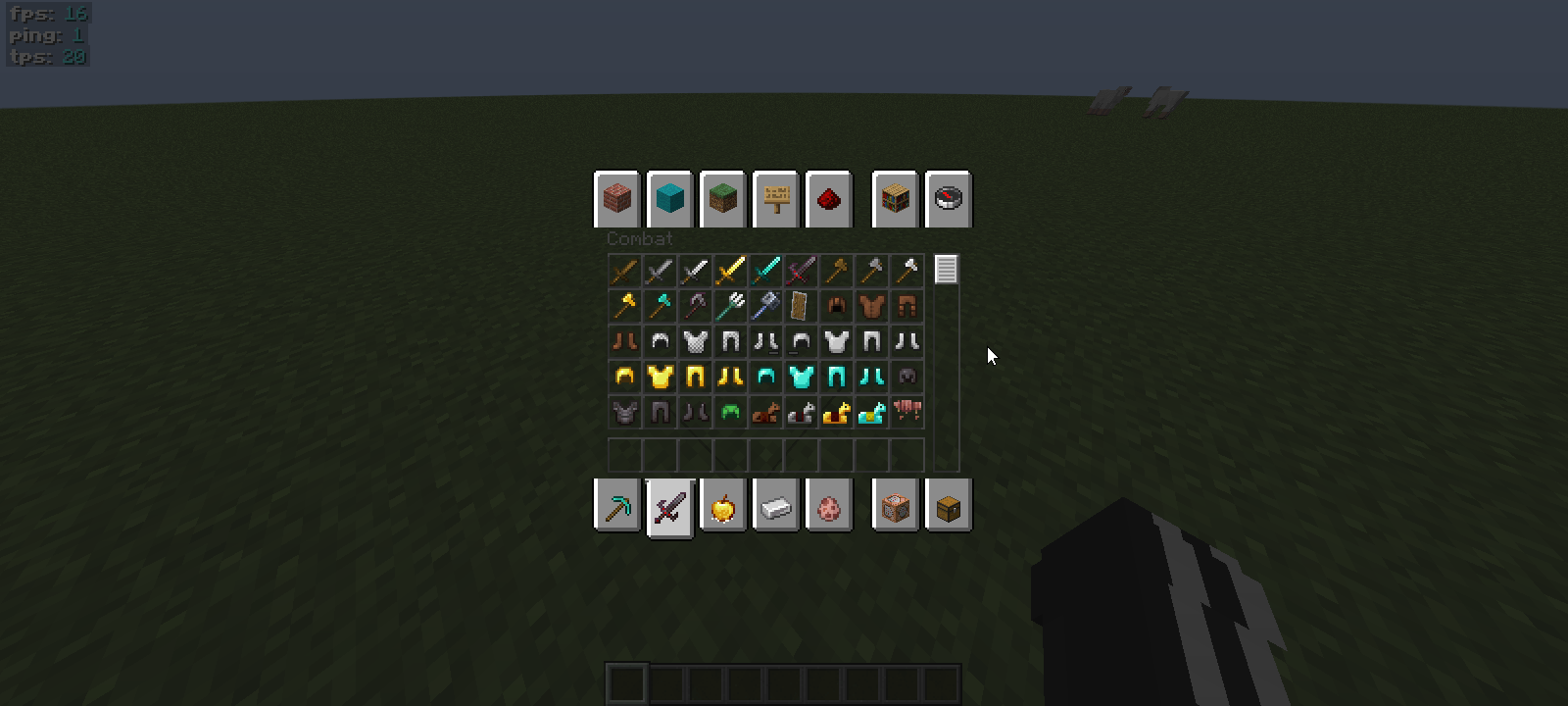
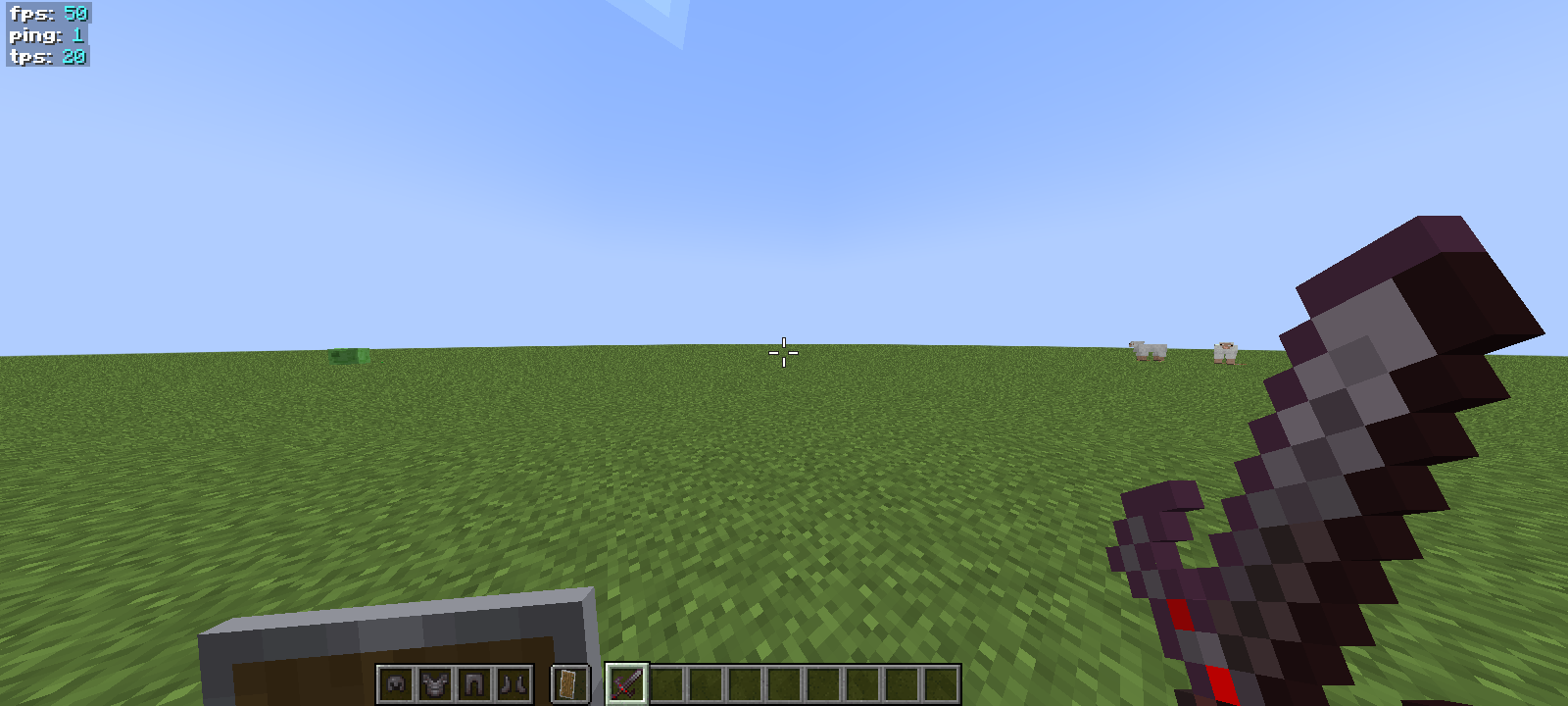
Welcome to the official Modrinth page for **GOD_Vaibhav 16x pack**! This resource pack is meticulously designed for Minecraft players who want the perfect balance between competitive edge and aesthetic survival visuals.
By keeping the resolution at **16x**, this pack ensures a massive FPS boost, making it absolutely perfect for low-end PCs, intense PvP encounters, and smooth vanilla-plus survival adventures.
—
## ✨ Key Features
### ⚔️ Competitive PvP & Visuals
* **Classic Swords:** Keeps the familiar, normal vanilla-style sword design for players who prefer the classic feel.
* **Animated Elements:** Eye-catching custom animations integrated into specific textures to make your gameplay feel dynamic and alive!
* **Low Fire:** Reduced fire overlay animation so your vision is never blocked during intense PvP.
* **Clear Glass:** Seamless glass textures for superior awareness in BedWars, SkyWars, and Arena PvP.
### 🏡 Immersive Survival & Optimization
* **Vanilla+ Vibe:** Keeps the core spirit of Minecraft intact while refining textures to look cleaner and smoother.
* **FPS Friendly:** Engineered specifically to maximize frames-per-second on all hardware configurations.
* **Clean UI/GUI:** A streamlined user interface that reduces eye strain during long gaming sessions.
—
## 🚀 Performance & Compatibility
* **Resolution:** 16×16 (Highly Optimized)
* **Cross-Platform:** Works seamlessly across vanilla Minecraft, Fabric, Forge, Iris/OptiFine, and Sodium.
—
## 🔗 Official Links & Verification
To ensure authenticity and follow our update pipeline, check out our official project pages:
- CurseForge Page:
- Modrinth
- —
*Made with ❤️ by Vaibhav. Enjoying the
pack? Consider leaving a follow!*.
常见问题
GOD_Vaibhav 16x pack 支持哪些 Minecraft 版本?
GOD_Vaibhav 16x pack 支持 Minecraft Java 版 1.20–26.2,共 23 个版本。下载时注意选择和你游戏版本一致的文件。
GOD_Vaibhav 16x pack 怎么安装?
把下载的 .zip 文件(不用解压)放进游戏目录的 resourcepacks 文件夹,进游戏后在「选项 → 资源包」里把它移到右边启用。
评论
登录后评论和评分