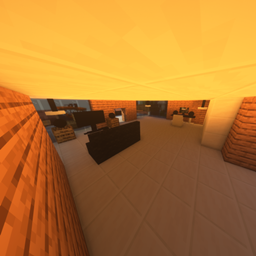
Furniture & more
you have problems with the design of your house, then this texture pack helps
截图
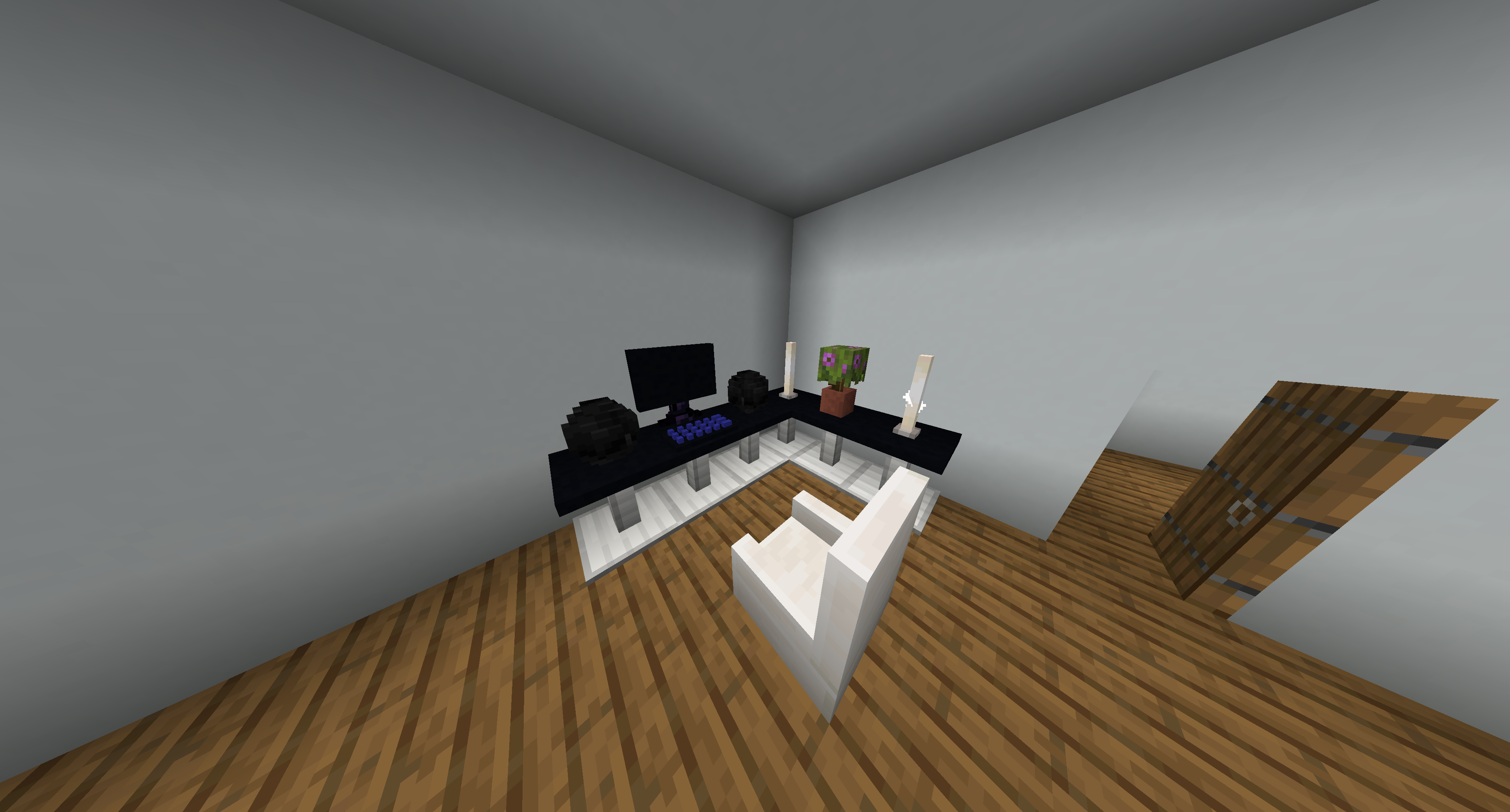
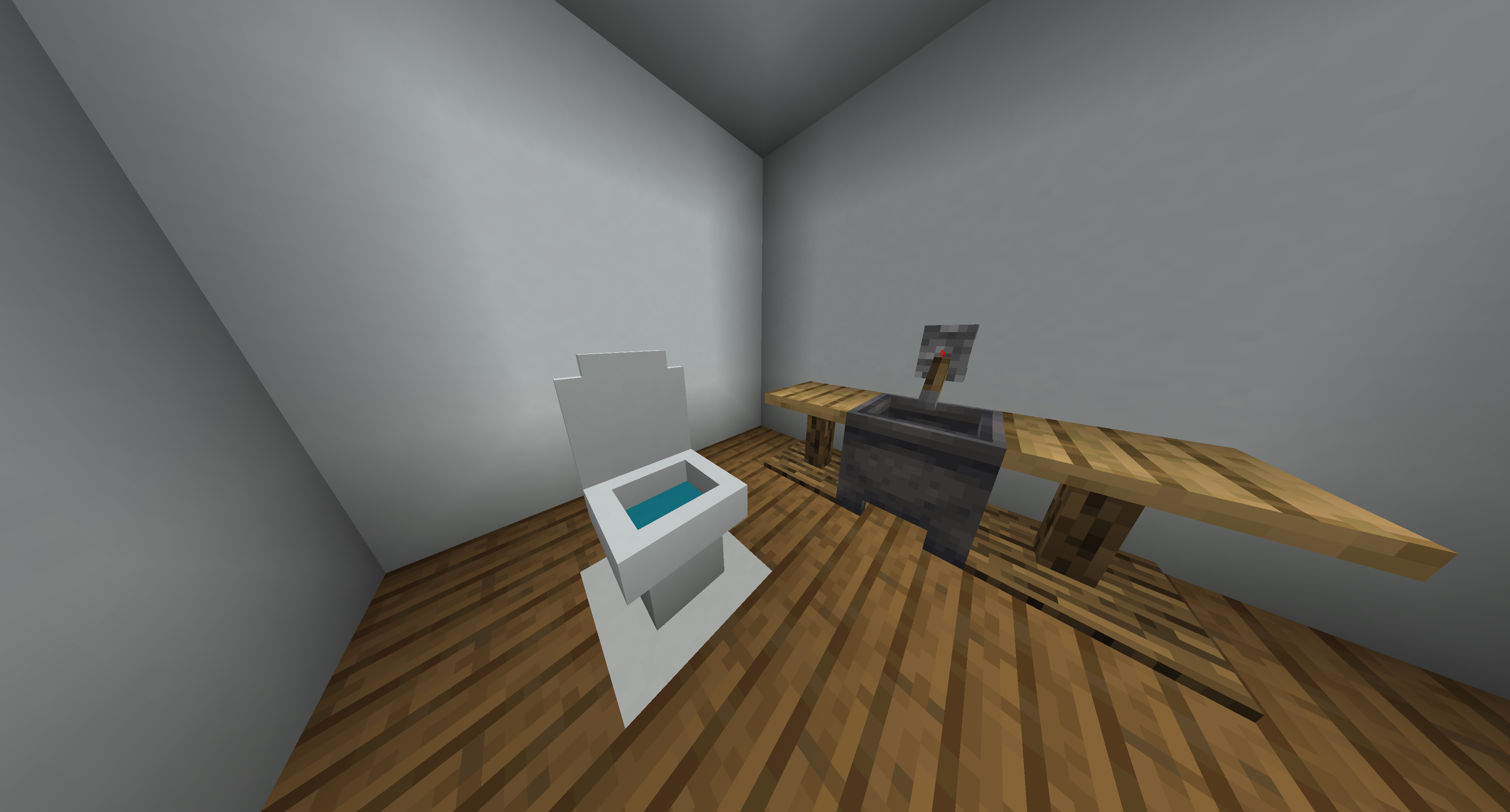
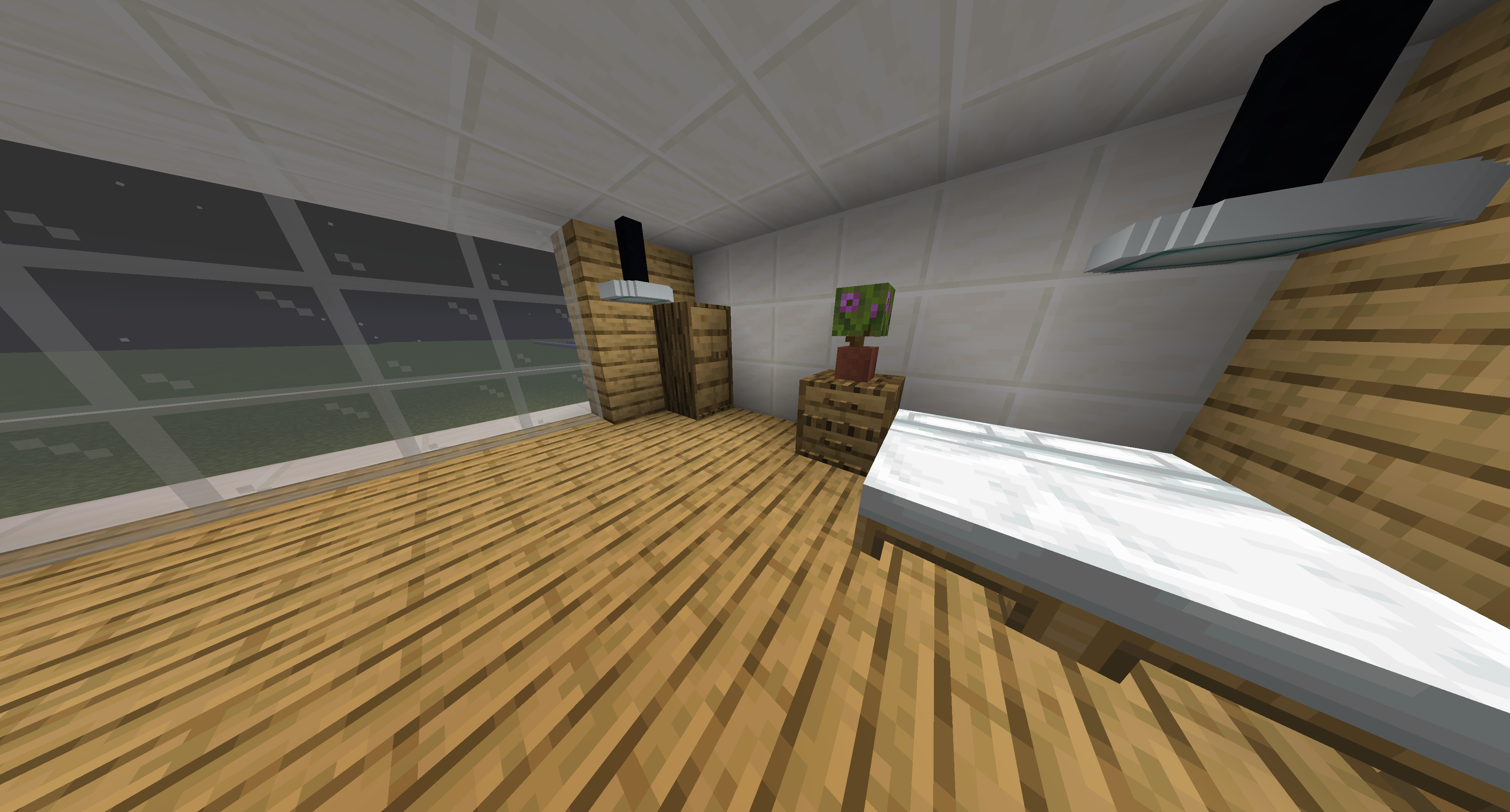
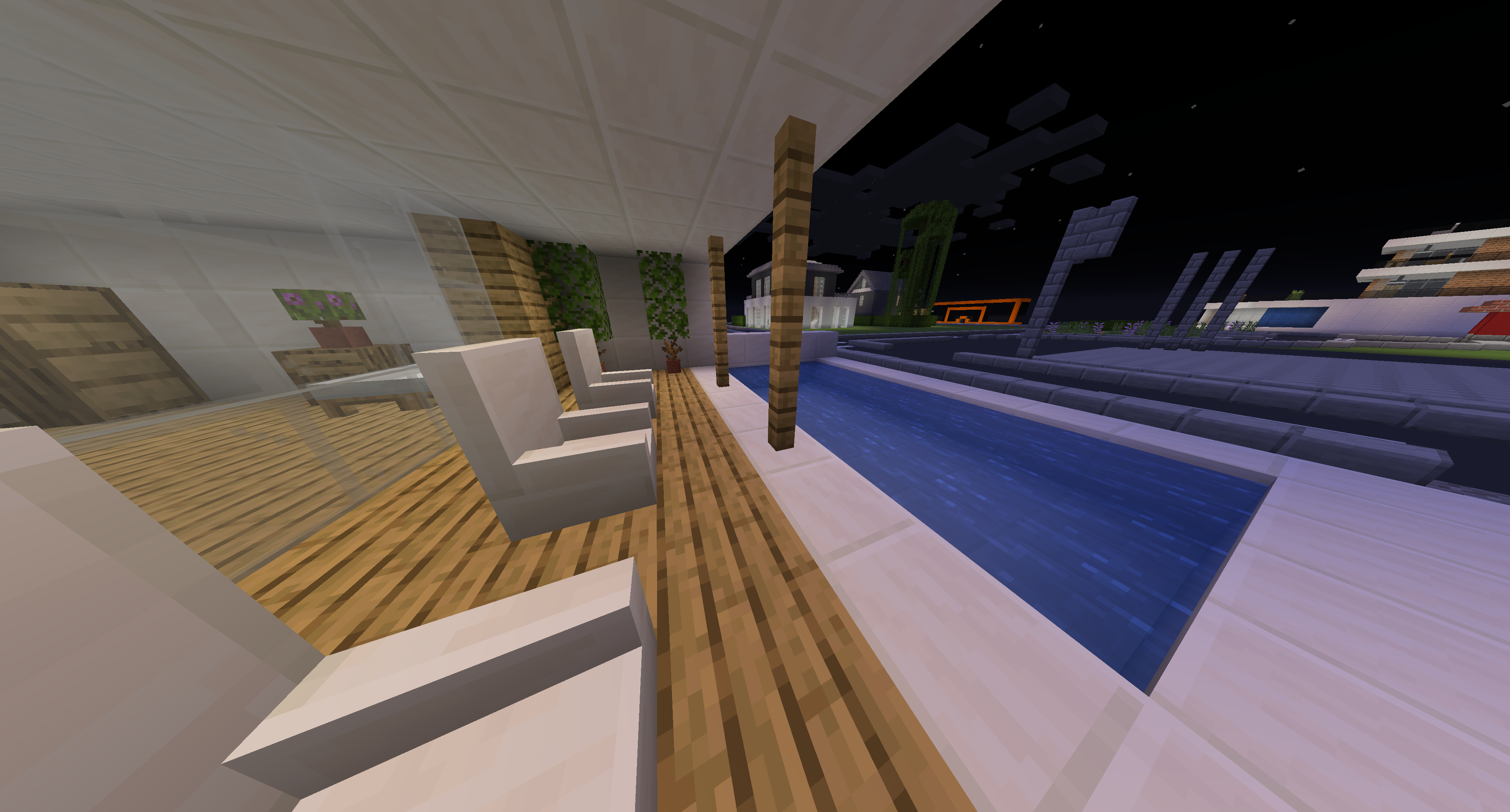
介绍
Welcome to my Texture Pack: Furniture & more
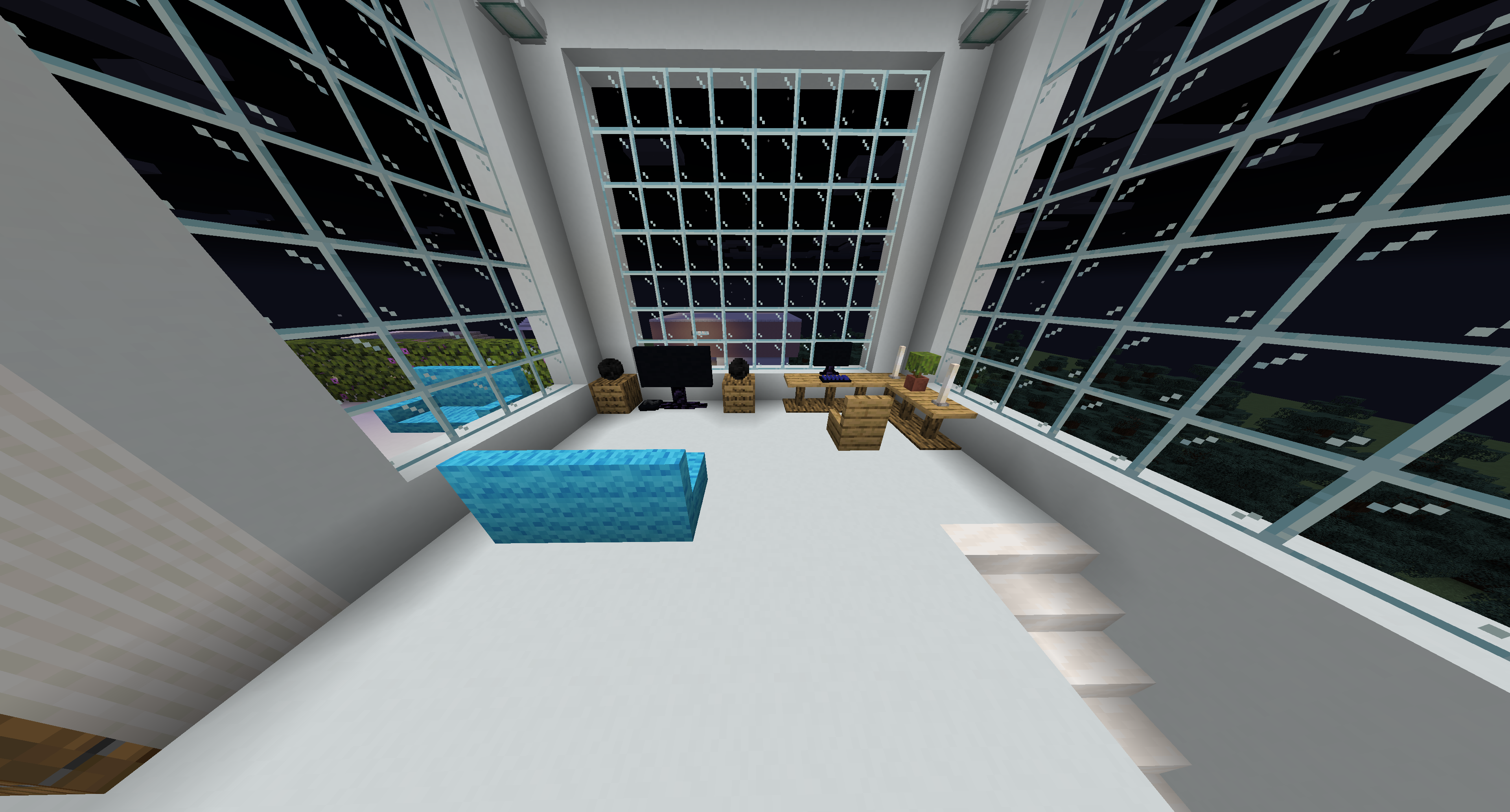
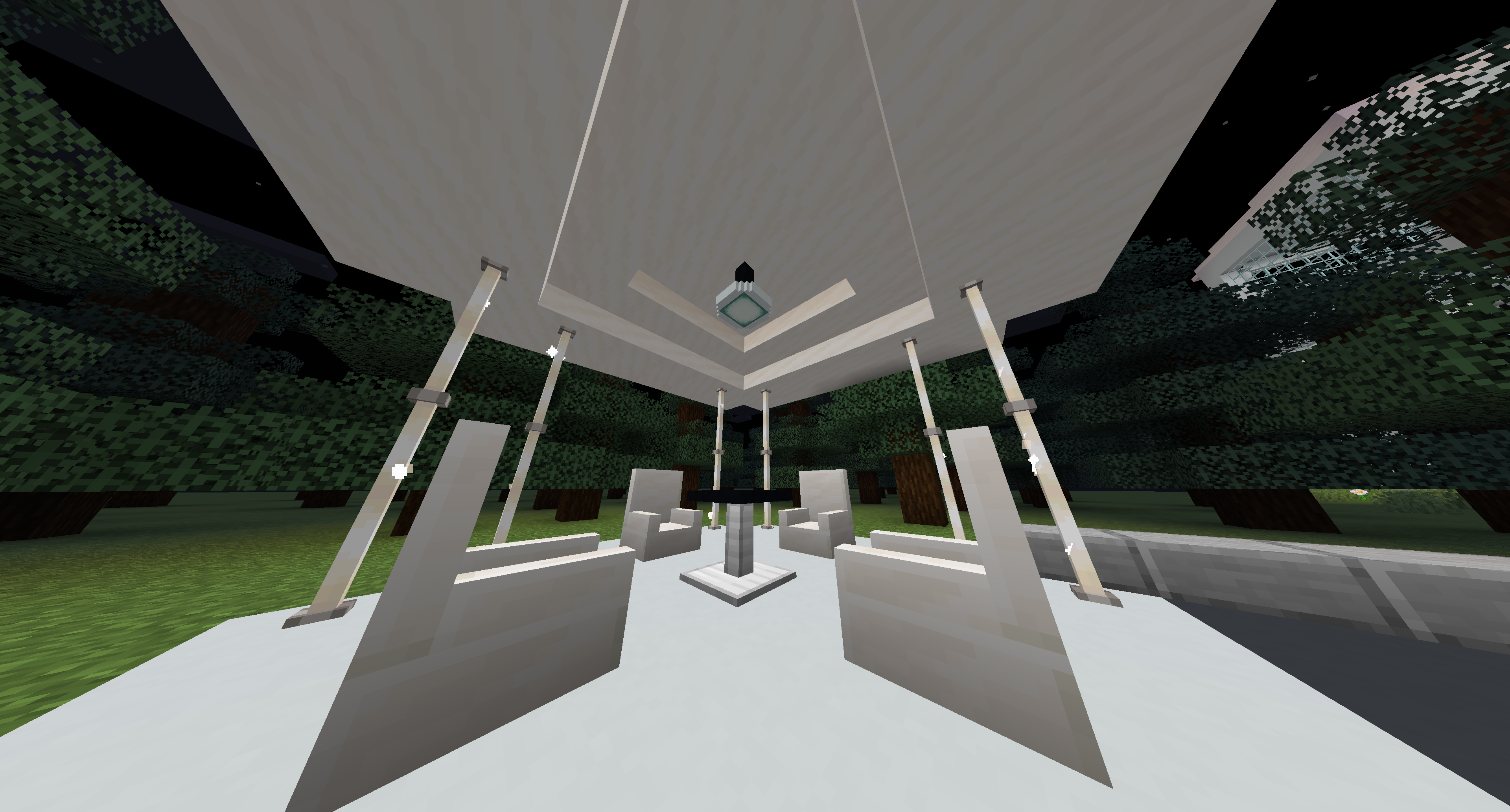
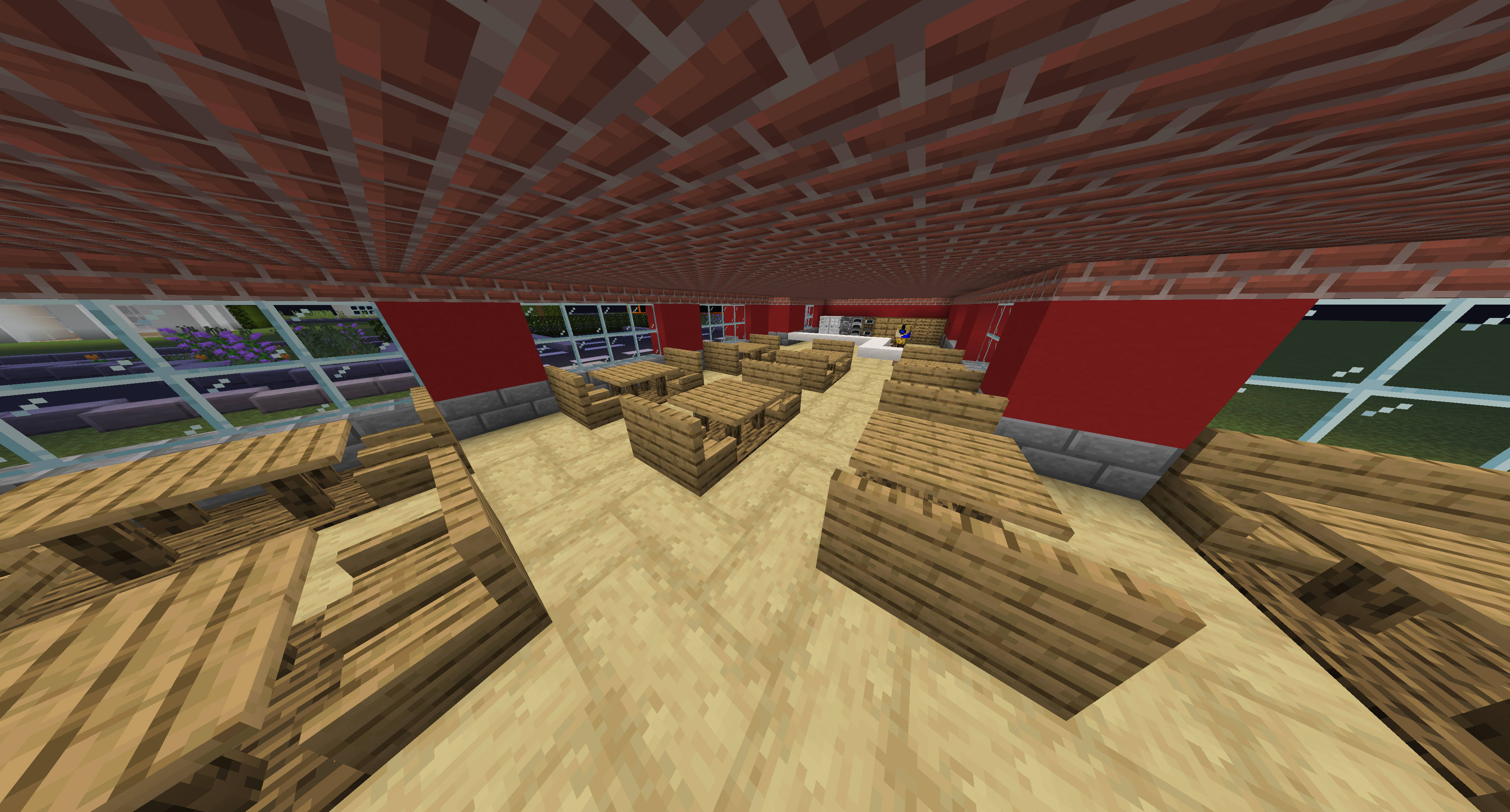
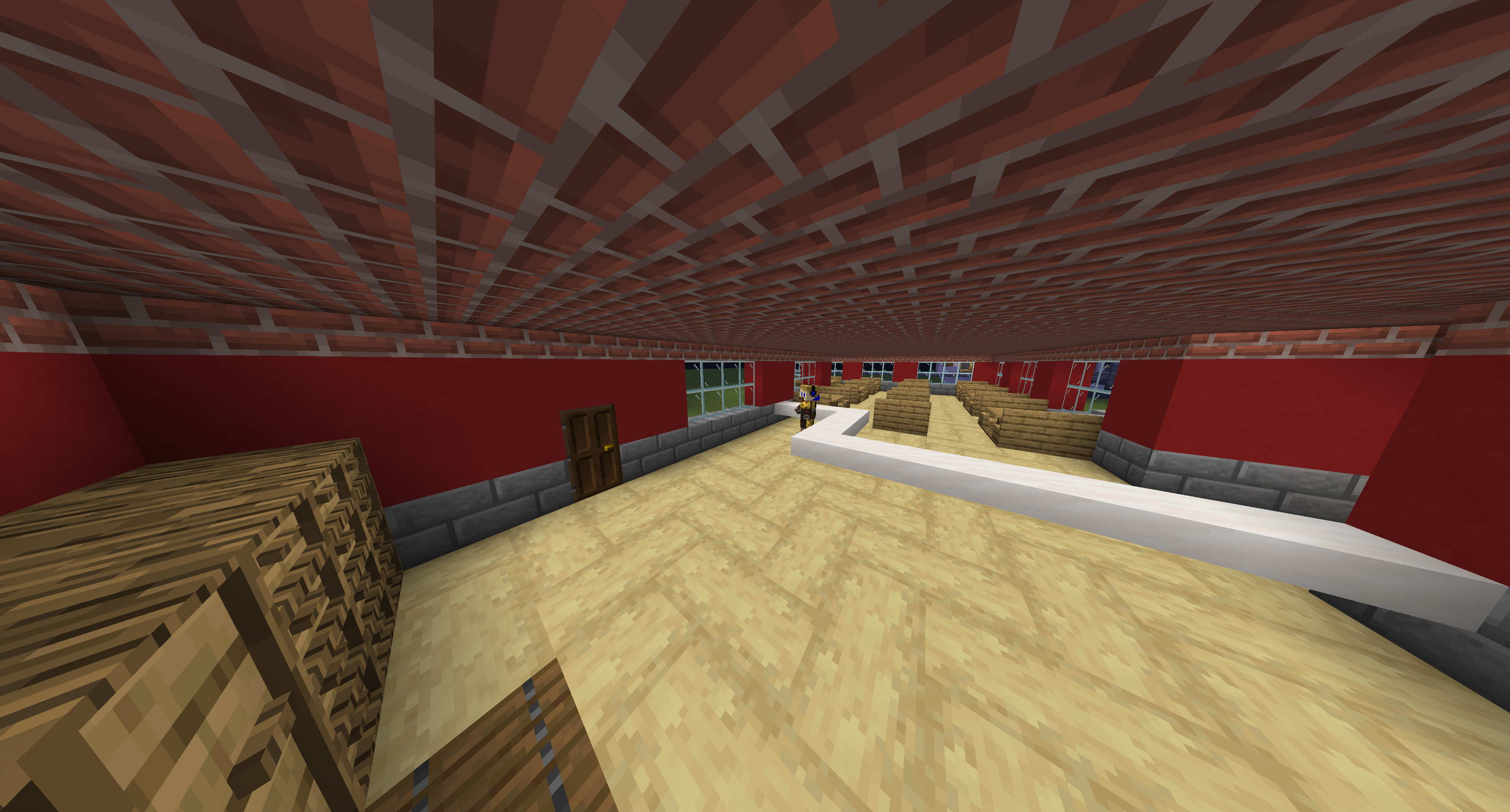
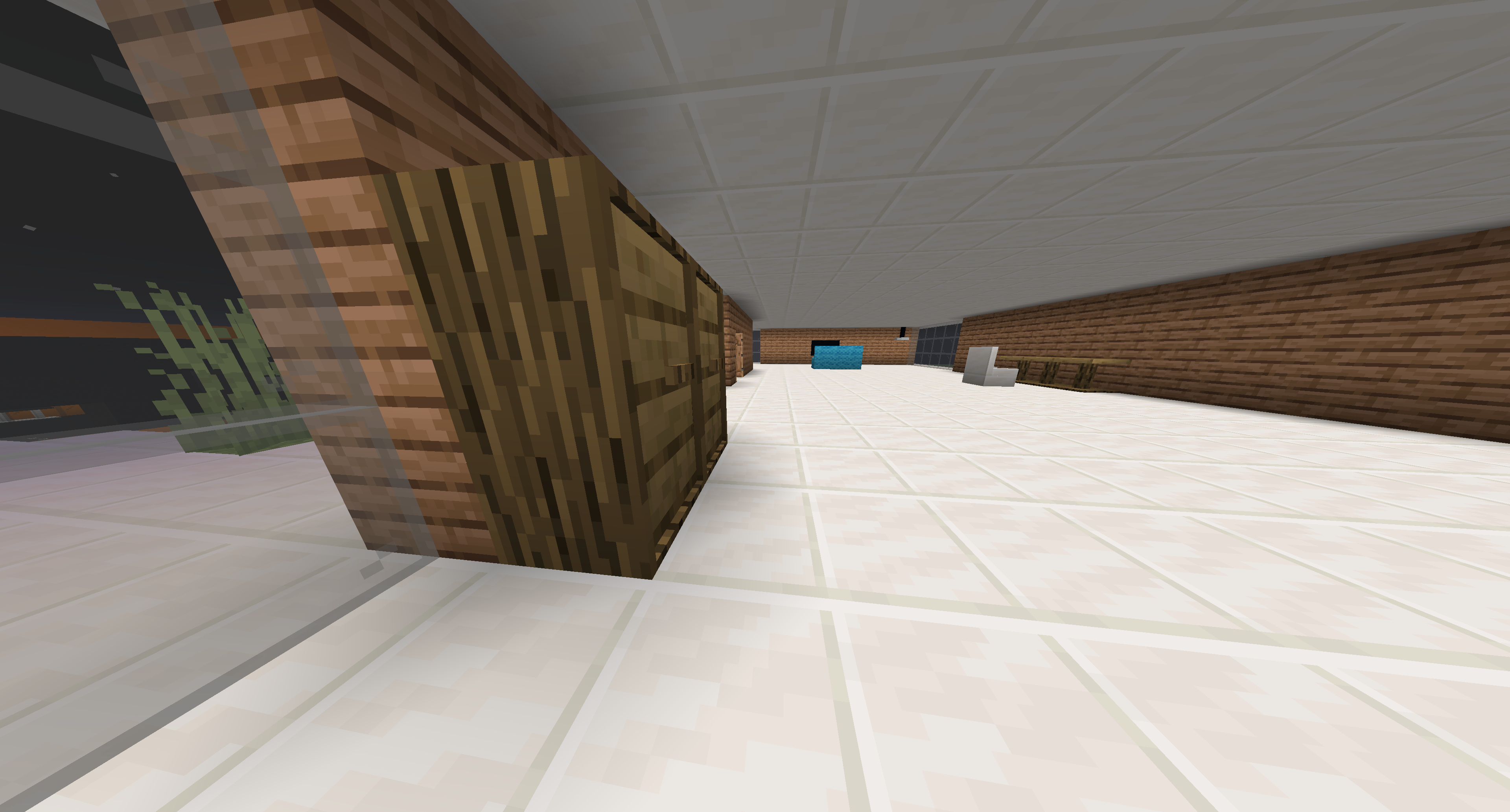
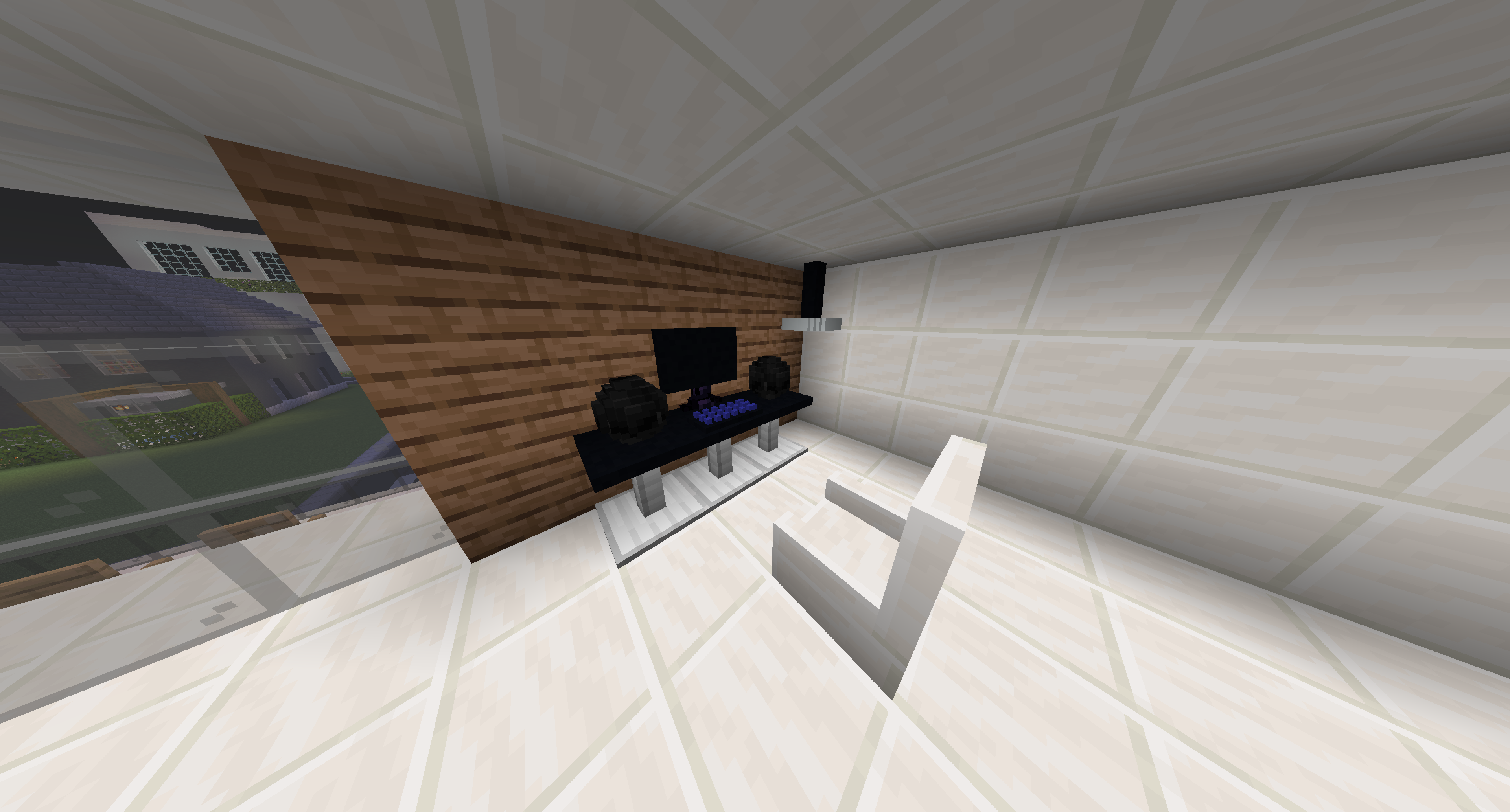
This texture pack includes furniture to beautify your interior design.
More textures will come as the days or months go by
what is happening?
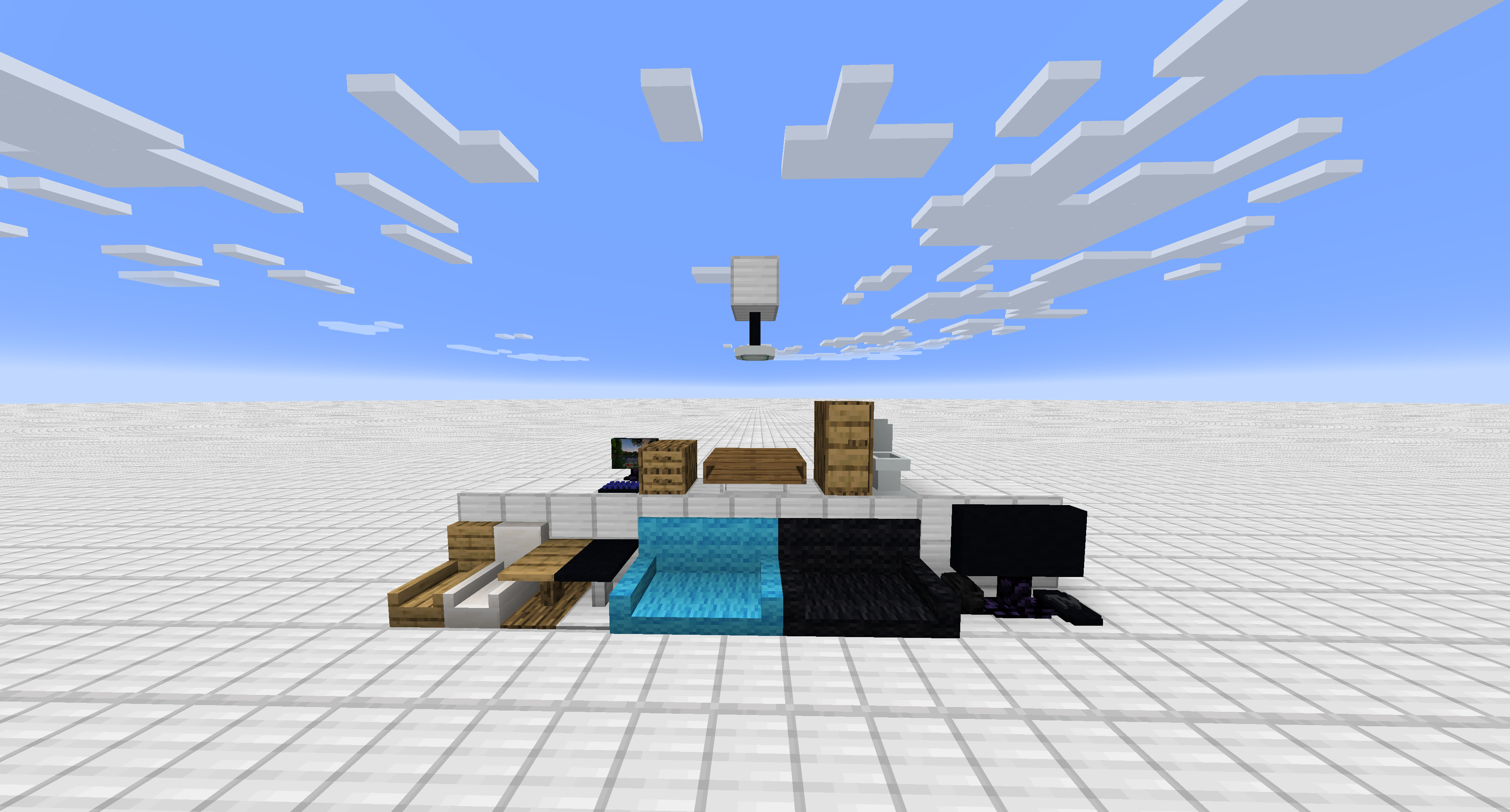
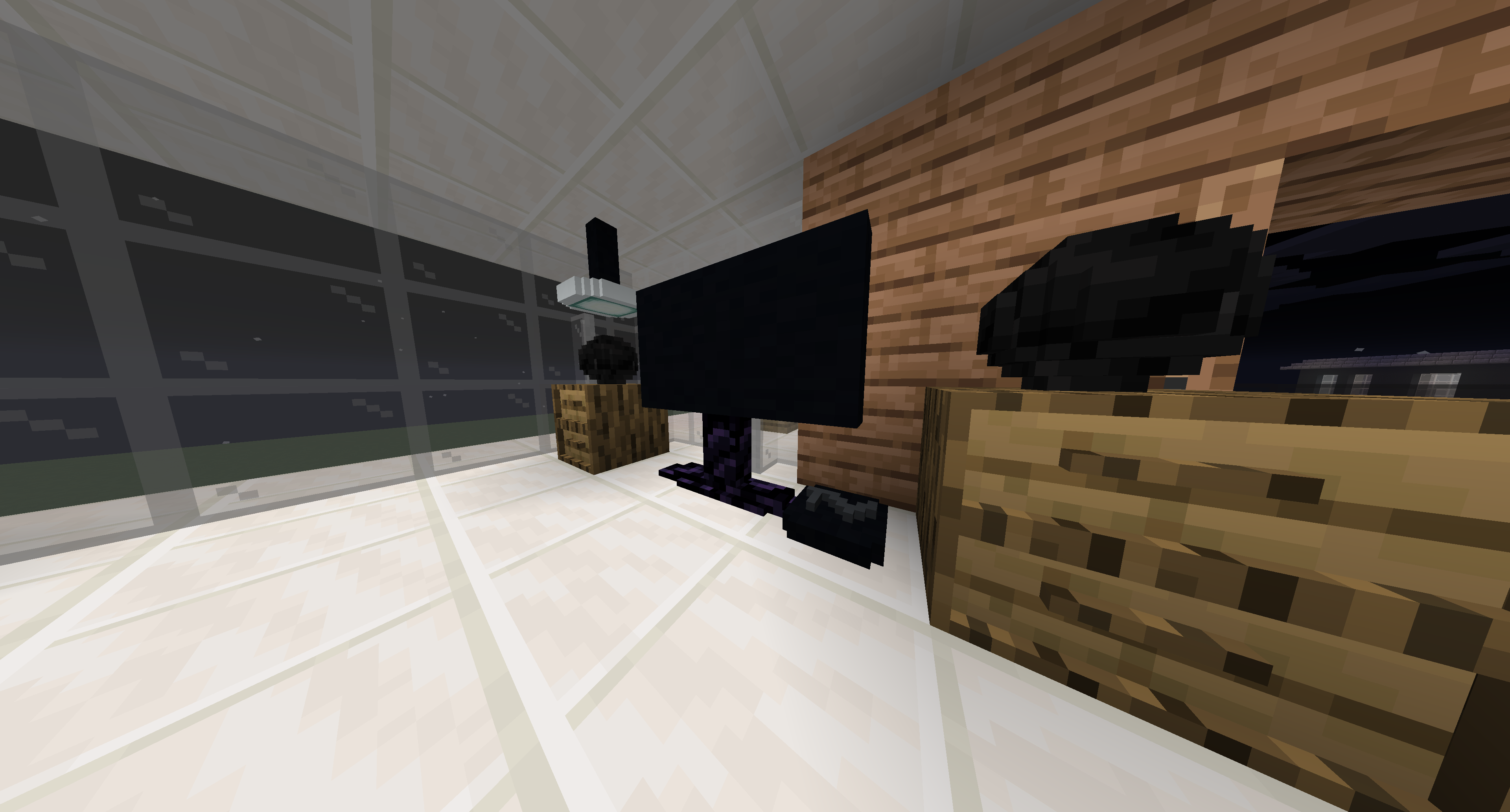
A few unnecessary blocks have been replaced by furniture. This includes a computer, television, a couch, lamps and much more.
this resource pack adapts to other resource packs. So it is compatible with all texture packs. Important! that resource pack must have the highest priority. So it has to be on top
which block is what
- anvil = Computer
- chipped anvil = Computer
- damaged anvil = Computer
- light blue stained glass = TV
- magenta stained glass = lamp
- orange stained glass = table
- purpur stairs = chair
- red nether brick stairs = chouch (cyan)
- Smartphone = /give @p paper{display:{Name:'{“text”:”Smartphone”,”color”:”blue”,”bold”:true}’},CustomModelData:1} 1
- beehive = drawer box
- yellow stained glass = Jukebox
- white glazed terracotta = cabinet
- orange glazed terracotta = Toilet
- lime stained glass = apple tv
- tv remote = /give @p paper{display:{Name:'{“text”:”Tv Remote”,”color”:”blue”,”bold”:true}’},CustomModelData:2} 1
- pink stained_glass = white and black table
- nether brick stairs = white and black chair
- hamburger = /give @p golden_carrot{display:{Name:'{“text”:”Hamburger”}’},CustomModelData:1} 1
- 10$ = /give @p paper{display:{Name:'{“text”:”10$”,”color”:”green”,”bold”:true}’},CustomModelData:3} 1
- Pizza = /give @p golden_carrot{display:{Name:'{“text”:”Pizza”}’},CustomModelData:2} 1
- diorite stairs = chouch (black)
- magenta glazed Terracotta = small table
License
you are allowed to use the texture pack in your maps that you want to publish under one condition: you have to insert the link to this texture pack in the description of the world!
it doesn’t work with optifine!
I wish you a lot of fun designing your house
常见问题
Furniture & more 支持哪些 Minecraft 版本?
Furniture & more 支持 Minecraft Java 版 1.17–1.17.1,共 2 个版本。下载时注意选择和你游戏版本一致的文件。
Furniture & more 怎么安装?
把下载的 .zip 文件(不用解压)放进游戏目录的 resourcepacks 文件夹,进游戏后在「选项 → 资源包」里把它移到右边启用。
评论
登录后评论和评分