
Freshified Music Discs (RP)
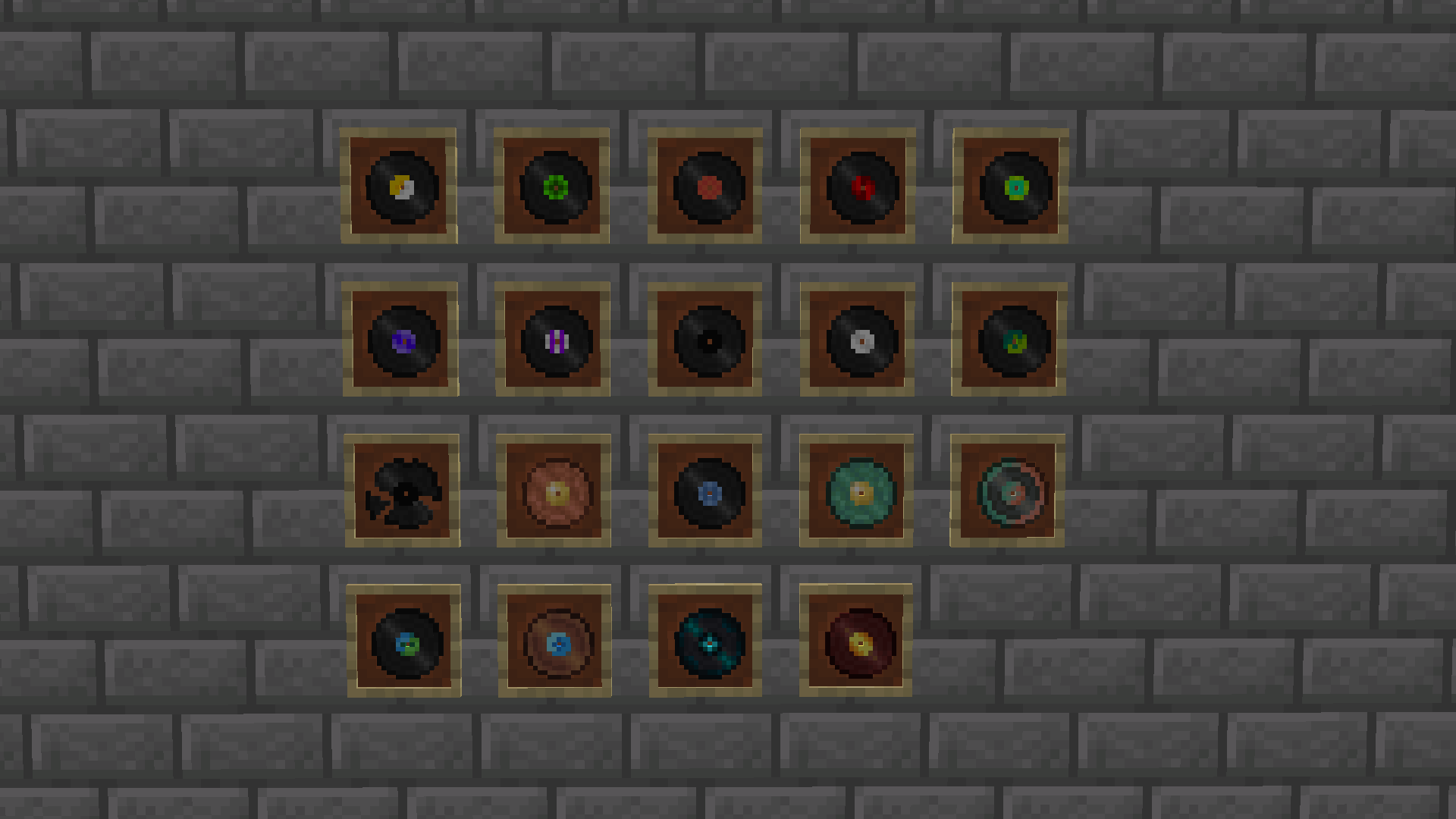
Revamps the look of all discs in Minecraft by giving them a old time feel.
截图


介绍
Freshified Music Discs
Freshified Music Discs is a small texture pack with the goal of bringing the vanilla music discs and jukebox back into the past by giving them that old timey feel. Its a simple pack that makes collecting music discs even more interesting!
How to install
- Download the .zip file for Freshified Music Discs
- Go to %appdata%
- Copy .zip to /Roaming/.minecraft/resourcepacks
- (You can delete the old version that you have installed)
- Load Minecraft and select the Freshified Music Disc Texture Pack
OR
- Download the resource pack to your instance in the Modrinth app
Terms of Use
You are allowed to alter Freshified Music Discs as long as it’s not distributed, please keep these to yourself. Do not reupload any instance of the Freshified Music Discs texture pack. If you want to create addons for Freshified Music Discs, make sure that no unnecessary textures exist in the addon texture pack, only then are you allowed to upload it.
If you find any bugs, missing textures or have any other issues, let me know in the google form.
常见问题
Freshified Music Discs (RP) 支持哪些 Minecraft 版本?
Freshified Music Discs (RP) 支持 Minecraft Java 版 1.21–1.21.10,共 11 个版本。下载时注意选择和你游戏版本一致的文件。
Freshified Music Discs (RP) 怎么安装?
把下载的 .zip 文件(不用解压)放进游戏目录的 resourcepacks 文件夹,进游戏后在「选项 → 资源包」里把它移到右边启用。

评论
登录后评论和评分