
截图
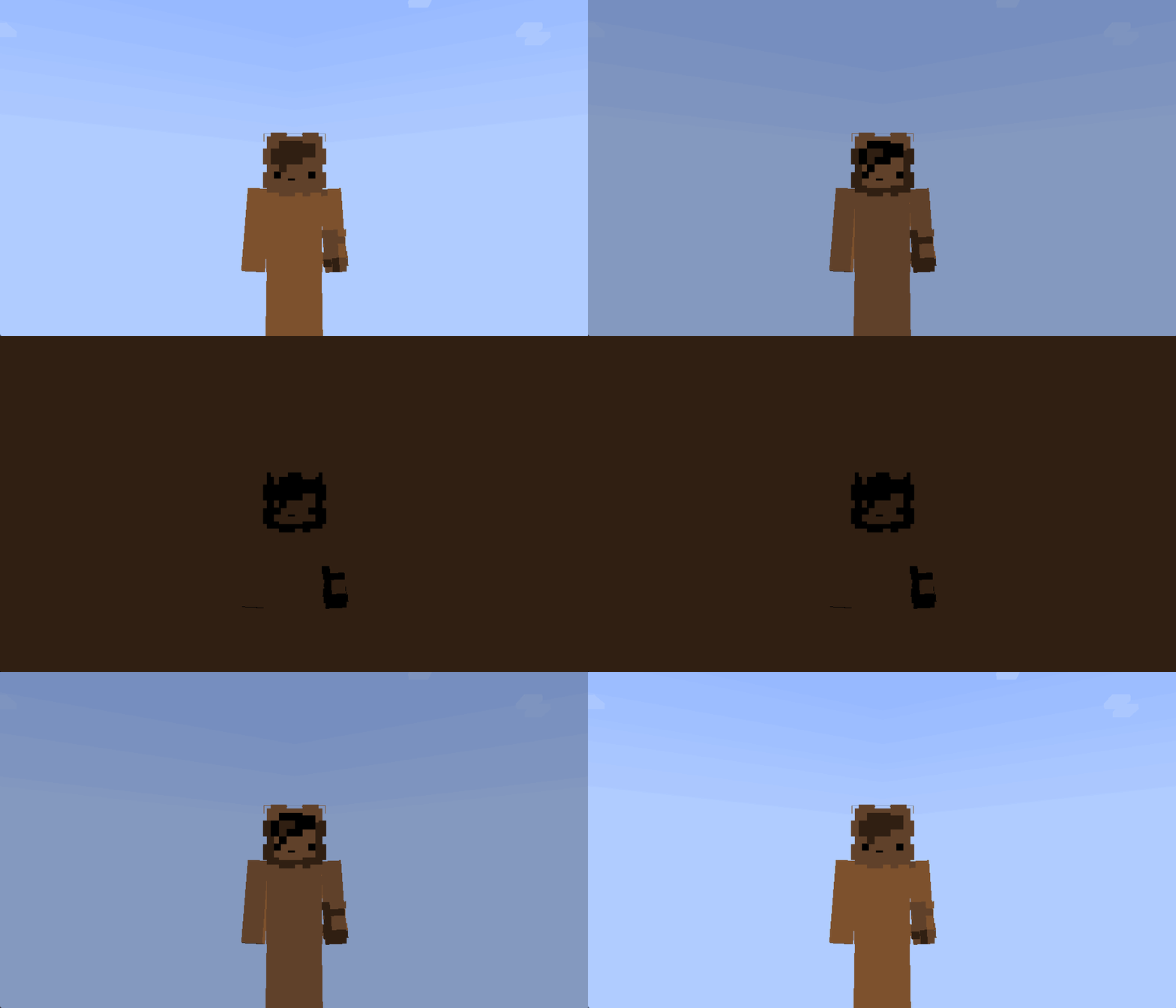
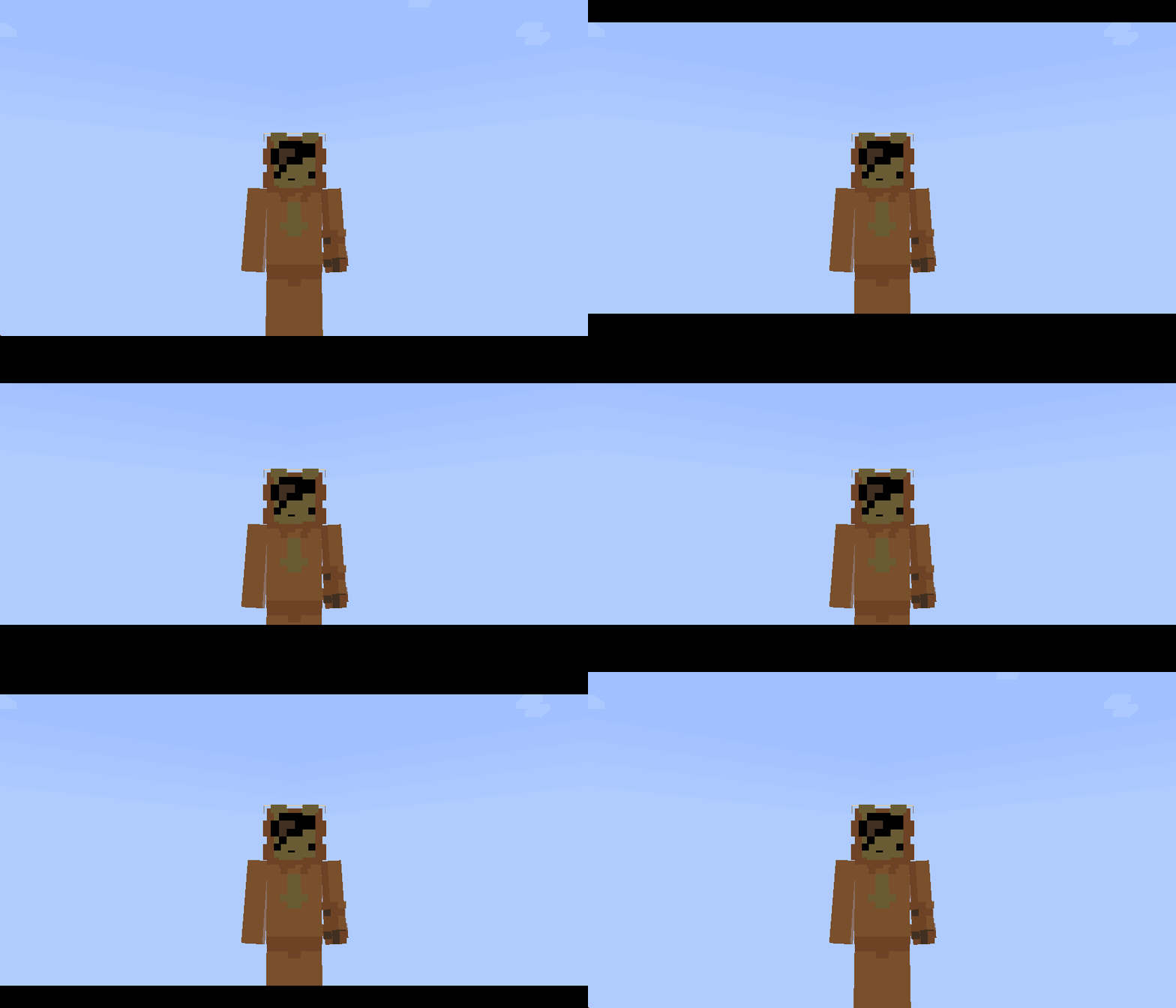
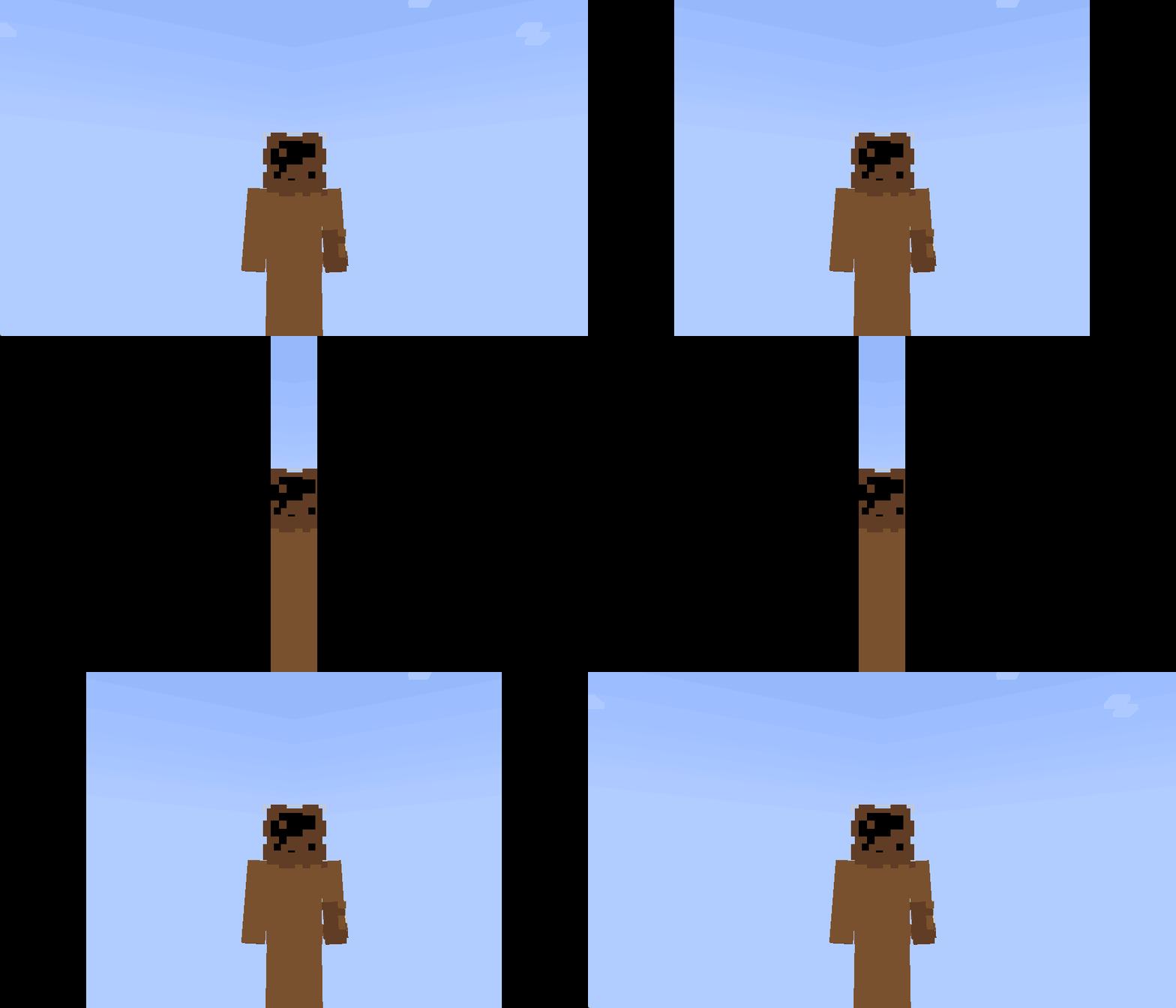
介绍
This resource pack/shader is designed to create smooth screen animations using the /title command. It can be used to display photos, frames, intros, UI elements, black bars for cutscenes, and other fullscreen textures. Textures can smoothly appear, disappear, and slide onto the screen from different directions.🎬
🎞️ Command examples:
Screen fade:
/title @s title [{"font":"render","text":"\uF91C","color":"#000000"}]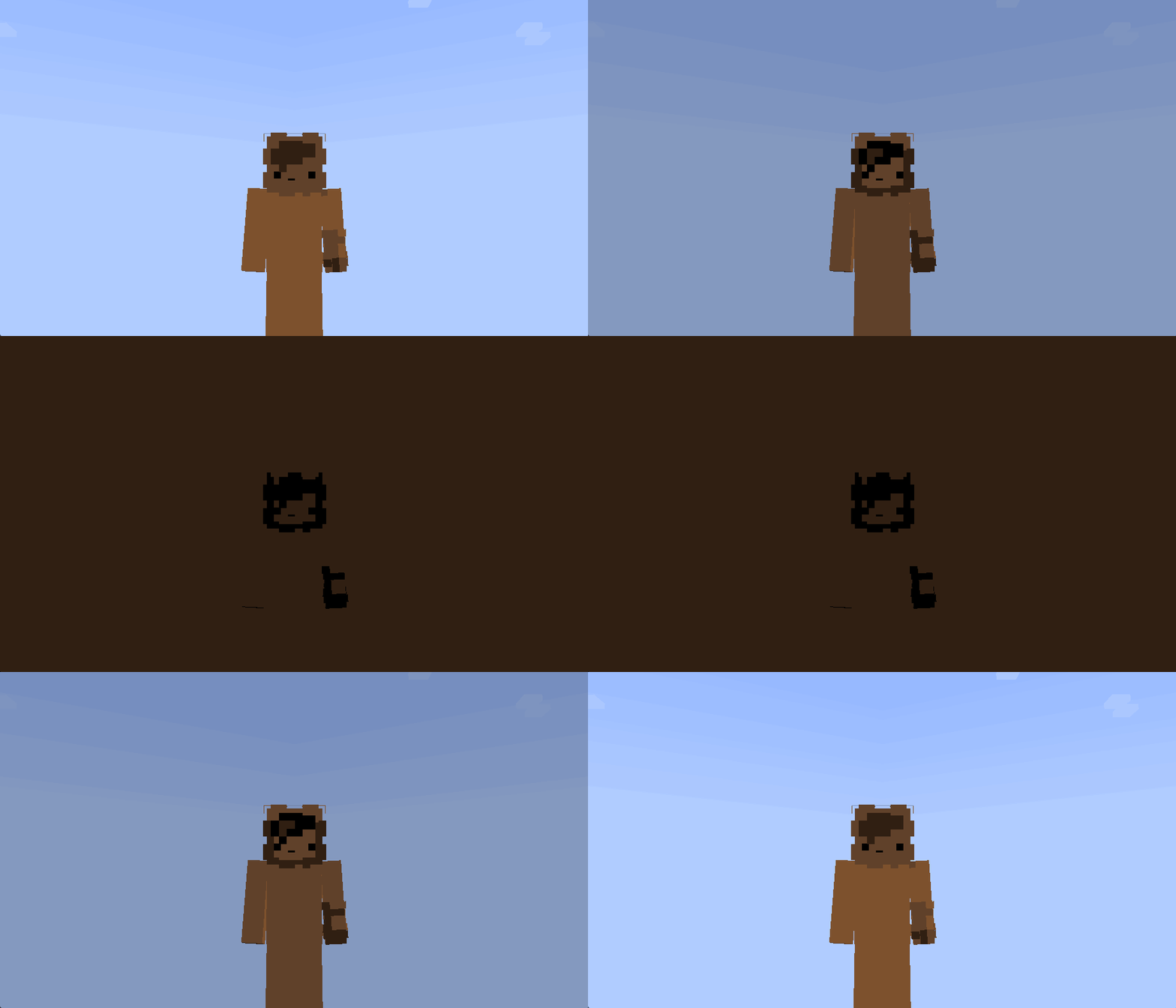
#
Cinematic top and bottom bars:
/title @s title [{"font":"render","text":"\uF91C","color":"#000003"},{"font":"render","text":"\uF91C","color":"#000004"}]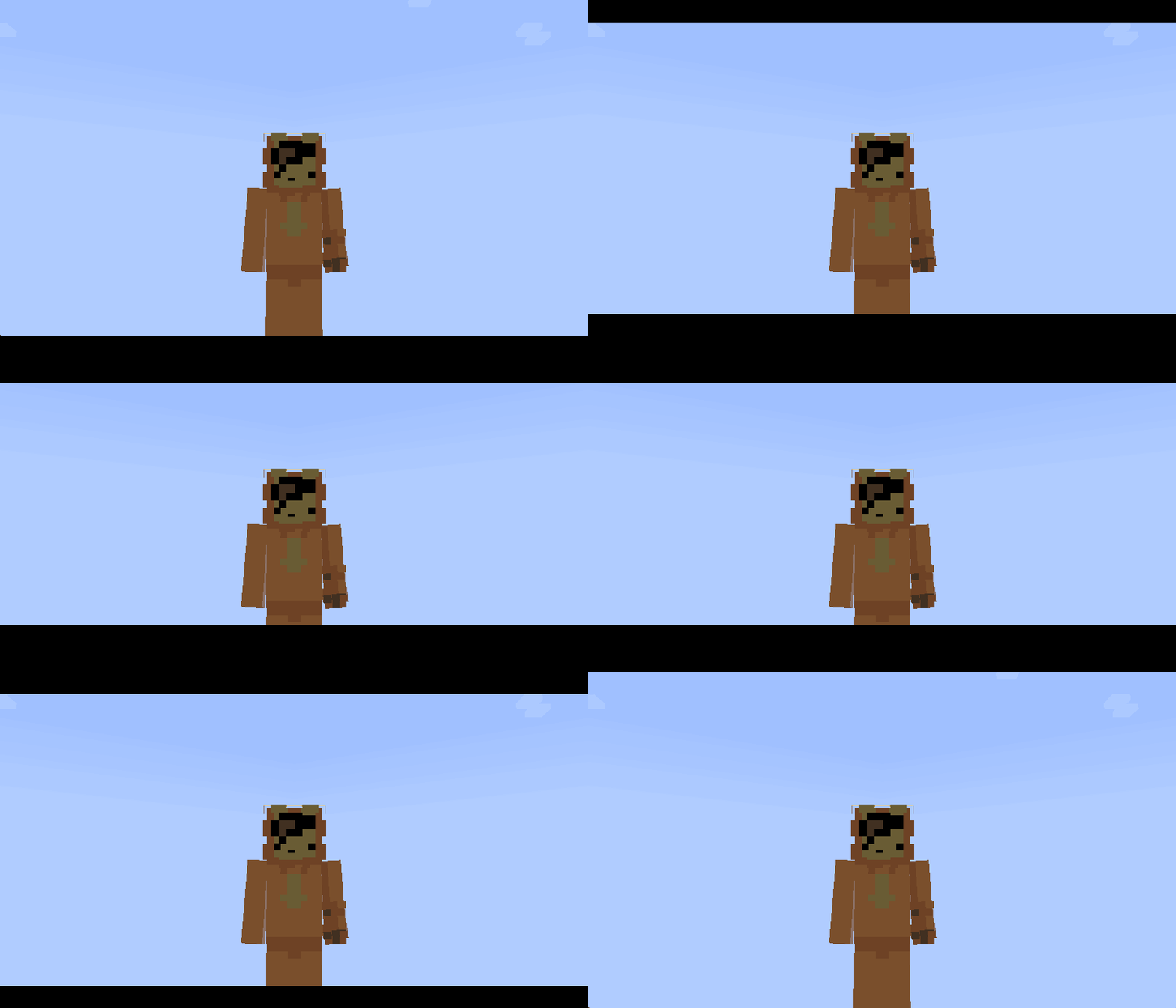
#
Screen-covering panels:
/title @s title [{"font":"render","text":"\uF91C","color":"#000001"},{"font":"render","text":"\uF91C","color":"#000002"}]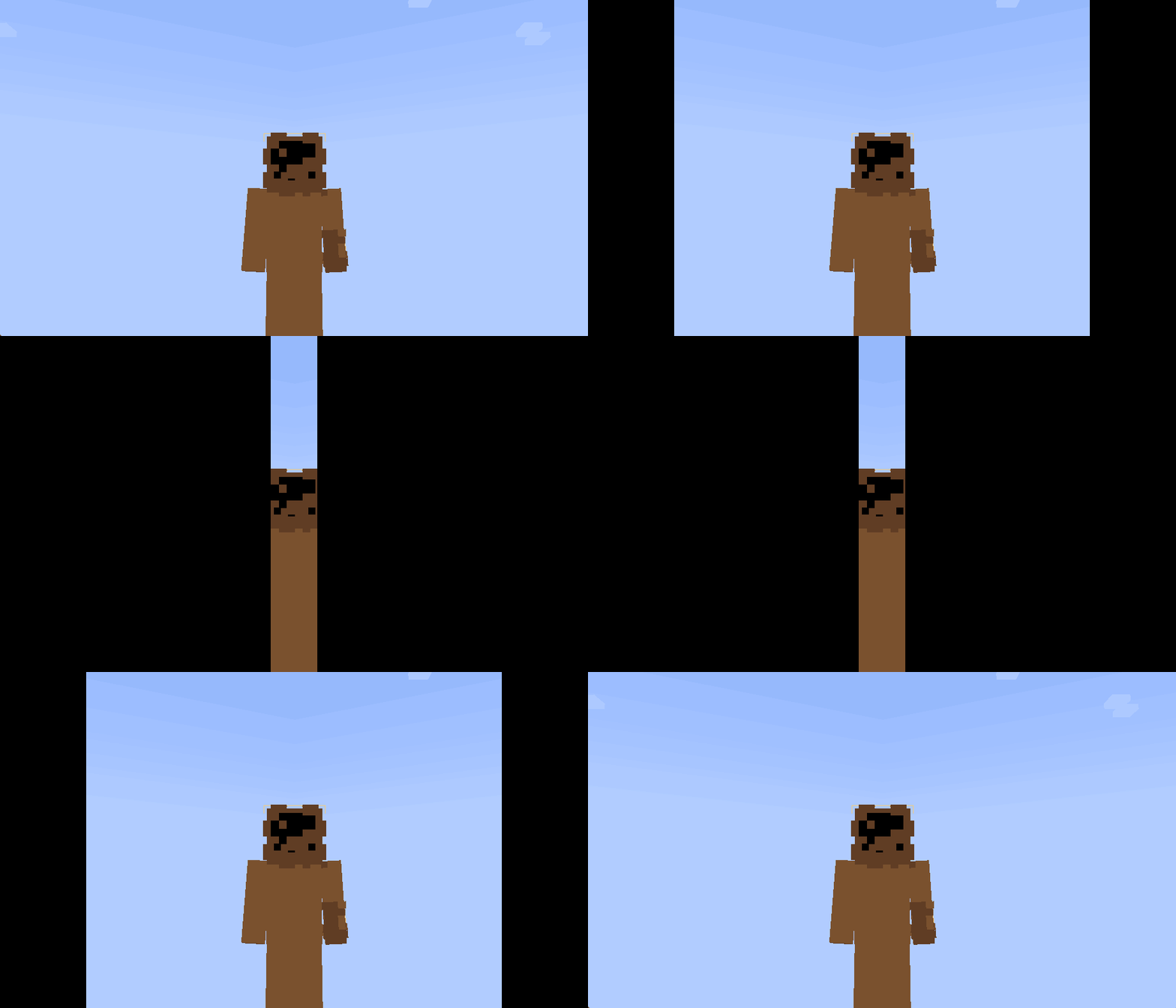
#
The animation duration can be configured using this command:
/title @s times [fade in] [duration] [fade out]Panel movement directions:
#000001 — from the left to the center
#000002 — from the right to the center
#000003 — from the top downward
#000004 — from the bottom upward
常见问题
🎬┃Font Curtains 支持哪些 Minecraft 版本?
🎬┃Font Curtains 支持 Minecraft Java 版 1.21–1.21.1,共 2 个版本。下载时注意选择和你游戏版本一致的文件。
🎬┃Font Curtains 怎么安装?
把下载的 .zip 文件(不用解压)放进游戏目录的 resourcepacks 文件夹,进游戏后在「选项 → 资源包」里把它移到右边启用。
Tagesbw 的其他作品
查看全部 →
bodycam_RP
This resource pack will make your game more realistic, creating the effect of a police chest camera.

Bloom-Entity
This resource pack adds bloom highlighting to some entities.

Screamerpack RP
This resource pack will help you prank and scare your friend in vanilla Minecraft.

AutoBlink – by Tagesbw
This resource-pack/shader creates a natural blinking effect on players without the need for OptiFine or Sodium.
评论
登录后评论和评分