
Flora Formae
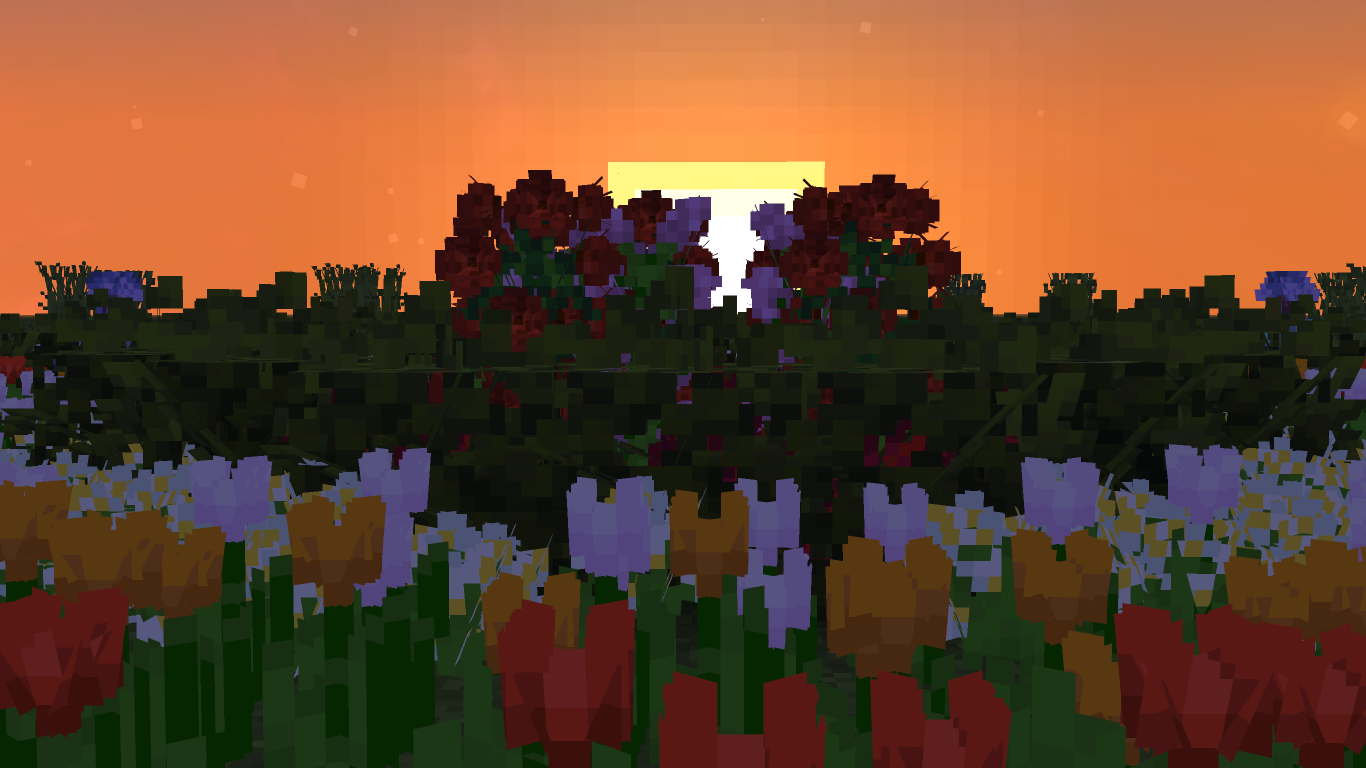
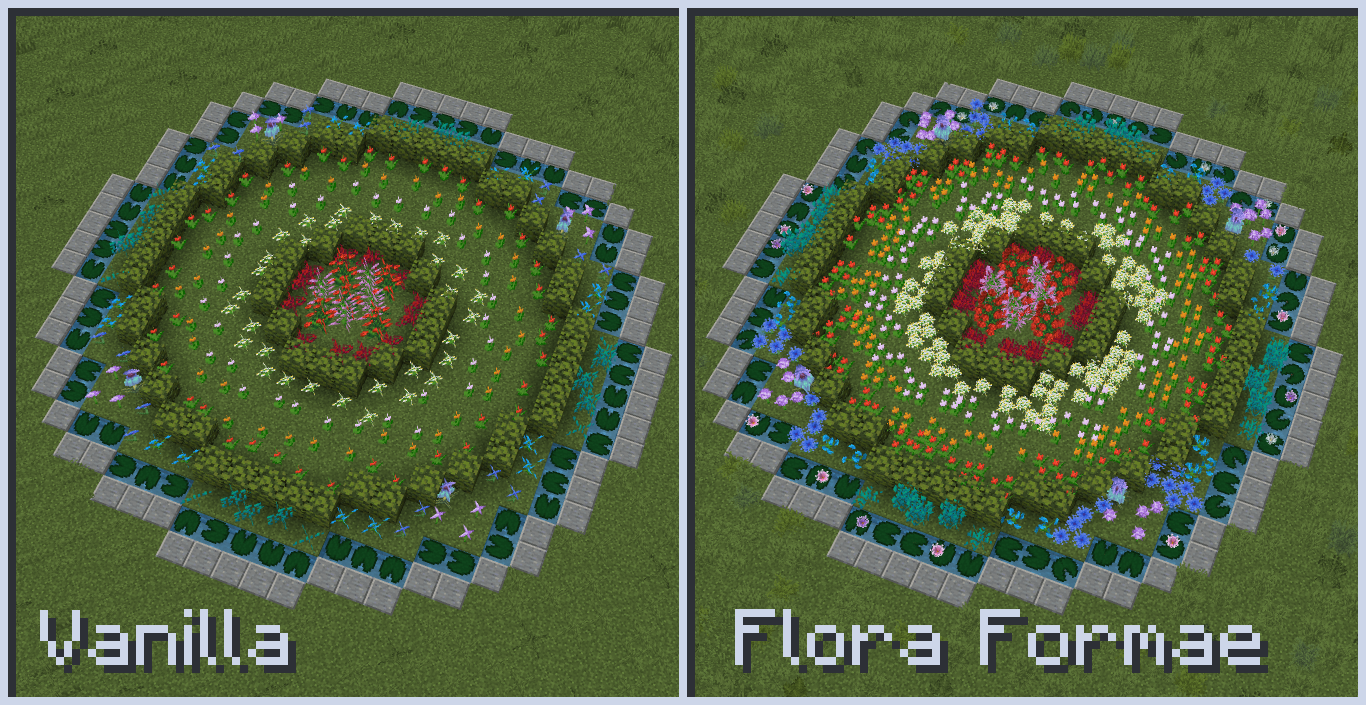
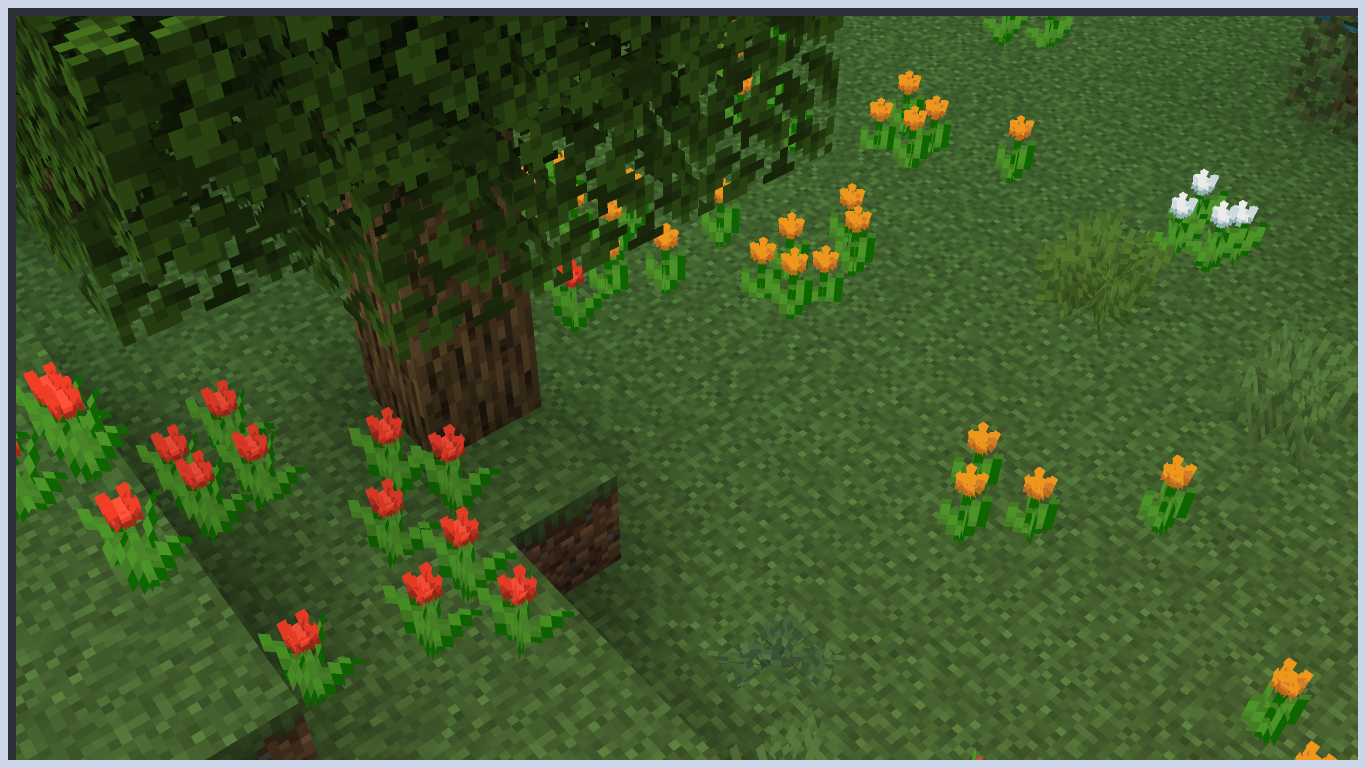
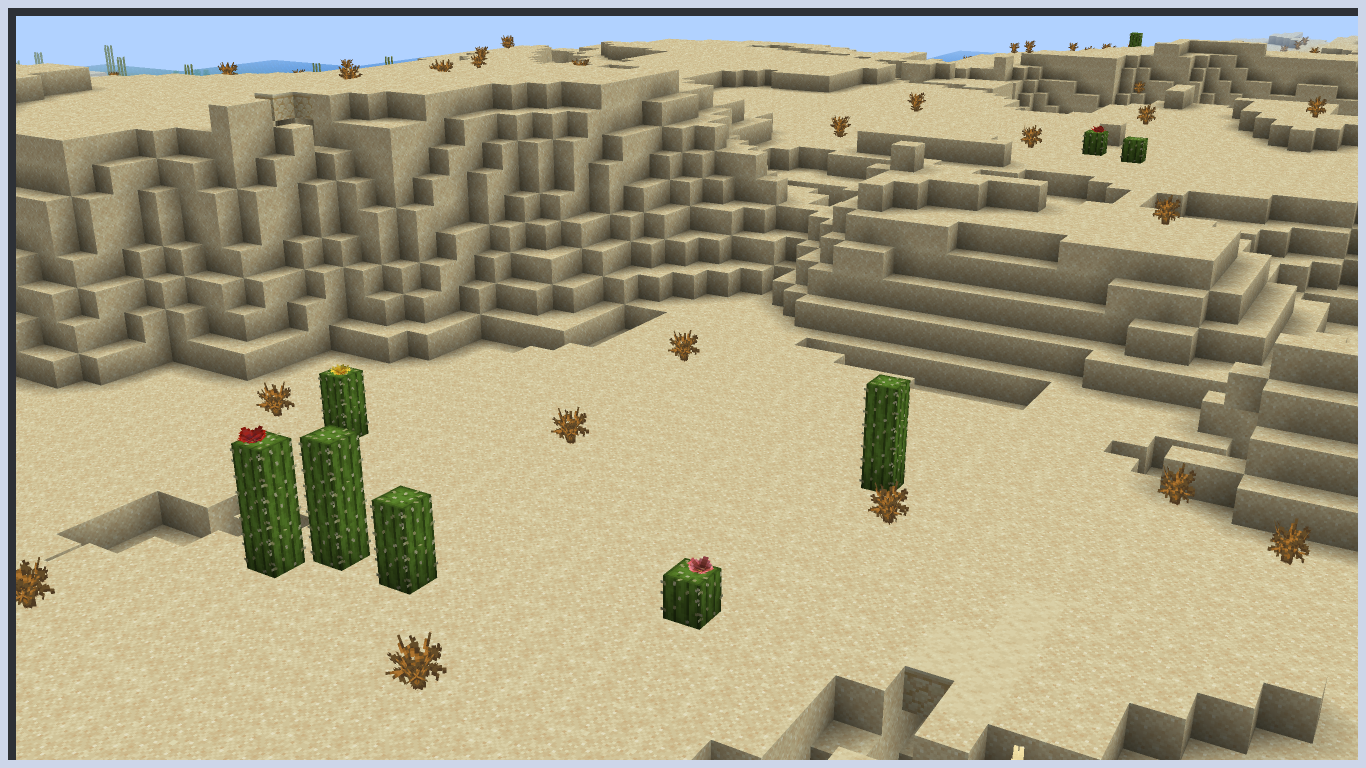
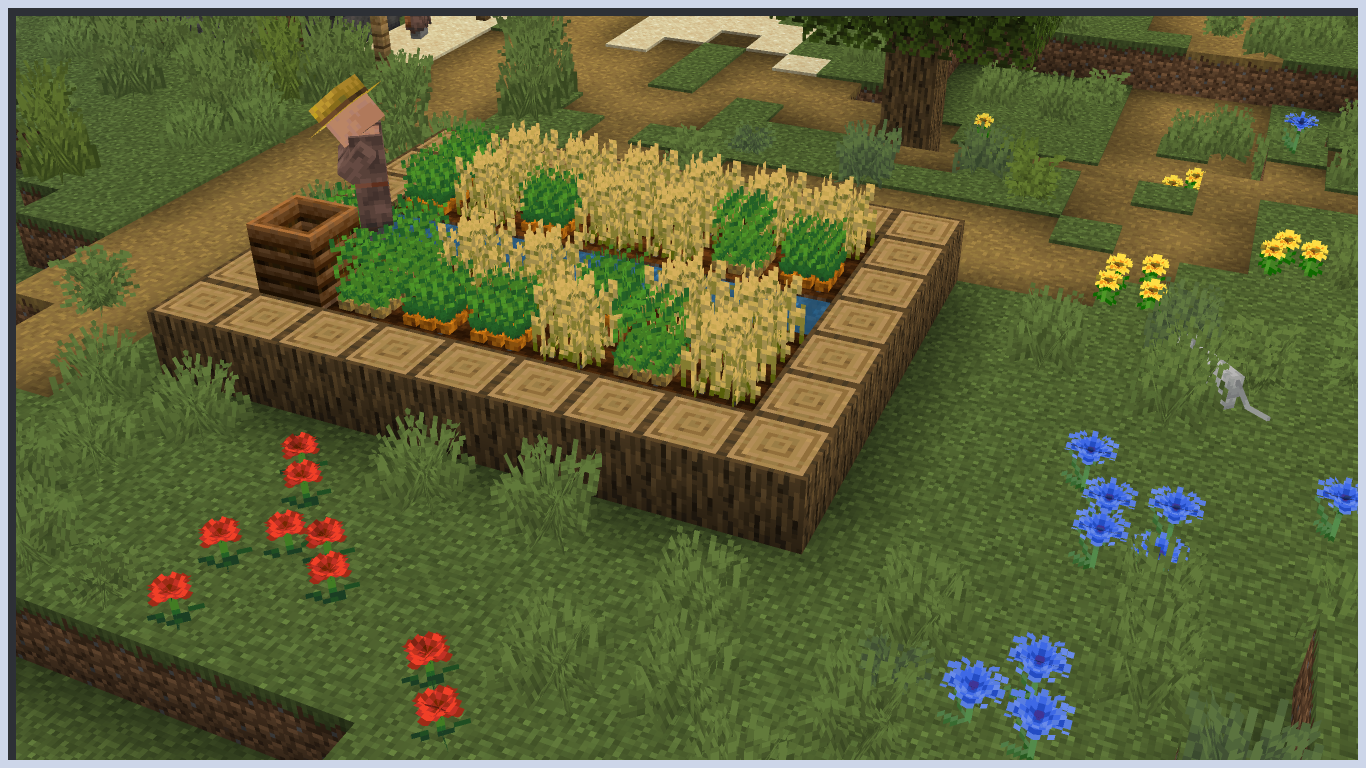
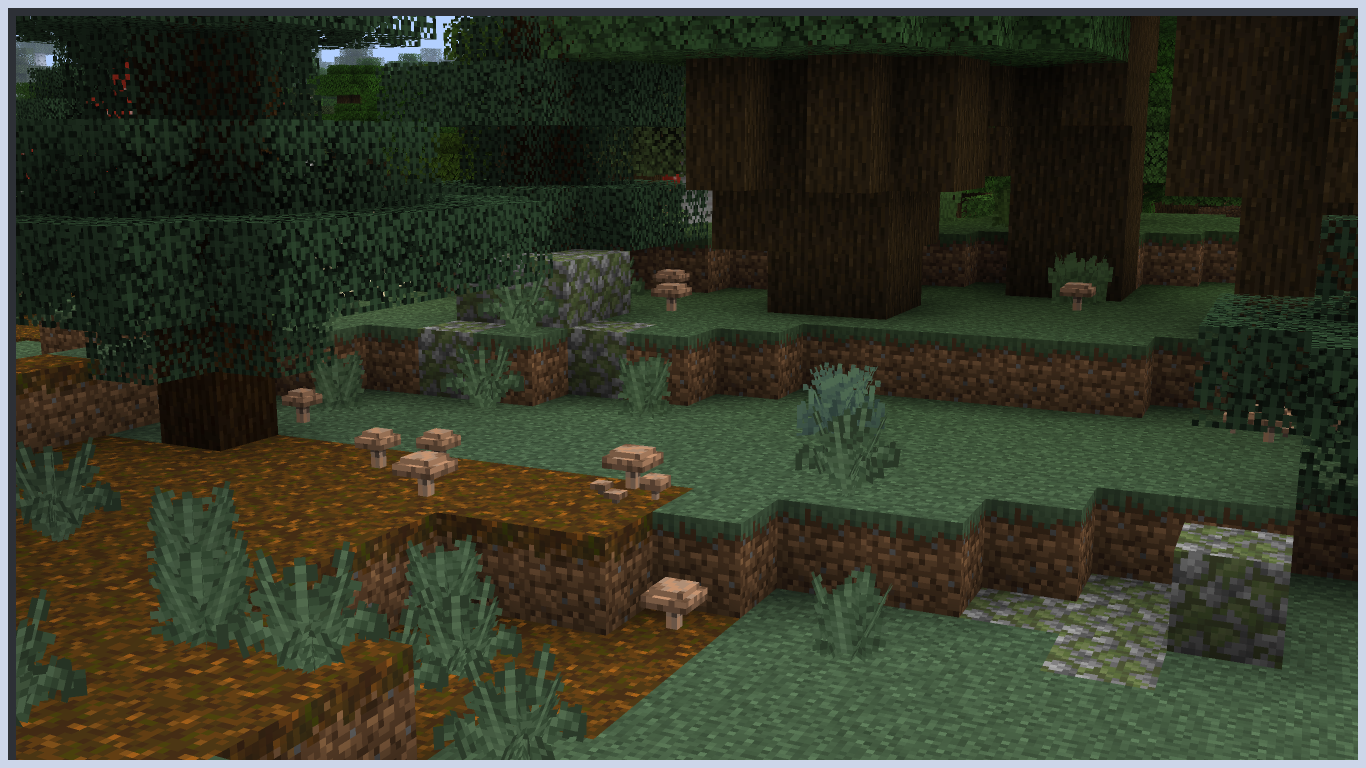
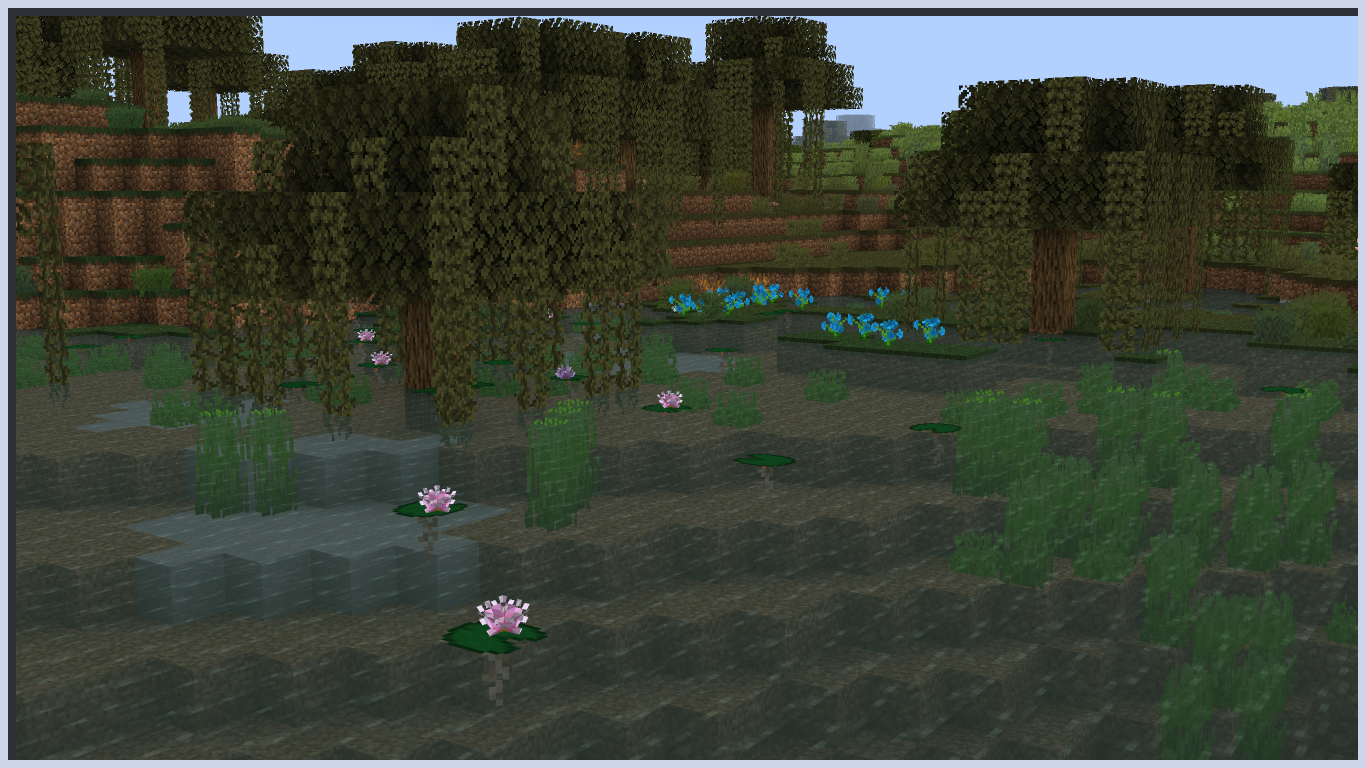
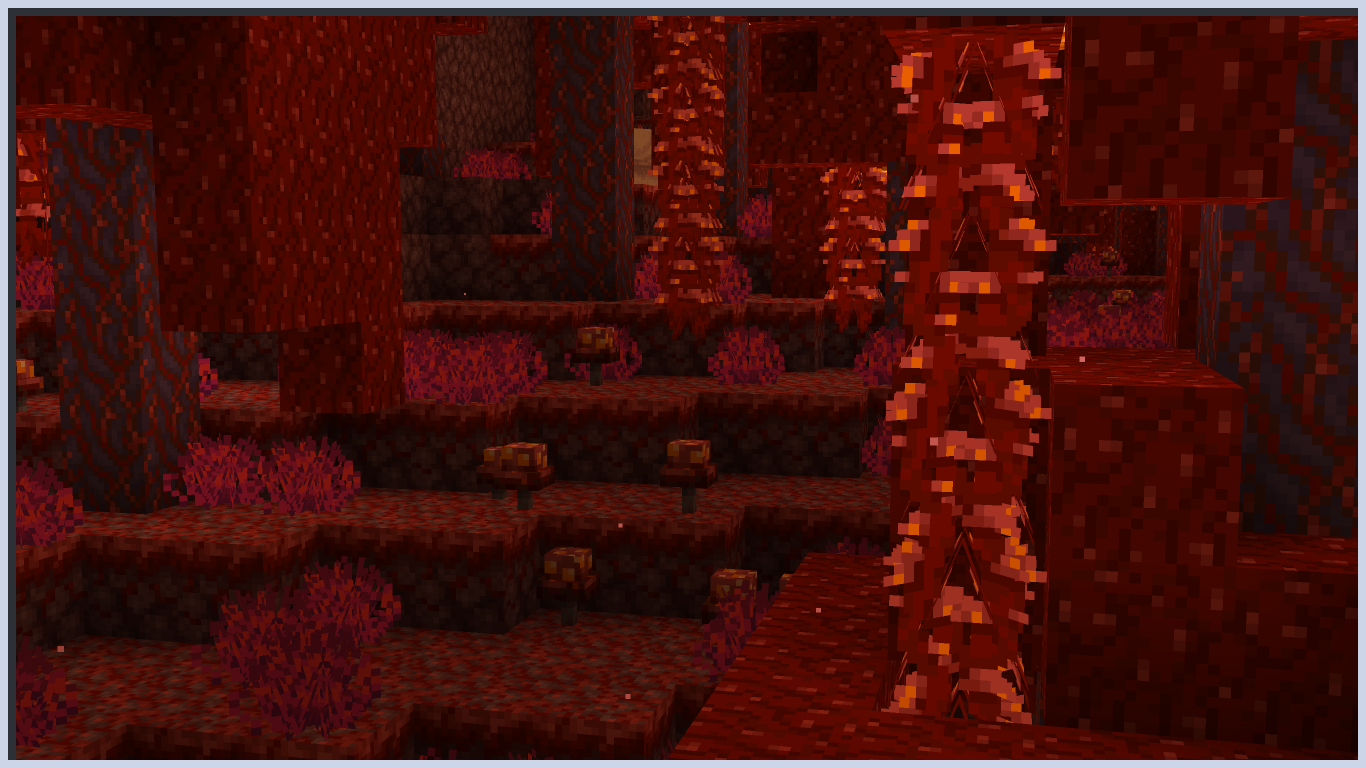
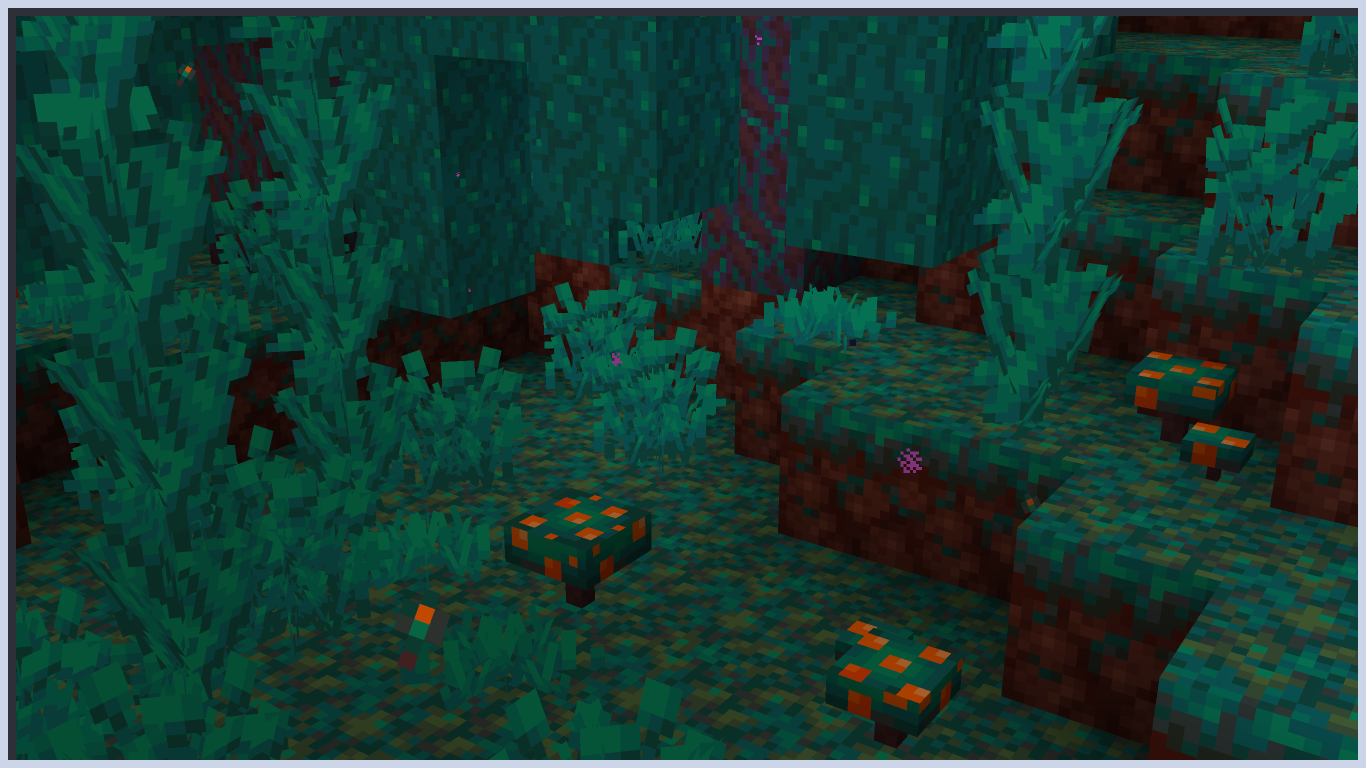
Flora Formae revamps the look of plants, fungi, and coral by giving them unique and interesting models, while staying true to the vanilla aesthetic we know and love.
截图
介绍
Flora Formae
Are you tired of making beautiful flower arrangements just to look at them from above a see an empty grass field?
Do you wish those boring cross shapes could be replaced with something with a bit more jazz?
Are you like me, and get bothered by minor things in a silly block game?
Do you often find yourself alone in the middle of the night thinking about the meaning of existence?
Well, look no further! Three of your problems can be solved right here!
##
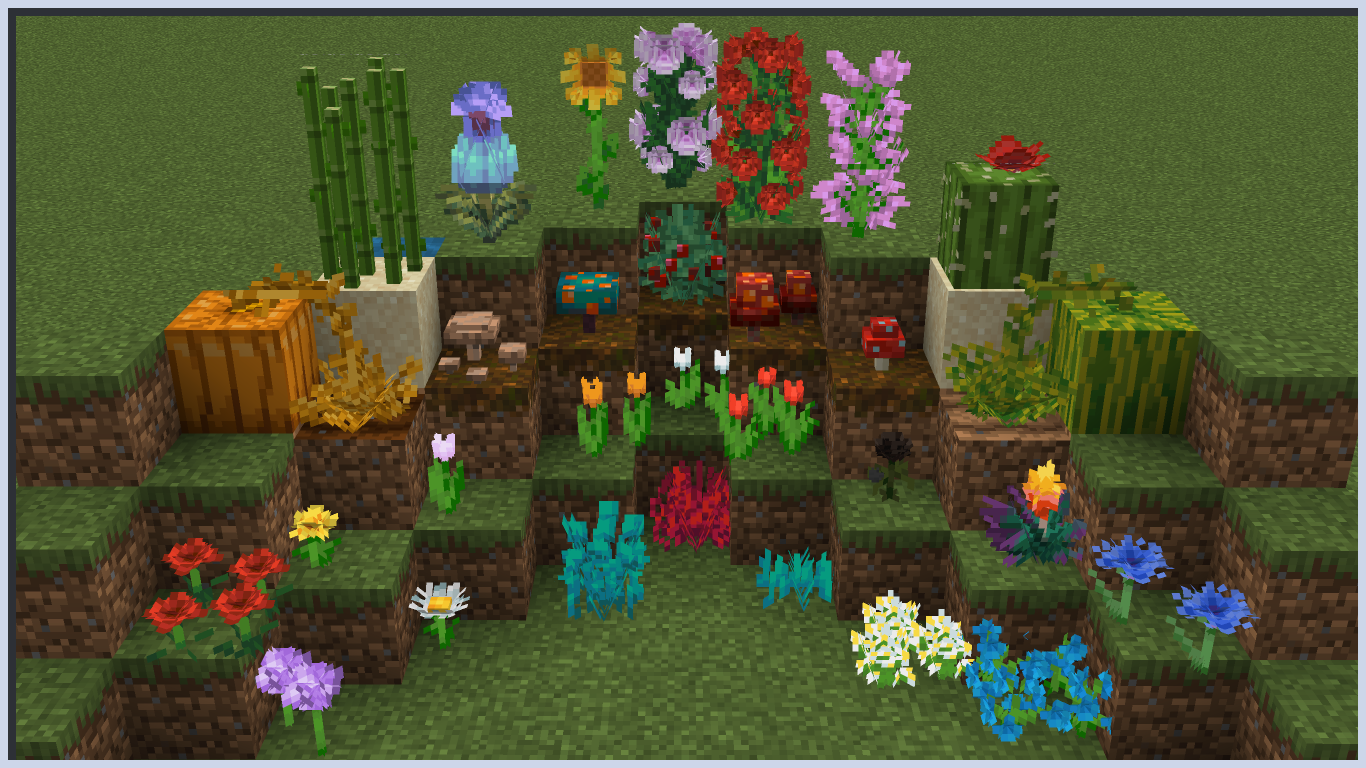
Flora Formae adds custom models to give certain nature related blocks their own identity, while trying to stay as close as possible to the Minecraft visual style. No mods are required, though it does optionally support Respackopts (resourcepack 1.4+ for Minecraft 1.21+).
Full list of affected blocks:
Spoiler
- Allium;
- Azure Bluet;
- Blue Orchid;
- Cornflower;
- Dandelion;
- Lily of the Valley;
- Oxeye Daisy;
- Poppy;
- Torchflower;
- Wither Rose;
- Orange Tulip;
- Pink Tulip;
- Red Tulip;
- White Tulip;
- Lilac;
- Peony;
- Pitcher Plant;
- Rose Bush;
- Sunflower
- Brown Mushroom;
- Red Mushroom;
- Crimson Fungus;
- Crimson Roots;
- Weeping Vines;
- Warped Fungus;
- Warped Roots;
- Warped Sprouts;
- Twisting Vines;
- Carrots;
- Potatoes;
- Beetroots;
- Melon Stem;
- Pumpkin Stem;
- Nether Wart;
- Pitcher Crop;
- Torchflower Crop;
- Wheat;
- Cactus;
- Dead Bush;
- Hanging Roots;
- Lily Pad;
- Vine;
- Sugar Cane
- Sweet Berry Bush;
- Glow Berry Vine;
- Seagrass;
- Tall Sea Grass;
- Kelp;
- Fern;
- Large Fern;
- Short Grass;
- Tall Grass;
- All Coral;
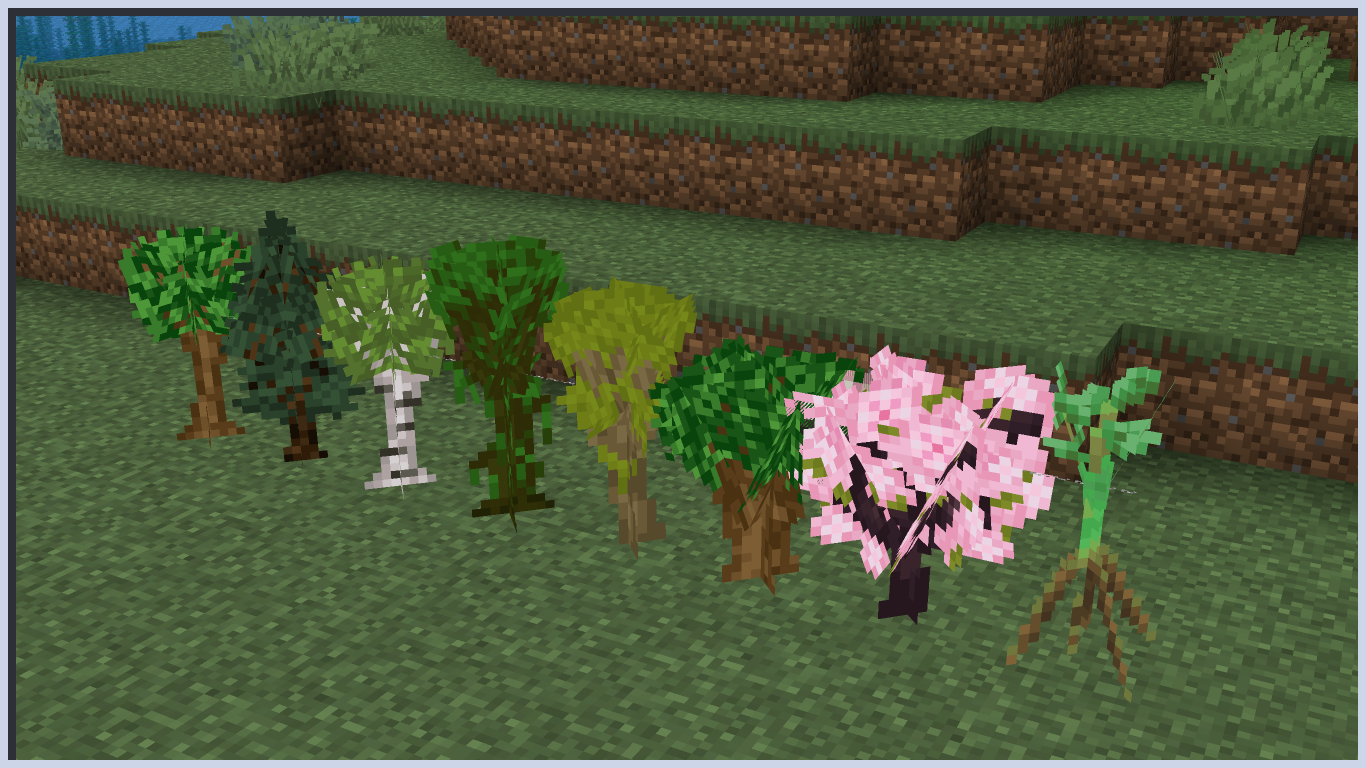
- All Saplings;
- All Potted Plants/Fungi;
##
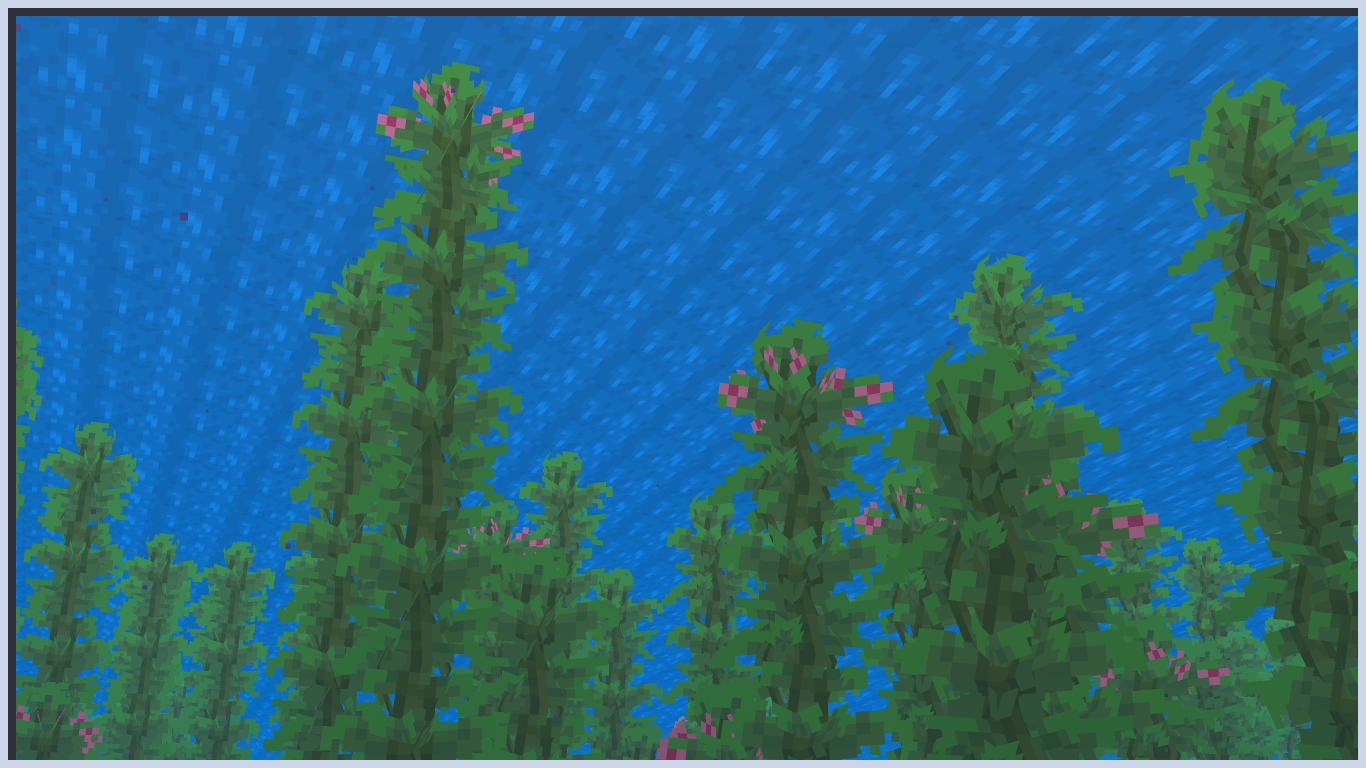
This resourcepack is compatible with Vanilla Tweaks’ “Visual Sapling Growth” and “Age 25 Kelp”.
Spoiler
##
This project was inspired by:
常见问题
Flora Formae 支持哪些 Minecraft 版本?
Flora Formae 支持 Minecraft Java 版 1.20–1.21.11,共 19 个版本。下载时注意选择和你游戏版本一致的文件。
Flora Formae 怎么安装?
把下载的 .zip 文件(不用解压)放进游戏目录的 resourcepacks 文件夹,进游戏后在「选项 → 资源包」里把它移到右边启用。
评论
登录后评论和评分