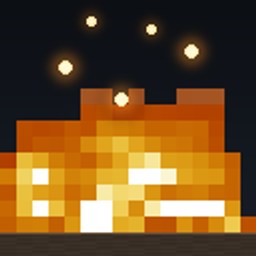
fire made low
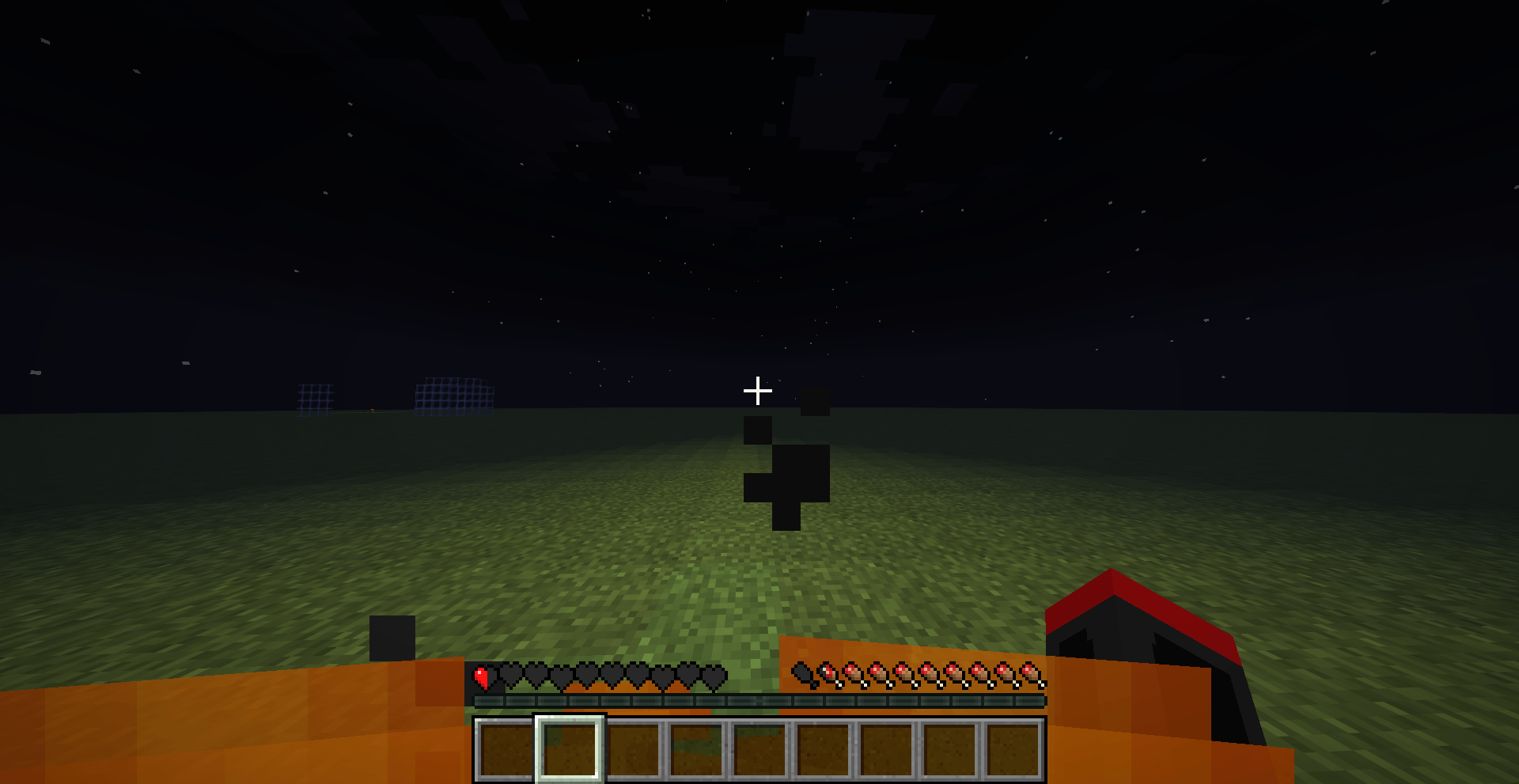
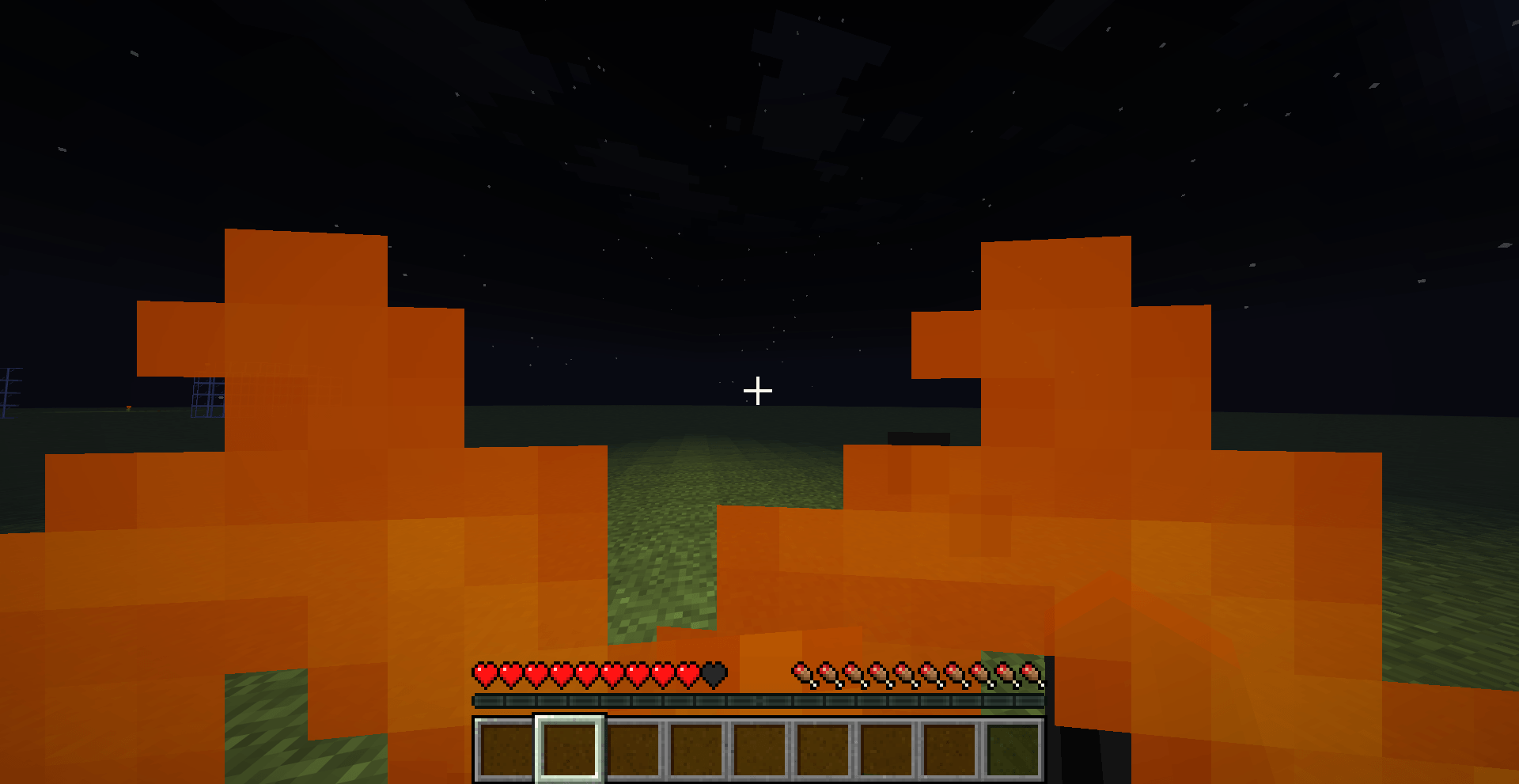
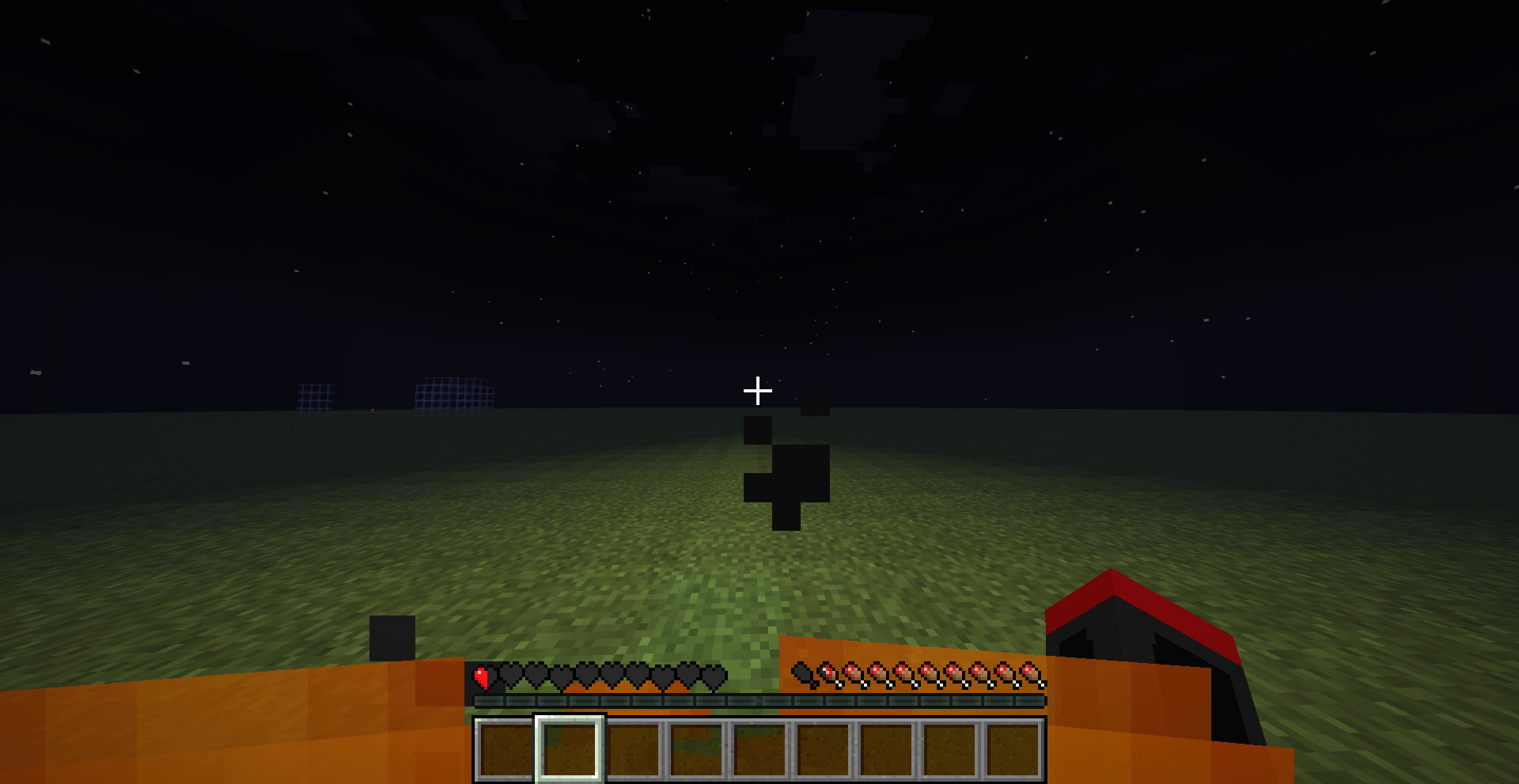
Lowers the first-person fire overlay to about 70% of its vanilla height so you can actually see while you're on fire. 100% vanilla flame art, colors and animation - just shorter. Purely visual, no gameplay changes.
截图
介绍
Ever been set on fire in the Nether and had to fight half-blind, because the
flame overlay eats most of your screen? Low Fire fixes exactly that, and
nothing else.
WHAT IT DOES
Vanilla draws the burning effect as a flame texture standing 13 of 16 pixels
tall right in front of the camera. Low Fire compresses that flame down to 9 of
16 pixels – roughly 31% lower – so the top of your screen stays completely
clear while you burn. You can see mobs, terrain and your hotbar again.
FEATURES
– Fire overlay is ~31% lower than vanilla, with natural flame tips (not a
chopped-off flat edge)
– 100% vanilla flame art, colors and the full 32-frame animation – the frames
were taken straight out of the official Minecraft 26.3 client, then lowered
– Animation timing and frame order are identical to vanilla
– Purely visual: no gameplay, server or world changes. Safe on every server,
PvP, SMP and hardcore
– Very small file size (a few KB)
– Multi-version: one pack covers Java Edition 1.6 all the way to 26.3+
常见问题
fire made low 支持哪些 Minecraft 版本?
fire made low 支持 Minecraft Java 版 26.3。下载时注意选择和你游戏版本一致的文件。
fire made low 怎么安装?
把下载的 .zip 文件(不用解压)放进游戏目录的 resourcepacks 文件夹,进游戏后在「选项 → 资源包」里把它移到右边启用。
RavenYT 的其他作品
查看全部 →
Gammaless
This resource pack lets you see in the dark!
Ore Border
This resource packs lets you see ores more clearly!
Elytra and chestplate
This mod lets you use your elytra and chestplate at the same time
Food Value
This resource pack lets you preview how much hunger you regen from diffrent foods
评论
登录后评论和评分