
截图


介绍
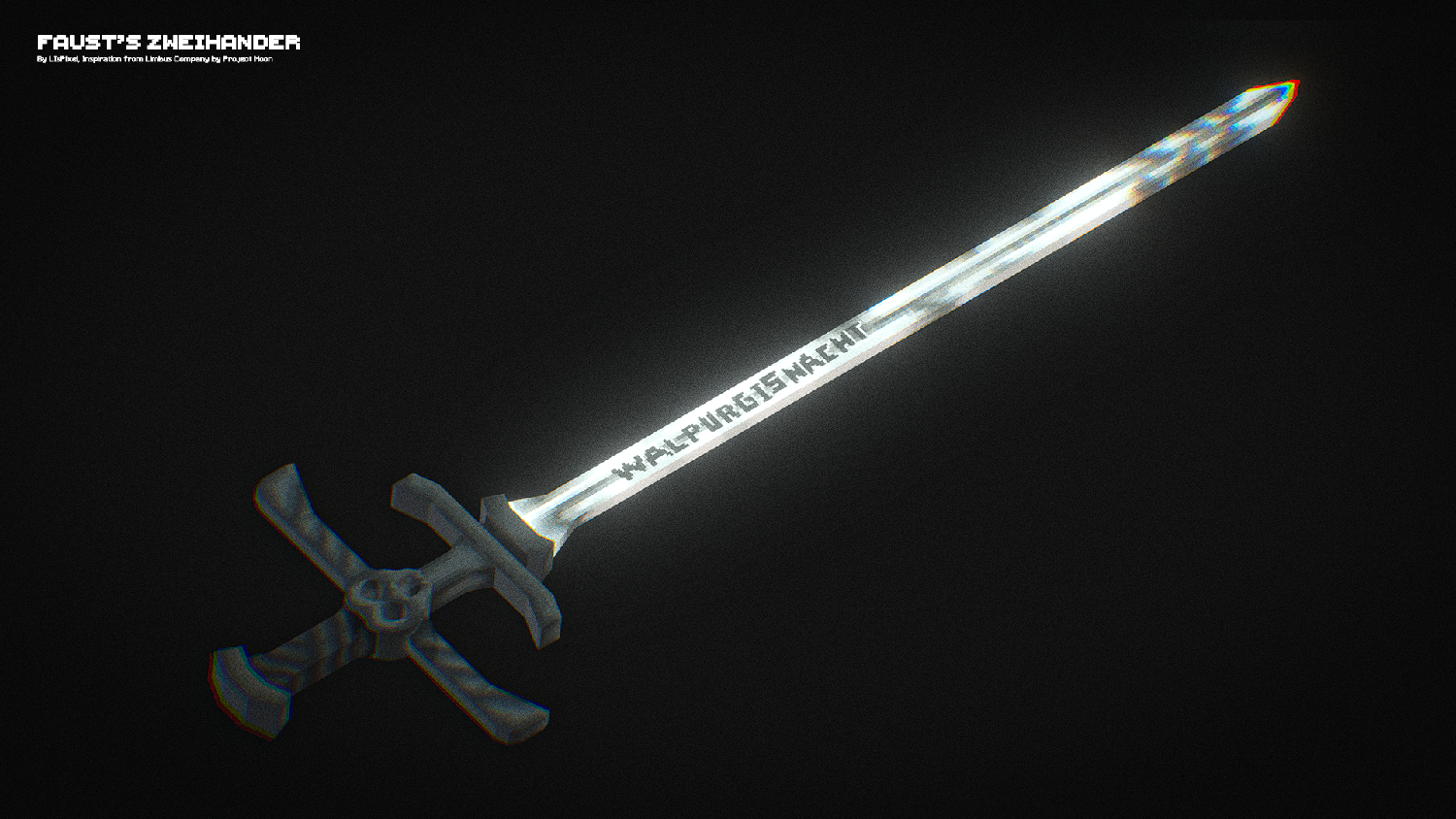
The resourcepack I made is Faust’s Zweihander from weapon character Faust, Limbus Company made by Project Moon. There would be more I will made by the time I had but for now here you go!
The Resourcepack is fully Vanilla Custom Model Data and CIT Optifine
For the command vanilla one you can check it bottom here :
Command – Custom Model Data
For singleplayer I use this command :
/give @p minecraft:diamond_sword{CustomModelData:1}If you guys wanna use the animation-style weapon like me I suggest use the Better Combat by ZsoltMolnarrr, Here is the command to get the animation-style you want :
Command – Custom Model Data Better Combat
Link Better Combat :
https://modrinth.com/mod/better-combat
For Style I use is Scythe :
/give @p minecraft:diamond_sword{CustomModelData:1,weapon_attributes:'{"parent":"bettercombat:scythe"}'}But since this weapon is similar to Claymore/Big Sword, here is the command :
/give @p minecraft:diamond_sword{CustomModelData:1,weapon_attributes:'{"parent":"bettercombat:claymore"}'}If you guys wanna use different style weapon I suggest to check the GitHub by ZsoltMolnarrr
The link GitHub is here, you can click it ^^
If you guys just prefer rename you can use CIT by shsupercm or Optifine
Link CIT Resewn :
https://modrinth.com/mod/cit-resewn
Link Optifine :
https://optifine.net/home

You can change it by using all variant Swords, but if you guys wanna use it for different tools then feel free to change it 😀 but please don’t claim it as your own made model, If you guys wanna move it to different version feel free to change it again.
Credit me if you guys wanna use it for Content or for Mod/Modpack, Really appreciate it if you guys did it ^^
常见问题
Faust’s Zweihander 支持哪些 Minecraft 版本?
Faust’s Zweihander 支持 Minecraft Java 版 1.20–1.21.1,共 4 个版本。下载时注意选择和你游戏版本一致的文件。
Faust’s Zweihander 怎么安装?
把下载的 .zip 文件(不用解压)放进游戏目录的 resourcepacks 文件夹,进游戏后在「选项 → 资源包」里把它移到右边启用。


评论
登录后评论和评分