
Excalibur | Create Support
这是一个辅助资源包,可将 Create 模组的纹理转换为更贴合精品 Excalibur ResourcePack 的风格。
截图


介绍
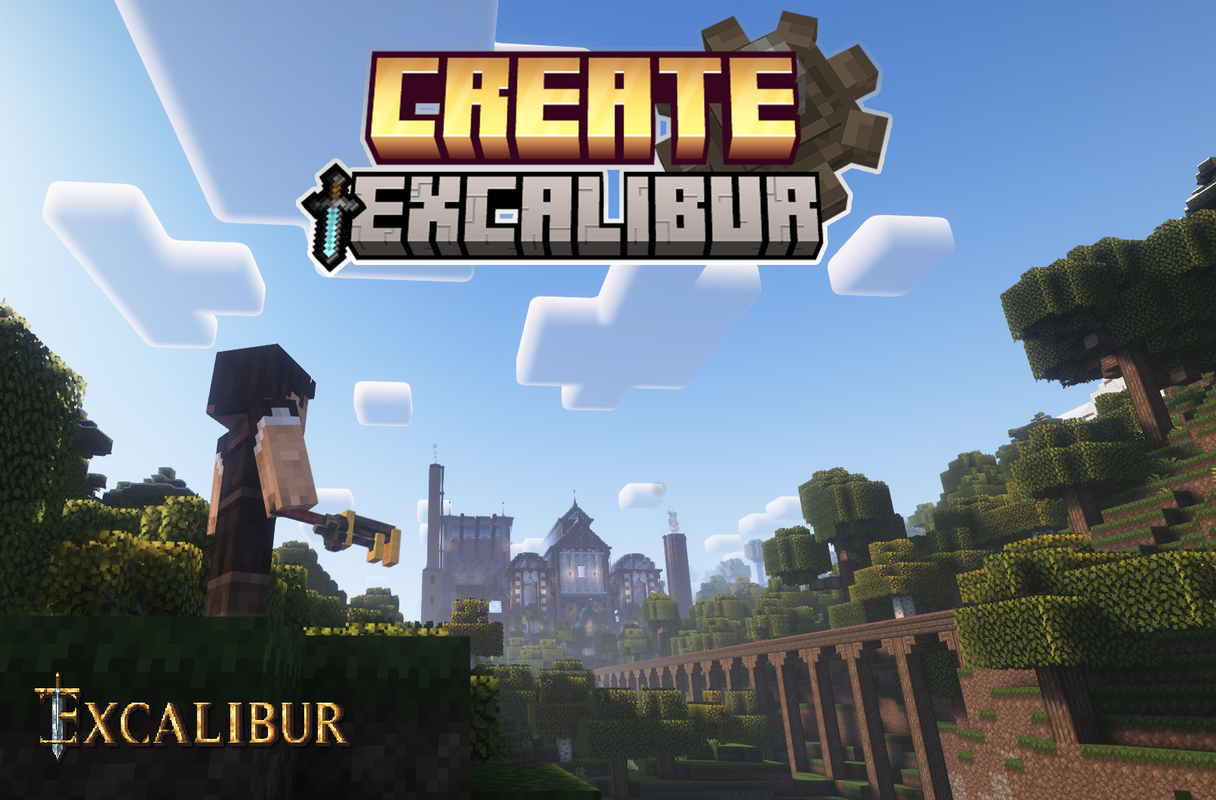
This is a support pack that converts Create Mod textures to better match the masterpiece Excalibur ResourcePack.
Head over to the Excalibur Discord to follow the development of Excalibur and this addon.
This Pack contains :
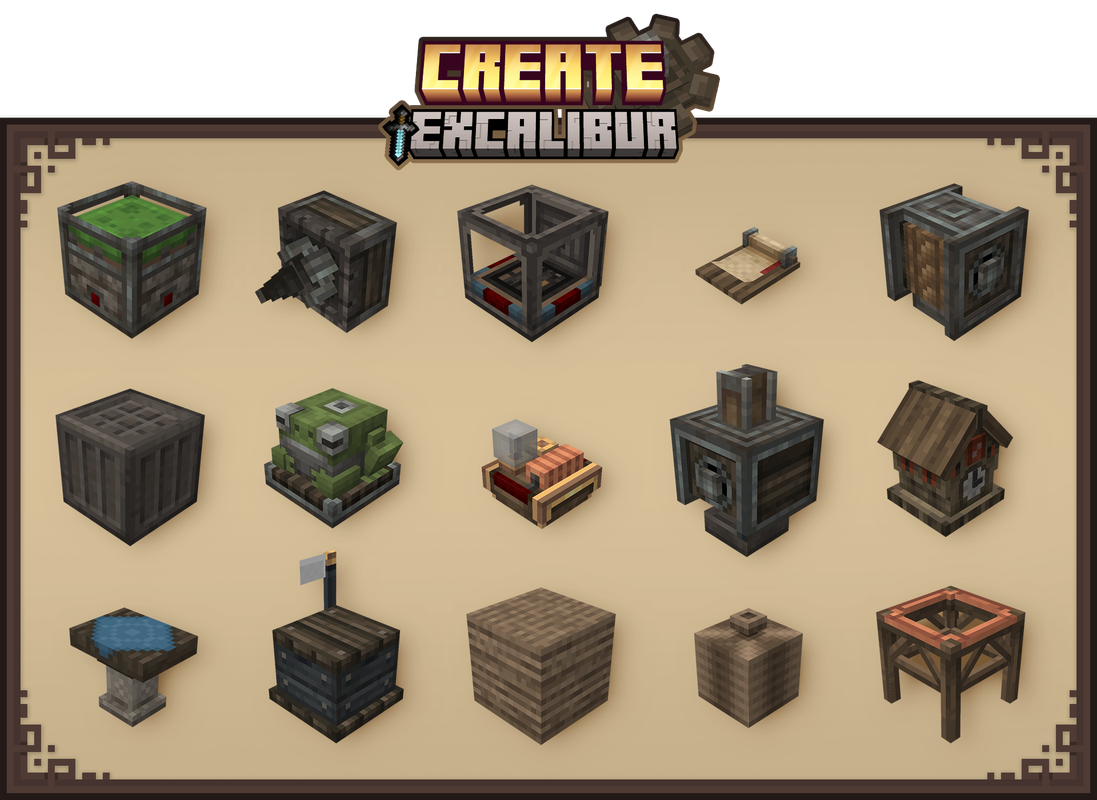
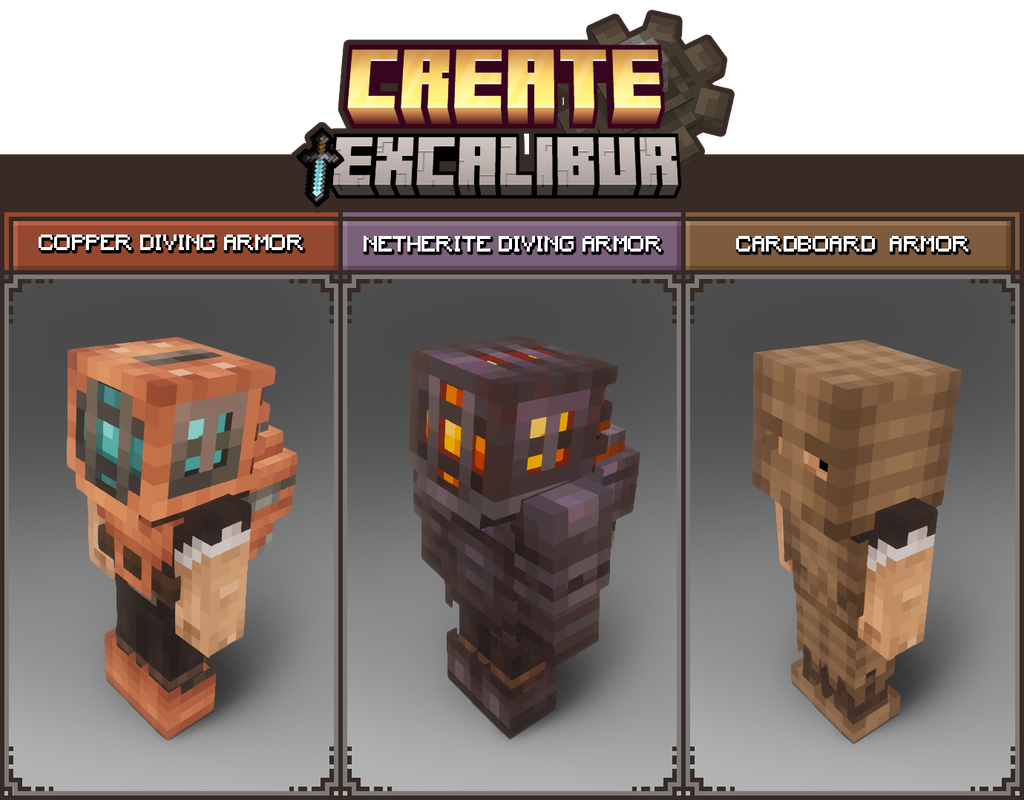
– All blocks in Create’s Main and Decorative tabs have been retextured/remodeled to match Excalibur style/theme.
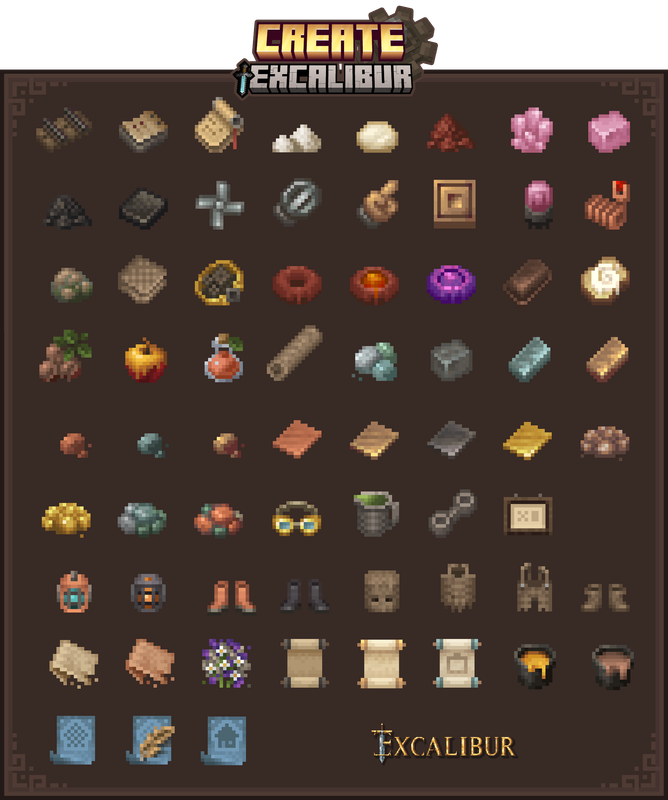
– All items retextured
– GUI retextured to match better the resourcepack Excalibur
– Connected textures. ( All Stonebricks variants, Naturals blocks, Display board )
Installation :
Ingame
-> Click “Options…”
-> Click “Resource Packs…”
-> Click “Open Resource Pack Folder”
-> Drag and Drop the Excalibur_Create Support.zip file into the “resourcepacks” folder
-> Move the Excalibur Create Support resource pack from the left column to the right
-> Make sure that the support pack is placed above the original Excalibur resource pack
-> Select “Done”
-> Create
Credits :
Maffhew – Author of the resourcepack Excalibur
Simibubi – Author of the mod Create
Craig – for helping me solve a visual issue
Koin – Author of the building on the picture presentation
常见问题
Excalibur | Create Support 支持哪些 Minecraft 版本?
Excalibur | Create Support 支持 Minecraft Java 版 1.20.1–1.21.1,共 8 个版本。下载时注意选择和你游戏版本一致的文件。
Excalibur | Create Support 怎么安装?
把下载的 .zip 文件(不用解压)放进游戏目录的 resourcepacks 文件夹,进游戏后在「选项 → 资源包」里把它移到右边启用。
BoFill_Pablito 的其他作品
查看全部 →
Excalibur | Lootr Retextured
This is a support pack that converts Lootr Mod textures to match the awesome Excalibur ResourcePack.

Excalibur | Apotheosis Support
这是一个支持资源包,用于将Apotheosis模组的材质转换为更贴合精美的Excalibur资源包的风格。

Excalibur | Mutant Monsters Support
This is a support pack that converts Mutant Monsters Mod textures to better match the Incredible Excalibur ResourcePack.
Excalibur | Macaw’s Doors Support
This is a support pack that converts Macaw's Doors Mod textures to match the awesome Excalibur resourcePack.
评论
登录后评论和评分