
Excalibur | Create Addon
This is a support pack that converts Create Mod textures to better match the masterpiece Excalibur ResourcePack.
截图


介绍
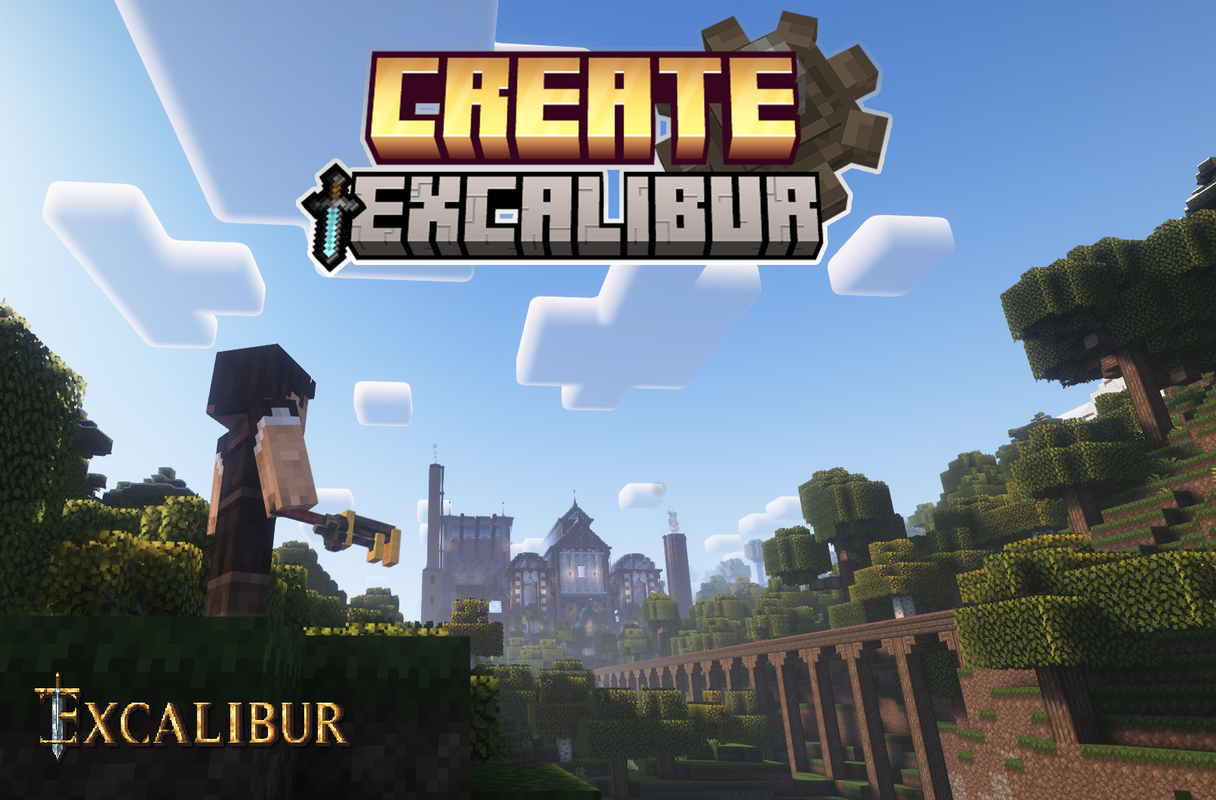
This is a support pack that converts Create Mod textures to better match the masterpiece Excalibur ResourcePack.
This Pack contains :
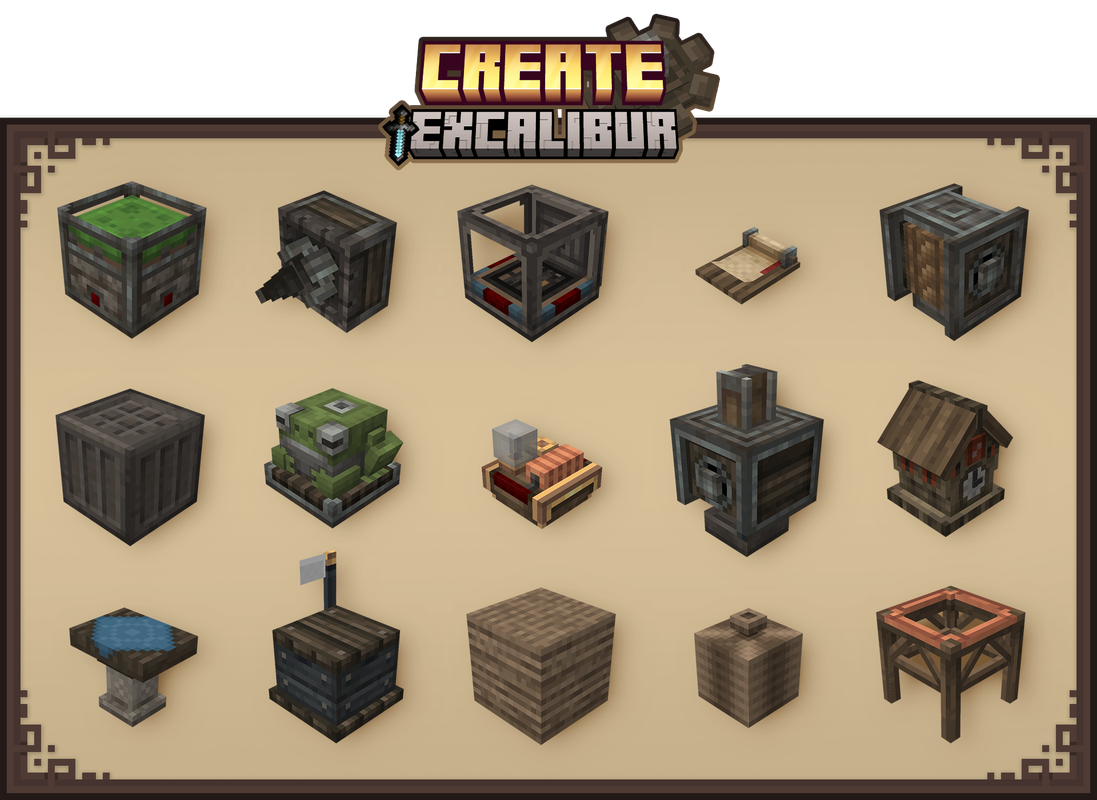
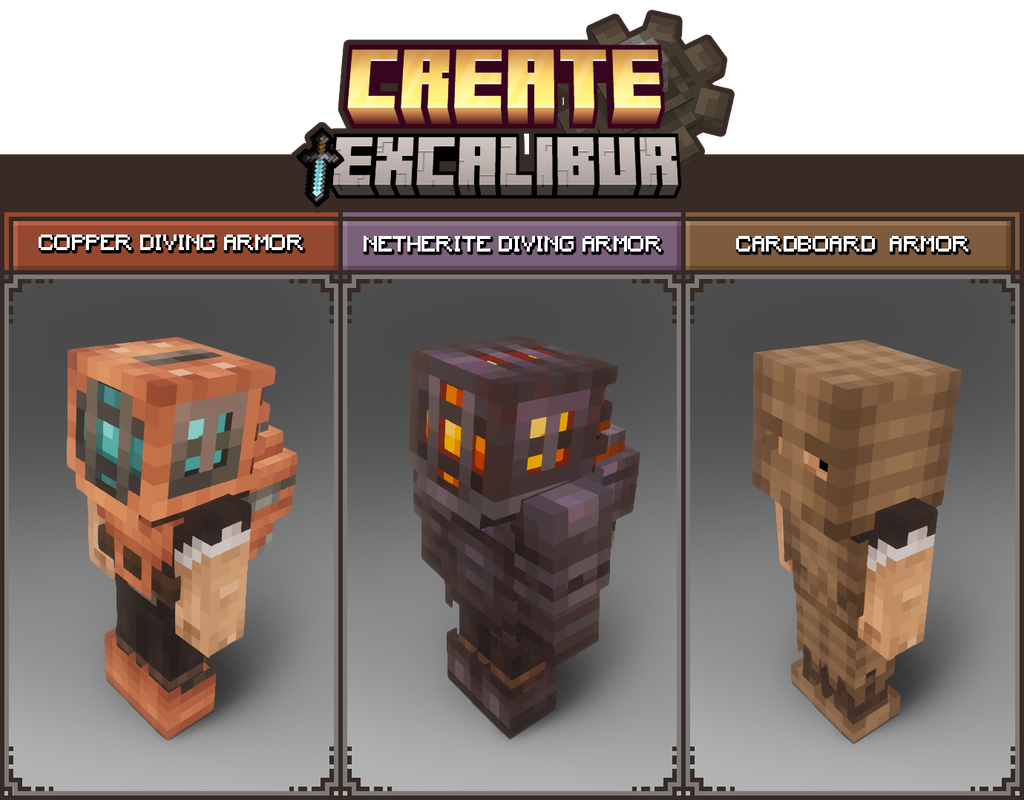
\- All blocks in Create’s Main and Decorative tabs have been retextured/remodeled to match Excalibur style/theme.
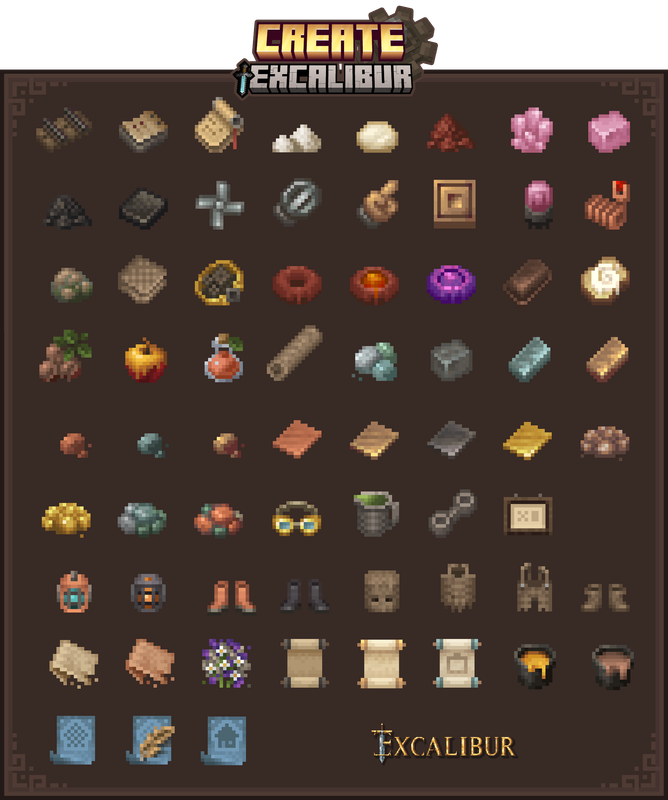
- All items retextured
- GUI retextured to match better the resourcepack Excalibur
- Connected textures. ( All Stonebricks variants, Naturals blocks, Display board )
Installation:
In the game
\-> Click “Options…”
\-> Click “Resource Packs…”
\-> Click “Open Resource Pack Folder”
\-> Drag and Drop the Create Excalibur Support.zip file into the “resourcepacks” folder
\-> Move the Create Excalibur Support resource pack from the left column to the right
\-> Make sure that the support pack is placed above the original Excalibur resource pack
\-> Select “Done”
\-> Create
Credits :
Maffhew – Excalibur Resourcepack
Simibubi – Create Mod
Craig – for helping me fix an issue
Koin – Author of the building on the picture presentation
常见问题
Excalibur | Create Addon 支持哪些 Minecraft 版本?
Excalibur | Create Addon 支持 Minecraft Java 版 1.20.1–1.21.1,共 8 个版本。下载时注意选择和你游戏版本一致的文件。
Excalibur | Create Addon 怎么安装?
把下载的 .zip 文件(不用解压)放进游戏目录的 resourcepacks 文件夹,进游戏后在「选项 → 资源包」里把它移到右边启用。
pablito_o 的其他作品
查看全部 →
Excalibur | Lootr Support
这是一个支持包,可将 Lootr Mod 的材质转换为与出色的 Excalibur 资源包相匹配的风格。

Excalibur | Macaw’s Roofs Support
Macaw's Roofs mod retextured and adapted and made to run alongside the Excalibur resource pack by Maffhew.

Excalibur | Variants&Ventures Support
This is a support pack that converts Variants&Ventures Mod textures to match the awesome Excalibur resourcePack.

Excalibur | Mutant Monsters
This is a support pack that converts Mutant Monsters Mod textures to better match the Incredible Excalibur ResourcePack.
评论
登录后评论和评分