截图
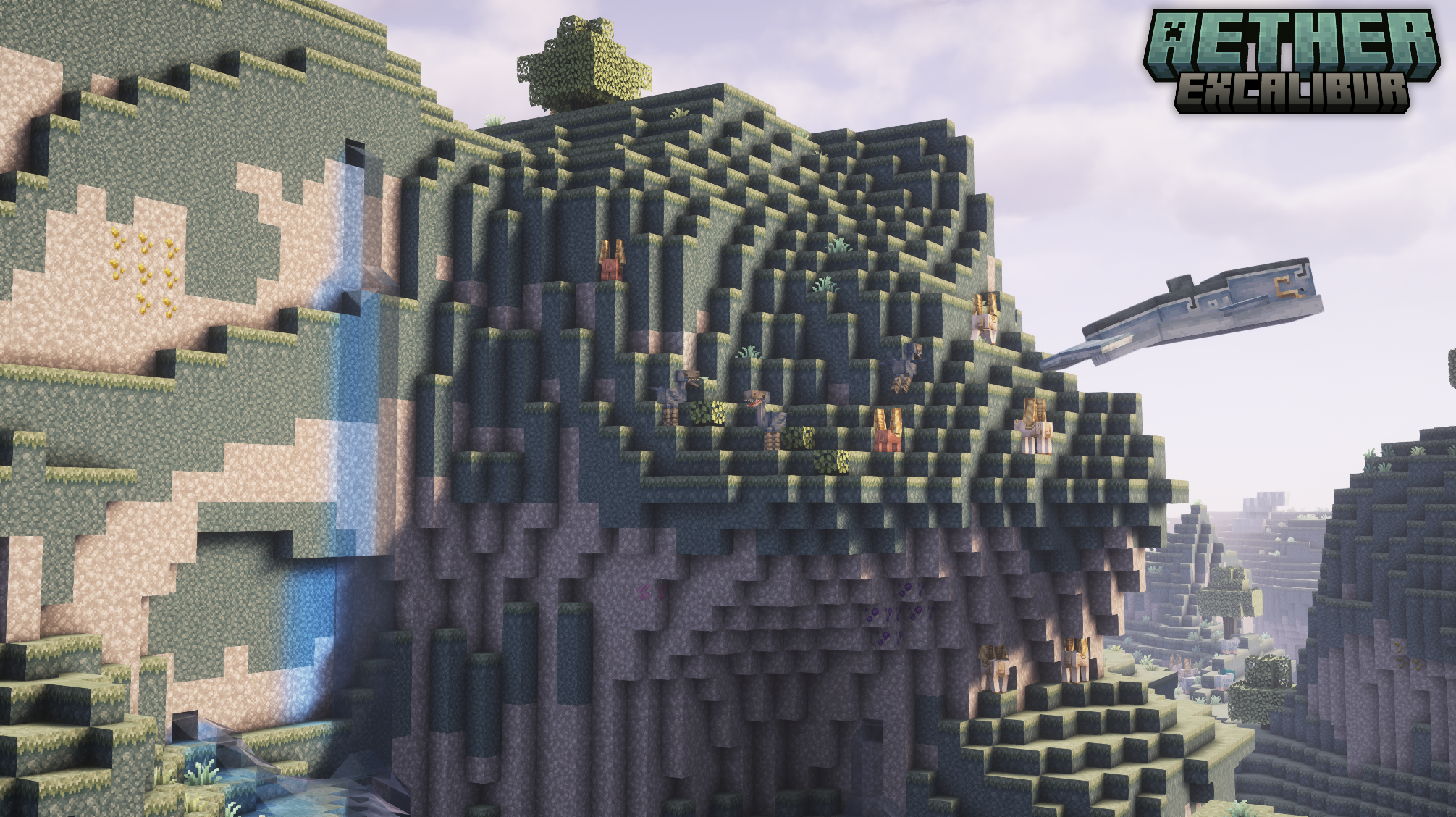
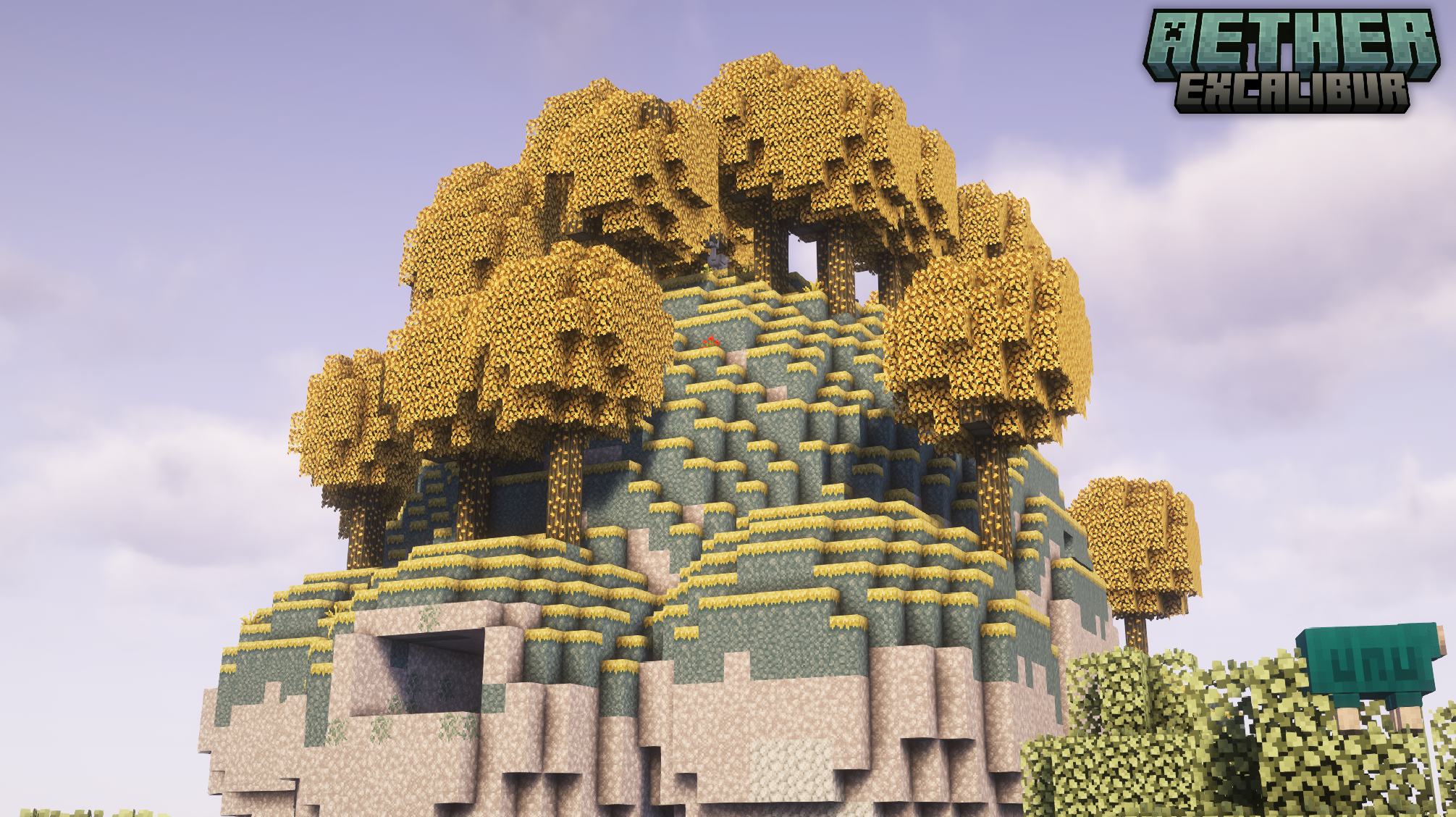
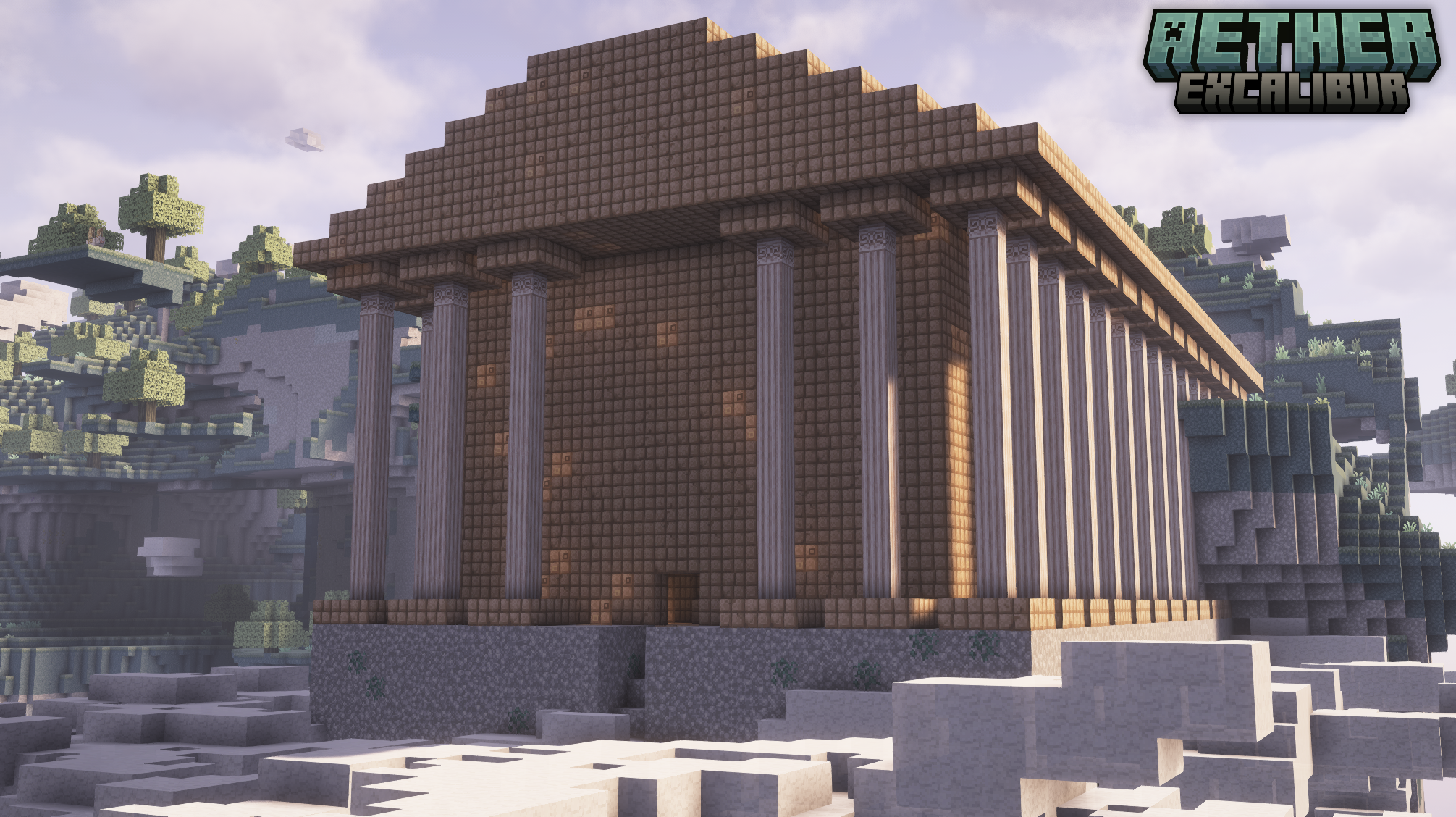
介绍

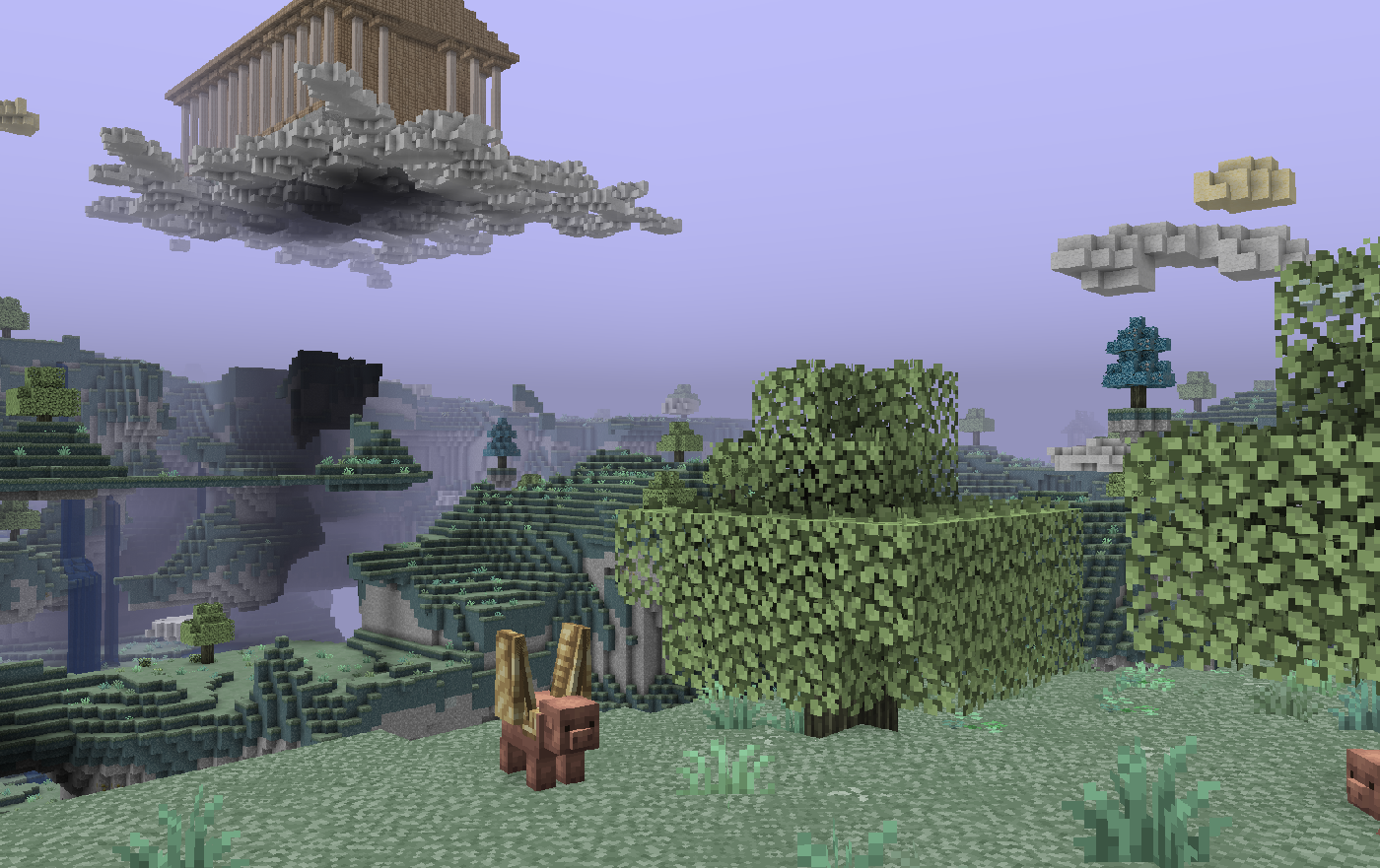
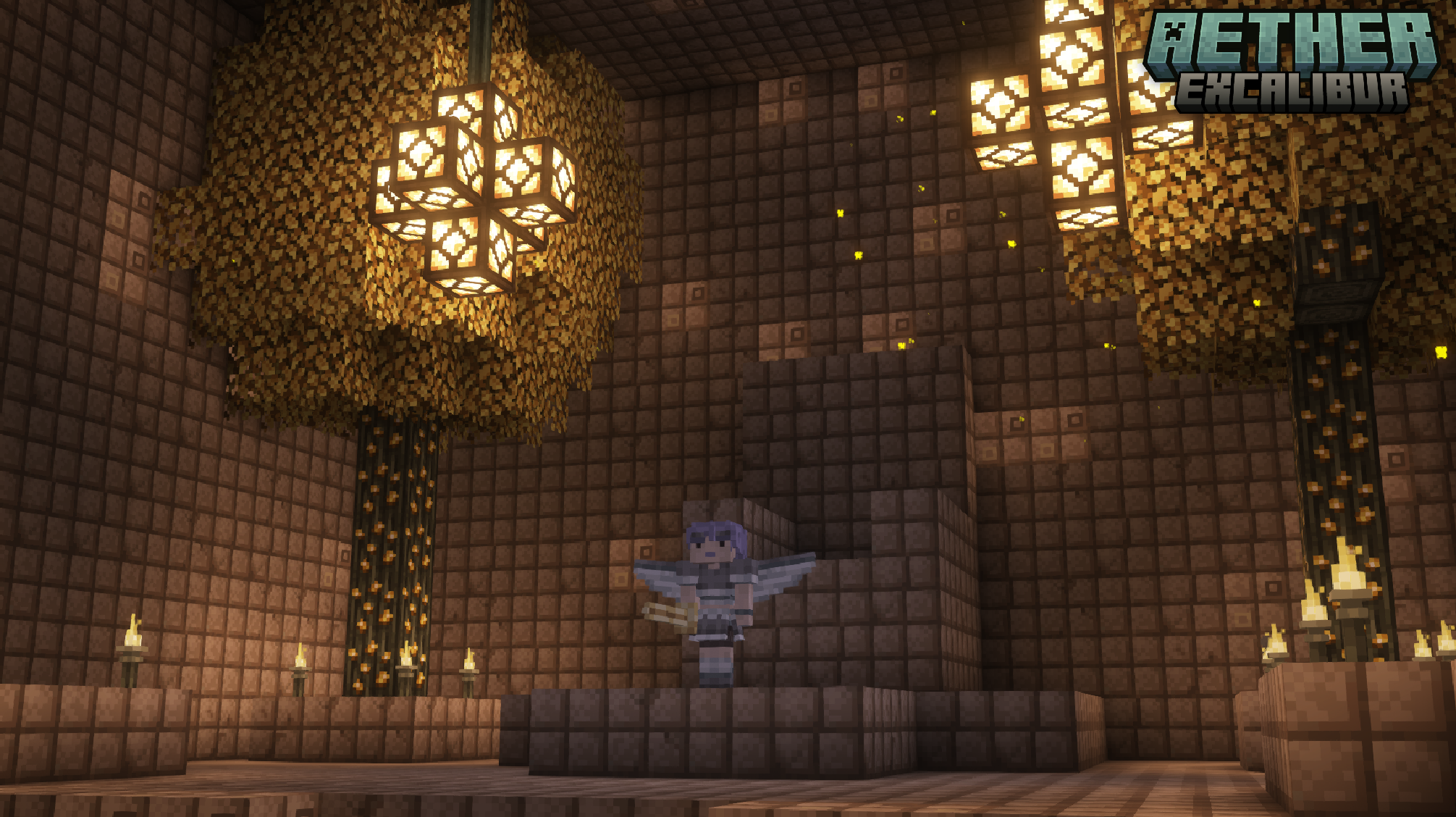
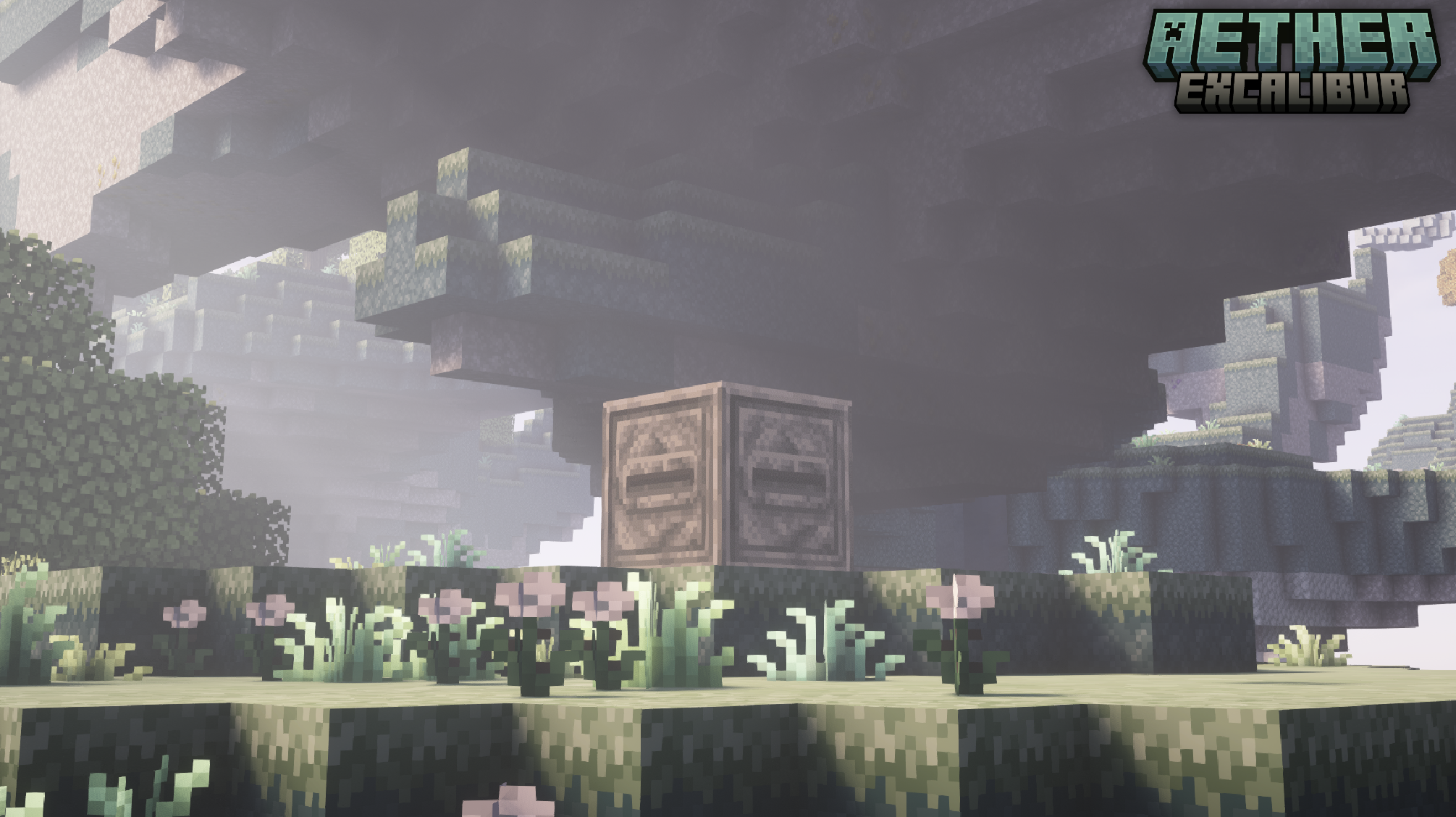
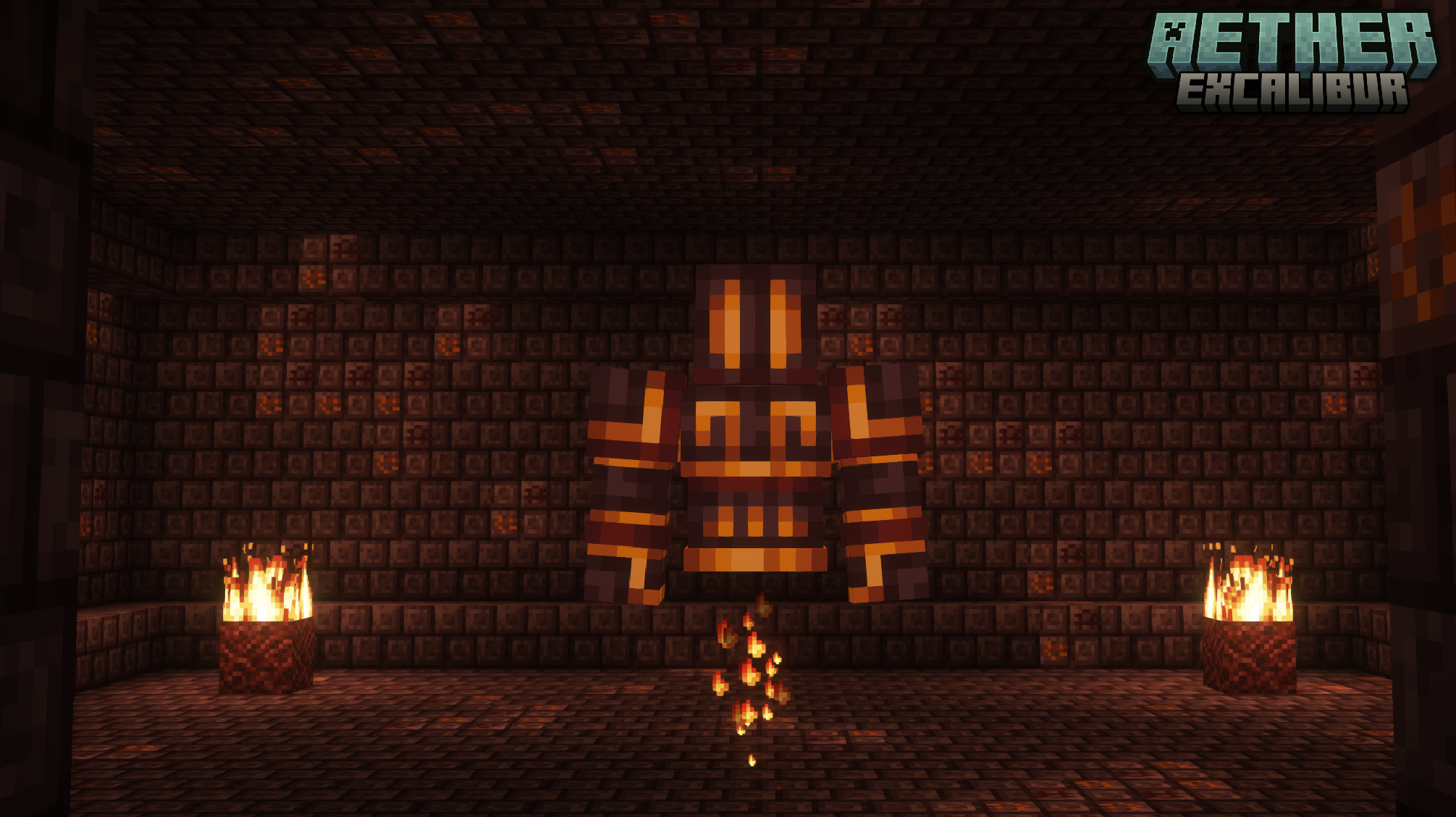
A resource pack designed to align the aesthetics of the original Aether mod with the Excalibur resource pack. This pack is considered 100% completed, containing 250+ textures for various items and blocks.
Additional support for Aether’s official and unofficial addons is planned. Currently, there is no ETA on when they may be completed.
Installation:
> Launch Minecraft and click on "Options"
> Click on "Resource Packs"
> Click on "Open Resource Pack Folder"
> Drag the AetherExcaliburSupport.zip file into the resource pack folder
> Move the Aether Excalibur Support resource pack from the left column to the right
> Make sure that the support pack is placed above the original Excalibur resource pack
> Select "Done"
> The Sky Awaits
Textures
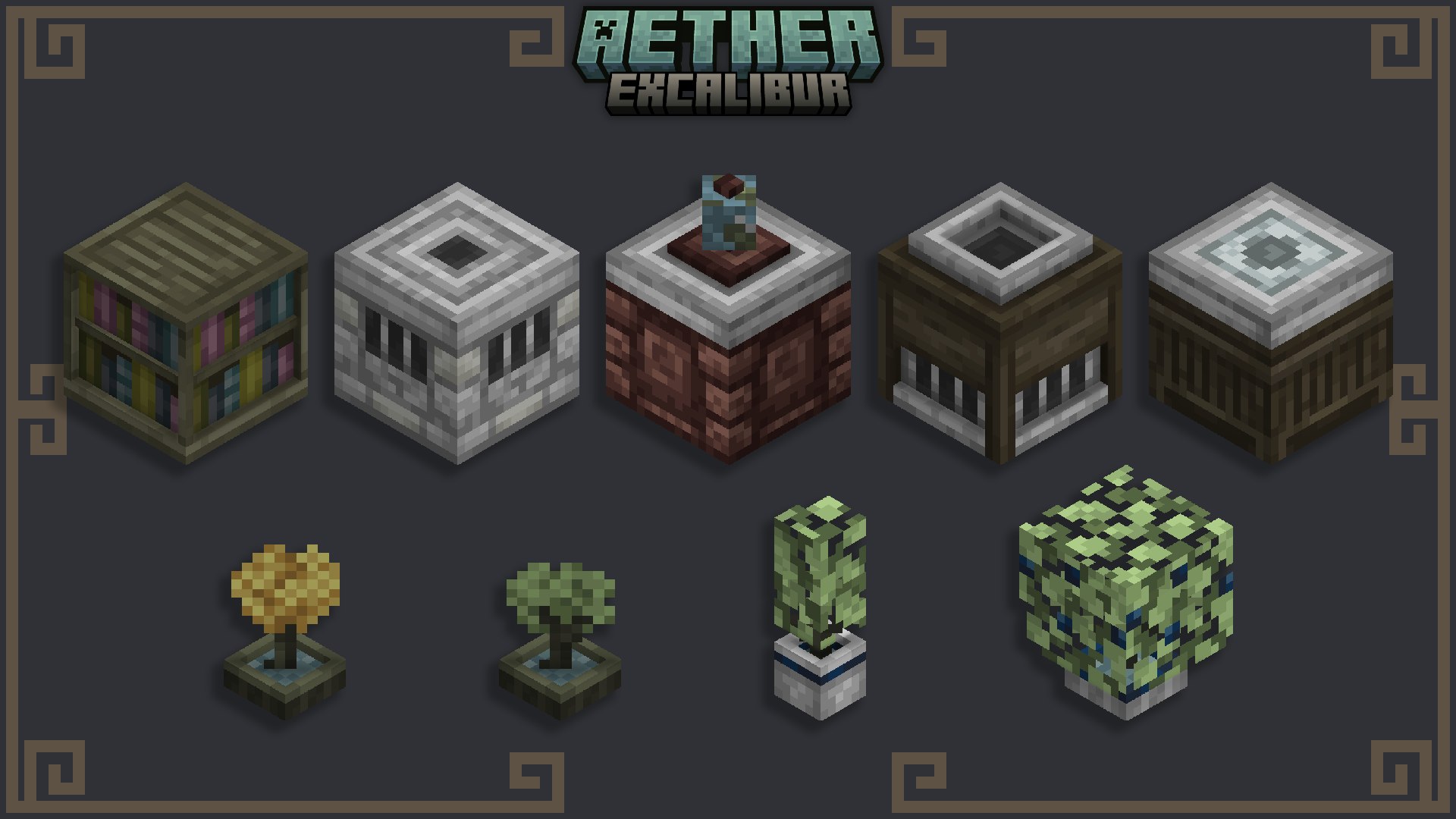
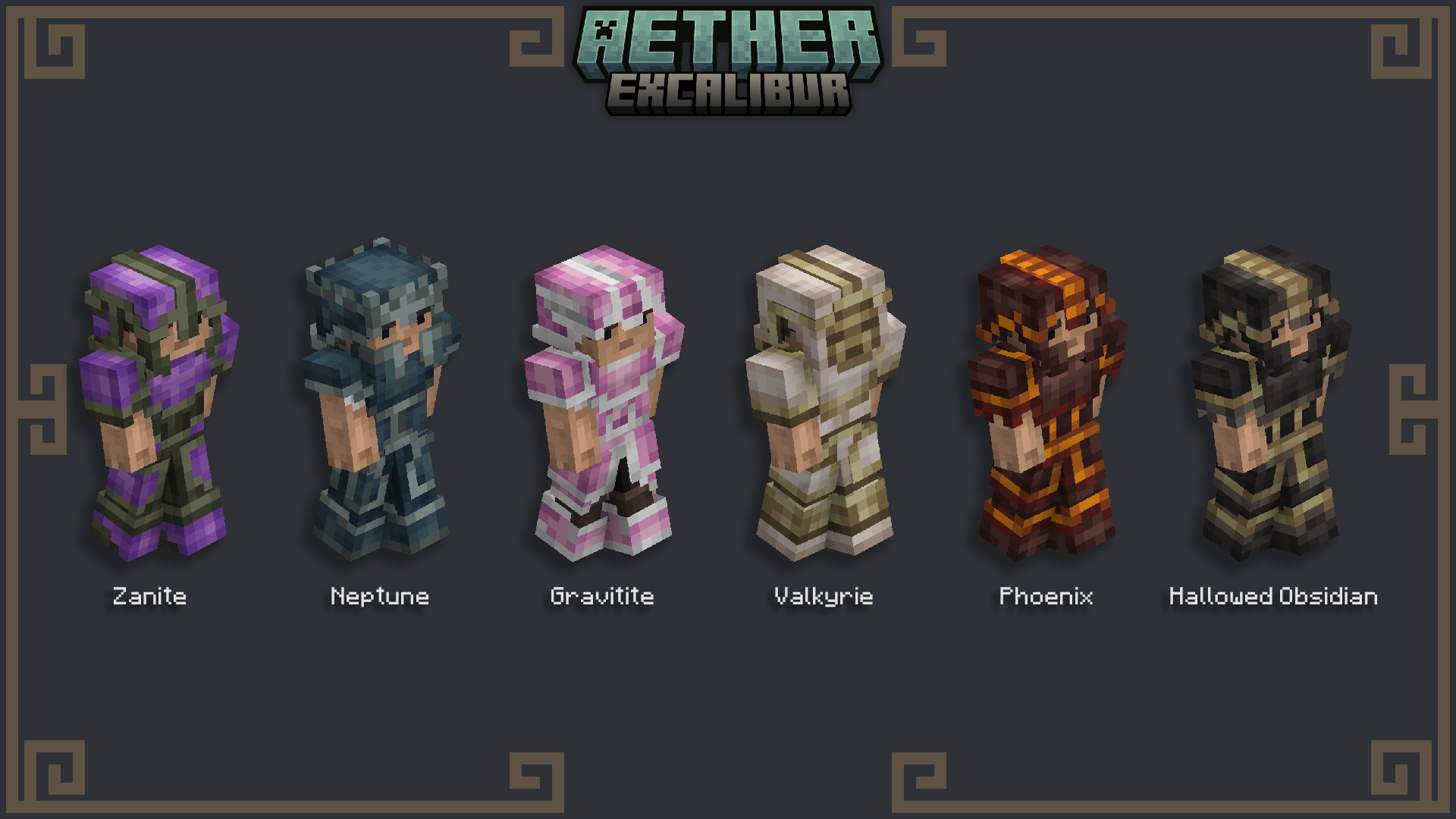
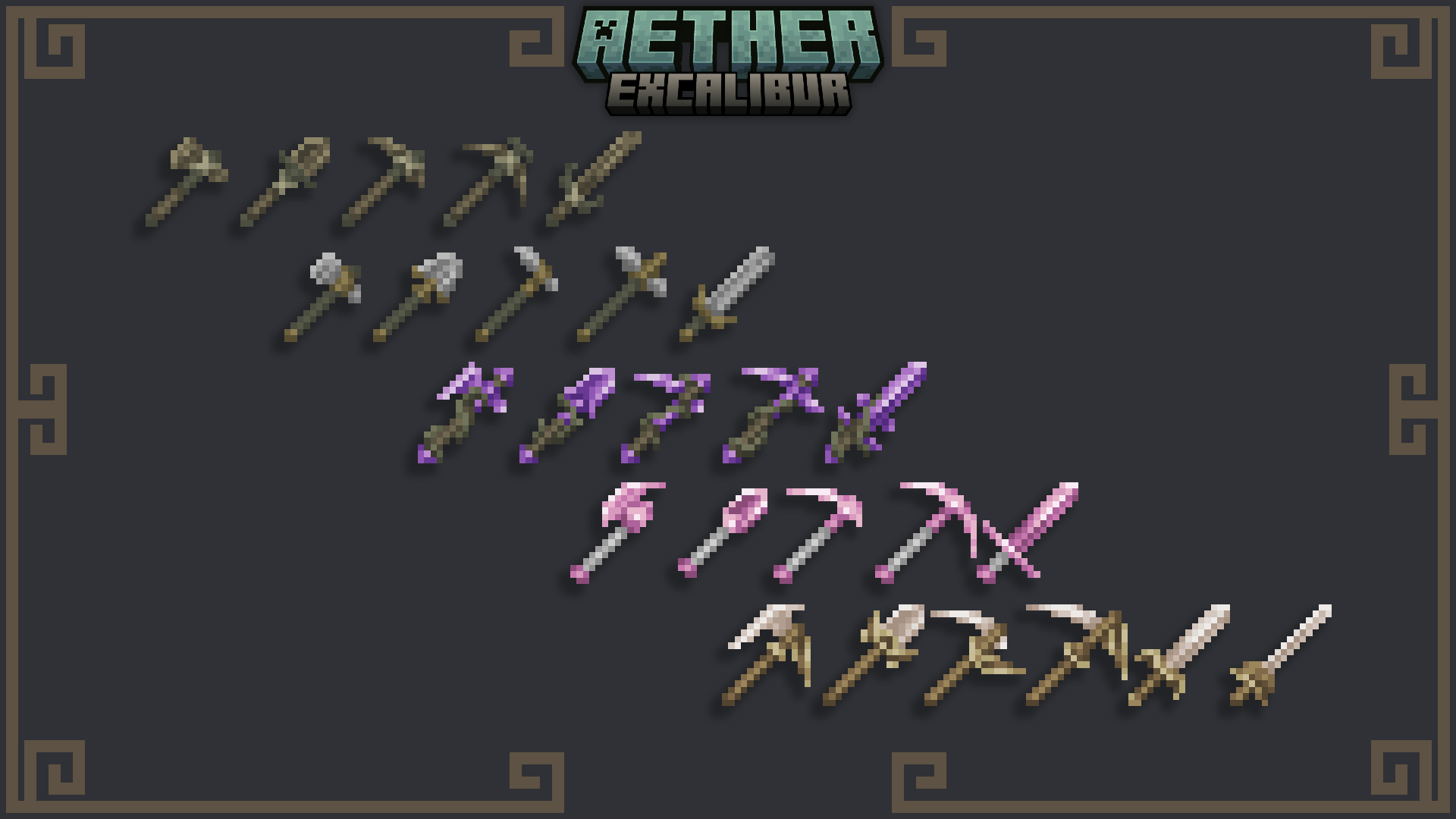
常见问题
Excalibur | Aether Support 支持哪些 Minecraft 版本?
Excalibur | Aether Support 支持 Minecraft Java 版 1.20–1.21.5,共 13 个版本。下载时注意选择和你游戏版本一致的文件。
Excalibur | Aether Support 怎么安装?
把下载的 .zip 文件(不用解压)放进游戏目录的 resourcepacks 文件夹,进游戏后在「选项 → 资源包」里把它移到右边启用。

评论
登录后评论和评分