截图
介绍
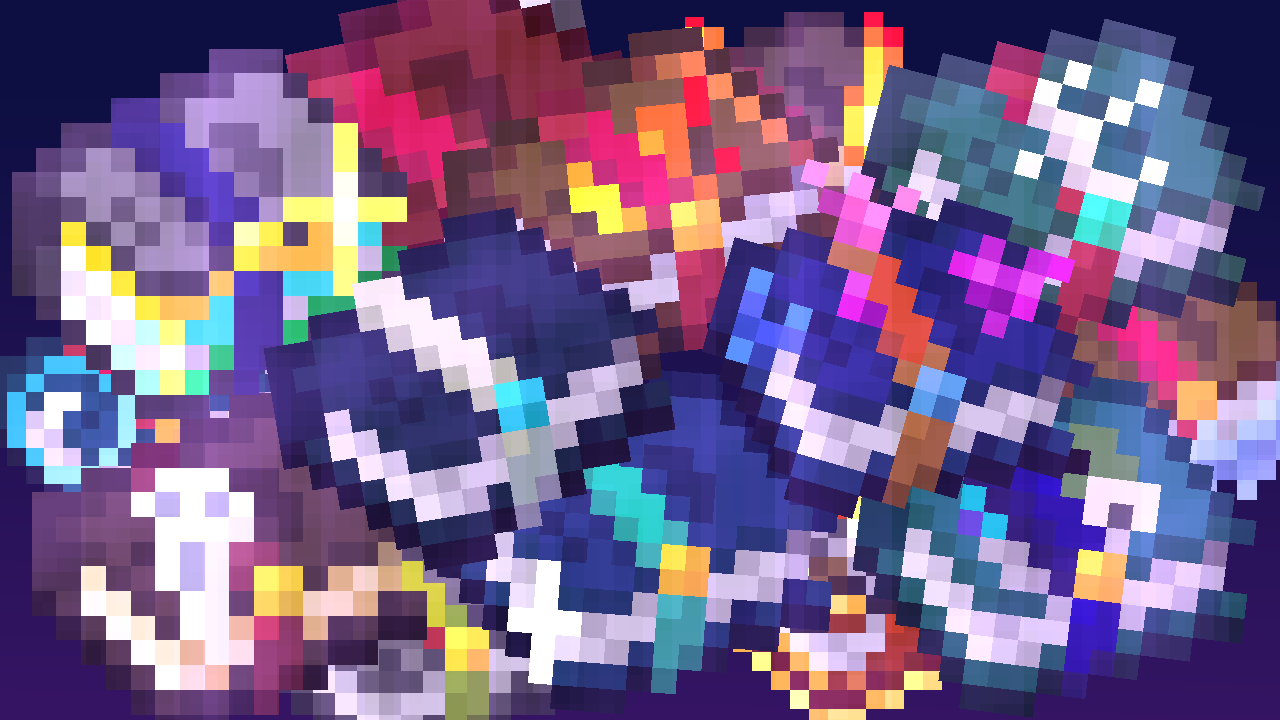
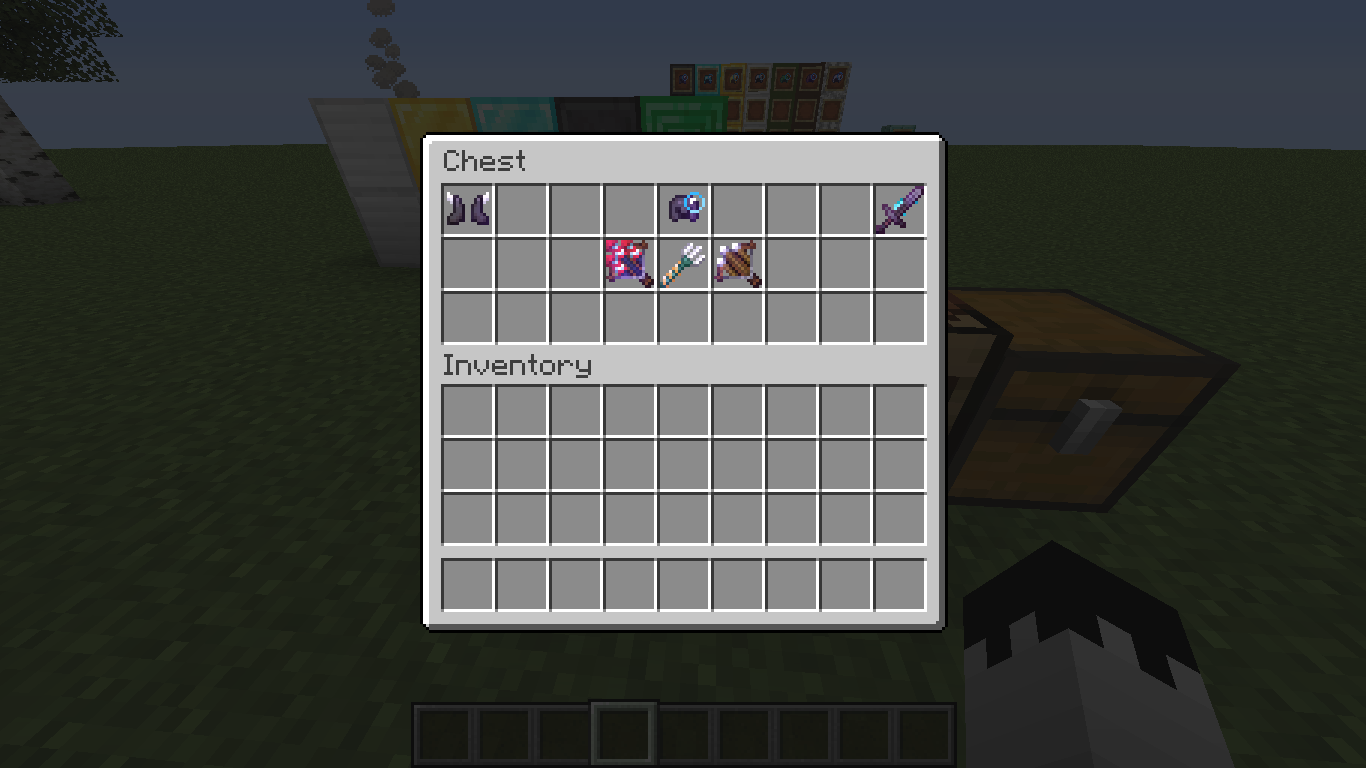
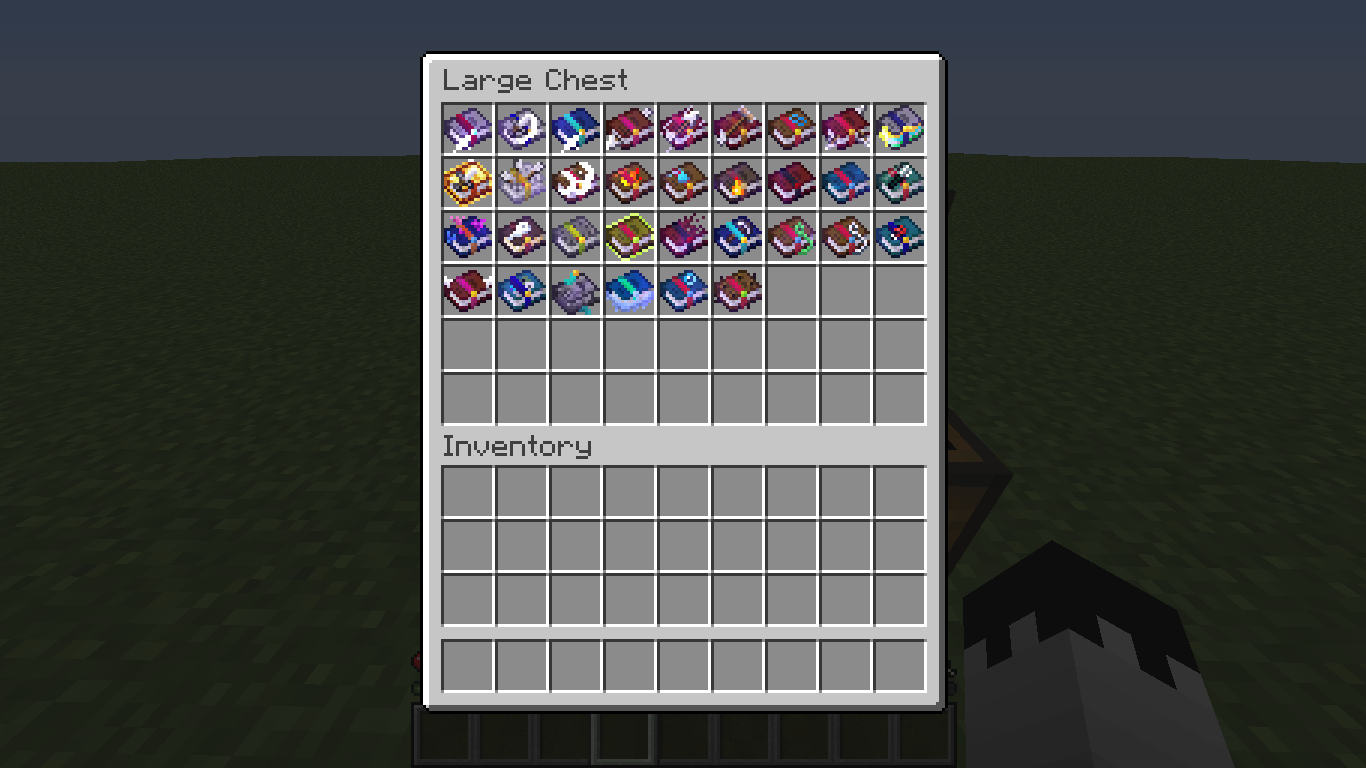
Bored of the ordinary enchanting books?
Now there is more than one form of Enchanting books!!
you can also add another resource pack to add flame enchanting on sword or any weapons it’s call “Flaming Fire Aspect“Go and Download it
How to install Enchantment Textures Resource Pack?
For 1.21.5+ :
only download and have the FUN :D!!
For Older Versions :
For the case that you don‘t know how to install Enchantment Textures Resource Pack, we’ve listed you a short installation guide down below. The Installation Guide is for Minecraft any version of the versions you want, Be sure that you also have Optifine installed.
- Download Enchantment Textures Resource Pack for Minecraft
- Launch Minecraft and click on “options” then.
- Navigate from “options” over “Resource Packs” and click on “Open resource packs folder”
- Paste the Pack you just downloaded into this folder
- Restart the Game! The Pack will appear in your Resource Packs list
Not everything was made by me, but most of it was modified
Video Show You the Animation
常见问题
Enchantment Textures Plus 支持哪些 Minecraft 版本?
Enchantment Textures Plus 支持 Minecraft Java 版 1.12–26.2,共 53 个版本。下载时注意选择和你游戏版本一致的文件。
Enchantment Textures Plus 怎么安装?
把下载的 .zip 文件(不用解压)放进游戏目录的 resourcepacks 文件夹,进游戏后在「选项 → 资源包」里把它移到右边启用。
评论
登录后评论和评分