截图
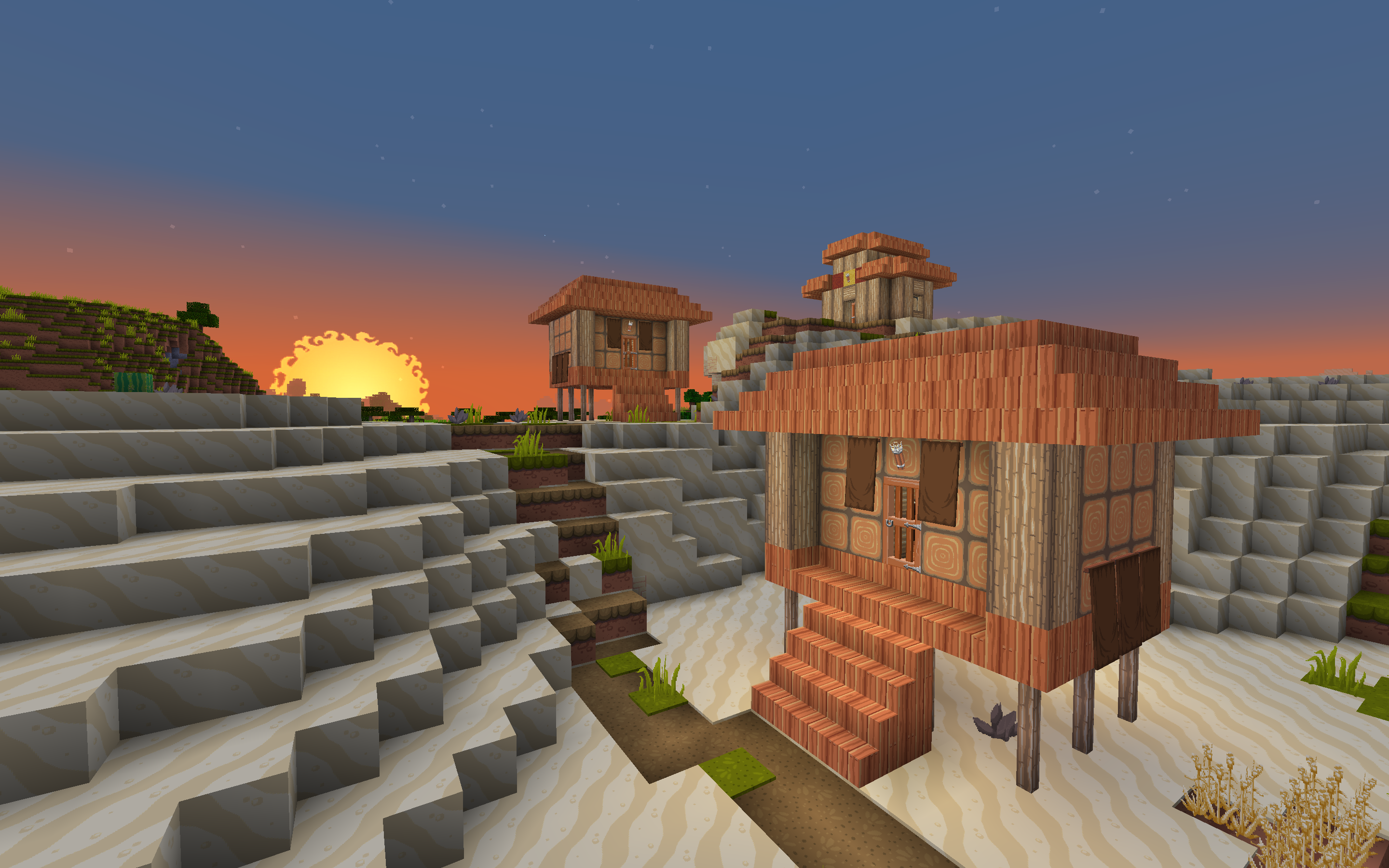
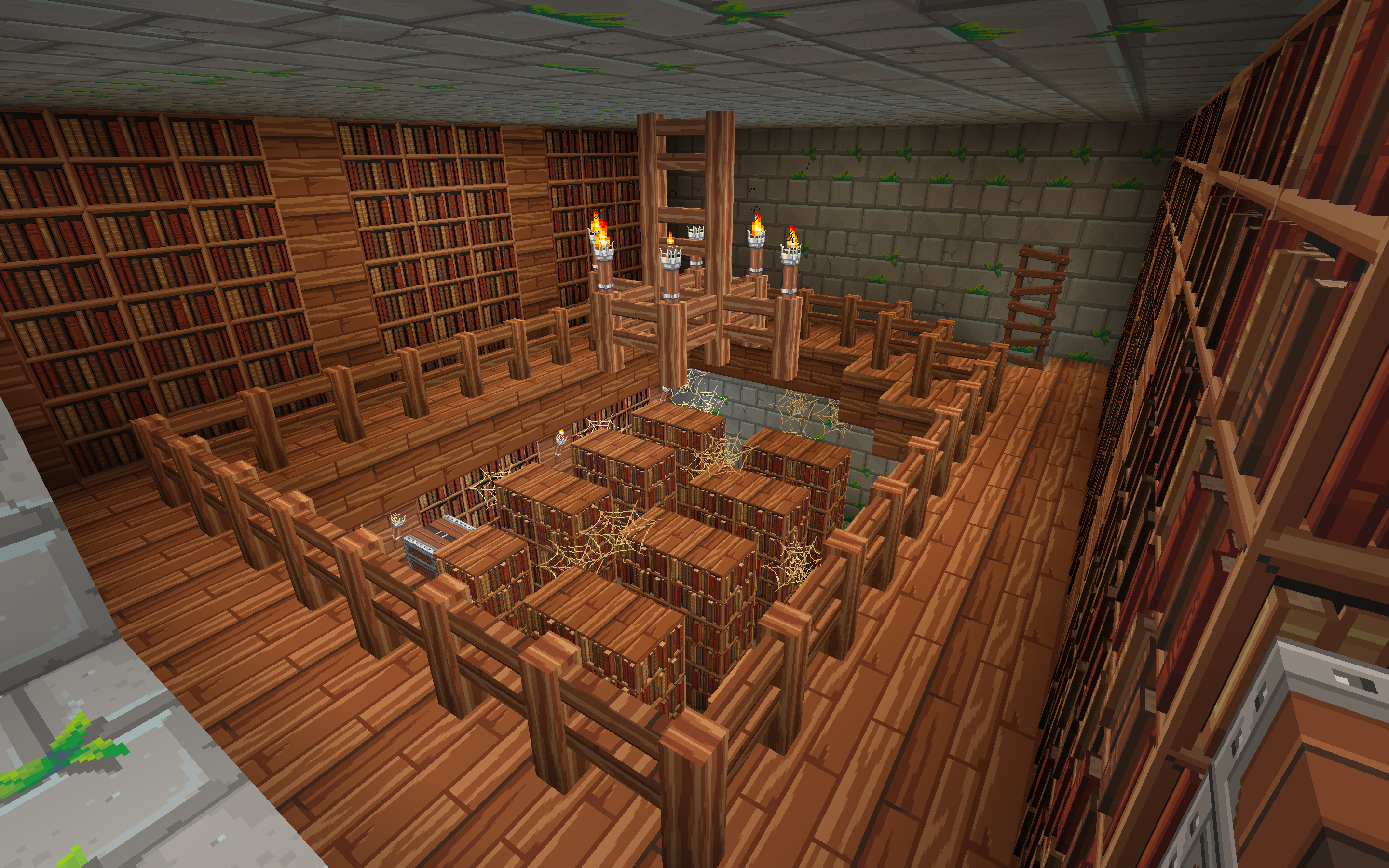
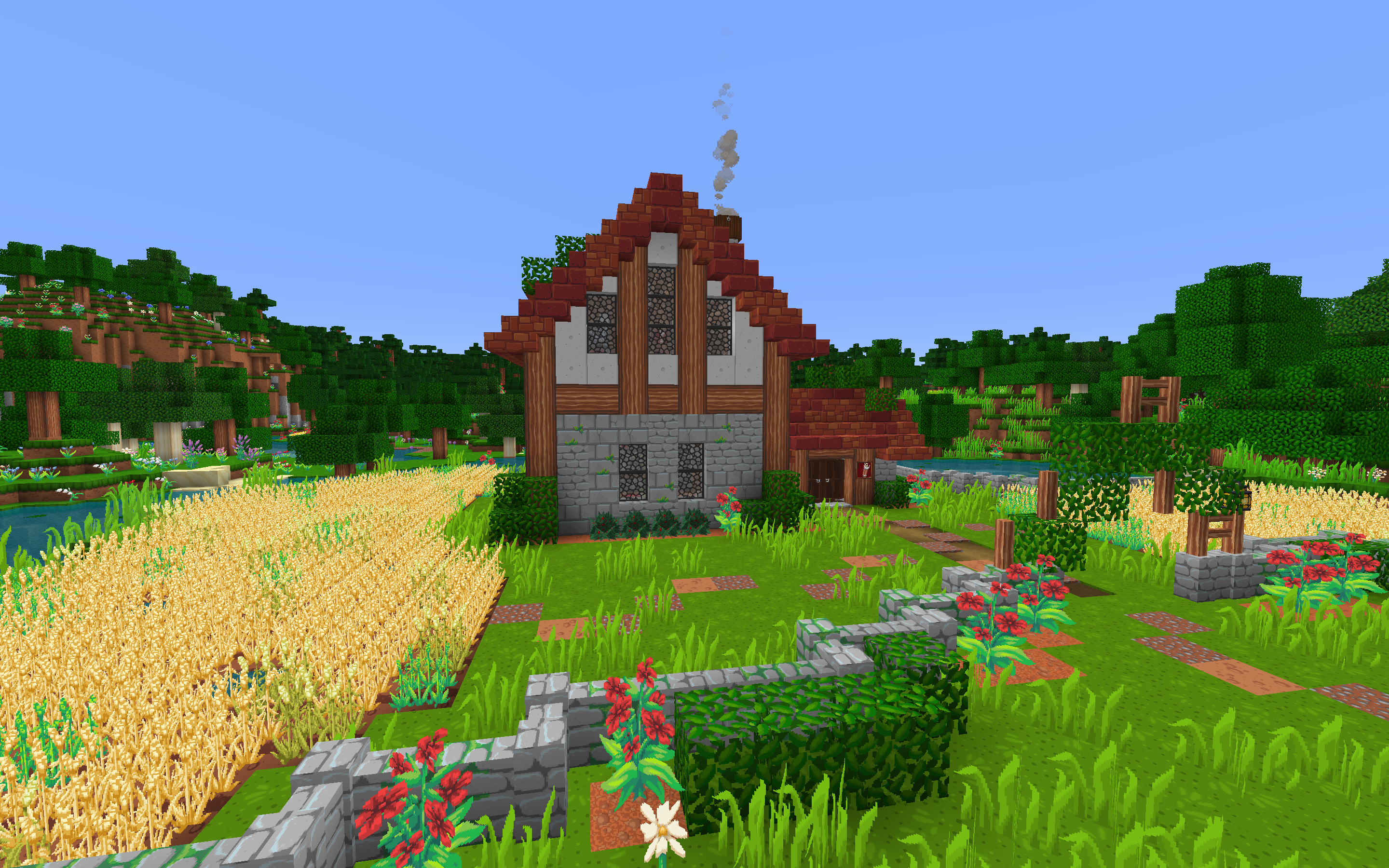
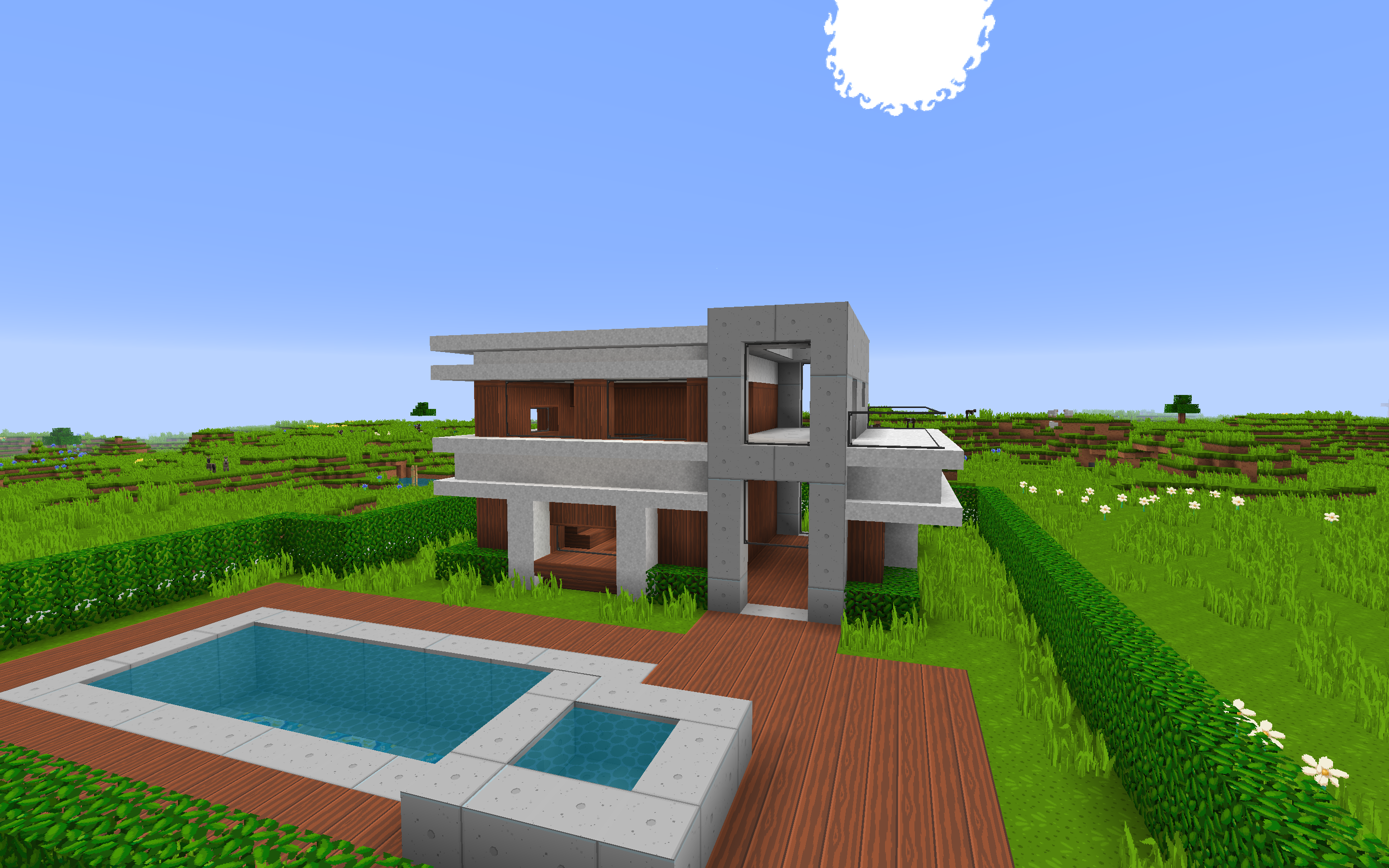
介绍

NEW RELEASE: Dragon Dance 1.17 is out! Download here.
Dragon Dance Renaissance
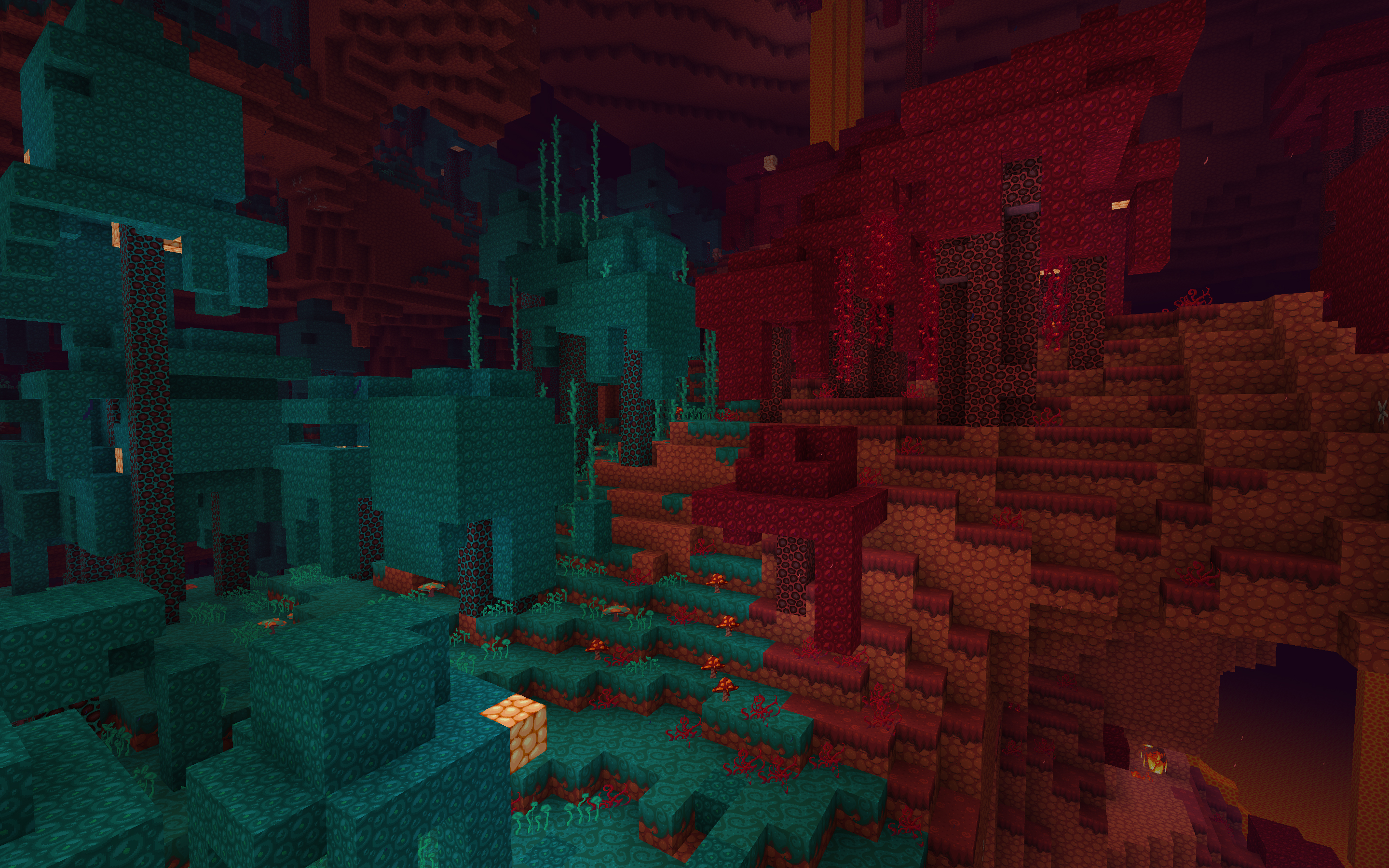
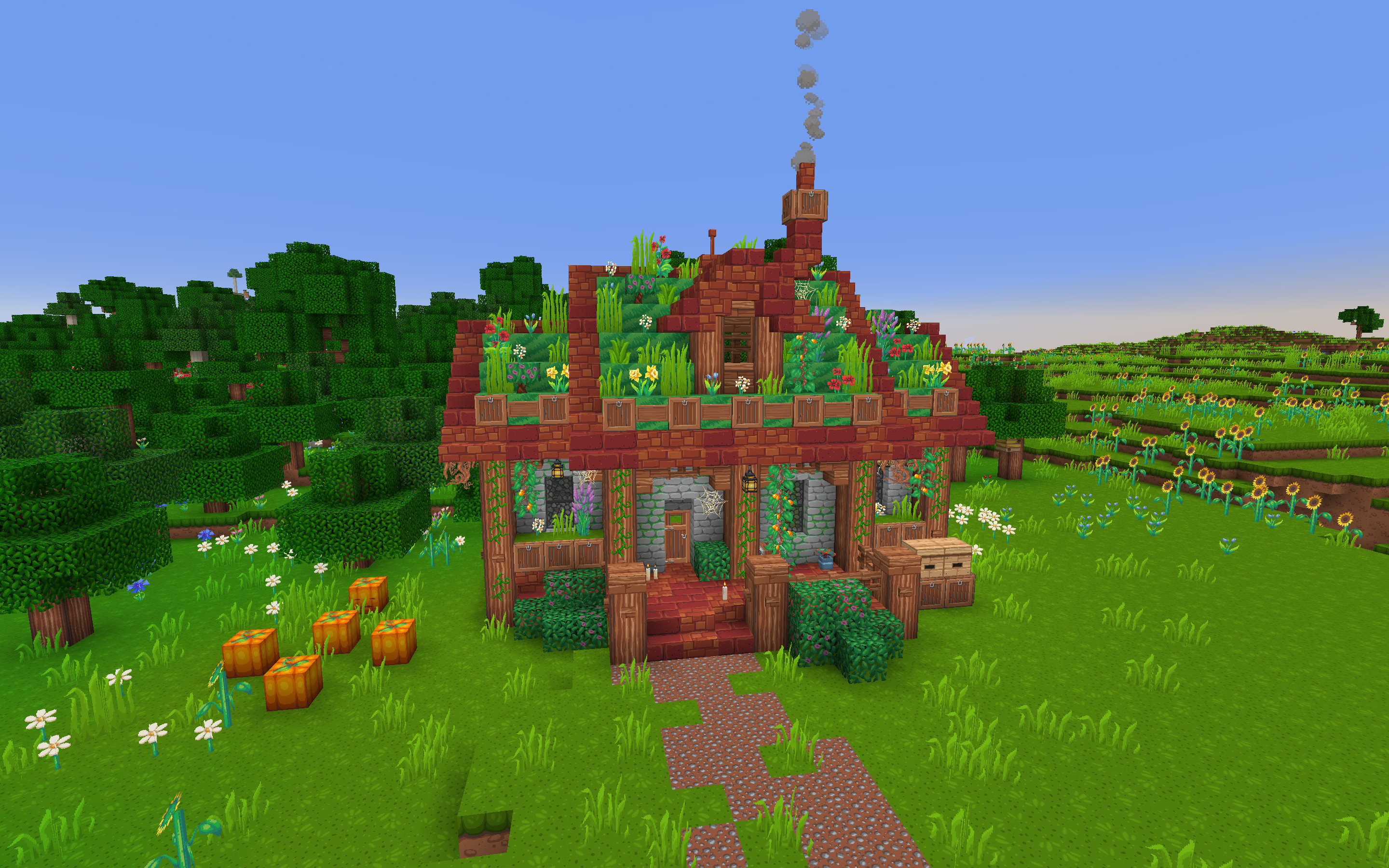
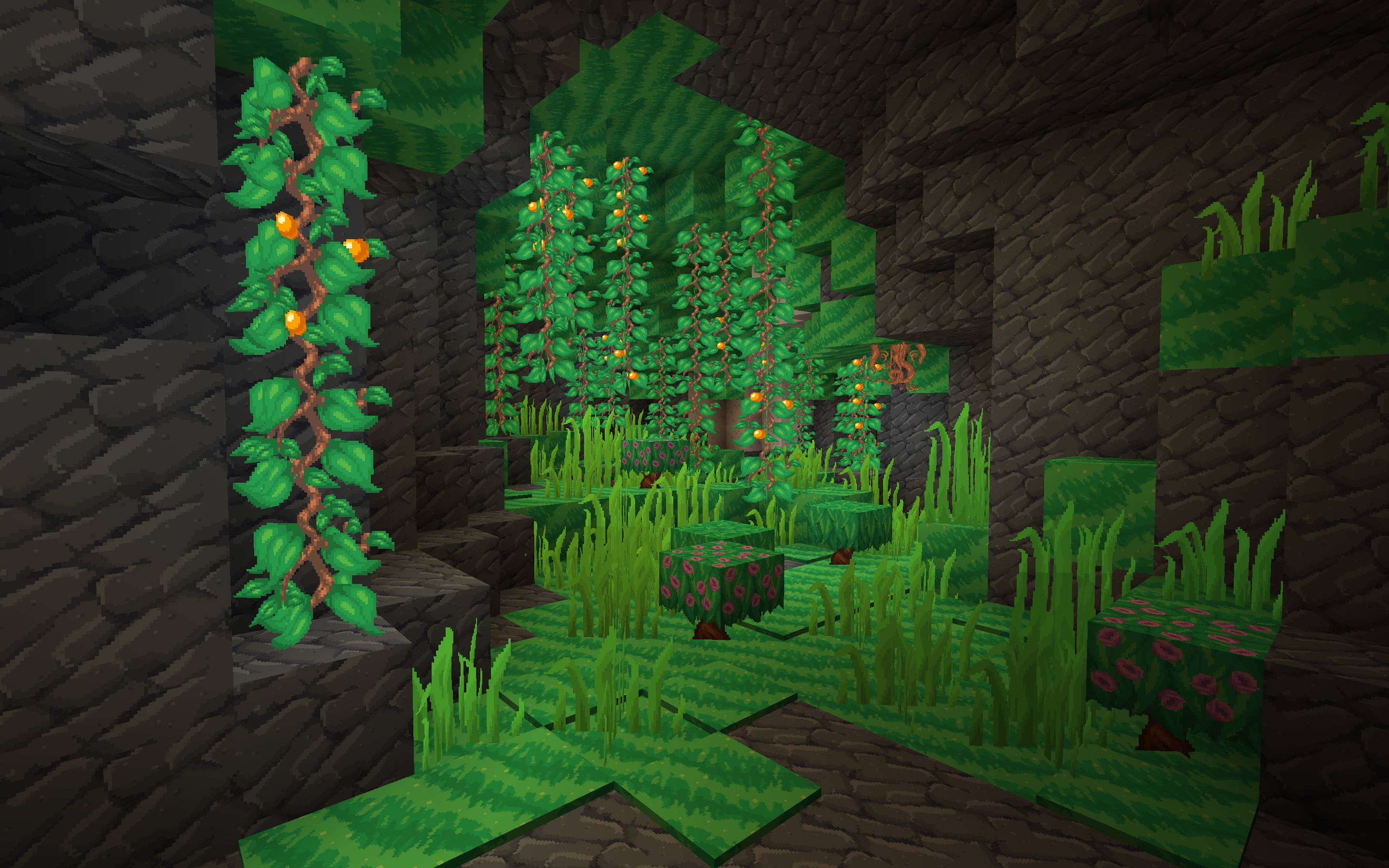
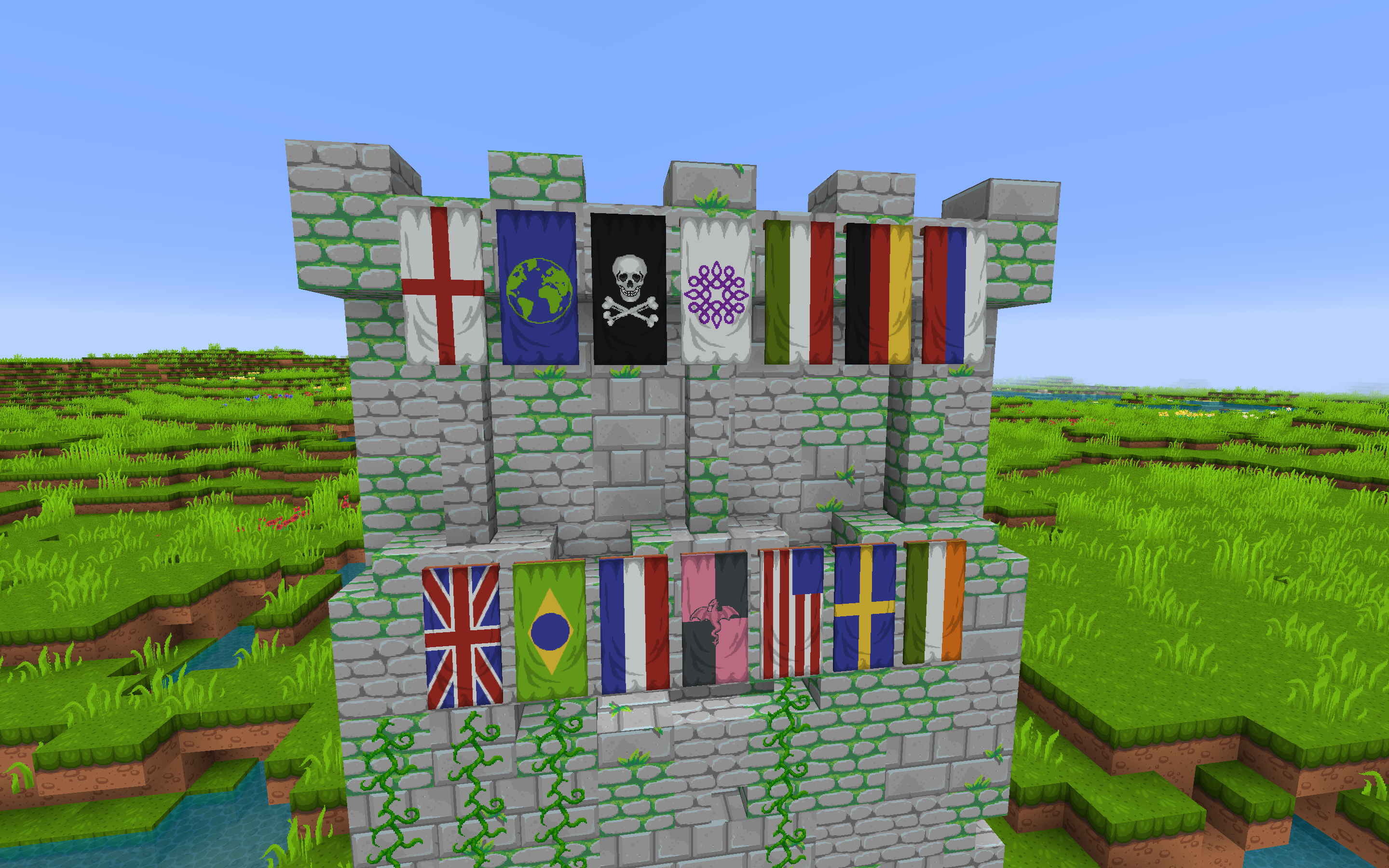
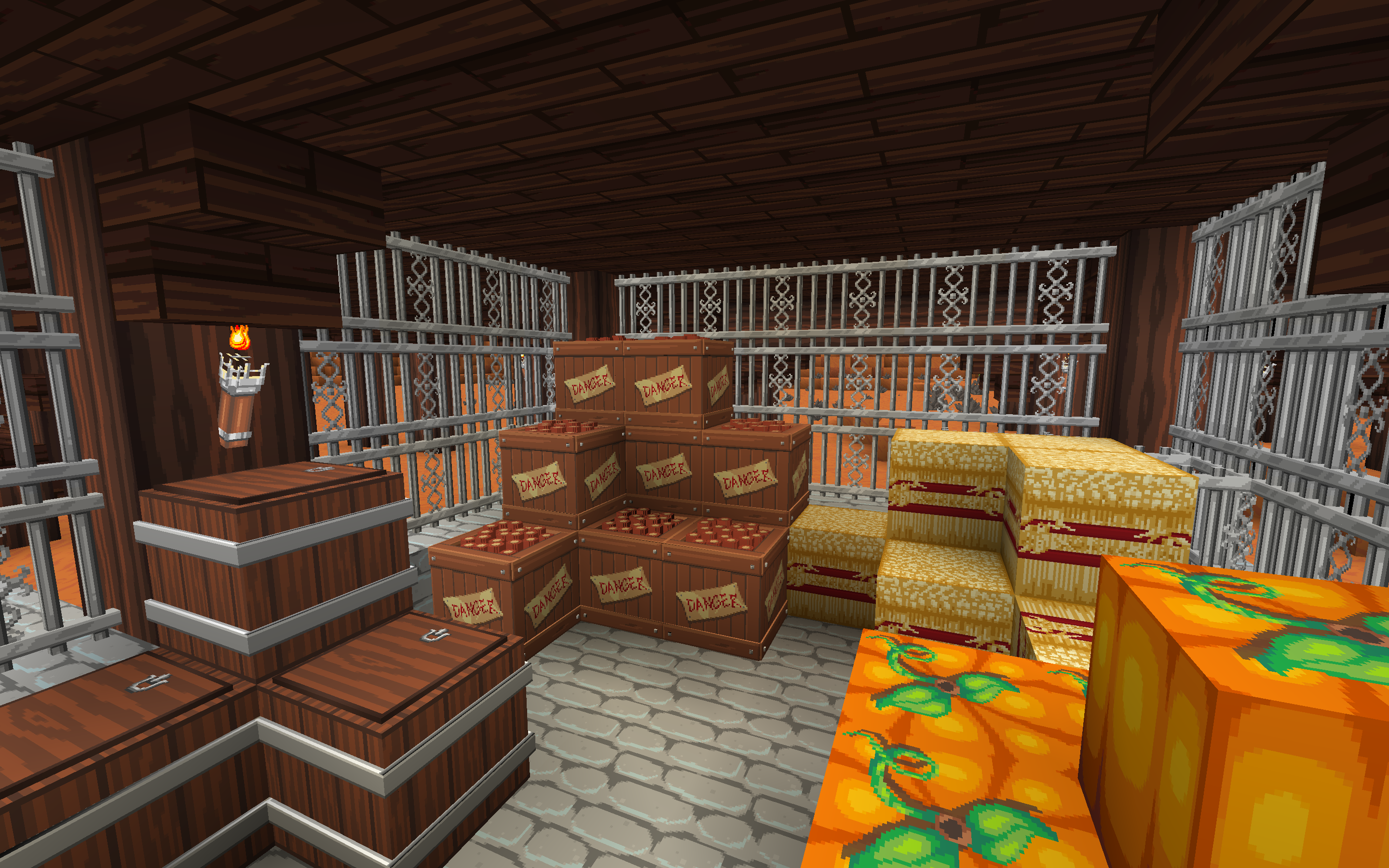
Dragon Dance Renaissance is a cartoony and clean 64x Resource Pack for Minecraft Java. Created by Steelfeathers in 2012, the pack was made for the MS Paint Color Challenge on minecraftforum.net, originally only using the default colors given in MS Paint. In 2014 she sadly stopped working on it and the once famous Texture Pack vanished from the Minecraft Community.
While Minecraft has evolved since then, so has the color palette of the pack. We try our absolut best to stick to the colors and style while also adjusting for the new things coming to Minecraft with every new update. When there are ideas that don’t seem to fit into the simplistic nature of the pack, we also provide Add-Ons like the 3D Model Add-On you can download below.
If you’re interested, make sure to check out the old Dragon Dance by Steelfeathers.


HOW TO INSTALL:
1. Download the newest version of the Resource Pack here.
2. Extract the file and put it in your “resourcepacks” folder.
3. Start Minecraft and go to Options > Resource Packs…
4. Select Dragon Dance Renaissance
5. Click “Done” and have fun playing 🙂
Add-Ons:


Follow the Twitter for exclusive sneak peeks and early looks at the upcoming versions.
IMPORTANT:
If you have some experience with pixel art and would like to join Dragon Dance, please write me (fuazk) a private message here on Curse Forge or tweet @DragonDanceRP. Please provide a small selection of your work in the message and I’m sure we can figure something out. You will be compensated for your work.
常见问题
Dragon Dance Renaissance 支持哪些 Minecraft 版本?
Dragon Dance Renaissance 支持 Minecraft Java 版 1.12–1.17.1,共 19 个版本。下载时注意选择和你游戏版本一致的文件。
Dragon Dance Renaissance 怎么安装?
把下载的 .zip 文件(不用解压)放进游戏目录的 resourcepacks 文件夹,进游戏后在「选项 → 资源包」里把它移到右边启用。
评论
登录后评论和评分