
Classic Dirt Menu Background
作者:Hexagonl
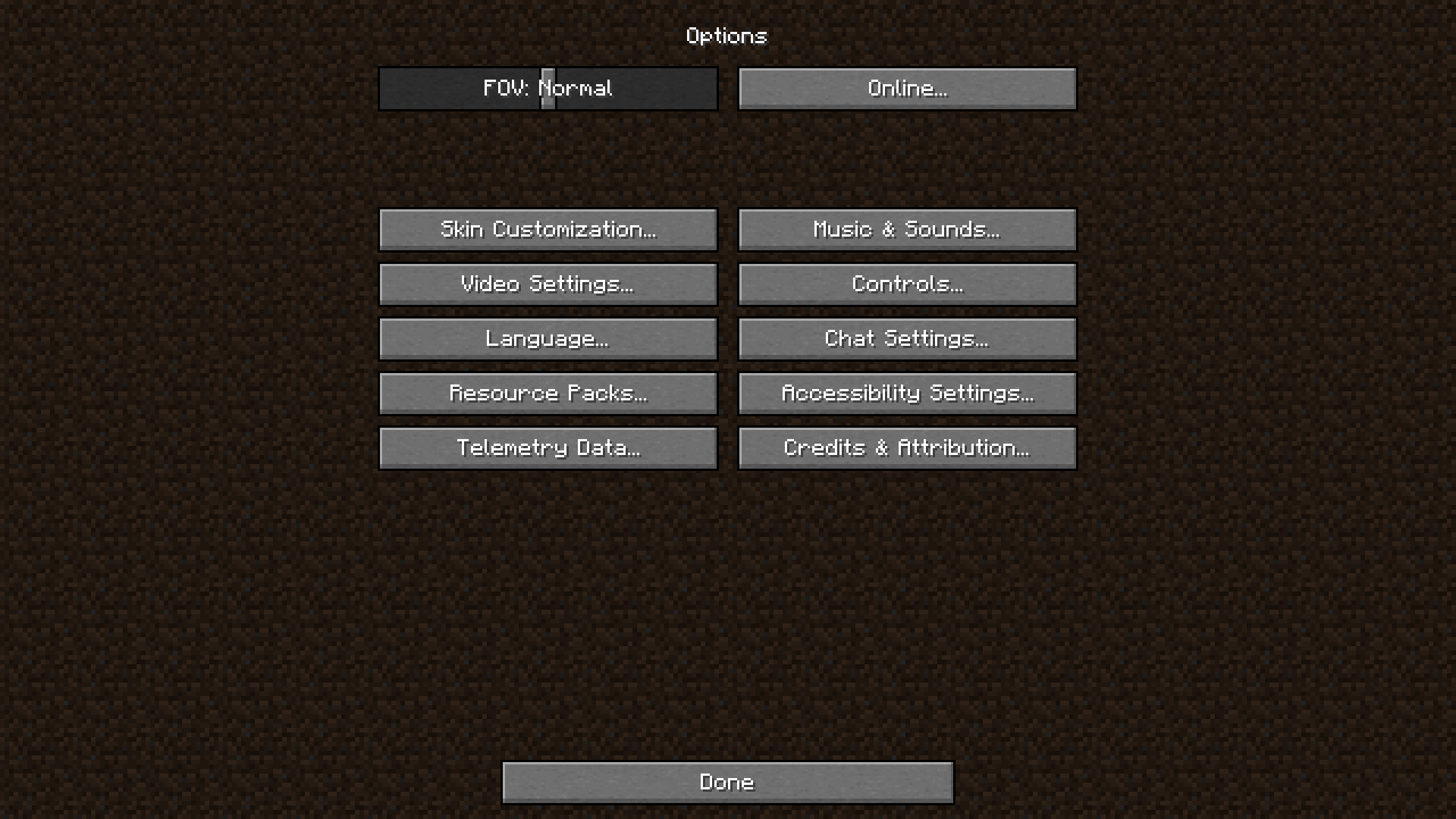
Bring back the dirt to 1.20.5+ (24w09a)! Returns original and classic menu background WITHOUT using Programmer Art
截图


介绍
中文介绍正在准备中,下面暂时显示原文。
In Minecraft 1.20.5 snapshot 24w09a, Mojang got rid of the beloved dirt menu background. You can read about that change on the changelog: https://www.minecraft.net/en-us/article/minecraft-snapshot-24w09a or watch Xisuma’s video) on it.
Fortunately for you…
…this resource pack brings the dirt background back!
Supports every version of Minecraft up to the latest release candidates, and beyond!

Features!
- Changes the background textures back to dirt!
- Uses a darkened tint in-game instead, as seen in Programmer Art
- Changes the tab textures back to dirt
- Uses correct textures for every version of Minecraft!
- Tweaks the header/footer separators back to the old header/footer separators
- Adds the vanilla vignette for the credits and end poem
- Dedicated support for literally every version of Minecraft!
- Utilizes pack overlays to make this pack compatible with every single older version of Minecraft*
- Probably compatible with all future versions to come!
Usecases
- Bring back the dirt background for versions 24w09a and up!
- Using this pack as an overlay over another resource pack that changes your menu background without your consent!
Usage
- Obviously you may use this personally in any way you want lol
- You may put this in a modpack. I would appreciate this if I’m credited in—at the very least—a credits text file somewhere in the modpack folder (although you don’t have to if you don’t feel like it lol)
Licensed under CC-BY-4.0
*not tested because I unfortunately can’t run every single version of Minecraft… I know I know I’m a fraud
常见问题
Classic Dirt Menu Background 支持哪些 Minecraft 版本?
Classic Dirt Menu Background 支持 Minecraft Java 版 1.18.2–1.21.8,共 15 个版本。下载时注意选择和你游戏版本一致的文件。
Classic Dirt Menu Background 怎么安装?
把下载的 .zip 文件(不用解压)放进游戏目录的 resourcepacks 文件夹,进游戏后在「选项 → 资源包」里把它移到右边启用。
评论
登录后评论和评分