
截图

介绍
中文介绍正在准备中,下面暂时显示原文。
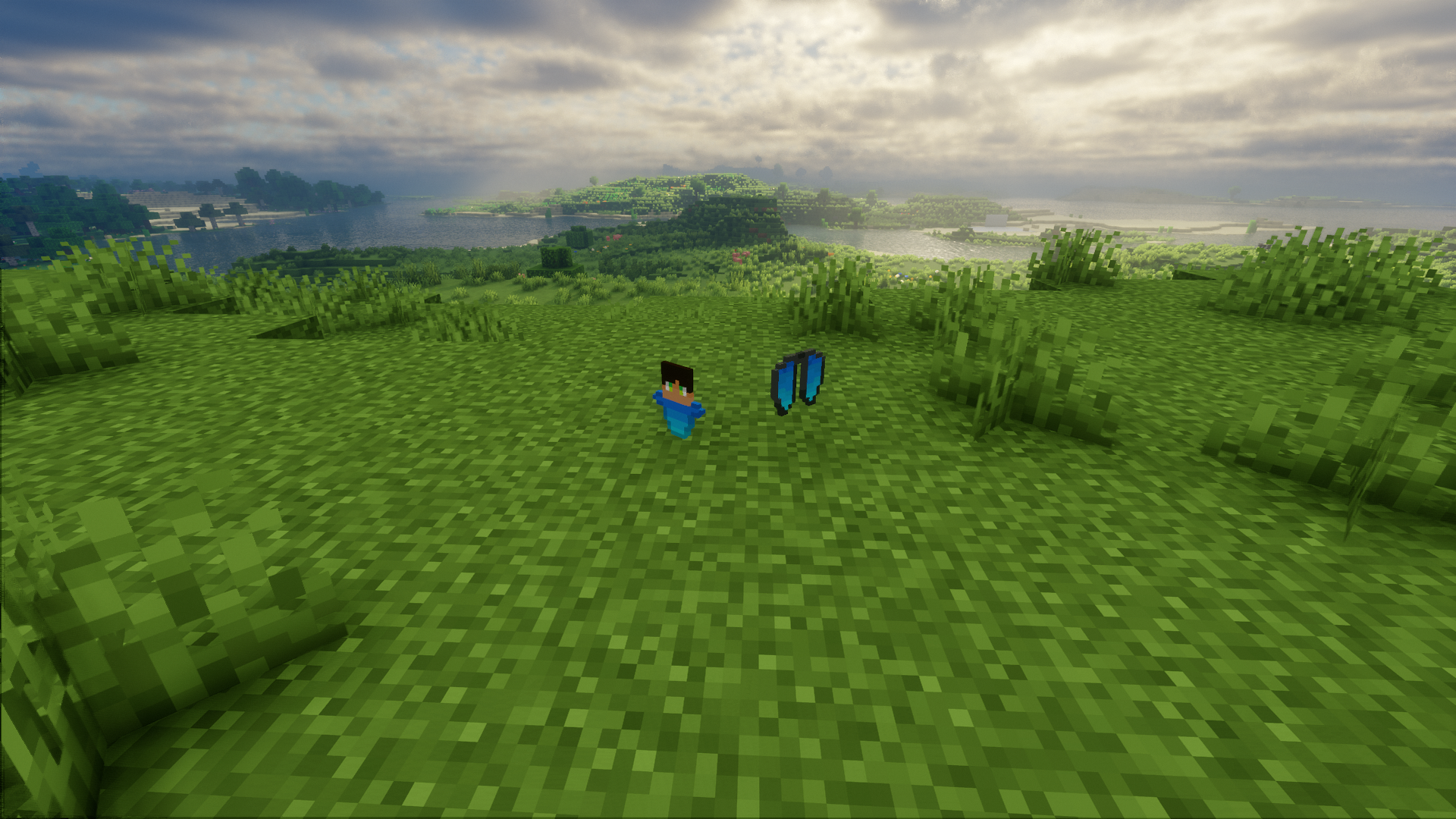
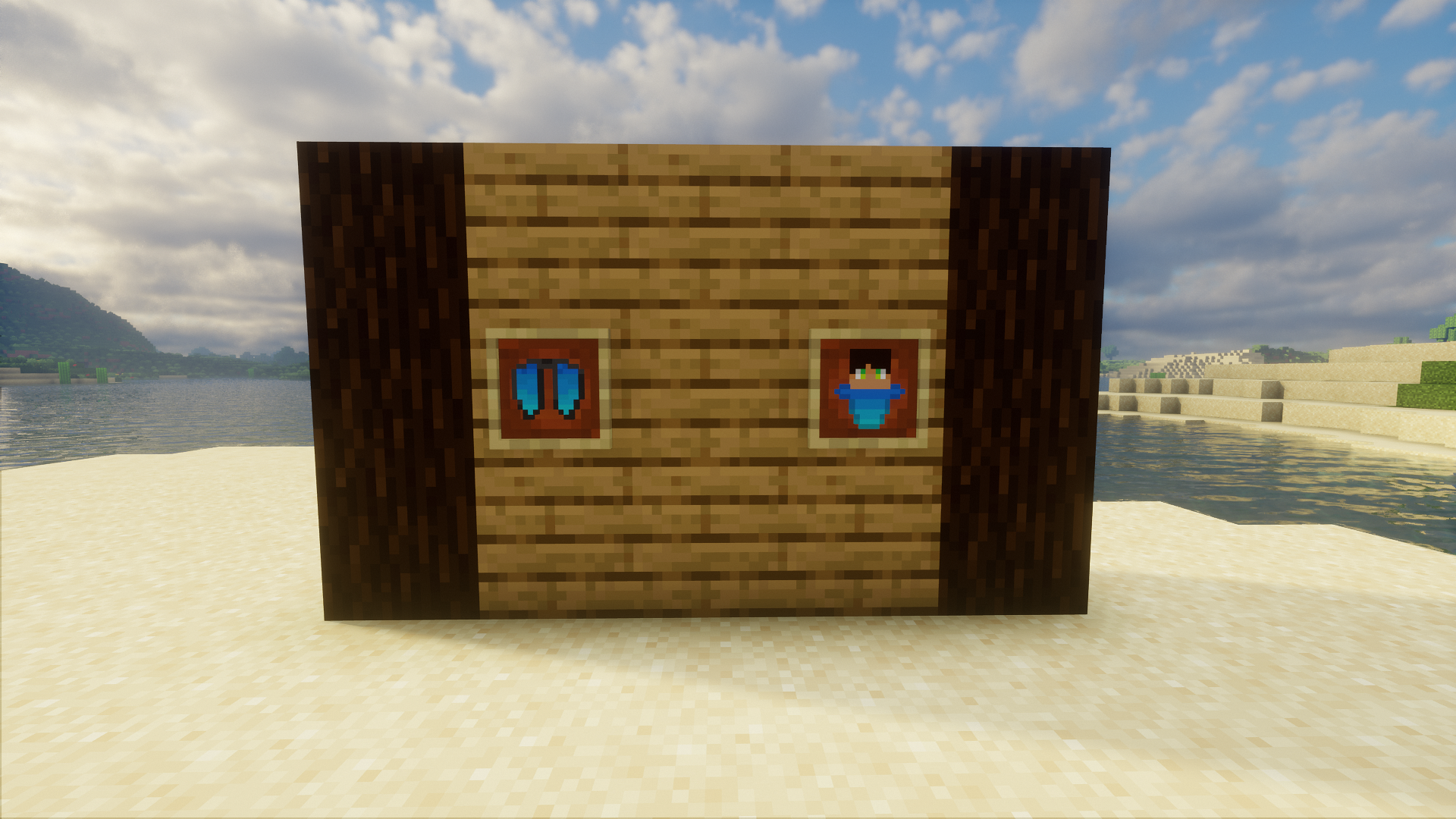
Why Have i made this Pack?
Do you think That The normal Elytra and Totem need more Color?
that’s exactly what my Resource Pack adds!
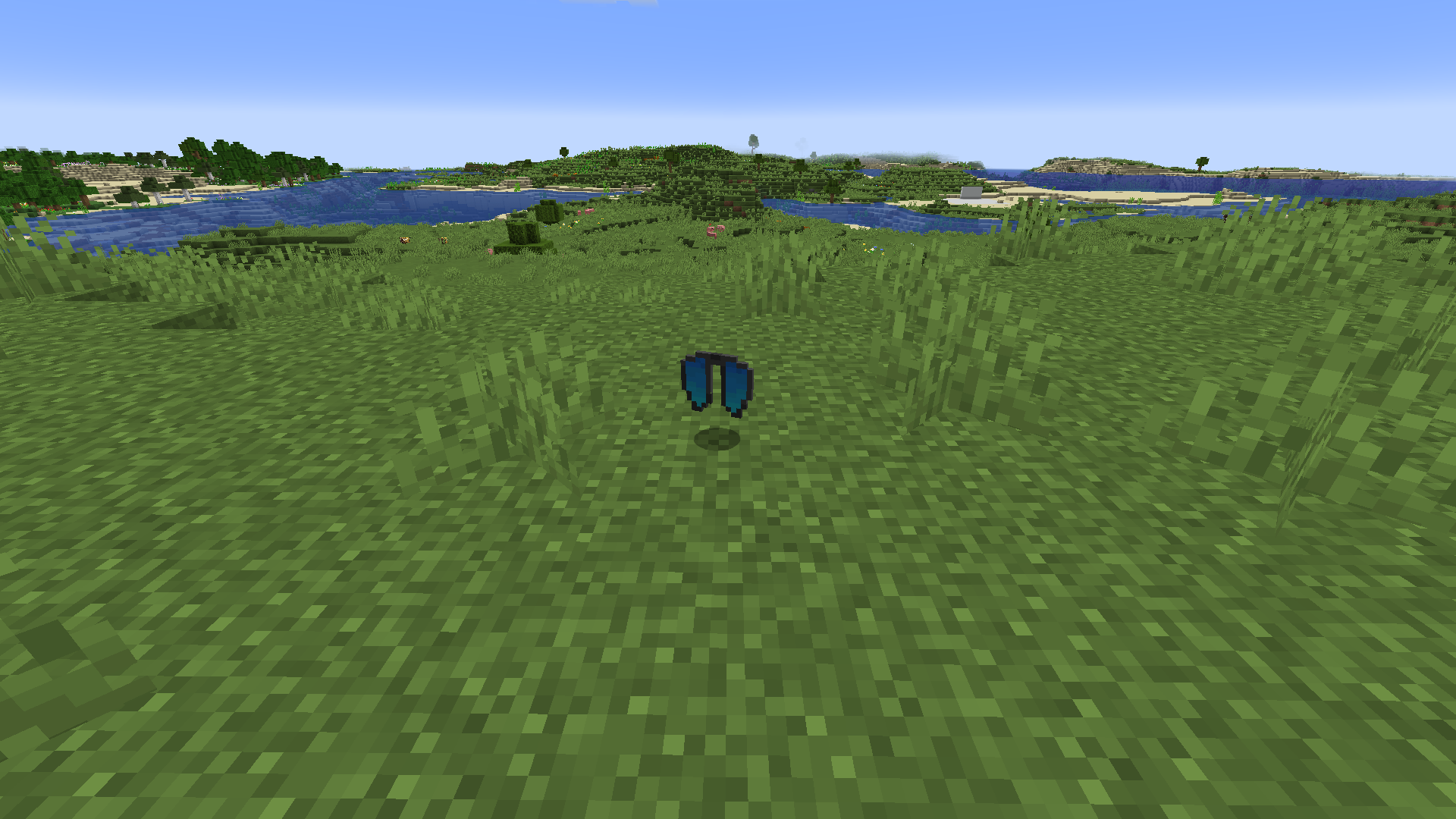
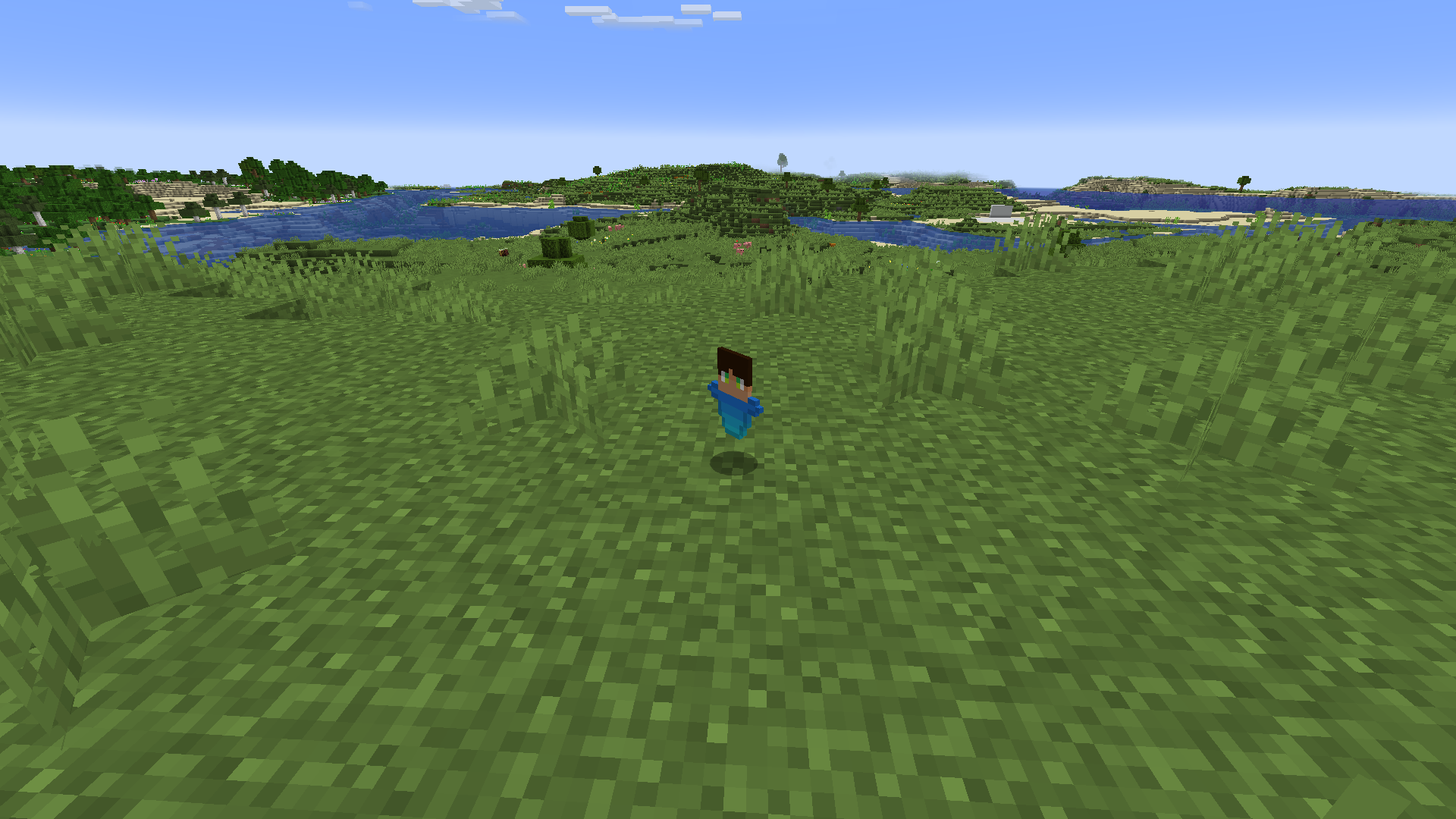
a Remodel of the boring gray Elytra and of the Totem, Themed to my Skin.
What does it feature?
- A Custom Totem that is themed to my Minecraft skin
- A custom Elytra (Entity & Item) that is also themed to my Minecraft skin
##
Screenshots
How to Install it
- Download the Resource Pack
- Go into the Minecraft Options, then Resource Packs
- Click on Open Pack Folder
- Drag this Resource Pack into the Resource Packs Folder
##
FAQ:
- Q: Does this work with other resource packs?
- A: Yes.
- Q: Do I need any mods to use this?
- A: No.
- Q: do I get a good Performance even with a Low-end PC?
- A: Yes.
Wich versions does it Support?
only 1.20.1 – 1.20.4 versions of Minecraft by now.
常见问题
Dev’s Pack 支持哪些 Minecraft 版本?
Dev’s Pack 支持 Minecraft Java 版 1.20–1.20.4,共 5 个版本。下载时注意选择和你游戏版本一致的文件。
Dev’s Pack 怎么安装?
把下载的 .zip 文件(不用解压)放进游戏目录的 resourcepacks 文件夹,进游戏后在「选项 → 资源包」里把它移到右边启用。
评论
登录后评论和评分