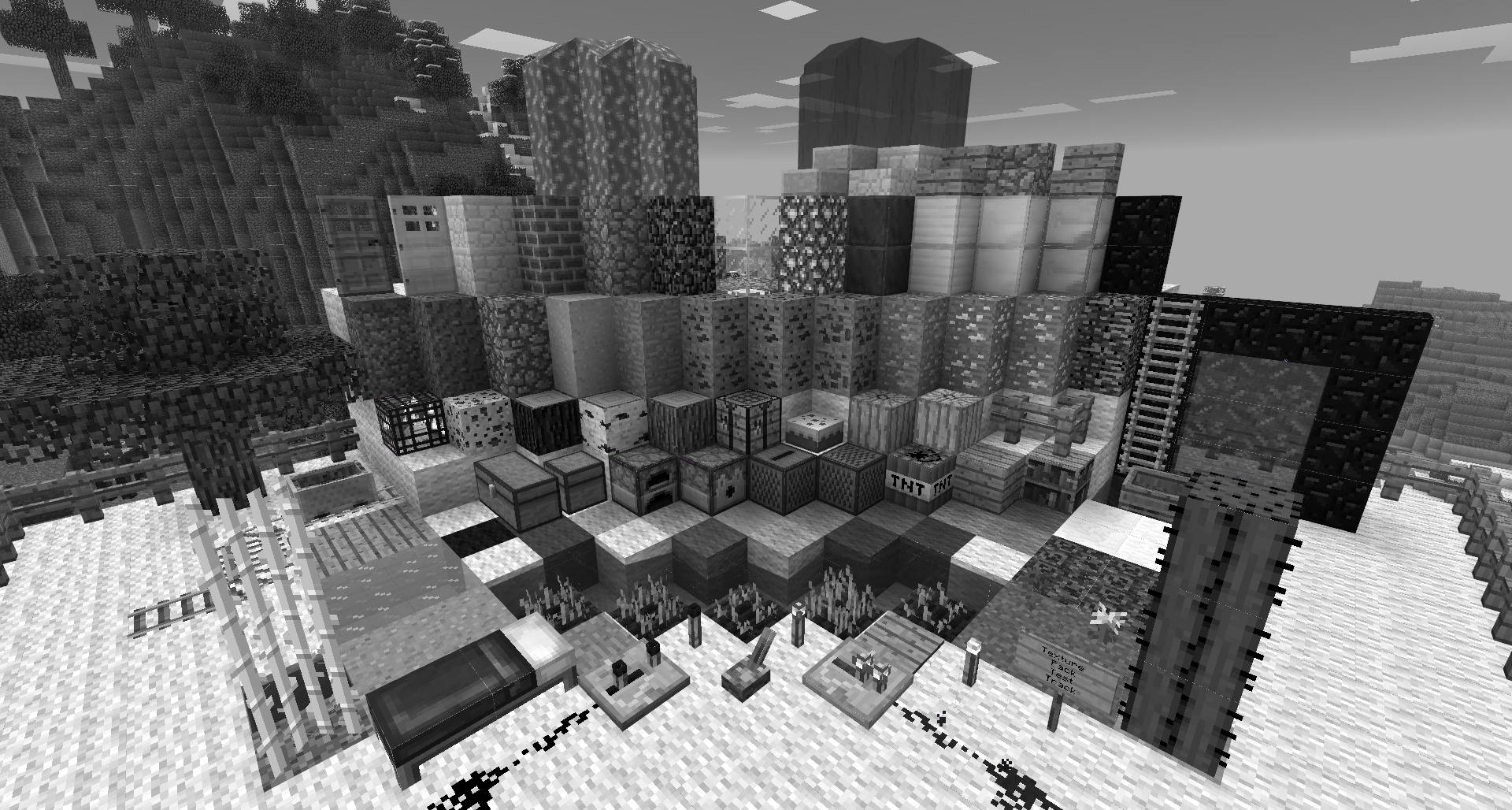
截图
介绍
中文介绍正在准备中,下面暂时显示原文。
Did you ever think about how Minecraft would look if there would be no colors? I did! So I just took the default texture pack and gray-scaled it. It’s a bit weird to look at and you can’t distinguish between different colors (e.g. wool colors) but check it out yourself!
In order to use this texture pack you have to use the latest version of MCPatcher.
Make sure you have checked all MCPatcher-Mods and patched them before you use this texture pack.
Don’t forget to choose the patched version in the Minecraft launcher!
And most important, have fun =)
常见问题
Default Grayscale Pack 支持哪些 Minecraft 版本?
Default Grayscale Pack 支持 Minecraft Java 版 1.6.2。下载时注意选择和你游戏版本一致的文件。
Default Grayscale Pack 怎么安装?
把下载的 .zip 文件(不用解压)放进游戏目录的 resourcepacks 文件夹,进游戏后在「选项 → 资源包」里把它移到右边启用。
评论
登录后评论和评分