截图
介绍
中文介绍正在准备中,下面暂时显示原文。
Have you ever wanted DARK MODE GUI? Well then, this is NOT the datapack for you!
To enable it, simply hold ALT while selecting the world generator, and go past the debug world!
All dimensions have unique changes! The basics are as follows:
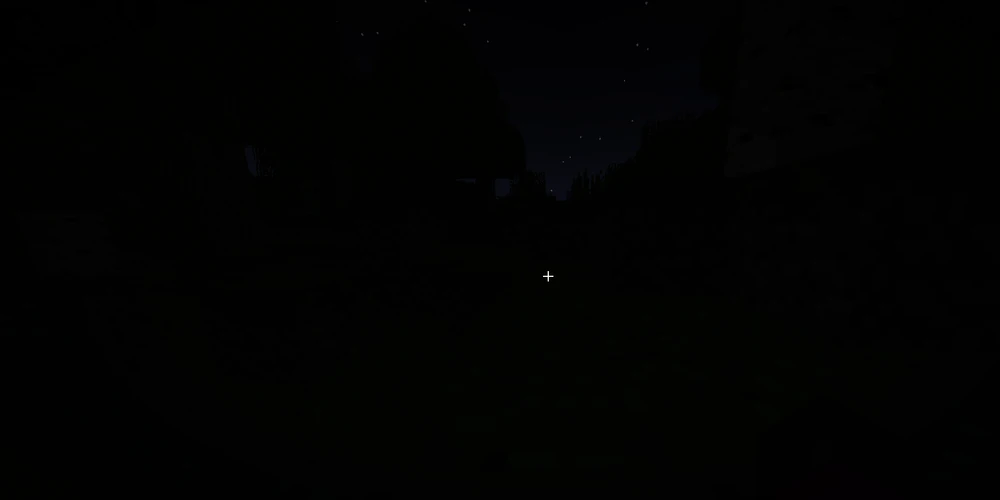
Overworld is completely dark.
The Nether is now The Norther, and it has frozen over.
The End is now The Haven, and it is a (not very) hostile paradise.
Credit to 30Spence for developing the original datapack.
常见问题
Dark Mode Datapack 支持哪些 Minecraft 版本?
Dark Mode Datapack 支持 Minecraft Java 版 1.20.6–1.21,共 2 个版本。下载时注意选择和你游戏版本一致的文件。
Dark Mode Datapack 怎么安装?
把下载的 .zip 文件(不用解压)放进游戏目录的 resourcepacks 文件夹,进游戏后在「选项 → 资源包」里把它移到右边启用。
评论
登录后评论和评分