截图




介绍


CRYSTAL 💎
Introducing the Crystal-Diamond Java Texture Pack for Minecraft!

🎞| TRAILER
🖼| EXAMPLE
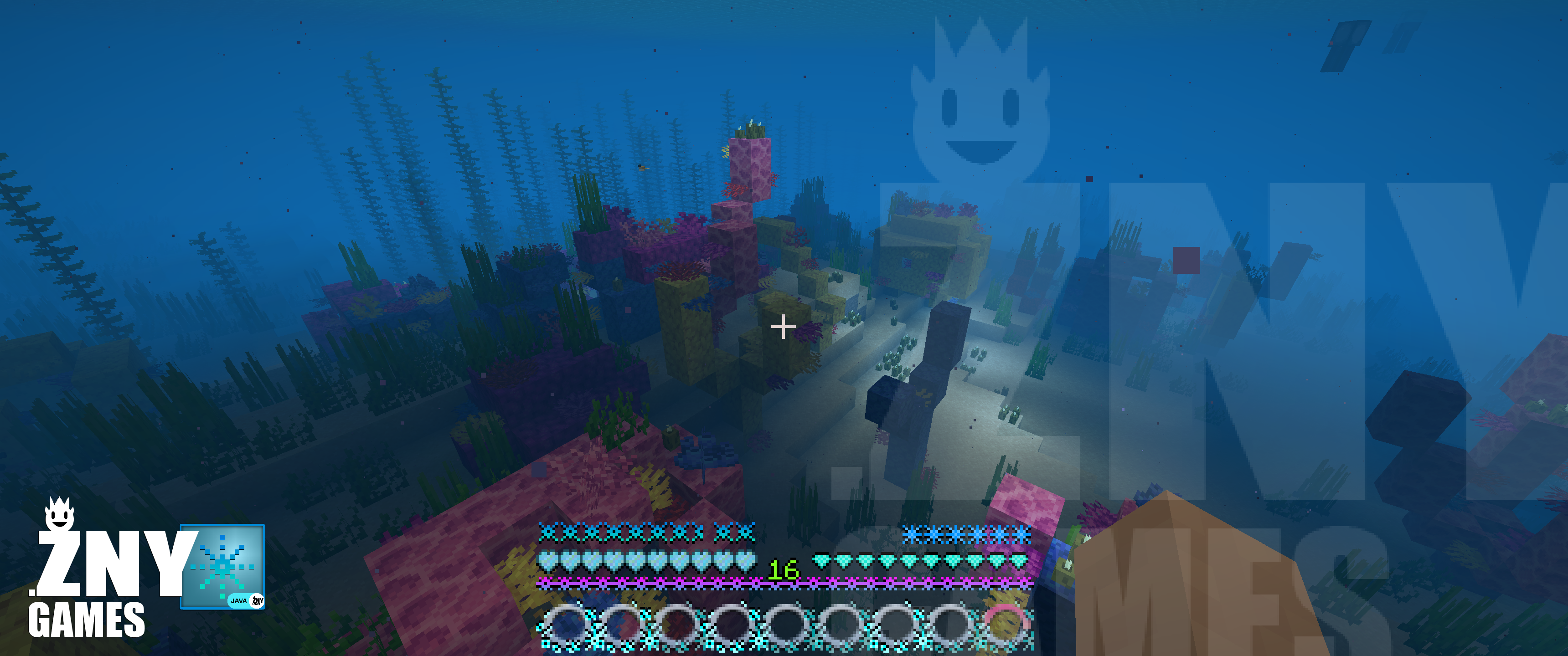
HOTBAR

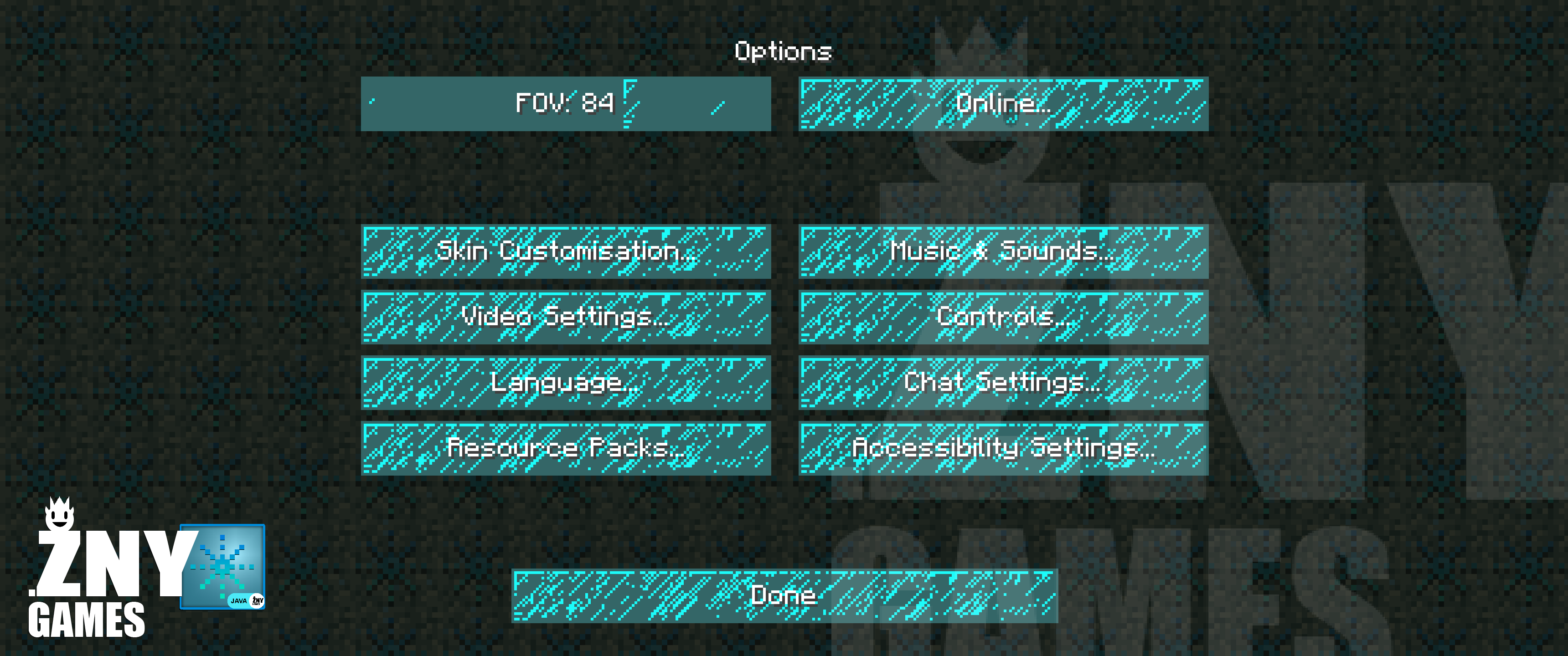
GUI
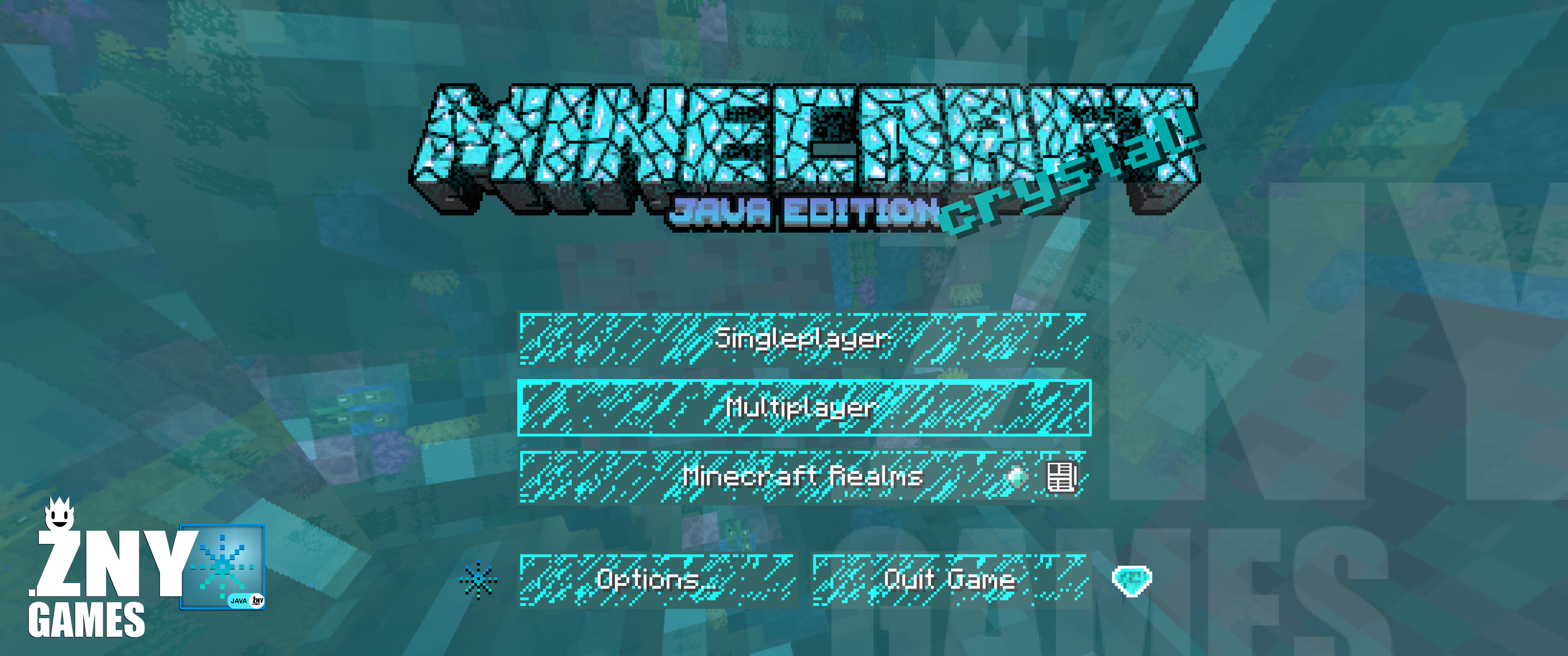
START SCREEN
more examples in the picture gallery above ⬆️
🗒| DESCRIPTION
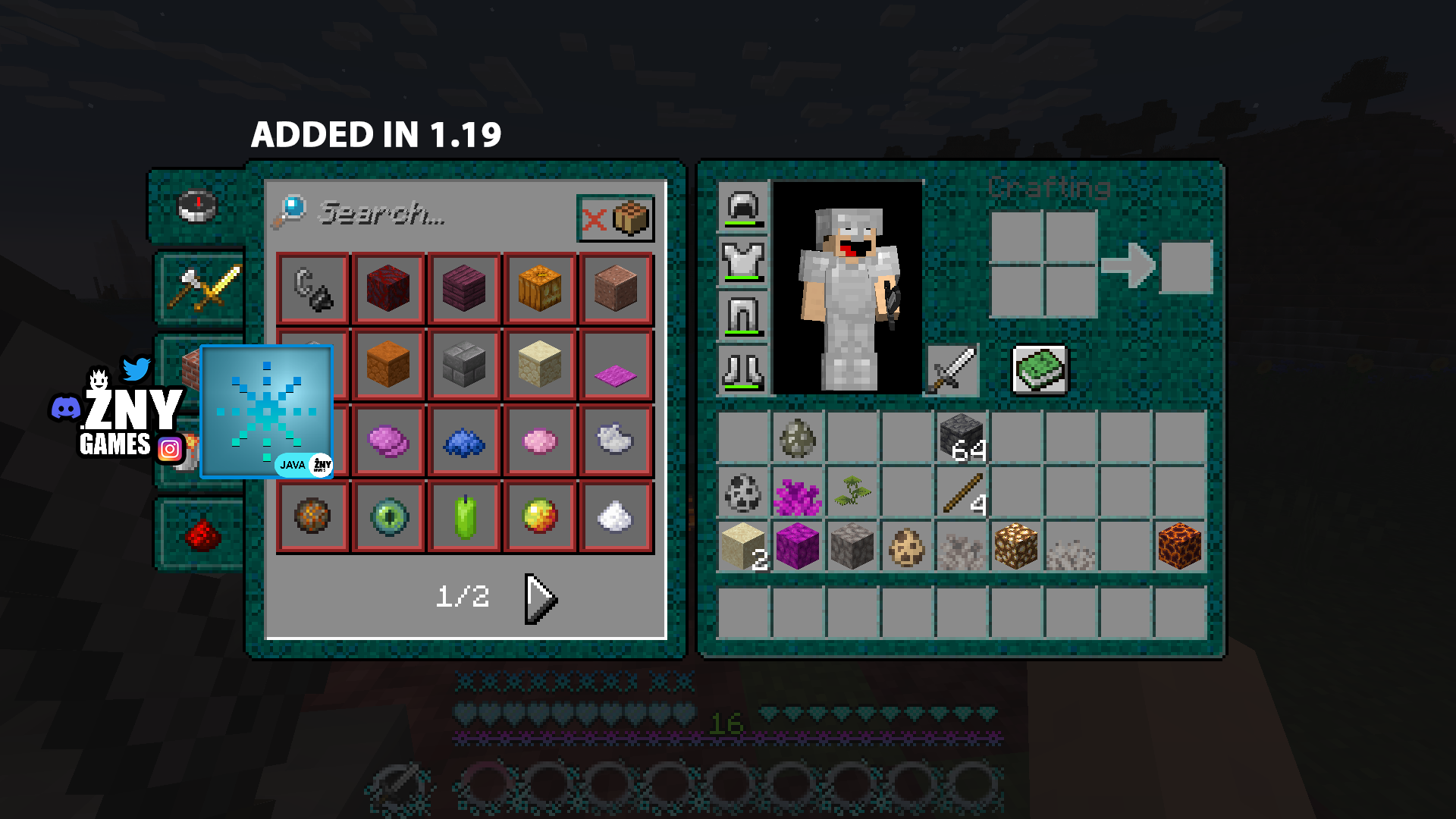
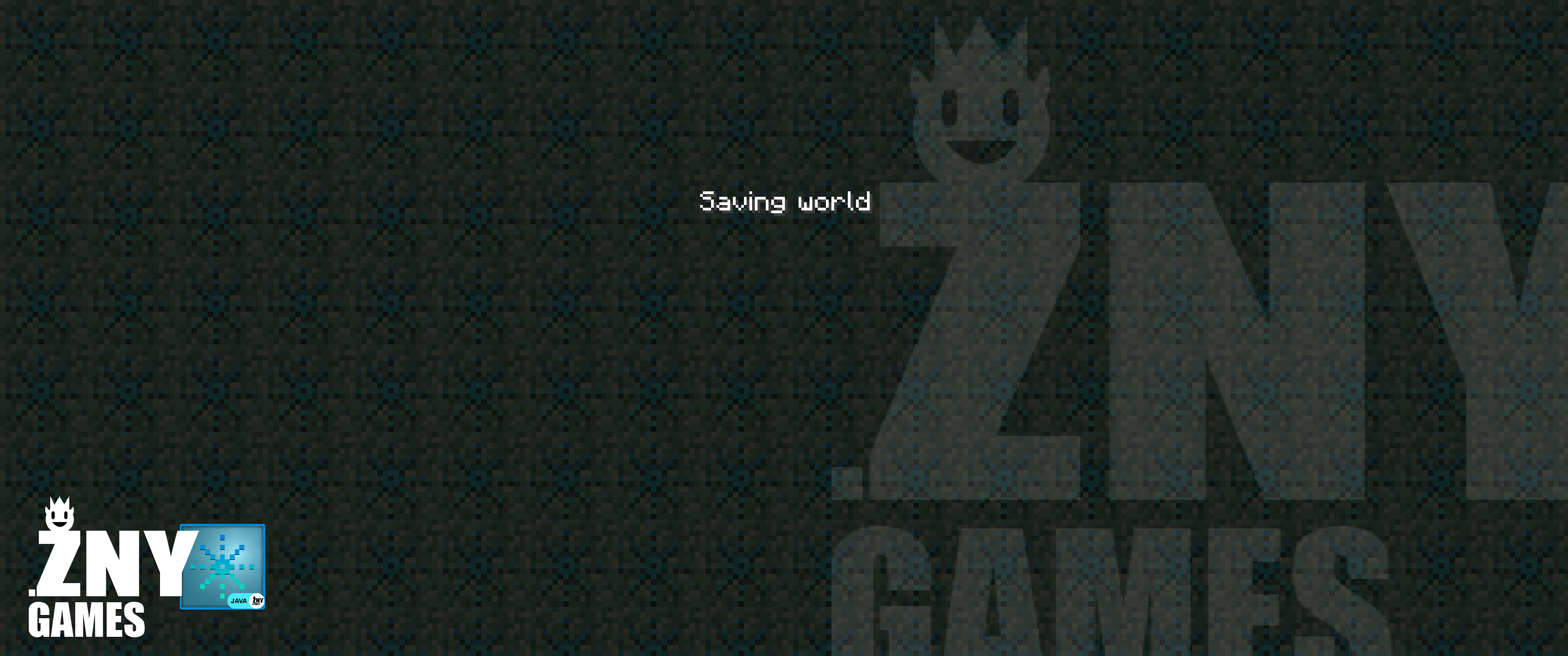
This dazzling texture pack brings a sparkling crystal and diamond theme to your Minecraft experience. Enjoy a brand-new start screen and GUI, designed to immerse you in a glittering, gem-inspired world.
The HUD now features a fresh window overlay, along with updated experience, health, and hunger bars, enhancing your gameplay with a touch of elegance. The start screen background has been revamped to complement the crystal-diamond theme, providing a stunning new visual experience. Additionally, containers like the inventory have received a new overlay, making every aspect of your Minecraft world shine. See for yourself the beauty this texture pack brings to your game.
You can use this pack in the standard Vanilla version and with Fabric.
If you enjoy the Crystal-Diamond Texture Pack, please consider supporting me!
New! with this pack:
– This Java Minecraft texture pack is now also available for Fabric.
– The pack is playable with Fabric Loader versions 0.15.11 – 1.21.
– start screen
– settings screen
– buttons
– gui
– hotbar
🛈 |INSTALL
Note: If you encounter any issues, make sure that the texture pack is compatible with your version of Minecraft, and that you have followed all of the steps correctly.
▪️ Install as Fabric
▪️ Update your Java. At least Java 21
▪️ Install as Vanilla
-
- Open Minecraft: Launch Minecraft and click on the “Options” button.
- Go to the “Resource Packs” section: In the options menu, select “Resource Packs” to open the resource packs screen.
- Move the texture pack to the correct location: Locate the folder where your Minecraft resource packs are stored. The default location is usually in the “resourcepacks” folder under your Minecraft game directory. Move the downloaded .zip file to this folder.
- Select the texture pack in Minecraft: Back in the resource packs screen, select the texture pack that you just moved to the resource packs folder. The texture pack should now be listed in the “Selected Resource Packs” section.
- Apply the changes: Click on the “Done” button to apply the changes and enable the texture pack.
- Enjoy the new texture pack: Start a new game or load a saved game, and the new texture pack should now be in effect.
💬| COMMUNITY (っ^▿^)۶🍸🌟🍺٩(˘◡˘ )
 – YOUTUBE


Hey,
We invite you to join our Discord community where you can connect with fellow players, share your ideas, and report any bugs you encounter. Whether you have suggestions for improving the hotbar or need support with any issues, our community is here to help. Let’s build, explore, and create together!


🏁|LAST TEXTURE PACK BY ZNYGAMES
Check out the latest pack! ▶️ROSEBUT [JAVA]🌹
💖| THX!
See you in the next pack!

常见问题
CRYSTAL 支持哪些 Minecraft 版本?
CRYSTAL 支持 Minecraft Java 版 1.17–1.21.4,共 12 个版本。下载时注意选择和你游戏版本一致的文件。
CRYSTAL 怎么安装?
把下载的 .zip 文件(不用解压)放进游戏目录的 resourcepacks 文件夹,进游戏后在「选项 → 资源包」里把它移到右边启用。
znygames 的其他作品
查看全部 →
One Piece
准备好扬帆启航,开启这款《海贼王》主题材质包带来的冒险吧。

ROSEBUT
Rosebut🌹 是一款适用于 Minecraft [JAVA / Win10] 的 GUI/界面材质包。

SPRING
Spring🌼 是一个 Minecraft 主题材质包。
CLASSIC HALLOWEEN
《Classic Halloween 🎃》是一款适用于 Minecraft [JAVA / WIN10] 的 GUI/UI 资源包。
评论
登录后评论和评分