
CozyUI+
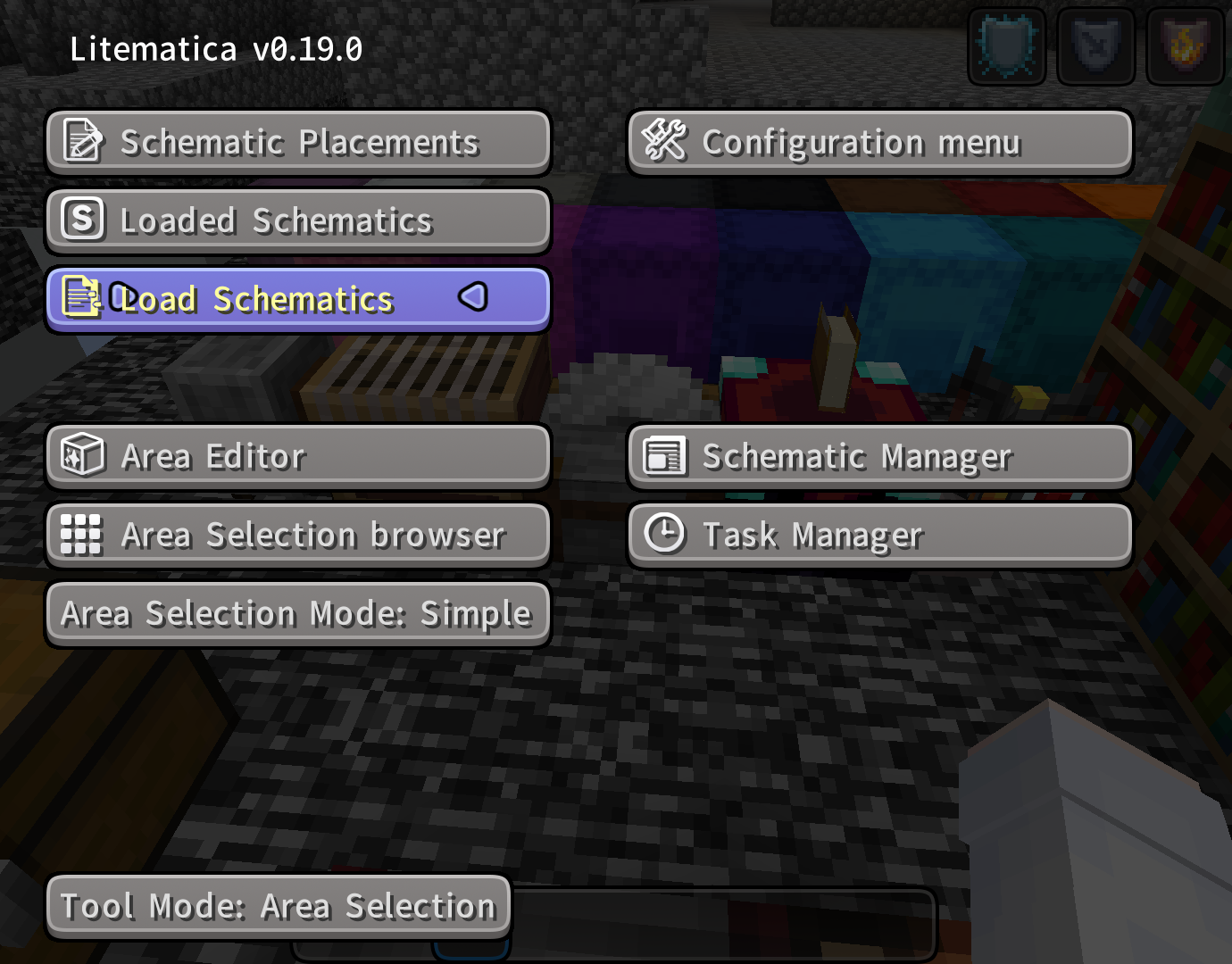
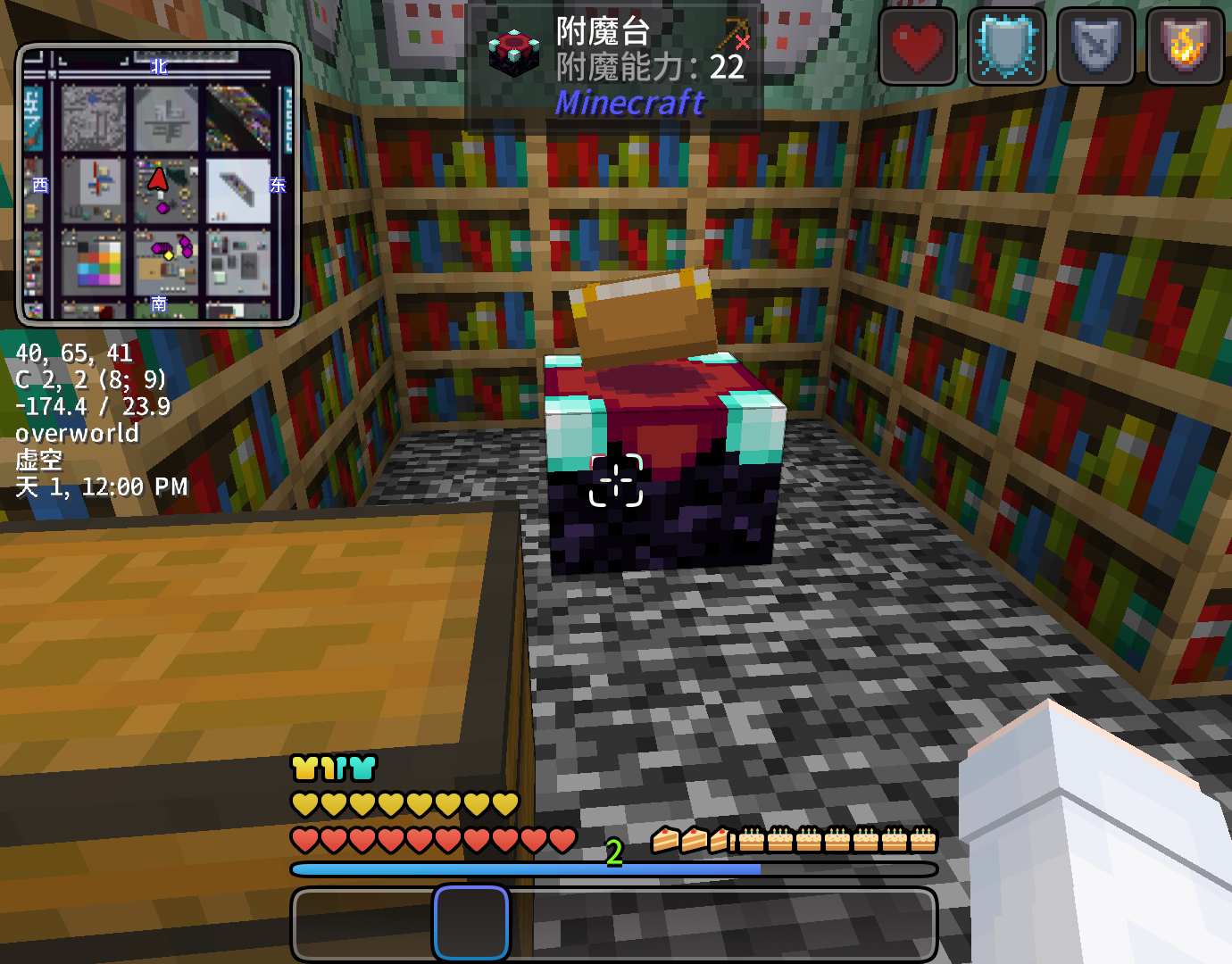
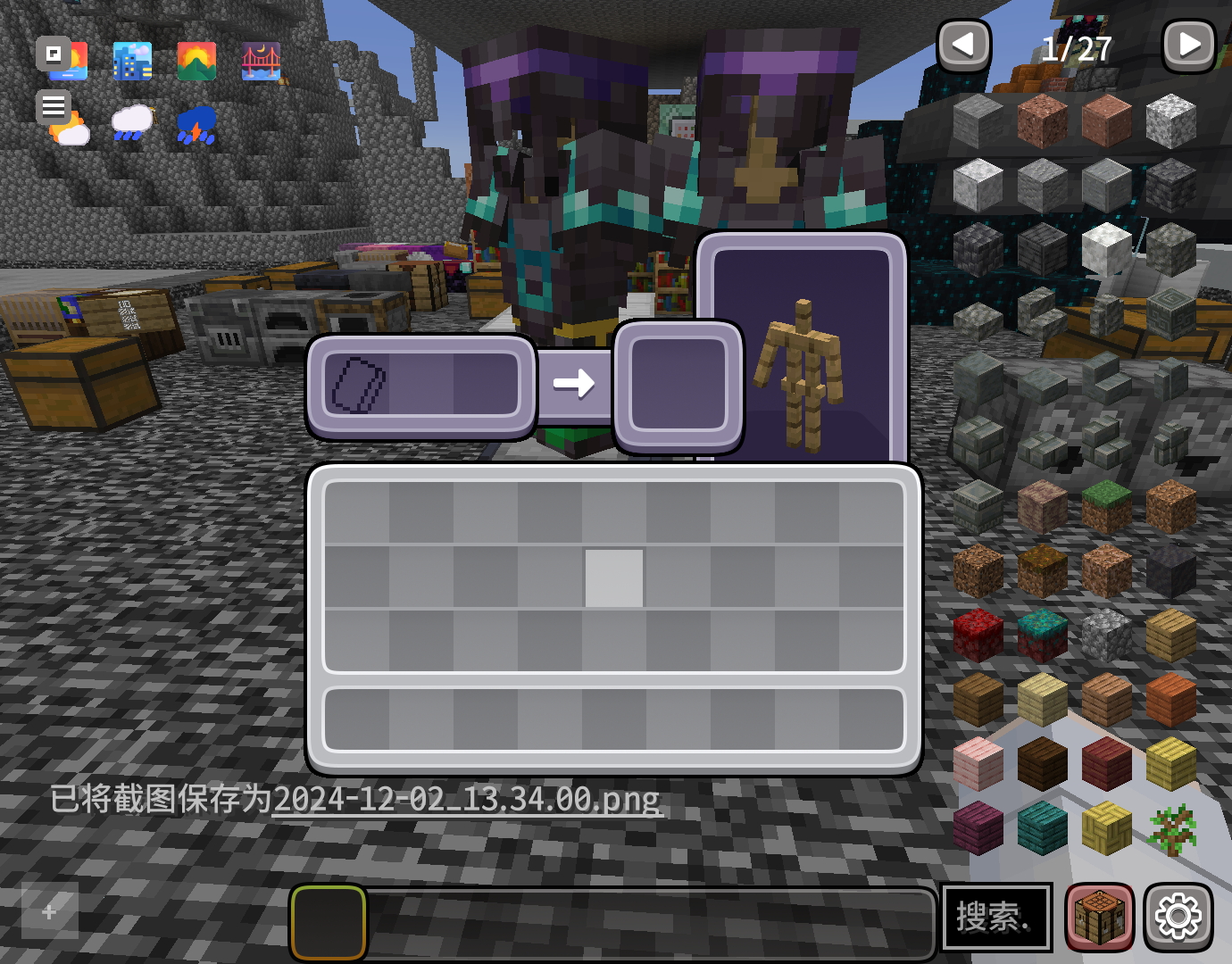
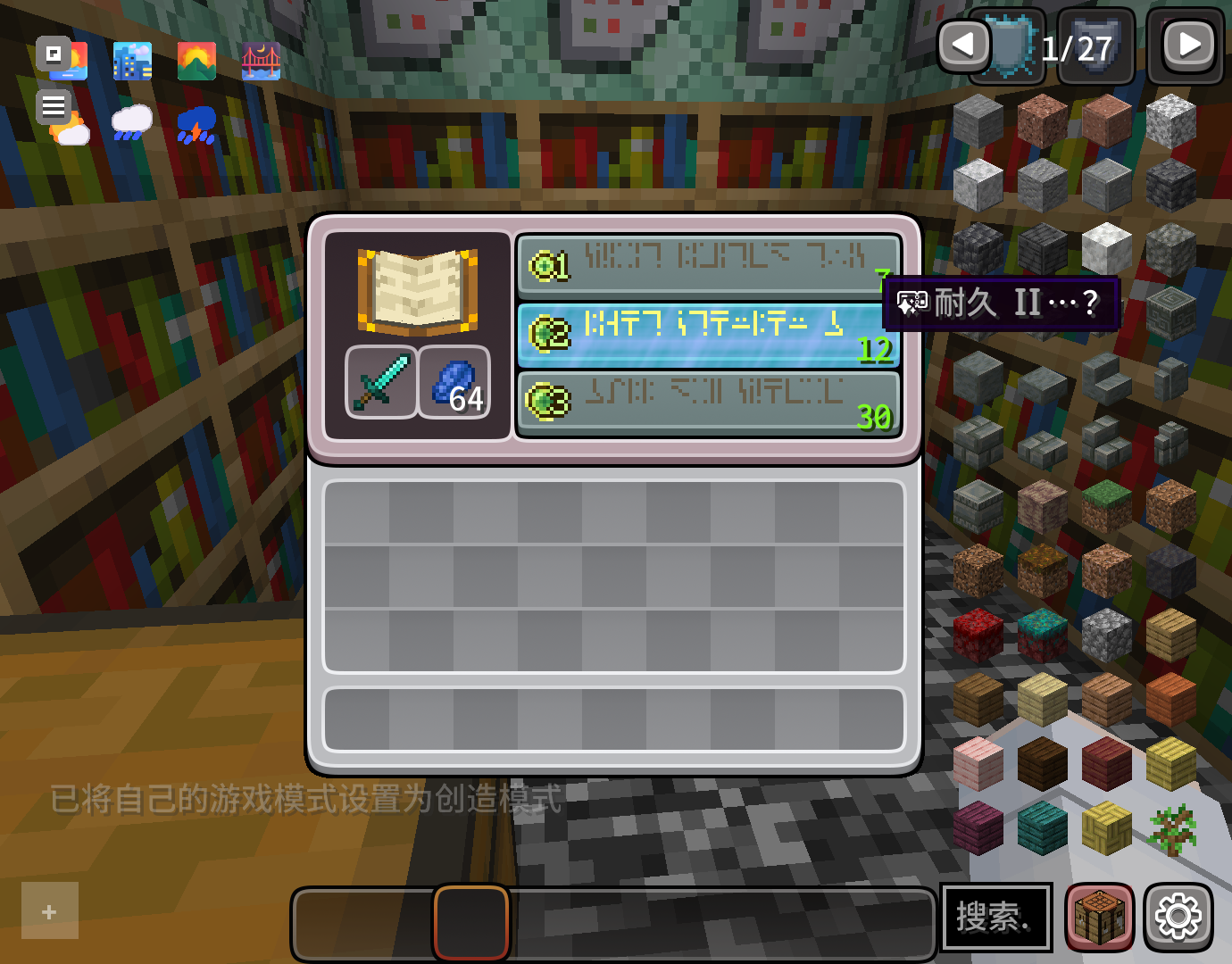
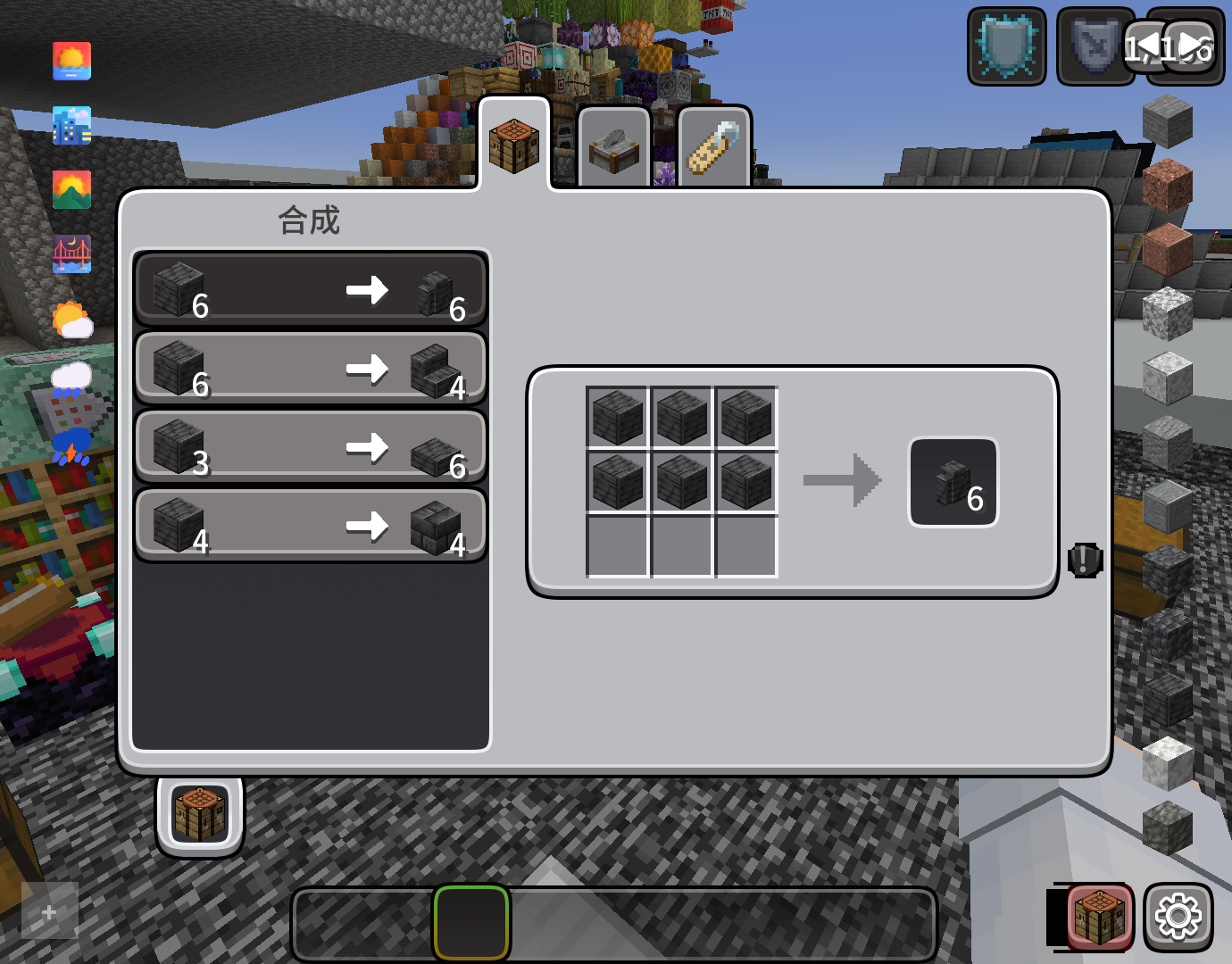
Modifies the User Interface into a neat and subtle high-definition style, covering all the vanilla UI elements as well as many useful client mods.
截图
介绍
CozyUI+
Modifies the User Interface into a neat and subtle high-definition style, covering all the vanilla UI elements as well as many useful client mods.
GameVersion ≥1.20
WatchVideo:https://youtu.be/xwO9VO8a21c
Title: CozyUI+
Author: 零雾〇五 Fogg05
● This pack is based on:
○ Fluent Emoji:https://github.com/microsoft/fluentui-emoji
○ NotoSans:https://github.com/notofonts/noto-cjk
● Covered mods
OptiGUI
Apple Skin
Detail Armor Bar
Litematica
MiniHUD
Replay Mod
Inventory Hud+
Dynamic Crosshair
Jade
Roughly Enough Items
Just Enough Items
Inventory Profiles Next
Xaero’s Minimap
Xaero’s World MAP
Mod Menu
No Chat Reports
Simple Voice Chat
Entity Features
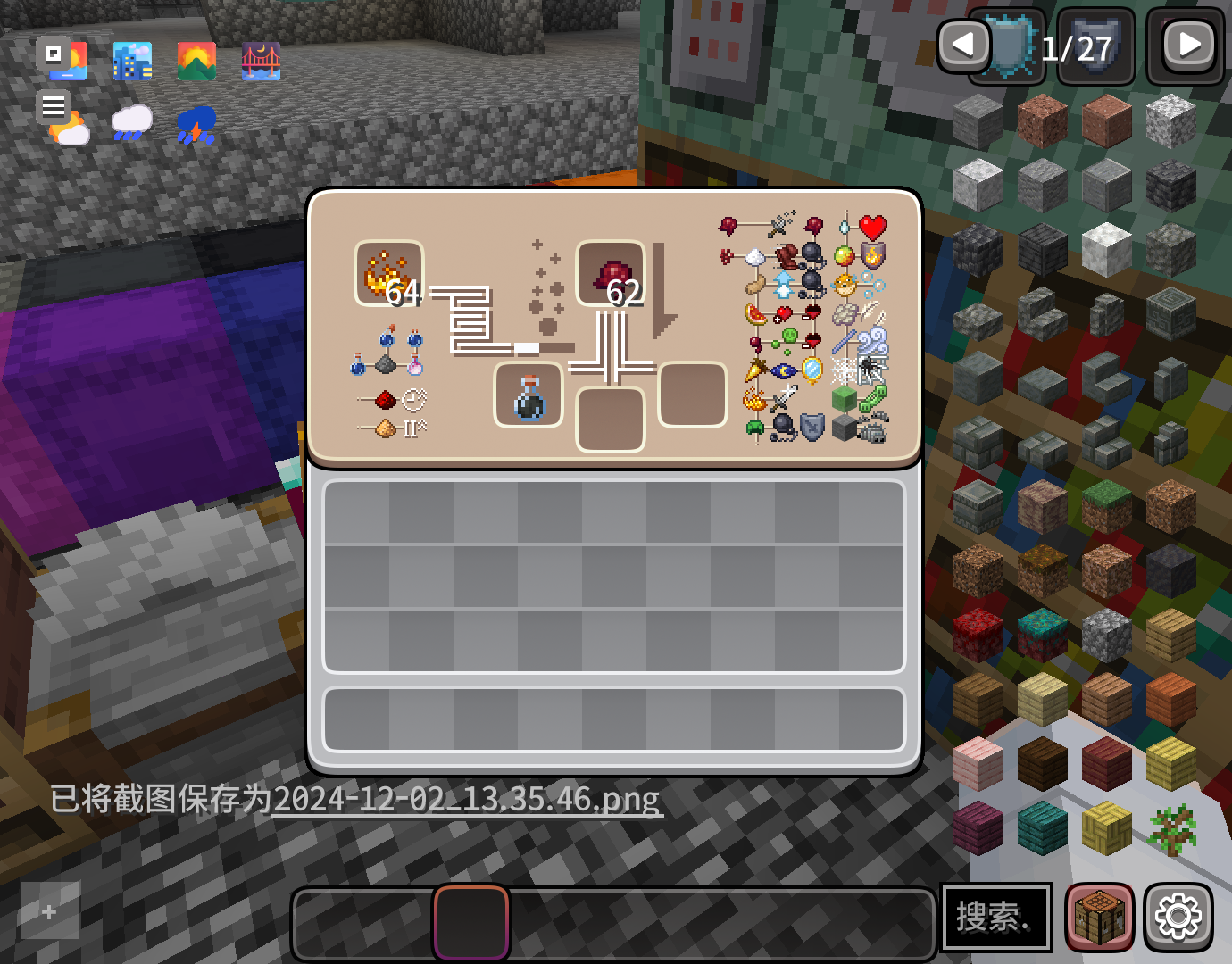
● Recipes in the brewing stand
All the recipes are drawn on the brewing stand interface to help everyone memorize.
● OptiGUI MOD
Various colored shulker boxes, droppers, dispensers, and ender chests can be distinguished by the background color.
● Emoji+ & MCsans+
Modify the fontsto high-definition NotoSans and FluentEmoji.
https://github.com/Fogg05/Emoji-Plus
https://github.com/Fogg05/MCsans-Plus
● Experience bar RGB
Inventory selection boxes and experience bars feature RGB cycling with a very slow gradient, where the colors are continually adjusted to ensure a leisurely and soothing pace.
● Button Animations
Some buttons will be animated in game versions ≥1.21
常见问题
CozyUI+ 支持哪些 Minecraft 版本?
CozyUI+ 支持 Minecraft Java 版 1.20–1.21.8,共 16 个版本。下载时注意选择和你游戏版本一致的文件。
CozyUI+ 怎么安装?
把下载的 .zip 文件(不用解压)放进游戏目录的 resourcepacks 文件夹,进游戏后在「选项 → 资源包」里把它移到右边启用。


评论
登录后评论和评分