
截图



介绍
介绍由机器翻译自 Modrinth 原页面,仅供参考。
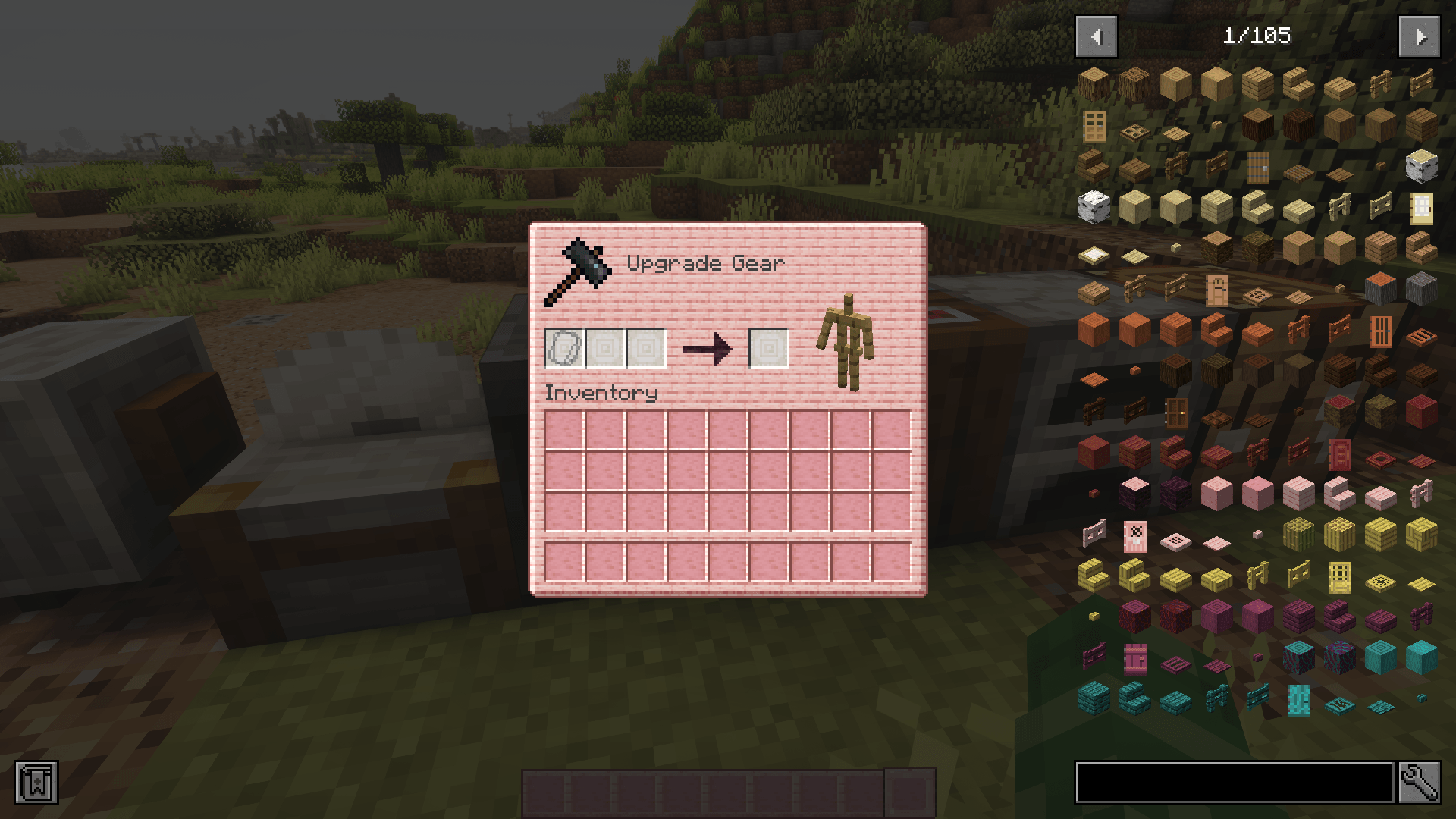
我想要一个粉色的 GUI!
所以我自己做了一个,现在也分享出来给大家使用!
我用了樱花木材质,还在熔炉和类似的工作台中加入了一些石英,重新设计了整个 Minecraft 界面。来看看截图:


画廊里还有更多截图 <33
我计划在游玩时为遇到的每个模组添加支持。此资源包的最新版本(CCG1.3.1)支持以下模组:
-Apotheosis (仅支持 1.20 版本)
-苹果皮
-Client Sort
-Combat Roll(无法覆盖箭矢颜色;如果需要,请在客户端配置中更改)
-Corpse
-Cosmetic Armor Reworked
-Crafting Tweaks
-Curios
-EMI
-农夫乐事
-Goblin Traders
-夸克
-Sophisticatedcore(背包等)
-锦致装饰
-Tom’s Simple Storage
-TrashSlot
-Simple Voice Chat
目前正在开发的集成
-JEI物品管理器
-Blue Skies
-机械动力
-Apotheosis(1.21+)
常见问题
Cosmo’s Comfy Cherry GUI Overhaul 支持哪些 Minecraft 版本?
Cosmo’s Comfy Cherry GUI Overhaul 支持 Minecraft Java 版 1.20–1.21.11,共 19 个版本。下载时注意选择和你游戏版本一致的文件。
Cosmo’s Comfy Cherry GUI Overhaul 怎么安装?
把下载的 .zip 文件(不用解压)放进游戏目录的 resourcepacks 文件夹,进游戏后在「选项 → 资源包」里把它移到右边启用。
评论
登录后评论和评分