
截图
介绍
Copperworks UI
## Release Notes / Versionshinweise
**Build-Datum / Build date:** 2026-10-16 **Minecraft Java Edition:** 1.21.1 **
Überblick:
DE:
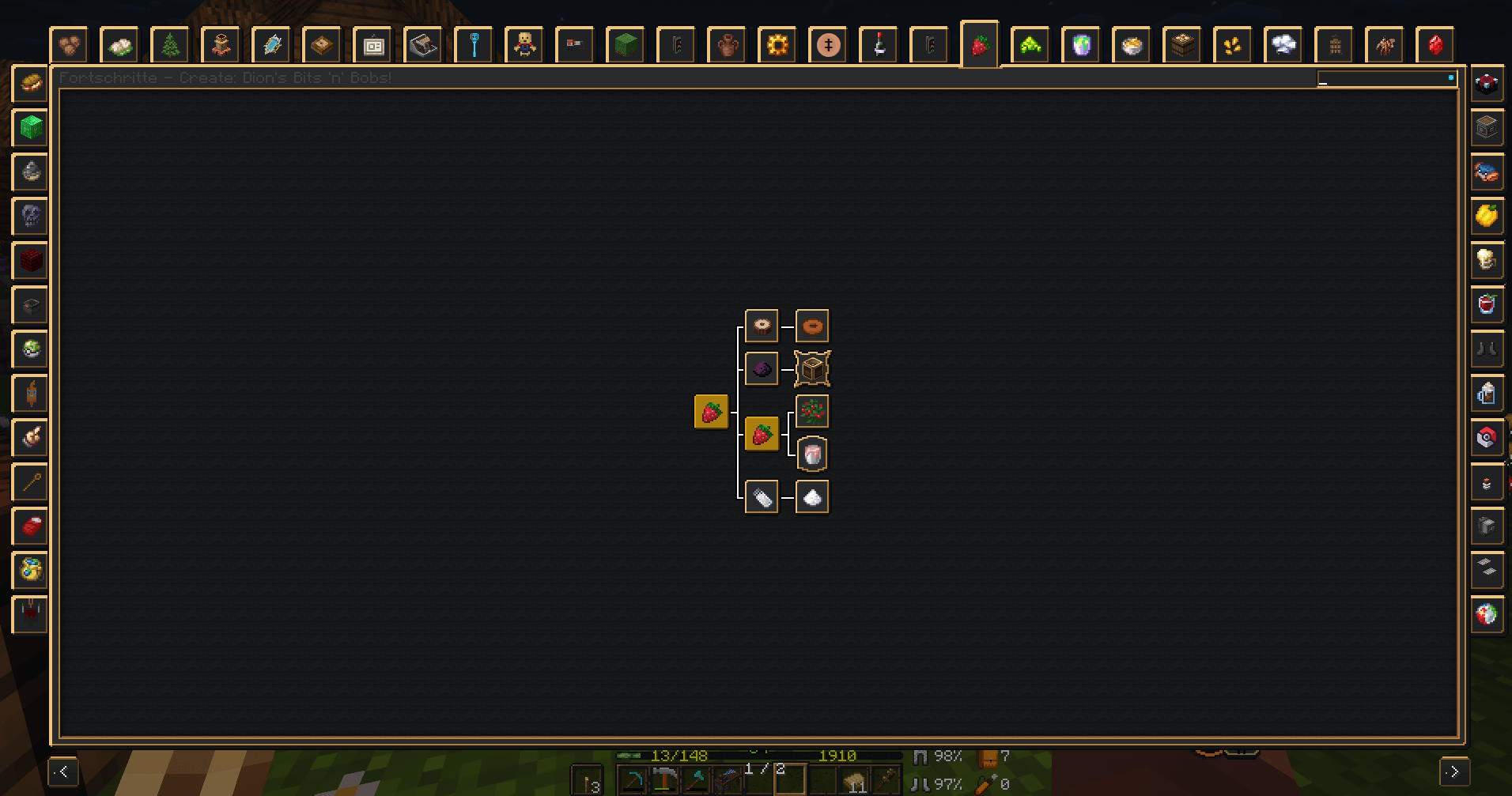
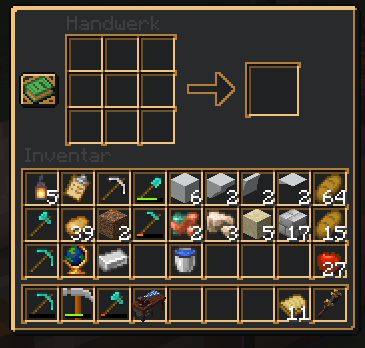
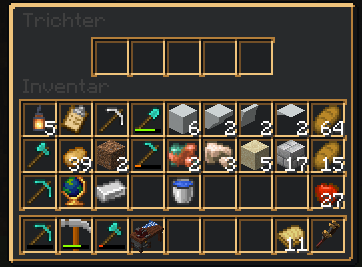
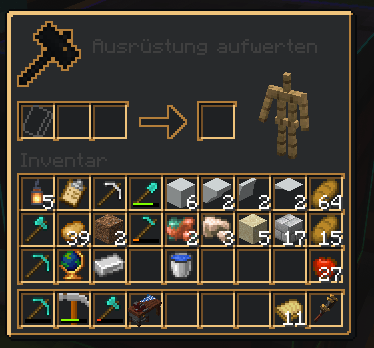
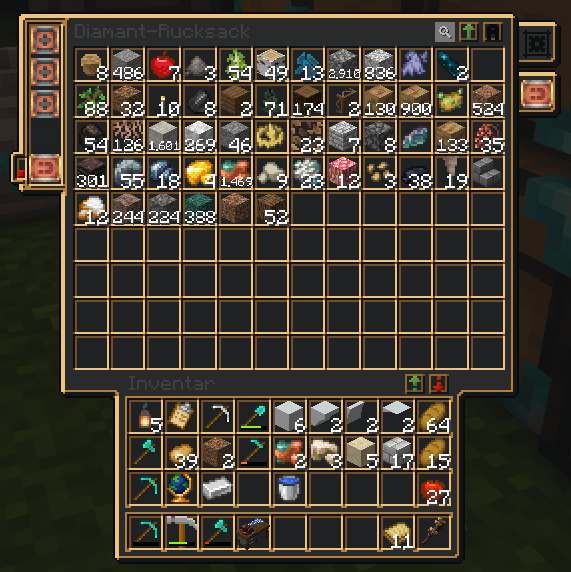
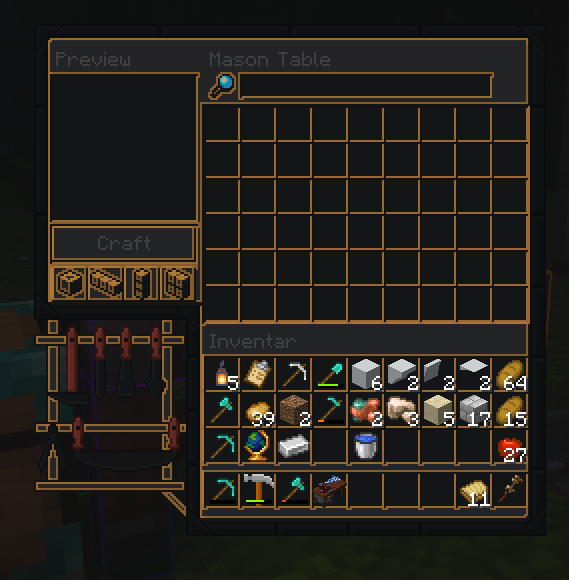
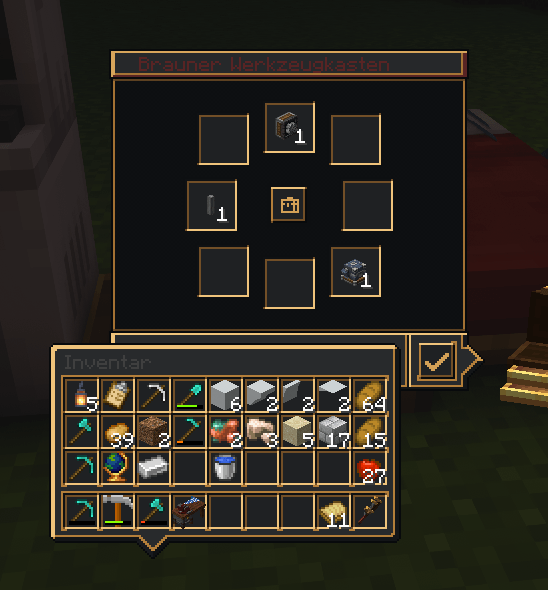
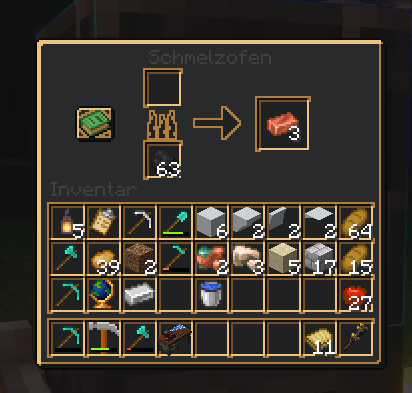
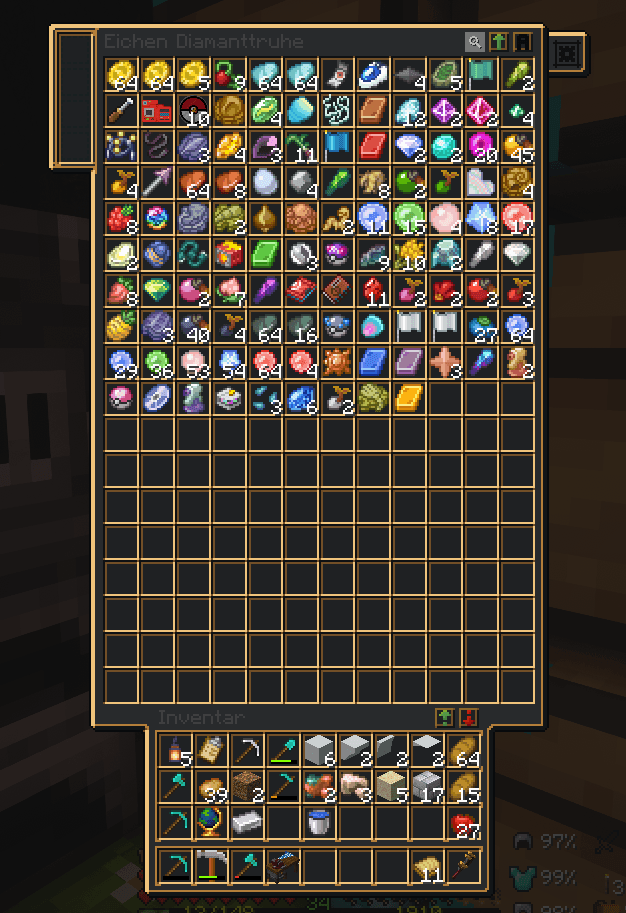
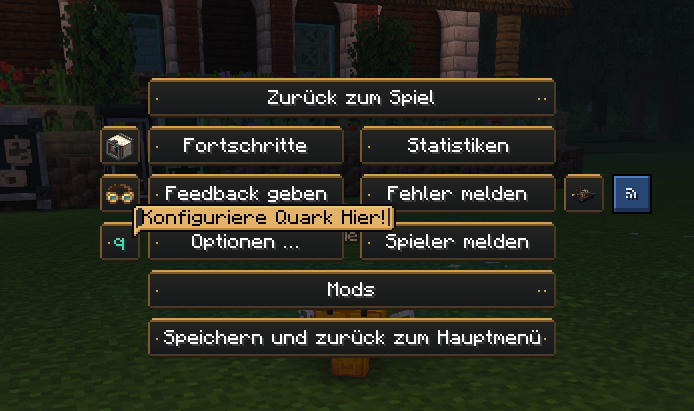
**Copperworks UI** verleiht texturbasierten Minecraft- und Mod-Oberflächen einen Anthrazit-Look mit schmalen Kupfer- und Messingakzenten. Die Flächen bleiben überwiegend dunkel; warme Metallfarben sitzen hauptsächlich an Kanten und Umrandungen und greifen den Stil der FancyMenu-Buttons auf.
### Änderungen dieses Builds
– Vanilla-UI-Elemente wie Buttons, Textfelder, Tabs, Checkboxen, Schieberegler und Scrollleisten erhalten dunkle Flächen und passende Kupferränder.
– Vorhandene GUI-, Screen-, UI- und JEI-Texturen aus dem installierten Modpack werden angepasst, sofern sie als Texturen vorliegen.
– Stark farbige Illustrationen und Item-Symbole bleiben weitgehend in ihrer ursprünglichen Farbgebung erhalten.
– Die vollständige Liste der erfassten Mod-/Projekt-Namespaces samt PNG-Anzahl folgt weiter unten.
EN:
**Copperworks UI** gives texture-based Minecraft and mod interfaces an anthracite look with narrow copper and brass accents. Panels remain mostly dark; warm metal tones sit mainly on edges and borders, matching the FancyMenu button style.
### Changes in this build
– Vanilla UI elements such as buttons, text fields, tabs, checkboxes, sliders and scroll bars use dark surfaces with matching copper edges.
– Existing GUI, screen, UI and JEI textures from the installed modpack are restyled where they are supplied as textures.
– Strongly coloured illustrations and item icons largely retain their original colours.
– The complete list of covered mod/project namespaces and PNG counts appears below.
常见问题
Copperwork’s UI 支持哪些 Minecraft 版本?
Copperwork’s UI 支持 Minecraft Java 版 1.21.1。下载时注意选择和你游戏版本一致的文件。
Copperwork’s UI 怎么安装?
把下载的 .zip 文件(不用解压)放进游戏目录的 resourcepacks 文件夹,进游戏后在「选项 → 资源包」里把它移到右边启用。
评论
登录后评论和评分