coolbabycraft
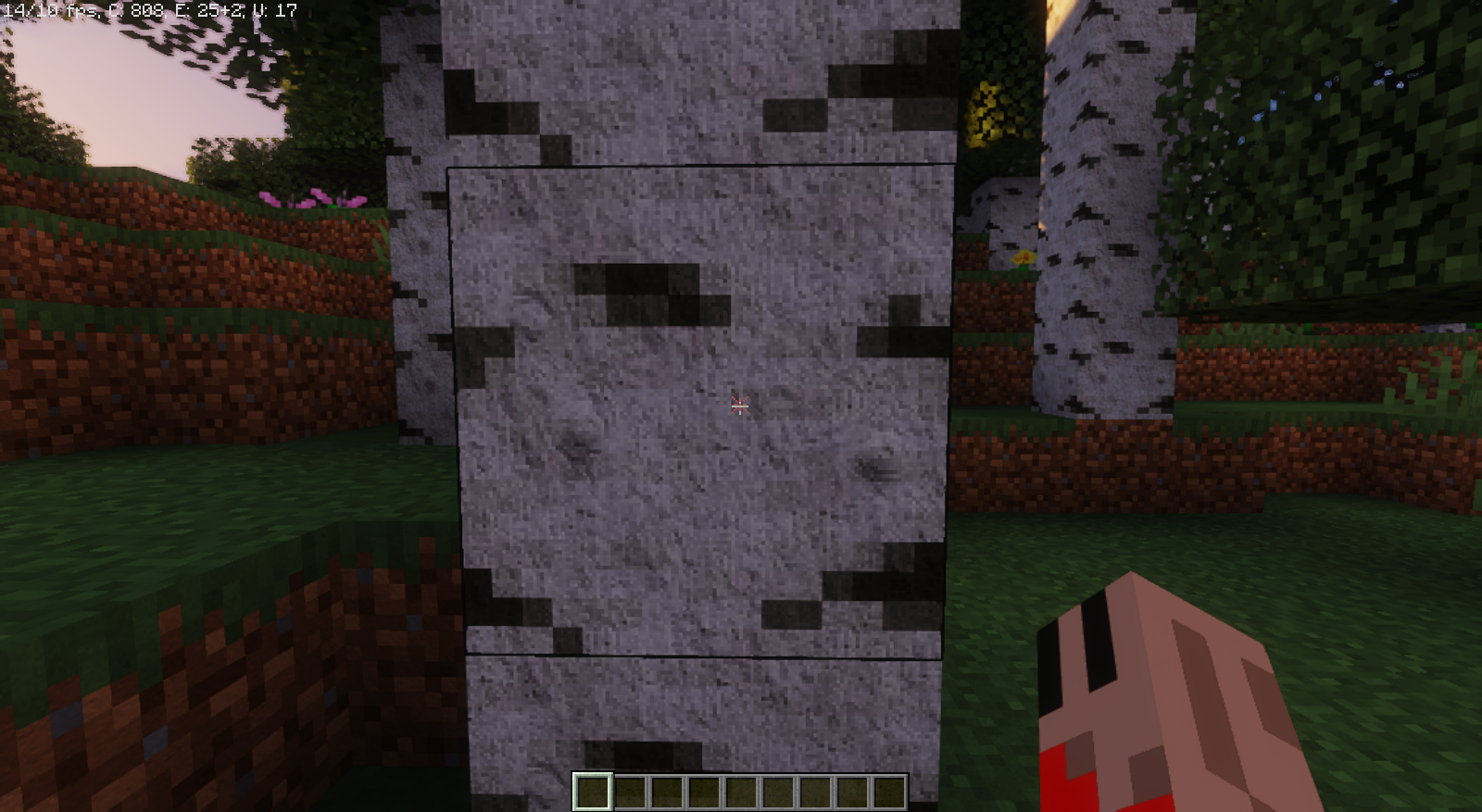
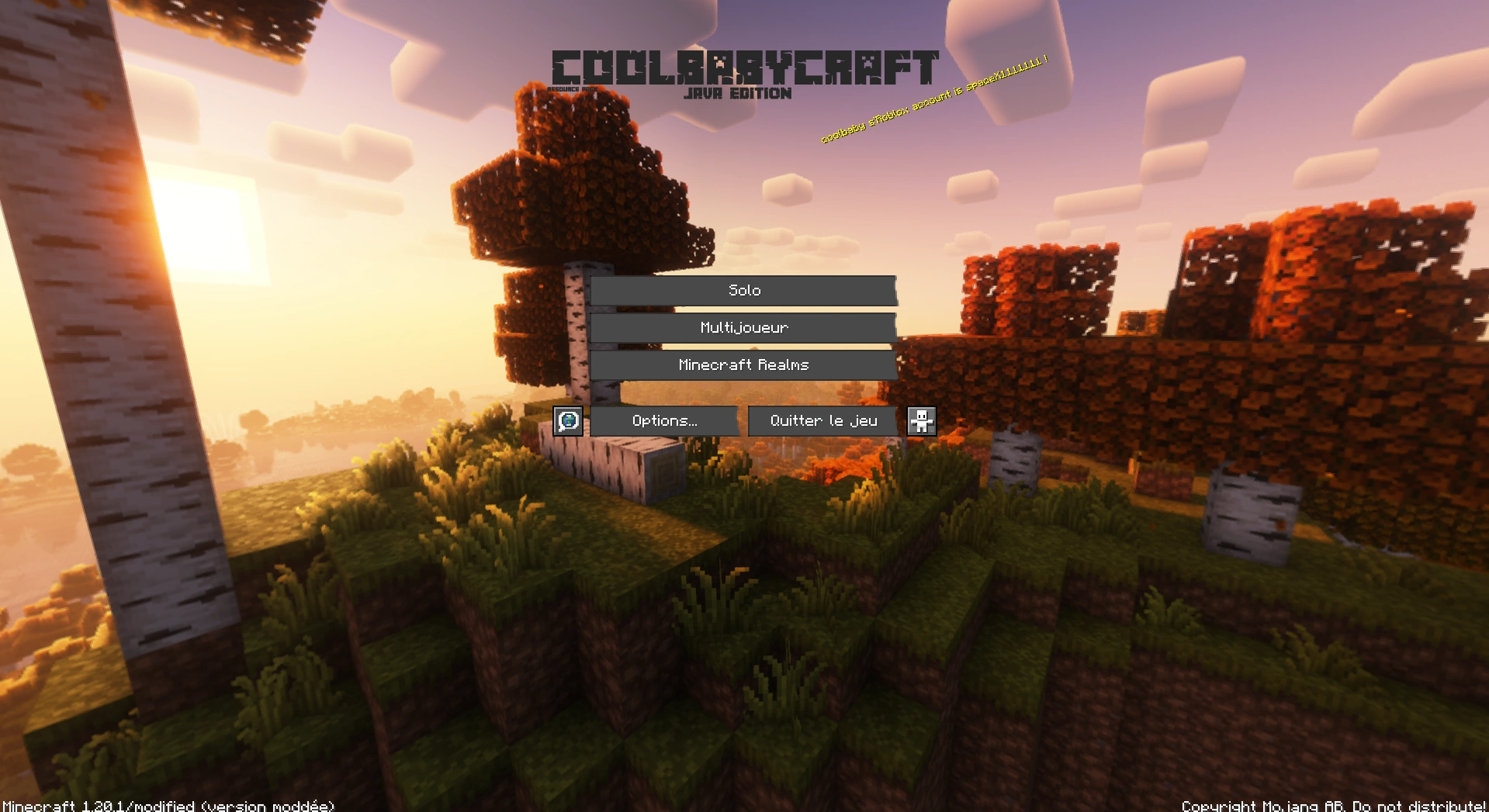
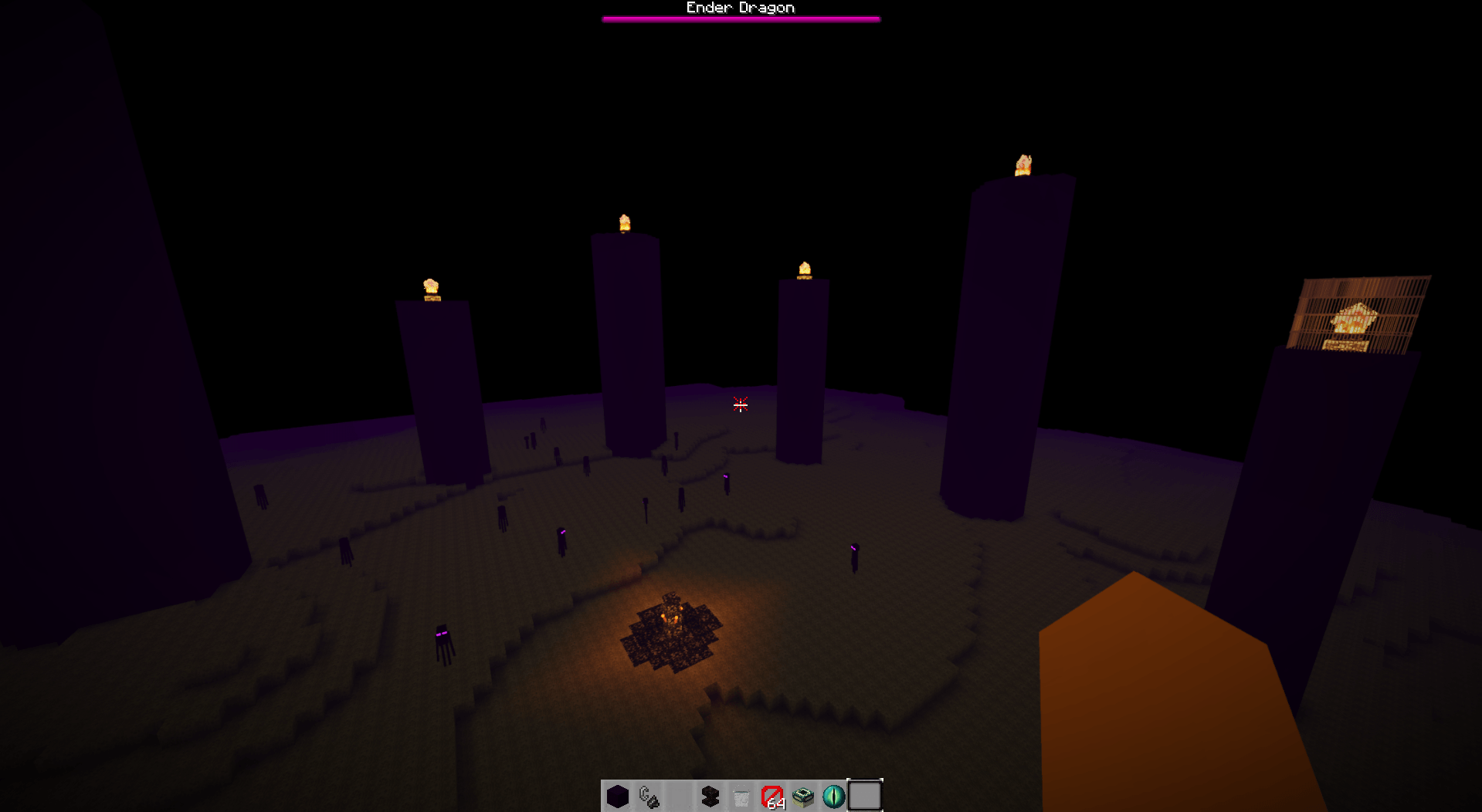
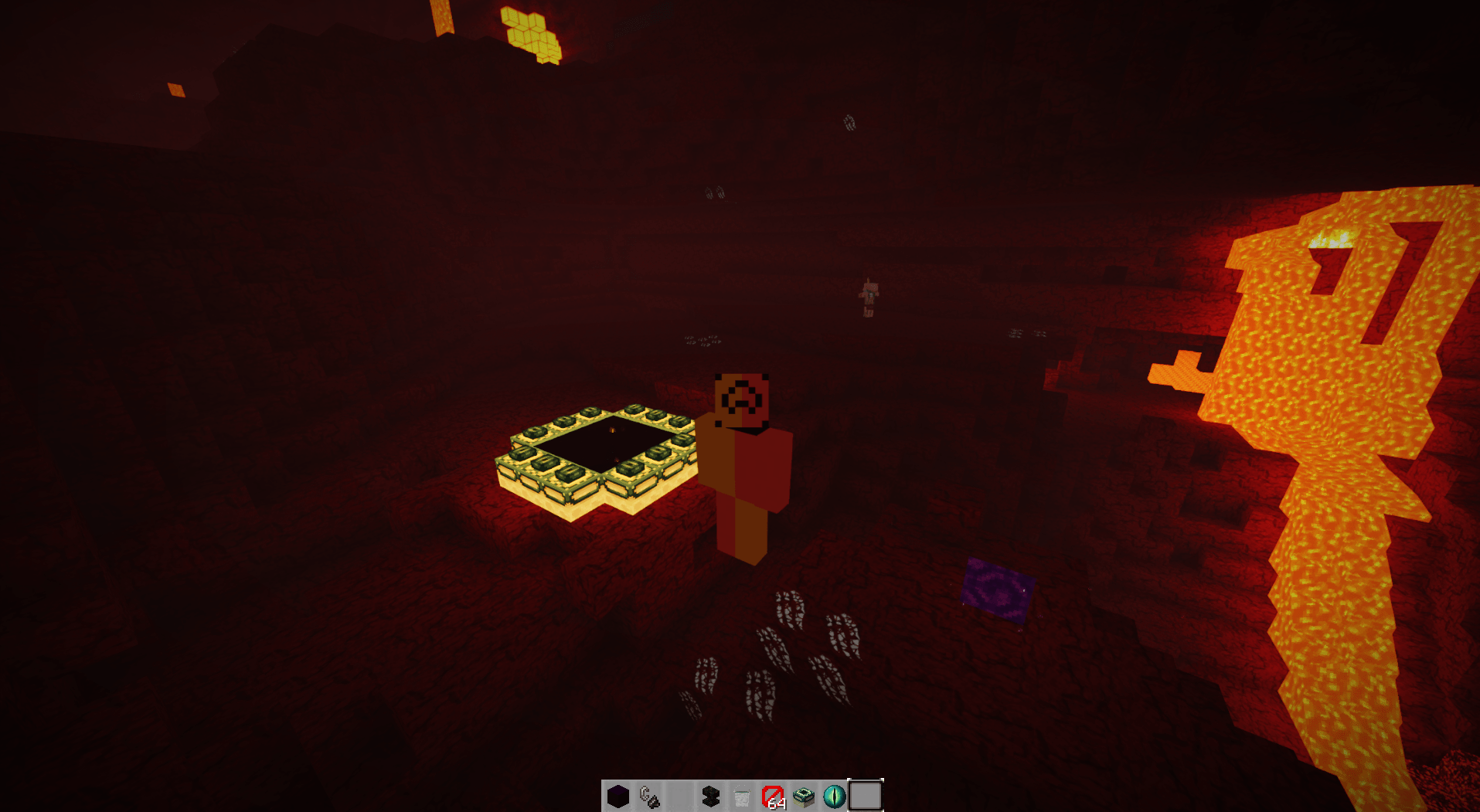
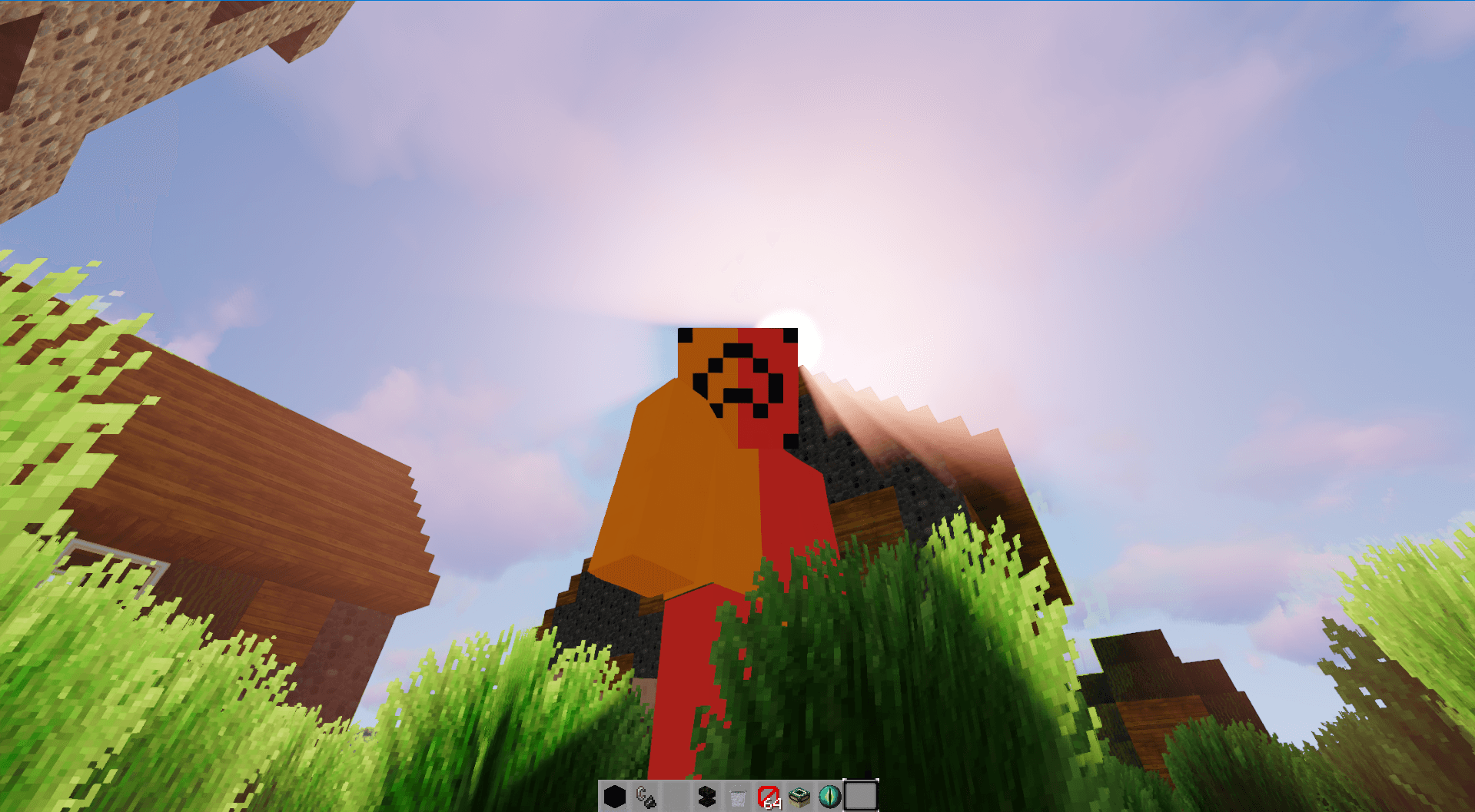
This pack changes the Defaut texture of Minecraft to make the game 32x more realistic and immersive (CREATED BY AGAMES STUDIO)
截图
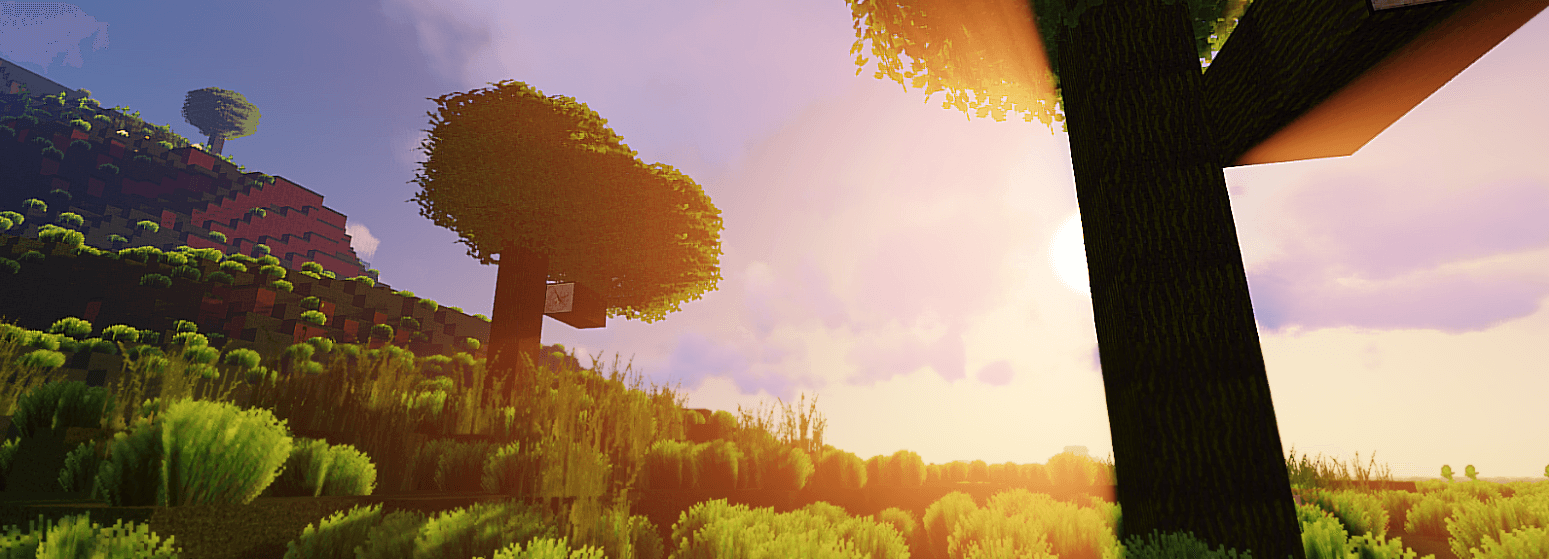
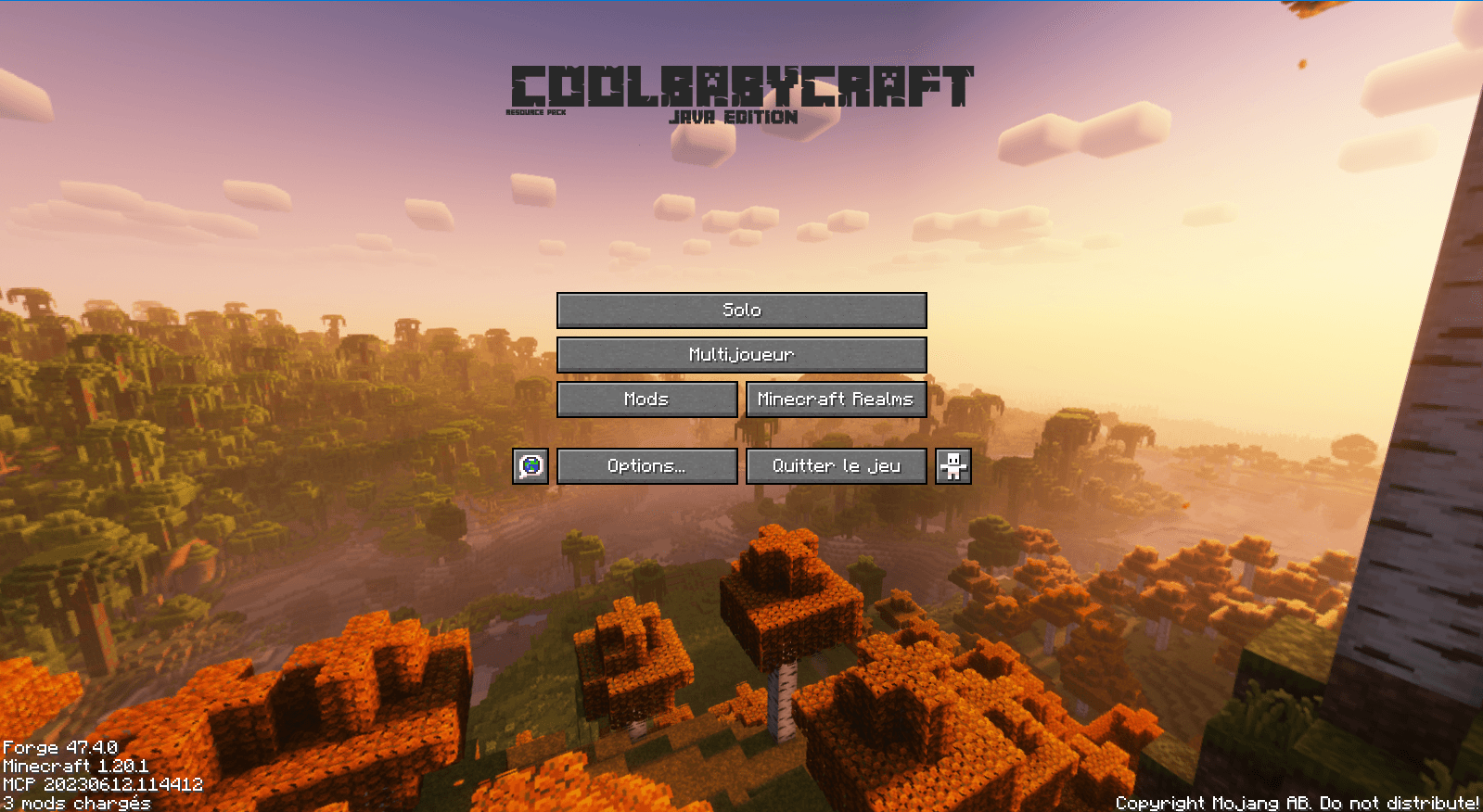
介绍
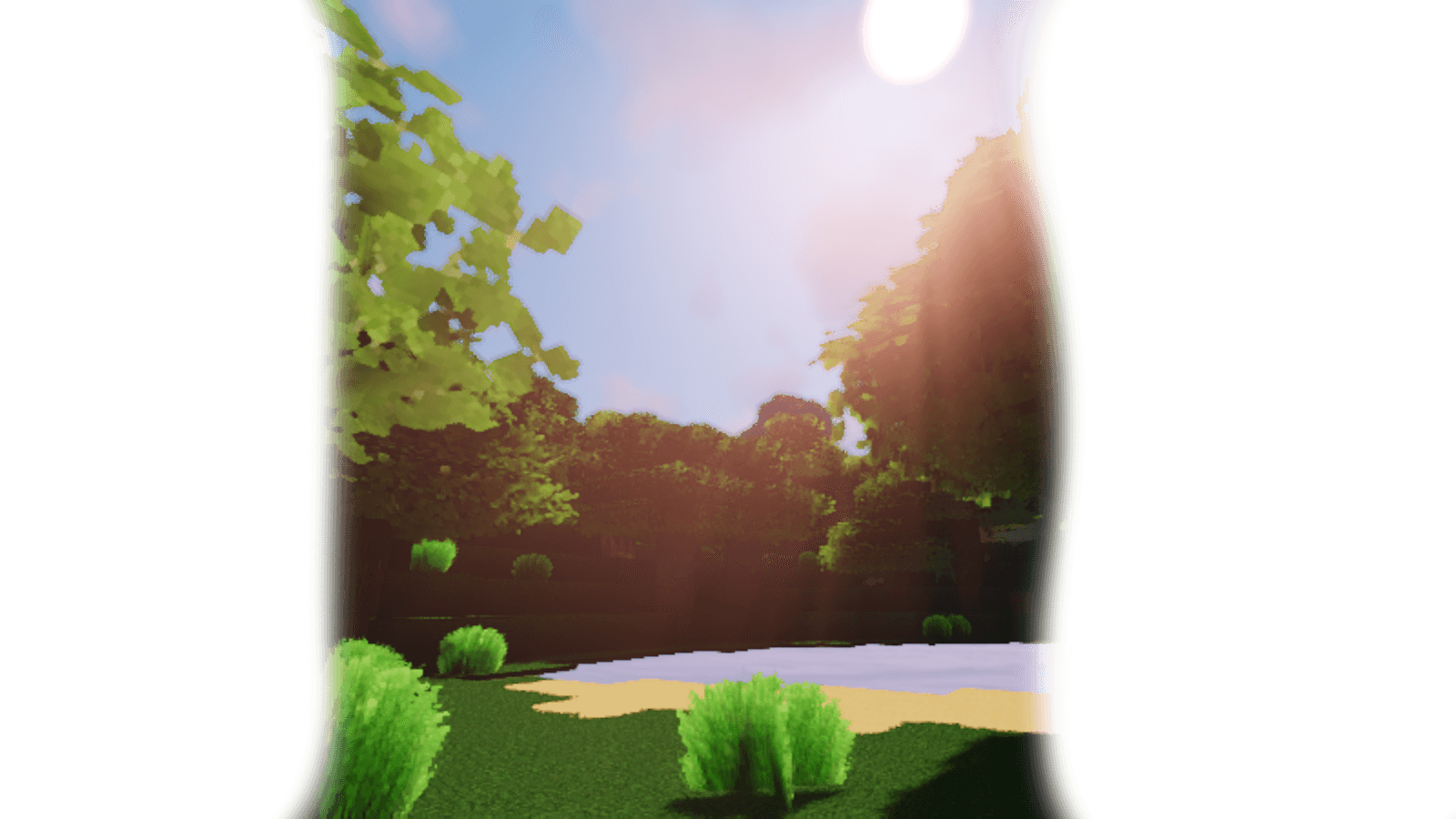
🎮 Recommended Shader : SunSet Shader !
For an optimal visual experience, using SunSet Shader is recommended.
🔗 Download it here : https://www.curseforge.com/minecraft/shaders/sunset-shader
💡 How to install the shader :
-
Download the Ressource Pack’s ZIP file
-
Click on your keyboard on
Win + Rat same time, then type in the windows :%appdata%\.minecraft\shaderpacks
-
Copy the ZIP file there (DONT EXTRACT IT).
-
Launch Minecraft with OptiFine
-
Go in Options – Graphicals Settings – Shaders and select SunSet Shader and here you go !
🎨 How to install the ressource Pack :
-
Click on your keyboard
Win + Rat the same time, then type in the windows :%appdata%\.minecraft\resourcepacks
-
Copy the ZIP file there (DONT EXTRACT IT)
-
Launch Minecraft go to Option – Ressource pack and select Thanks For Download !
Here you go !
📦 What the ressource pack change ?
-All block’s textures
-The GUI (User Graphical Interface)
-The credits
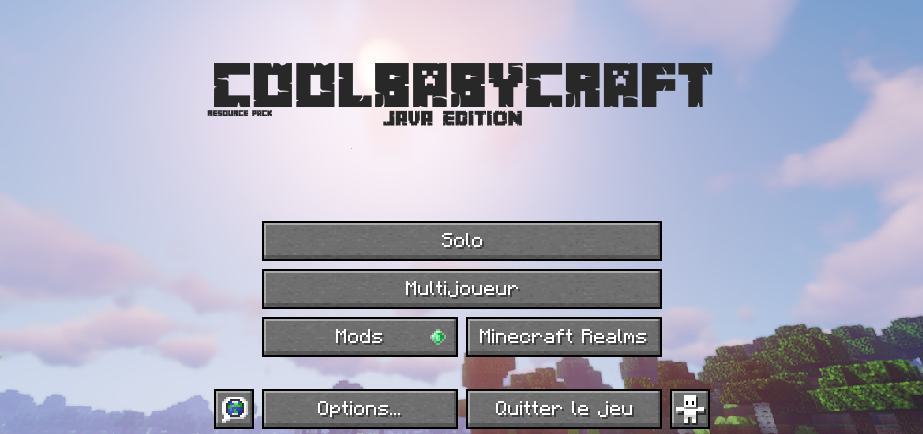
-The Main Menu
….And More !
🔑 Keywords:
coolbabycraft, babycraft, coolcraft, realistic pack, custom GUI, immersive Minecraft, Modrinth, CurseForge, curseforge, Curseforge, AgamesStudio, Agames STUDIO, Agames Studio, coolbabycraft modrinth
An AgamesStudio Project
Donation Zone :

常见问题
coolbabycraft 支持哪些 Minecraft 版本?
coolbabycraft 支持 Minecraft Java 版 1.20.1。下载时注意选择和你游戏版本一致的文件。
coolbabycraft 怎么安装?
把下载的 .zip 文件(不用解压)放进游戏目录的 resourcepacks 文件夹,进游戏后在「选项 → 资源包」里把它移到右边启用。

评论
登录后评论和评分