
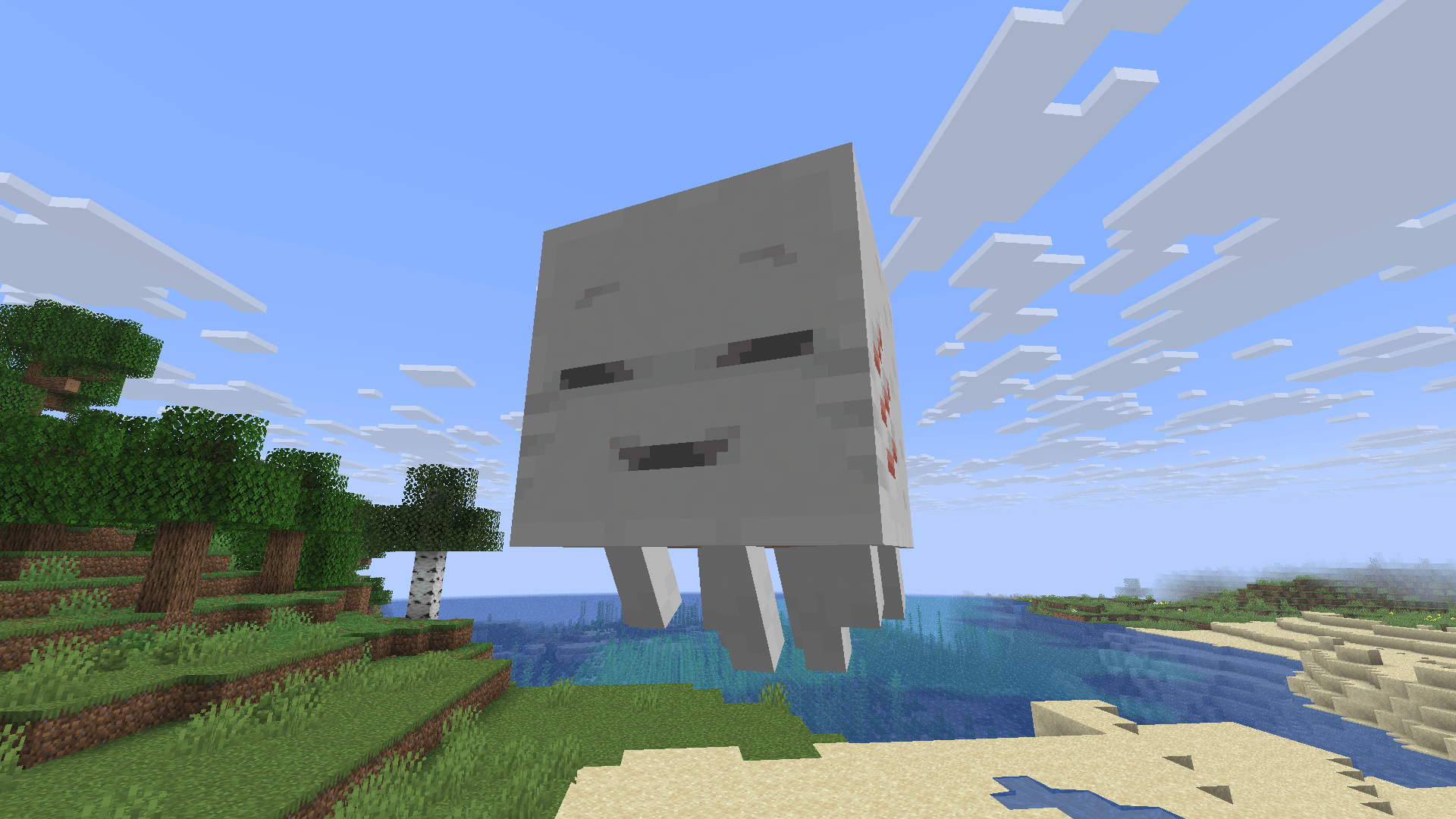
Consistent 64x Baby Happy Ghast
作者:o_toad_gamer
Makes the baby happy ghast look more like the grown up version.
截图

介绍
中文介绍正在准备中,下面暂时显示原文。
What does this pack do?
This pack makes the baby happy ghast look more like the grown up version.
Installation Guide:
Windows:
- Go to your files to %appdata% and then go to the /.minecraft/ folder.
- Go to /.minecraft/resourcepacks.
- Put the resourcepack in the folder.
Linux:
- Go to your files to your /.minecraft/ folder.
- Then go to /resourcepacks/.
- Put the resourcepack in the same folder.
MacOS
- Go to ~/.minecraft/resourcepacks/ in your file manager.
- Put the pack inside that folder.
#
Thanks for downloading!
常见问题
Consistent 64x Baby Happy Ghast 支持哪些 Minecraft 版本?
Consistent 64x Baby Happy Ghast 支持 Minecraft Java 版 1.21.6。下载时注意选择和你游戏版本一致的文件。
Consistent 64x Baby Happy Ghast 怎么安装?
把下载的 .zip 文件(不用解压)放进游戏目录的 resourcepacks 文件夹,进游戏后在「选项 → 资源包」里把它移到右边启用。
o_toad_gamer 的其他作品
查看全部 →
Reshaped Vanilla
by o_toad_gamer
改变生物和方块的纹理,但保持原版风格。还添加了新的生物变种!
3,686
1 年前
Modrinth · CurseForge

Reshaped Vanilla x Fresh Animations
by o_toad_gamer
添加与 FreshLX 的 Fresh Animation 包和 Reshaped Vanilla 的兼容性。
1,665
1 年前
Modrinth

Enhanced creepers x Fresh Animations
by o_toad_gamer
Adds compatibility with fresh animations
915
1 年前
Modrinth

Enhanced creepers
by o_toad_gamer
Makes creepers better and adds new creepers.
527
1 年前
Modrinth · CurseForge
评论
登录后评论和评分